
Change the way
you do TPMS
Connected support in a single, easy to use application for your cell phone or tablet. Tool management, TPMS Reporting, TPMS knowledge base, live tech support chats all in the palm of your hand.
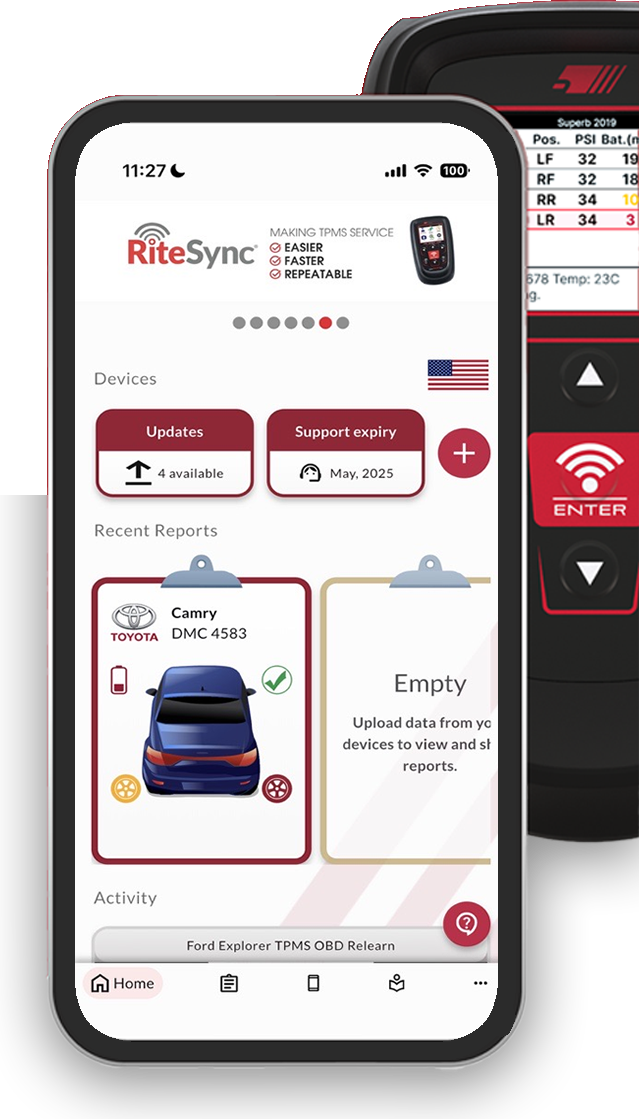
Work smarter and save time with connected services.



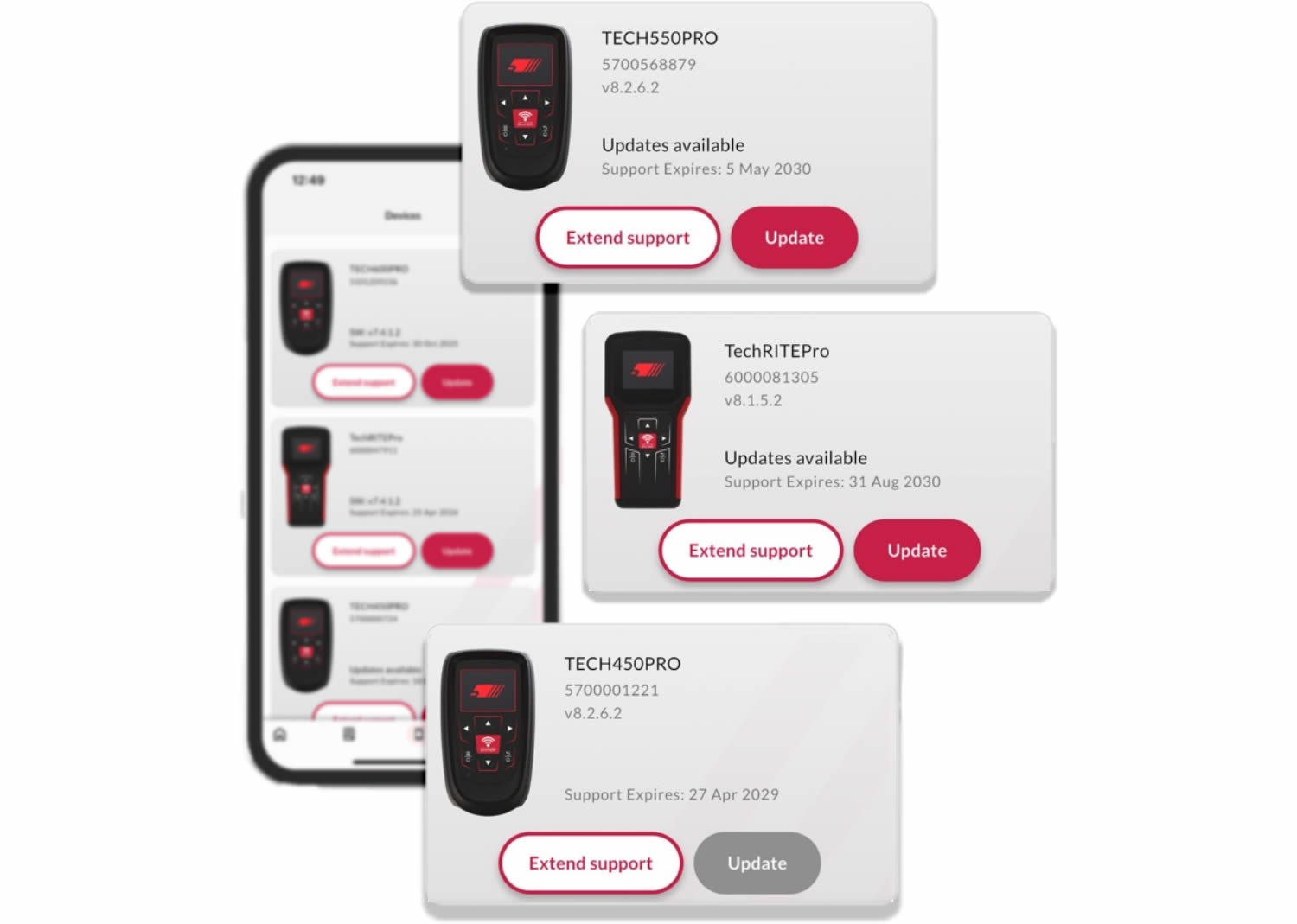
Tool management made simple with Bartec365
Registering your Bartec Pro-series tool has never been easier thanks to the Bartec365 mobile app.
Designed to save time and simplify setup, Bartec365 allows you to register and configure your tool in just a few quick steps:
Power on your Bartec Pro-series tool
Open the Bartec365 mobile app
Select "AddDevice" and follow the on-screen instructions to con-nect via Bluetooth® and setup your tool's Wi-Fi
Once complete, your tool is registered, connected, and ready to be managed through Bartec365.
- Register
- Track
- Update
Professional service
reports - anytime,
anywhere
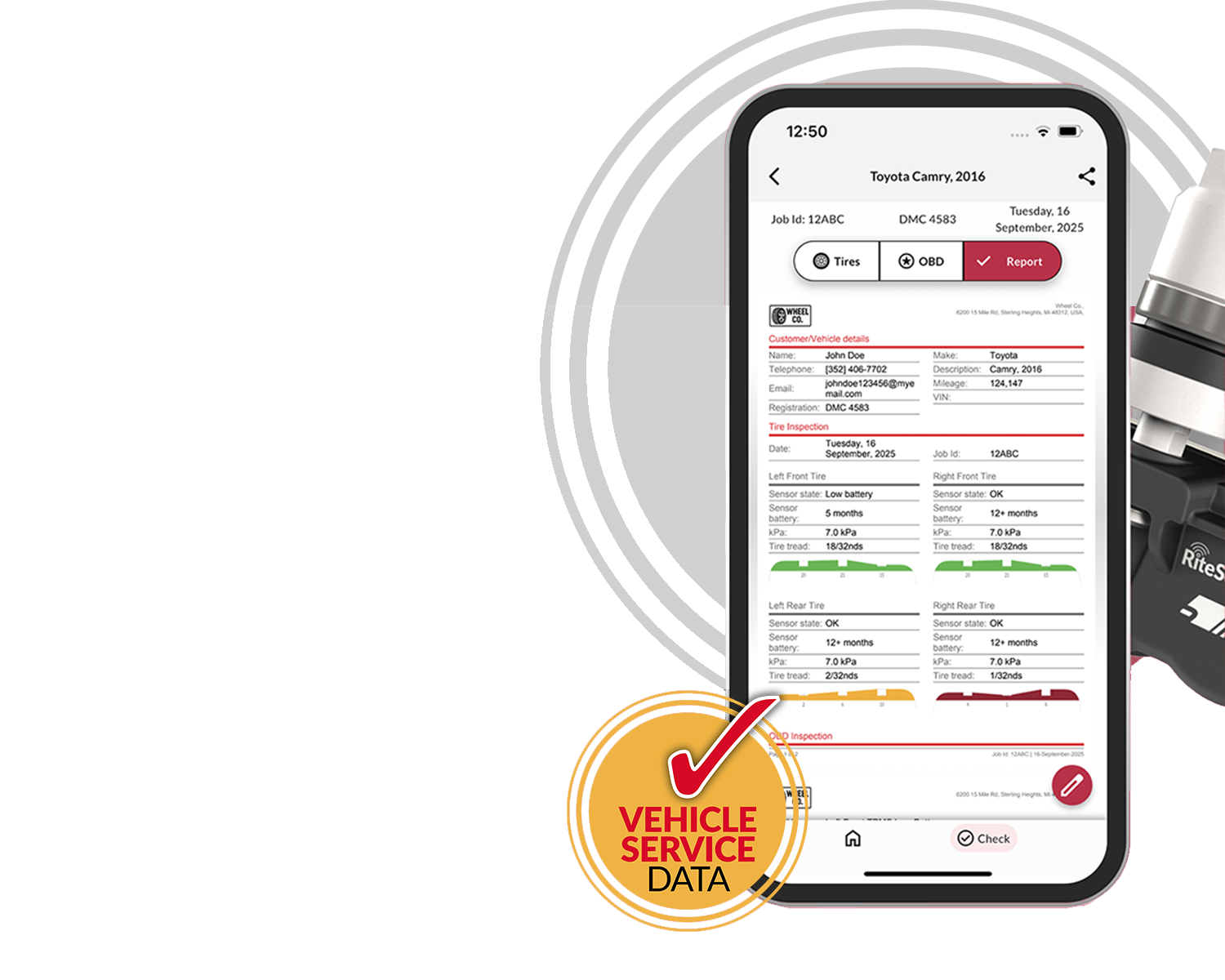
With Bartec365, creating clear, professional, and branded service reports is quick and effortless.
Designed to support busy workshops, the Service Reports feature helps you deliver documentation your customers can trust:
Instant professional reports
Generate clean, branded PDF job reports in just a few taps - ideal for fast-paced workshop environments.
Easy customer sharing
No printer required. Send completed reports directly from the app via email or messaging, giving customers immediate visibility of the work carried out.
Accurate and consistent records
Every report is automatically populated with detailed data from your Bartec TPMS tools, ensuring accuracy, consistency, and full traceability for every job.
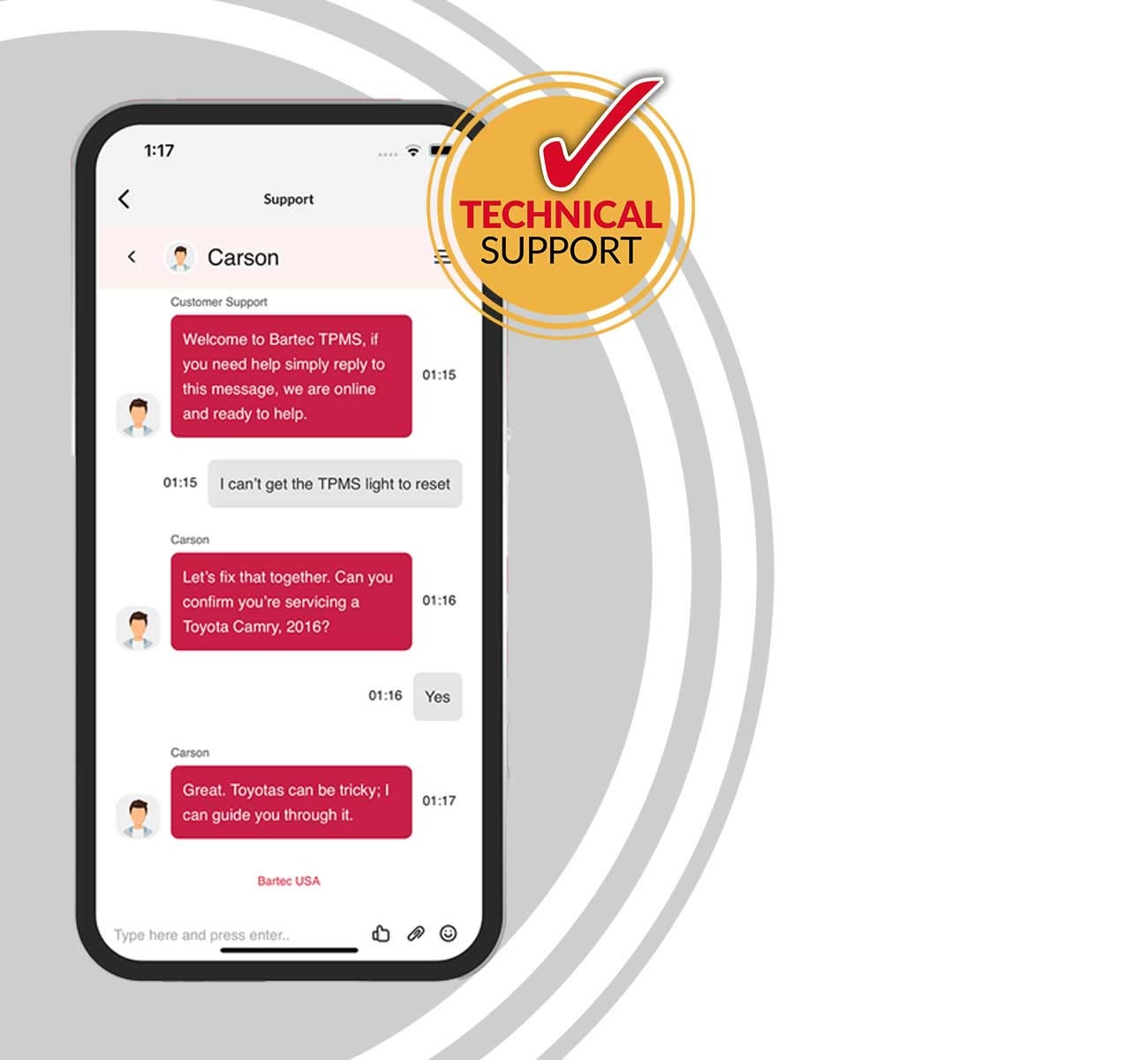
Live TPMS expert support, when you need it
Bartec365 gives technicians instant access to the support they need to complete TPMS jobs with confidence.
With Live Chat, you can connect directly with TPMS experts in real time for help with sensor programming, relearns, or quick technical guidance. Expert support is always just a message away - helping remove guesswork and keep your workshop moving.
Complete TPMS
reference, always on
hand
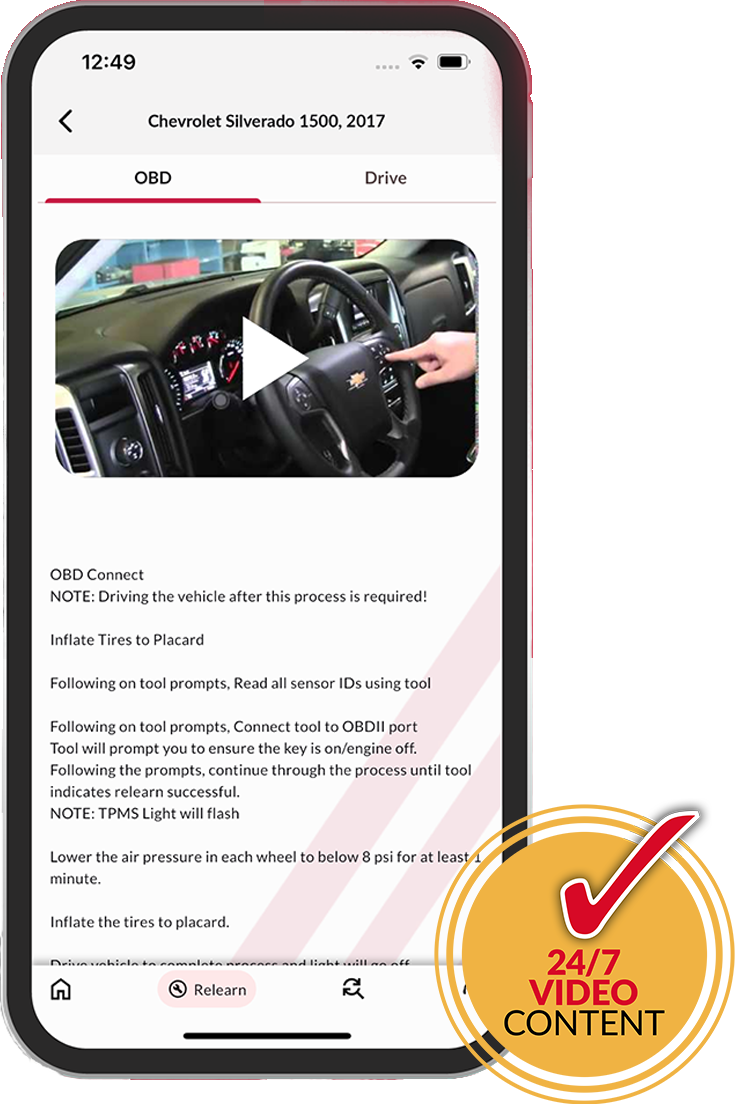
Bartec365 puts essential TPMS knowledge at your fingertips - any time you need it.
Access a comprehensive on-demand library including:
Relearn procedures
Technical Service Bulletins(TSBs)
Step-by-step how-to videos
Instant, accurate, and always available, Bartec365 helps technicians work faster, smarter, and with confidence.
TPMS success starts with
Bartec, download the
Bartec365 app
Frequently Asked Bartec365 Questions
Bartec365 is our mobile application for smartphones and tablets that brings TPMS tool management, service reporting, technical information, and live technical support together. It is designed to help automotive technicians simplify their TPMS service workflow and improve workshop efficiency.
To register your Bartec Pro-series TPMS tool, switch on your tool and open the Bartec365 app. Select "AddDevice" and follow the on-screen instructions to establish a Bluetooth connection and configure your tool's Wi-Fi settings. Once setup is complete, your tool can be managed through the app.
Yes. Bartec365 generates branded PDF service reports using diagnostic information collected from your Bartec TPMS tool. Reports can be shared electronically with customers by email or messaging, eliminating the need for printed copies.
Yes. The Live Chat feature in Bartec365 connects technicians with our TPMS technical experts for assistance with sensor programming, vehicle relearn procedures, and other technical questions that arise during TPMS service.
Bartec365 includes a TPMS knowledge base containing vehicle relearn information, Technical Service Bulletins (TSBs), and instructional videos. These resources help technicians access relevant technical guidance directly from their mobile devices during TPMS servicing.
Yes. Bartec365 supports registration, tracking, and software update management for compatible Bartec Pro-series TPMS tools. Its connected tool management features help technicians keep their equipment registered and up to date.
 Bartec USA LLC