Register and manage your Bartec tool
The Bartec Tool Support Centre has been replaced by our newer tool management applications.
Register your tool, manage your account and access software updates using Bartec365 or TPMS Desktop.

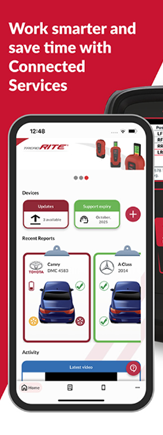
Use your Phone or Tablet
Recommended for Bartec Pro-Series tools. Register and configure your tool using Bluetooth and Wi-Fi.
- Register and manage tools
- Access reports and Support
- Access Bartec's knowledgebase
- Learn more



Use a Windows PC
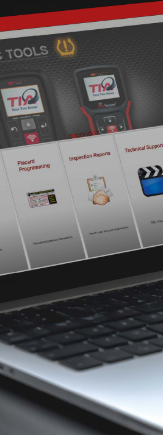
Register and update Bartec TPMS tools using a Windows computer.
- Register and manage tools
- Install tool software updates
- Learn more
Already have a Bartec account?
Use your existing Bartec account details when signing into Bartec365 or TPMS Desktop. You do not need to create another account.
Purchased a QST tool?
Download QST Suite to register the tool.

Need help registering your tool?
If you cannot access your account, connect your tool or complete registration, contact Bartec Technical Support.
Technical Support: (866) 407-8767
Email: help@bartecusa.com
 Bartec USA LLC