TPMS Industry News
October 14, 2026 - Three Weeks To Go Until SEMA 2026 & We Are Getting Closer
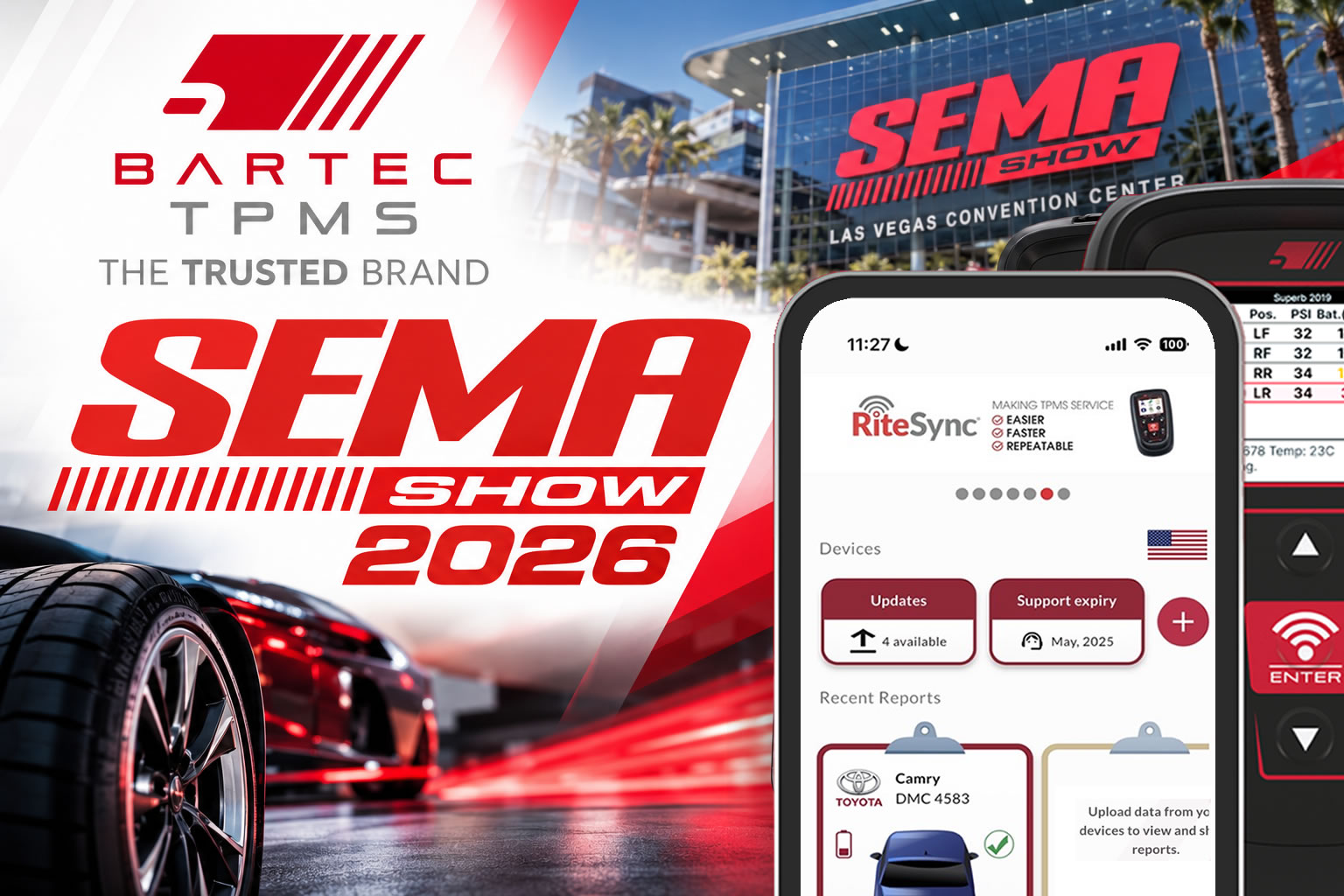
The Bartec TPMS TPMS team is preparing for the SEMA Show 2026 in Las Vegas, and we can’t wait to be part of one of the biggest automotive events of the year. We’ll be showcasing our latest TPMS tools, sensors, and technology, with plenty of opportunities to meet our experts, see our products in action, and discover how Bartec can make TPMS service faster, easier, and more profitable.
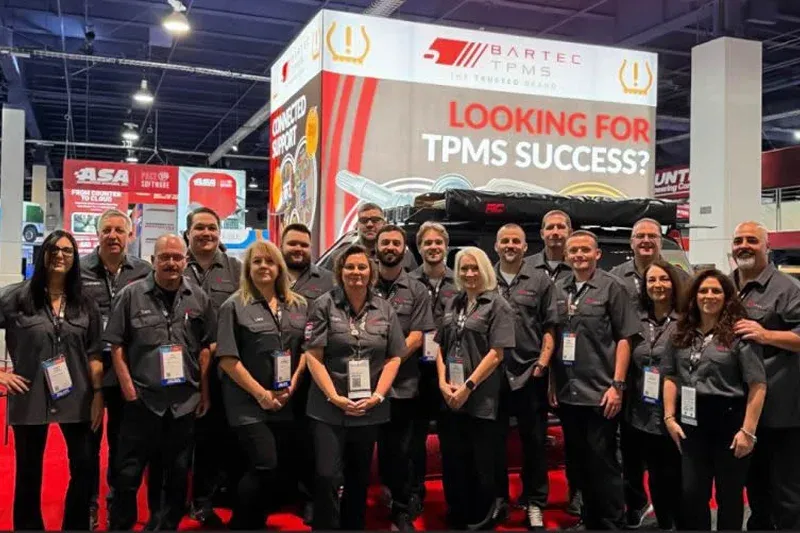
If you’re attending SEMA, let us know! We’d love to arrange a time to meet, discuss your TPMS requirements and show you what we’ve been working on. See you in Las Vegas at Booth #44149!

Attendee Focus
Bartec TPMS is targeting tire dealers, distributors, service groups and automotive aftermarket professionals with its SEMA demonstrations. The company will showcase current and emerging TPMS technologies and discuss future requirements.
Visit Bartec TPMS at SEMA 2026
The Bartec TPMS team will be at Booth #44149, South Hall, Lower, throughout SEMA Show 2026 from 3–6 November. Visitors can stop by the stand to discover the latest products, speak with the Bartec team and find out more about the company’s developments in TPMS diagnostics, sensors and workshop technology.
Need help getting a Certificate Bundle? E-mail our sales team at sales@bartecusa.com, or call [855]877-9732. Need help updating your Bartec TPMS Tool? E-mail our Tech Support Team at help@bartecusa.com, or call[866]407-8767.
#SEMA2026 #SEMAShow #AutomotiveTechnology #VehicleDiagnostics #AutomotiveAftermarket #WorkshopSolutions #Bartec365 #TPMS #TPMSTools #TPMSSensors #RiteSensor #TPMSSoftware #TPMSSupport #BartecTPMS #TheTrustedBrand
Read MoreOctober 13, 2026 - Discover What Is New With TPMS At The Sema Show 2026
The Bartec TPMS team will be at Booth #44149, South Hall, Lower, throughout SEMA Show 2026 from 3–6 November. Visitors can stop by the stand to discover the latest products, speak with the Bartec team and find out more about the company’s developments in TPMS diagnostics, sensors and workshop technology.

TPMS Technology Demonstrations at SEMA
At SEMA 2026, Bartec TPMS specialists will demonstrate how modern TPMS solutions can help shops:
- Prepare for new vehicle and sensor technologies;
- Improve diagnostic and repair workflows;
- Support technicians during complex repairs;
- Maintain current software and vehicle coverage;
- Use service data to improve consistency;
- Make informed equipment-investment decisions.
Attendee Focus
Bartec TPMS is targeting tire dealers, distributors, service groups and automotive aftermarket professionals with its SEMA demonstrations. The company will showcase current and emerging TPMS technologies and discuss future requirements.
Visit Bartec TPMS at SEMA 2026
The Bartec TPMS team will be at Booth #44149, South Hall, Lower, throughout SEMA Show 2026 from 3–6 November. Visitors can stop by the stand to discover the latest products, speak with the Bartec team and find out more about the company’s developments in TPMS diagnostics, sensors and workshop technology.
Need help getting a Certificate Bundle? E-mail our sales team at sales@bartecusa.com, or call [855]877-9732. Need help updating your Bartec TPMS Tool? E-mail our Tech Support Team at help@bartecusa.com, or call[866]407-8767.
#SEMA2026 #SEMAShow #AutomotiveTechnology #VehicleDiagnostics #AutomotiveAftermarket #WorkshopSolutions #Bartec365 #TPMS #TPMSTools #TPMSSensors #RiteSensor #TPMSSoftware #TPMSSupport #BartecTPMS #TheTrustedBrand
October 12, 2026 - Oktoberfest With Bartec TPMS At The SEMA Show 2026
Bartec TPMS is gearing up SEMA 2026 taking place at the Las Vegas Convention Center, South Hall this November 3rd - 6th 2026. Please join us for our 21st show with Beers and Pretzels on opening day. When you stop by, make sure you enter to win.

Be sure to stop by and see what's new from Bartec TPMS. In addition to new products and product demonstrations, we are also giving away some awesome prizes. We hope to see you in the South Lower Hall at Booth #44149. Bartec TPMS is targeting tire dealers, distributors, service groups and automotive aftermarket professionals with its SEMA demonstrations. The company will showcase current and emerging TPMS technologies and discuss future requirements.

Visit Bartec TPMS at SEMA 2026
The Bartec TPMS team will be at Booth #44149, South Hall, Lower, throughout SEMA Show 2026 from 3–6 November. Visitors can stop by the stand to discover the latest products, speak with the Bartec team and find out more about the company’s developments in TPMS diagnostics, sensors and workshop technology.
Need help getting a Certificate Bundle? E-mail our sales team at sales@bartecusa.com, or call [855]877-9732. Need help updating your Bartec TPMS Tool? E-mail our Tech Support Team at help@bartecusa.com, or call [866]407-8767.
#SEMA2026 #SEMAShow #AutomotiveTechnology #VehicleDiagnostics #AutomotiveAftermarket #WorkshopSolutions #Bartec365 #TPMS #TPMSTools #TPMSSensors #RiteSensor #TPMSSoftware #TPMSSupport #BartecTPMS #TheTrustedBrand
October 6, 2026 - Bartec TPMS To Highlight TPMS Diagnostics At 2026 SEMA Show
Visitors can meet the team at Booth 44149 in the South Hall, Lower Level, Nov. 3-6 at the Las Vegas Convention Center. Bartec will outline the next phase of its TPMS technology at the 2026 SEMA Show. Visitors can meet the team at Booth 44149 in the South Hall, Lower Level, Nov. 3-6 at the Las Vegas Convention Center. The booth will feature live demonstrations, diagnostics and guidance focused on workflow, service efficiency and technician support for tire maintenance and automotive repair operations.
“TPMS is no longer just about replacing a sensor and completing a relearn,” said Scot Holloway, CEO of Bartec TPMS. “New sensor technologies, increased vehicle connectivity and greater demand for service data are changing what tire shops need from their TPMS equipment. At SEMA, we will help shops understand those changes and prepare for what comes next.” As vehicles add connectivity, TPMS is becoming a broader diagnostic and data-driven service. Tire businesses must now consider tool connectivity, software support, diagnostic access, sensor coverage and the ability to capture information generated during tire repair and service, Bartec said.
TPMS Technology Demonstrations at SEMA
At SEMA 2026, Bartec TPMS specialists will demonstrate how modern TPMS solutions can help shops:
- Prepare for new vehicle and sensor technologies;
- Improve diagnostic and repair workflows;
- Support technicians during complex repairs;
- Maintain current software and vehicle coverage;
- Use service data to improve consistency;
- Make informed equipment-investment decisions.
Attendee Focus
Bartec TPMS is targeting tire dealers, distributors, service groups and automotive aftermarket professionals with its SEMA demonstrations. The company will showcase current and emerging TPMS technologies and discuss future requirements.
Visit Bartec TPMS at SEMA 2026
The Bartec TPMS team will be at Booth #44149, South Hall, Lower, throughout SEMA Show 2026 from 3–6 November. Visitors can stop by the stand to discover the latest products, speak with the Bartec team and find out more about the company’s developments in TPMS diagnostics, sensors and workshop technology.
Need help getting a Certificate Bundle? E-mail our sales team at sales@bartecusa.com, or call [855]877-9732. Need help updating your Bartec TPMS Tool? E-mail our Tech Support Team at help@bartecusa.com, or call[866]407-8767.
Attendee Focus
Bartec TPMS is targeting tire dealers, distributors, service groups and automotive aftermarket professionals with its SEMA demonstrations. The company will showcase current and emerging TPMS technologies and discuss future requirements.
Visit Bartec TPMS at SEMA 2026
The Bartec TPMS team will be at Booth #44149, South Hall, Lower, throughout SEMA Show 2026 from 3–6 November. Visitors can stop by the stand to discover the latest products, speak with the Bartec team and find out more about the company’s developments in TPMS diagnostics, sensors and workshop technology.
Need help getting a Certificate Bundle? E-mail our sales team at sales@bartecusa.com, or call [855]877-9732. Need help updating your Bartec TPMS Tool? E-mail our Tech Support Team at help@bartecusa.com, or call[866]407-8767.
#SEMA2026 #SEMAShow #AutomotiveTechnology #VehicleDiagnostics #AutomotiveAftermarket #WorkshopSolutions #Bartec365 #TPMS #TPMSTools #TPMSSensors #RiteSensor #TPMSSoftware #TPMSSupport #BartecTPMS #TheTrustedBrand
Read MoreOctober 5, 2026 - New TPMS Tool Update Technology At The SEMA Show 2026
So much happening at this year's SEMA Show! Please stop by the Bartec TPMS Booth and see all the new things we have to offer, including new tool updating technology!

Taking place from 3–6 November 2026 at the Las Vegas Convention Center, SEMA brings together professionals from across the global automotive aftermarket. Visitors will be able to find the Bartec TPMS team at Booth #44149 in the South Hall, Lower.
Bartec will use this year’s show to give visitors the opportunity to see the latest developments in its TPMS range, including solutions designed to make tyre pressure monitoring system servicing quicker and easier for automotive professionals.
Visit Bartec TPMS at SEMA 2026
The Bartec TPMS team will be at Booth #44149, South Hall, Lower, throughout SEMA Show 2026 from 3–6 November. Visitors can stop by the stand to discover the latest products, speak with the Bartec team and find out more about the company’s developments in TPMS diagnostics, sensors and workshop technology.
For more information about Bartec TPMS and its range of TPMS tools and sensors, visit www.bartecusa.com. Make sure you visit Bartec TPMS at SEMA 2026! Booth 44149. Loads of new stuff to show you! Let's not forget to mention, the very best vehicle coverage in TPMS! Simple integration to your Bartec Tool gives flexible number of measurement points and clear data on both the Tool and in your inspection report available through TPMS desktop or online.
Visit Us at SEMA 2026
- Booth #44149 South Hall, Lower
- November 3–6, 2026
- Las Vegas Convention Center, Las Vegas, Nevada
We look forward to connecting with customers, partners, and industry professionals from around the world. Be sure to stop by and discover why Bartec TPMS continues to lead the way in tyre pressure monitoring technology.
About the SEMA Show
The SEMA Show is the premier trade-only event for the global automotive aftermarket industry. Featuring more than 3,000 exhibitors, it brings together manufacturers, distributors, retailers, installers, media, and industry professionals to explore the latest automotive innovations, aftermarket products, and emerging trends.
Need help getting a Certificate Bundle? E-mail our sales team at sales@bartecusa.com, or call [855]877-9732. Need help updating your Bartec TPMS Tool? E-mail our Tech Support Team at help@bartecusa.com, or call [866]407-8767.
#SEMA2026 #SEMAShow #AutomotiveTechnology #VehicleDiagnostics #AutomotiveAftermarket #WorkshopSolutions #Bartec365 #TPMS #TPMSTools #TPMSSensors #RiteSensor #TPMSSoftware #TPMSSupport #BartecTPMS #TheTrustedBrand
Read MoreOctober 3, 2026 - One Month To Go Until The SEMA Show 2026
The countdown is on, and we’re getting ready to head to Las Vegas for one of the year's biggest automotive events. From November 3, Bartec TPMS will showcase our latest TPMS tools, sensors, and technology. Visitors can meet our team, explore our NEW products, and discover how Bartec can make TPMS servicing faster, easier, and more profitable. We have plenty of exciting things planned and can’t wait to share more with you over the coming weeks. Will you be at SEMA? Be sure to stop by Booth #44149!
TPMS Technology Demonstrations at SEMA
At SEMA 2026, Bartec TPMS specialists will demonstrate how modern TPMS solutions can help shops:
- Prepare for new vehicle and sensor technologies;
- Improve diagnostic and repair workflows;
- Support technicians during complex repairs;
- Maintain current software and vehicle coverage;
- Use service data to improve consistency;
- Make informed equipment-investment decisions.
Attendee Focus
Bartec TPMS is targeting tire dealers, distributors, service groups and automotive aftermarket professionals with its SEMA demonstrations. The company will showcase current and emerging TPMS technologies and discuss future requirements.
Visit Bartec TPMS at SEMA 2026
The Bartec TPMS team will be at Booth #44149, South Hall, Lower, throughout SEMA Show 2026 from 3–6 November. Visitors can stop by the stand to discover the latest products, speak with the Bartec team and find out more about the company’s developments in TPMS diagnostics, sensors and workshop technology.
Need help getting a Certificate Bundle? E-mail our sales team at sales@bartecusa.com, or call [855]877-9732. Need help updating your Bartec TPMS Tool? E-mail our Tech Support Team at help@bartecusa.com, or call[866]407-8767.
#SEMA2026 #SEMAShow #AutomotiveTechnology #VehicleDiagnostics #AutomotiveAftermarket #WorkshopSolutions #Bartec365 #TPMS #TPMSTools #TPMSSensors #RiteSensor #TPMSSoftware #TPMSSupport #BartecTPMS #TheTrustedBrand
Read MoreOctober 2, 2026 - Bartec TPMS Heads to SEMA Show 2026
Bartec TPMS is preparing to return to Las Vegas for the SEMA Show 2026, where the company will showcase its latest TPMS technology, products and workshop solutions. Taking place from 3–6 November 2026 at the Las Vegas Convention Center, SEMA brings together professionals from across the global automotive aftermarket. Visitors will be able to find the Bartec TPMS team at Booth #44149 in the South Hall, Lower.
Discover the Latest in TPMS Technology
Bartec will use this year’s show to give visitors the opportunity to see the latest developments in its TPMS range, including solutions designed to make tyre pressure monitoring system servicing quicker and easier for automotive professionals.
A key focus will be Bartec’s extensive TPMS vehicle coverage, alongside its range of professional TPMS diagnostic tools, replacement sensors and workshop solutions. Visitors to the stand will also be able to meet the Bartec team, see demonstrations and discover how the company’s latest TPMS technology can help workshops streamline servicing and improve efficiency.
TPMS Sensors Designed for Workshop Efficiency
Among Bartec’s TPMS solutions is the RITE-SENSOR®, a programmable replacement TPMS sensor designed to simplify sensor replacement and reduce the number of different sensors workshops need to stock. The dual-frequency sensor works alongside compatible Bartec TPMS tools, allowing technicians to programme sensors as part of the TPMS service process.
With TPMS technology and vehicle applications continuing to evolve, having access to up-to-date diagnostic tools, sensor coverage and technical support is increasingly important for workshops carrying out TPMS servicing and repairs.
Visit Bartec TPMS at SEMA 2026
The Bartec TPMS team will be at Booth #44149, South Hall, Lower, throughout SEMA Show 2026 from 3–6 November. Visitors can stop by the stand to discover the latest products, speak with the Bartec team and find out more about the company’s developments in TPMS diagnostics, sensors and workshop technology.
For more information about Bartec TPMS and its range of TPMS tools and sensors, visit www.bartecusa.com. Make sure you visit Bartec TPMS at SEMA 2026! Booth 44149. Loads of new stuff to show you! Let's not forget to mention, the very best vehicle coverage in TPMS! Simple integration to your Bartec Tool gives flexible number of measurement points and clear data on both the Tool and in your inspection report available through TPMS desktop or online.
Visit Us at SEMA 2026
- Booth #44149 South Hall, Lower
- November 3–6, 2026
- Las Vegas Convention Center, Las Vegas, Nevada
We look forward to connecting with customers, partners, and industry professionals from around the world. Be sure to stop by and discover why Bartec TPMS continues to lead the way in tyre pressure monitoring technology.
About the SEMA Show
The SEMA Show is the premier trade-only event for the global automotive aftermarket industry. Featuring more than 3,000 exhibitors, it brings together manufacturers, distributors, retailers, installers, media, and industry professionals to explore the latest automotive innovations, aftermarket products, and emerging trends.
Need help getting a Certificate Bundle? E-mail our sales team at sales@bartecusa.com, or call [855]877-9732. Need help updating your Bartec TPMS Tool? E-mail our Tech Support Team at help@bartecusa.com, or call [866]407-8767.
#SEMA2026 #SEMAShow #AutomotiveTechnology #VehicleDiagnostics #AutomotiveAftermarket #WorkshopSolutions #Bartec365 #TPMS #TPMSTools #TPMSSensors #RiteSensor #TPMSSoftware #TPMSSupport #BartecTPMS #TheTrustedBrand
Read MoreSeptember 24, 2026 - Take Tire Inspections To The Next Level With The Tread-Rite Tool
The Tread-Rite is an essential companion tool to the TECH550Pro and TECH600Pro range of the TPMS tools. Adding a seamless process of reading tread depths complementing the Bartec “Test Before Touch” ethos, gives a comprehensive overview to both technicians and customers, of the vehicle’s current status.
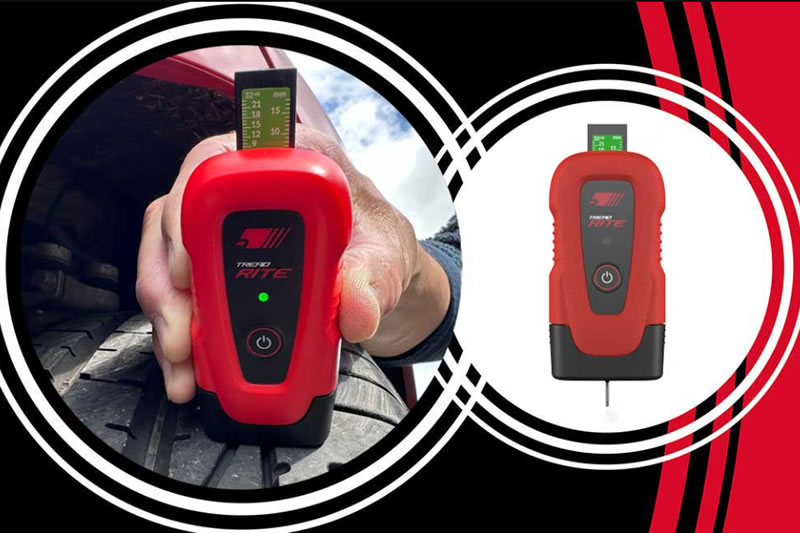
Simple integration to your Bartec Tool gives flexible number of measurement points and clear data on both the Tool and in your inspection report available through TPMS desktop or online.
Visit Us at SEMA 2026
- Booth #44149 South Hall, Lower
- November 3–6, 2026
- Las Vegas Convention Center, Las Vegas, Nevada
We look forward to connecting with customers, partners, and industry professionals from around the world. Be sure to stop by and discover why Bartec TPMS continues to lead the way in tyre pressure monitoring technology.
About the SEMA Show
The SEMA Show is the premier trade-only event for the global automotive aftermarket industry. Featuring more than 3,000 exhibitors, it brings together manufacturers, distributors, retailers, installers, media, and industry professionals to explore the latest automotive innovations, aftermarket products, and emerging trends.
Need help getting a Certificate Bundle? E-mail our sales team at sales@bartecusa.com, or call [855]877-9732. Need help updating your Bartec TPMS Tool? E-mail our Tech Support Team at help@bartecusa.com, or call [866]407-8767.
#SEMA2026 #SEMAShow #AutomotiveTechnology #VehicleDiagnostics #AutomotiveAftermarket #WorkshopSolutions #Bartec365 #TPMS #TPMSTools #TPMSSensors #RiteSensor #TPMSSoftware #TPMSSupport #BartecTPMS #TheTrustedBrand
Read MoreAugust 3, 2026 - Three Months Until The SEMA Show 2026 In Las Vegas
21 years of innovation. One destination for the future of TPMS. Bartec TPMS is officially heading back to the SEMA Show 2026, and we're bringing our biggest presence yet. We're excited to announce that you'll find us at Booth #44149 in the South Hall, Lower, where we'll be showcasing the latest advancements in TPMS technology, advanced diagnostics, and workshop solutions designed to help your business work smarter.

Whether you're looking to streamline your workflow, improve service efficiency, or see what's next in TPMS innovation, our team will be on hand with live demonstrations, expert advice, and exciting new product developments.
Visit Us at SEMA 2026
- Booth #44149 South Hall, Lower
- November 3–6, 2026
- Las Vegas Convention Center, Las Vegas, Nevada
We look forward to connecting with customers, partners, and industry professionals from around the world. Be sure to stop by and discover why Bartec TPMS continues to lead the way in tyre pressure monitoring technology.
About the SEMA Show
The SEMA Show is the premier trade-only event for the global automotive aftermarket industry. Featuring more than 3,000 exhibitors, it brings together manufacturers, distributors, retailers, installers, media, and industry professionals to explore the latest automotive innovations, aftermarket products, and emerging trends.
Need help getting a Certificate Bundle? E-mail our sales team at sales@bartecusa.com, or call [855]877-9732. Need help updating your Bartec TPMS Tool? E-mail our Tech Support Team at help@bartecusa.com, or call [866]407-8767.
#SEMA2026 #SEMAShow #AutomotiveTechnology #VehicleDiagnostics #AutomotiveAftermarket #WorkshopSolutions #Bartec365 #TPMS #TPMSTools #TPMSSensors #RiteSensor #TPMSSoftware #TPMSSupport #BartecTPMS #TheTrustedBrand
July 23, 2026 - We Are Excited To Welcome Lindsay Stead To Team Bartec
Lindsay joins Bartec TPMS as our new Technical Sales Representative for the Greater Atlanta region. With more than 20 years of automotive aftermarket and outside sales experience, including leadership roles at NAPA Auto Parts and Muncie Power Products, Lindsay brings extensive expertise in customer training, distributor development, and territory growth.

We’re delighted to have Lindsay on board and look forward to the experience, knowledge, and energy he brings to the team. Please join us in giving Lindsay a warm welcome to Team Bartec!
Need help getting a Certificate Bundle? E-mail our sales team at sales@bartecusa.com, or call [855]877-9732. Need help updating your Bartec TPMS Tool? E-mail our Tech Support Team at help@bartecusa.com, or call [866]407-8767.
#Bartec365 #TPMS #TPMSTools #TPMSSensors #RiteSensor #TPMSSoftware #TPMSSupport #BartecTPMS #TheTrustedBrand
Read MoreJuly 21, 2026 - Preventing TPMS Sensor Damage
For any wheel related service (mount, balance, new tires, new wheels, getting the TPMS serviced) there are situations that can/will cause damage to the TPMS sensor.
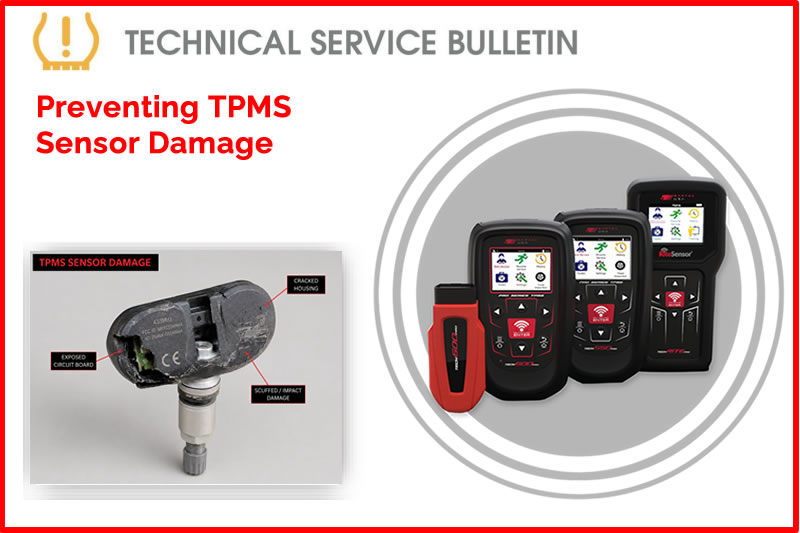
Process:
Dismounting the Wheel/Tire:
- Remove the Valve Core to relieve any air pressure.
- Clamp-in (aluminum) style stem.
- Remove the retaining nut and allow the sensor to fall into the wheel.
- Snap-in (rubber) style stem.
- Make sure the stem is positioned 180° opposite from the bead shovel and does not get crushed.
- Valve should be under the dismount head when starting the turn table. This will keep the tire from damaging the sensor.
Mounting the Wheel/Tire:
- When mounting a tire make sure the stem is placed just before the “traction point” (where tire and wheel meet).
- NEVER lubricate snap-in (rubber) stems before pulling through the valve hole. Ensure you pull the stem straight through.
Keep these in mind:
- ALWAYS “Test before you touch” this ensures the status of all TPMS sensors before you service the vehicle.
- During any wheel/tire service it is highly recommended to change the service kit. This protects the sensor from leakage and premature failure.
- Programming: This is when you are giving an ID and protocol to a Blank/Universal Sensor.
- Relearning: Providing compatible sensor information to the vehicle’s module allowing the vehicle being serviced to see the sensor status and IDs.
Find the Technical Service Bulletin at https://www.bartecusa.com/tpms-technical-service-bulletins.
Need help getting a Certificate Bundle? E-mail our sales team at sales@bartecusa.com, or call [855]877-9732. Need help updating your Bartec TPMS Tool? E-mail our Tech Support Team at help@bartecusa.com, or call [866]407-8767.
#Bartec365 #TPMS #TPMSTools #TPMSSensors #RiteSensor #TPMSSoftware #TPMSSupport #BartecTPMS #TheTrustedBrand
July 16, 2026 - TPMS Promotions for Q3 & Q4 2026
We have three new promotions for the rest of the year for Q3 and Q4 2026, including TPMS Tool, Software and Sensor bundles. To view our TPMS promotions visit https://www.bartecusa.com/tpms-promotions-usa for more information and then contact our sales team or your local distributor.
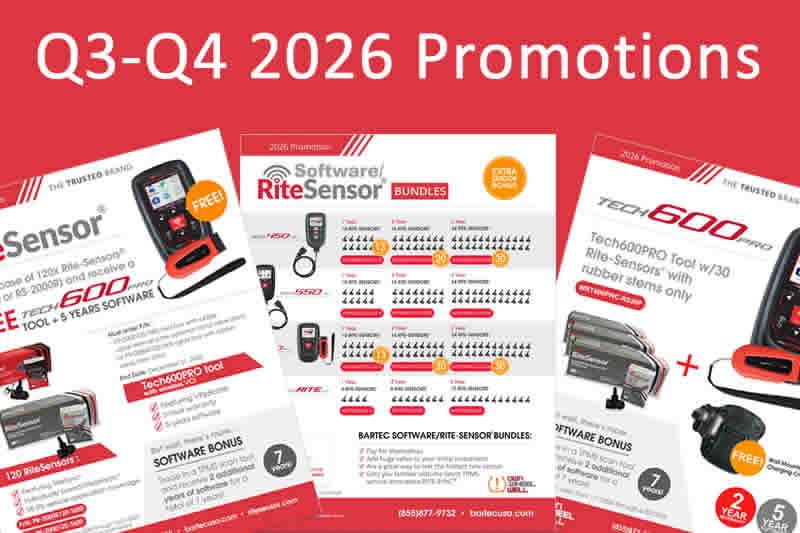
We have TPMS Software and Rite-Sensor bundles for the all of our Pro range of TPMS tools as a complete Software/RiteSensor bundle. We have 1, 2 and 3 year software support deals with the industry leading TPMS sensor, the RiteSensor. The Tech600Pro is all about speed, accuracy, and ease of use with the specific purpose of helping tire businesses improve the bottom line! The wireless capabilities of the Tech600Pro make it the fastest TPMS tool available in North America! TPMS relearns take just seconds! Connect the wireless VCI to the OBDII port and in mere seconds the Make-Model-Year are detected and decoded and the tool is ready for action!
Because Bartec works with all Original Equipment and Major Programmable sensors in the market, our data is accurate and so are our tools. The Tech600Pro coverage is second to none! Fix more vehicles with the Tech600Pro! Combine our data with VINDicate®. The TECH600Pro represents the very best in TPMS Technology for all levels of tire shop management. The graphical user interface makes the TECH600Pro very easy to learn and operate! Using RITE-SENSOR® and RITE-SYNC®, the TECH600Pro makes TPMS Service a breeze! Find out more about these TPMS bundles at https://www.bartecusa.com/tpms-promotions-usa.
Need help getting a Certificate Bundle? E-mail our sales team at sales@bartecusa.com, or call [855]877-9732. Need help updating your Bartec TPMS Tool? E-mail our Tech Support Team at help@bartecusa.com, or call [866]407-8767.
#Bartec365 #TPMS #TPMSTools #TPMSSensors #RiteSensor #TPMSSoftware #TPMSSupport #BartecTPMS #TheTrustedBrand
Read MoreJuly 15, 2026 - The Process For TPMS Desktop Installation
This document will walk the user through the download and installation process for TPMS Desktop. Please visit https://www.bartecusa.com/tpms-desktop to download the latest version of TPMS Desktop.
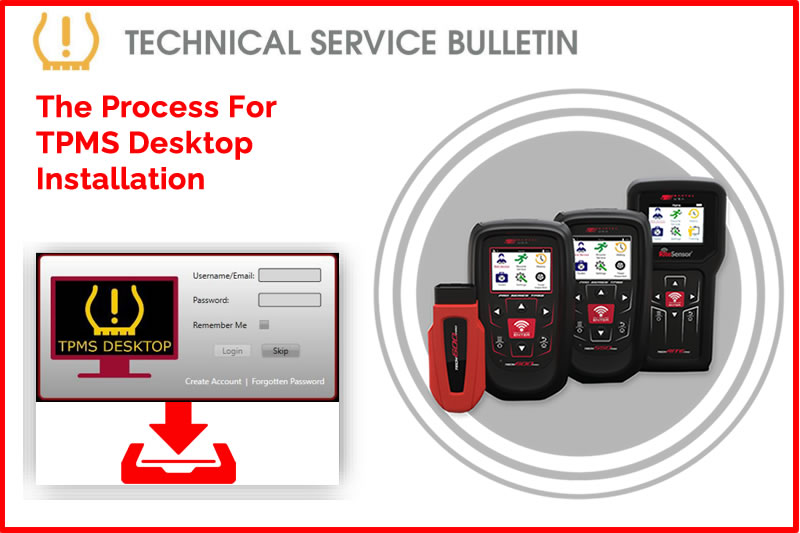
Process:
- Proceed to https://bartecusa.com/.
- On the top right of the screen select Download TPMS Desktop or alternatively go to https://www.tpmsdesktop.us/.
- Select the Large image on the right of the screen to initialize the download.
- Open the “setup.exe” file typically saved in the “Downloads” folder. a. Depending on the web browser your download could appear in 3 different locations within the browser:
- Chrome: Bottom left corner you will see the file name “Setup”.
- Firefox: In the upper left corner select the blue down arrow and you will see the file name “Setup”.
- Edge: In the bottom middle of the screen, you can either select to open the file or show it in folder.
- Once installed, the program will open automatically.
- Log into your current Bartec tools user account. Or create a new account.
- You can review what TPMS Desktop has to offer:
- Vehicle Lookup i. Sensor Coverage ii. Service Kit information
- Tech200PRO i. Today’s Records
- Placard Programming i. Transactions
- Inspection Reports i. Transferred vehicle records from the tools.
- Update f. Desktop Settings i. Setup Auto Updates/View Logs ii. Sensor ID Format: Hex/Dec/Both iii. Tread Depth Unit: Inch/Millimeters iv. Pressure Unit: BAR/PSI/kPa v. Temperature Unit: °C or °F
Need help getting a Certificate Bundle? E-mail our sales team at sales@bartecusa.com, or call [855]877-9732. Need help updating your Bartec TPMS Tool? E-mail our Tech Support Team at help@bartecusa.com, or call [866]407-8767.
#Bartec365 #TPMS #TPMSTools #TPMSSensors #RiteSensor #TPMSSoftware #TPMSSupport #BartecTPMS #TheTrustedBrand
Read More
July 10, 2026 - Exciting News With Bartec TPMS Being Featured On Truck U
Tune in this Sunday, July 12, at 11:30 a.m. (Eastern Time) for the premiere of the Bartec TPMS feature on Truck U.
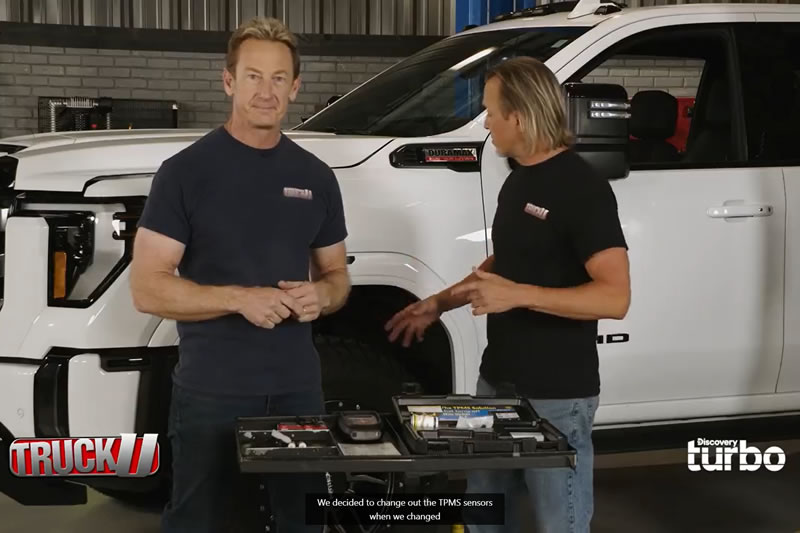
View the video presentation below:
Need help getting a Certificate Bundle? E-mail our sales team at sales@bartecusa.com, or call [855]877-9732. Need help updating your Bartec TPMS Tool? E-mail our Tech Support Team at help@bartecusa.com, or call [866]407-8767.
TruckU #Bartec365 #TPMS #TPMSTools #TPMSSensors #RiteSensor #TPMSSoftware #TPMSSupport #BartecTPMS #TheTrustedBrand
July 3, 2026 - Happy 250th Birthday America From Bartec TPMS
Bartec will be closed on Friday, July 3rd 2026, as we celebrate America's 250th birthday. We will resume normal operating hours when we return to the office on Monday, July 6th. The entire Bartec team wishes you and yours a rewarding, safe, and relaxing Independence Day Holiday. Keep an eye on our website for exciting America 250 promotions from Bartec TPMS. Check our website regularly for our current promotions.

Need help getting a Certificate Bundle? E-mail our sales team at sales@bartecusa.com, or call [855]877-9732. Need help updating your Bartec TPMS Tool? E-mail our Tech Support Team at help@bartecusa.com, or call [866]407-8767.
#USA250 #Bartec365 #TPMS #TPMSTools #TPMSSensors #RiteSensor #TPMSSoftware #TPMSSupport #BartecTPMS #TheTrustedBrand
Read MoreJuly 2, 2026 - Tech450PRO Wi-Fi Configuration
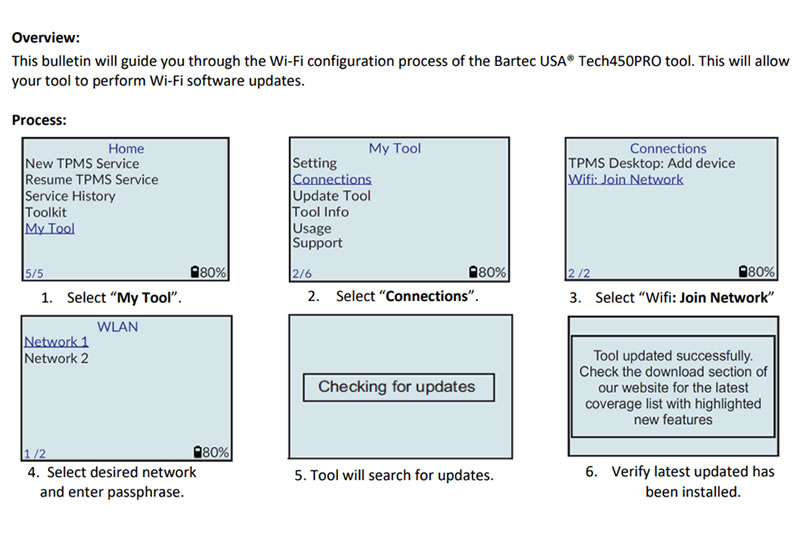
This bulletin will guide you through the Wi-Fi configuration process for the Bartec USA Tech450PRO tool. This will allow your tool to perform Wi-Fi software updates
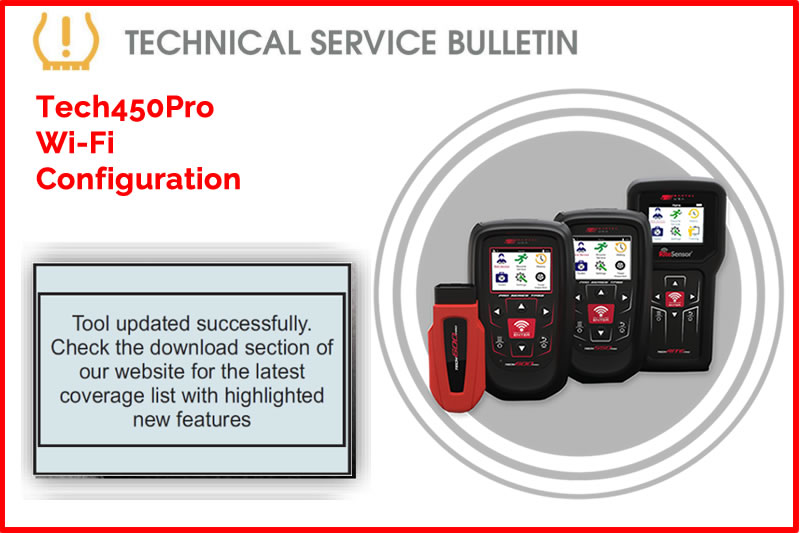
Note:
Once connected to the network, the Bartec USA® Tech450PRO tool will check for updates automatically. Updates can take up to 20 minutes. If your tool does not discover the desired network, fails to connect or you want better performance, remove all obstructions and move closer to the Wi-Fi access hub. Find the Technical Service Bulletin at https://www.bartecusa.com/tpms-technical-service-bulletins.
Need help getting a Certificate Bundle? E-mail our sales team at sales@bartecusa.com, or call [855]877-9732. Need help updating your Bartec TPMS Tool? E-mail our Tech Support Team at help@bartecusa.com, or call [866]407-8767.
#Bartec365 #TPMS #TPMSTools #TPMSSensors #RiteSensor #TPMSSoftware #TPMSSupport #BartecTPMS #TheTrustedBrand
Read MoreJuly 1, 2026 - Ford Push Button Stationary TPMS Relearn
Easily complete TPMS service on Ford, Lincoln, and Mercury vehicles with Keyless Start systems. Today's Tech Tip explains how to perform a stationary TPMS relearn by following the specific push-button ignition sequence, ensuring accurate sensor registration and smooth vehicle operation.
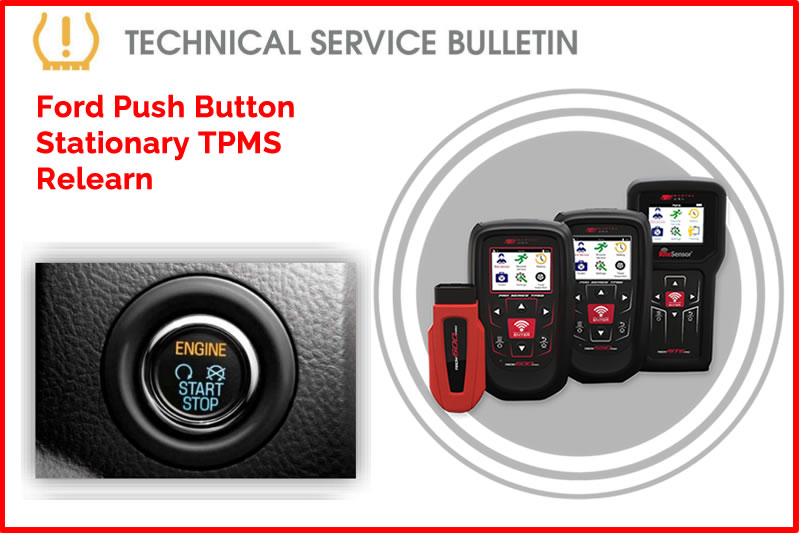
Certain Ford, Lincoln, and Mercury vehicles are equipped with a Keyless Start (push-button) ignition system. The stationary TPMS relearn procedure can be successfully completed on these vehicles by utilizing the specific push-button sequencing outlined below.
Procedure:
Method 1: Standard Push-Button Ignition
Applies to vehicles where one press cycles the ignition to ACC or RUN mode without starting the engine. *DO NOT wait more than 1 second in between button presses
- Engage the parking brake and inflate all tires.
- With the vehicle OFF, press and release the brake pedal.
- Press the START button 5 times (ending in the RUN position).
- Press and release the brake pedal.
- Press the START button 6 times (ending in the RUN position).
- A single horn chirp will indicate the TPMS relearn mode is active.
Method 2: Intelligent Access Ignition
Applies to vehicles where the button must be pressed twice to enter RUN mode without starting the engine. *DO NOT wait more than 1 second in between button presses.
- Engage the parking brake and inflate all tires.
- With the vehicle OFF, press and release the brake pedal.
- Press the START button 8 times (ending in the RUN position).
- Press and release the brake pedal.
- Press the START button 9 times (ending in the RUN position).
- A single horn chirp will indicate the TPMS relearn mode is active.
Method 3: Long-Press Ignition Cycle
Applies to vehicles where the button must be pressed and held until the vehicle is in RUN mode (push, wait for sound, release). Power off by pushing the button 1 time.
- Engage parking brake and ensure vehicle is OFF.
- Press and release the brake pedal.
- Press and hold the START button (approx. 2 seconds) until the ignition enters RUN mode (engine off)
- Press the START button 1 time to power off. Repeat this cycle 3 times, ending in the RUN position.
- Press and release the brake pedal.
- Press and hold the START button to cycle the ignition 3 times, ending in the RUN position.
- The horn will chirp once to confirm Relearn Mode is active.
Find the Technical Service Bulletin at https://www.bartecusa.com/tpms-technical-service-bulletins.
Need help getting a Certificate Bundle? E-mail our sales team at sales@bartecusa.com, or call [855]877-9732. Need help updating your Bartec TPMS Tool? E-mail our Tech Support Team at help@bartecusa.com, or call [866]407-8767.
#Bartec365 #TPMS #TPMSTools #TPMSSensors #RiteSensor #TPMSSoftware #TPMSSupport #BartecTPMS #TheTrustedBrand
Read MoreJune 30, 2026 - Choose Bartec For The Right Tools & The Right Sensors
At Bartec TPMS we are constantly striving to make TPMS Service Easier and More Repeatable for the technicians using our tools and sensors, so they can get the job done!
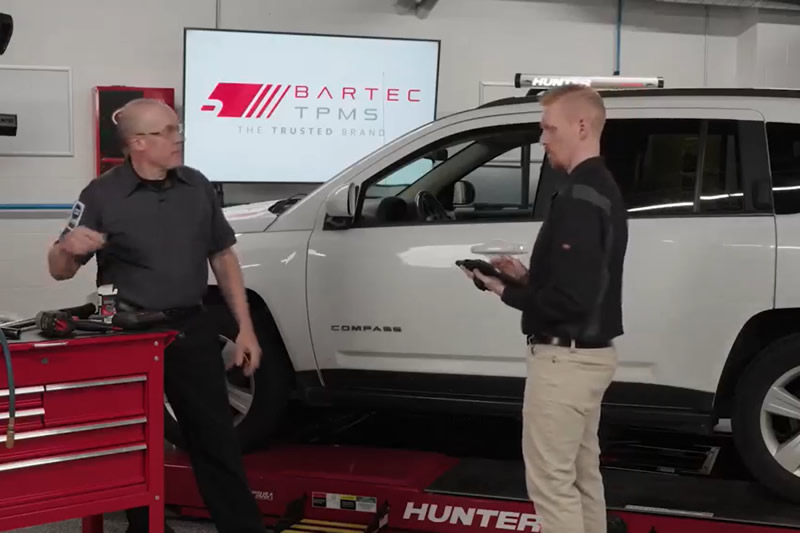
View the video presentation below:
Need help getting a Certificate Bundle? E-mail our sales team at sales@bartecusa.com, or call [855]877-9732. Need help updating your Bartec TPMS Tool? E-mail our Tech Support Team at help@bartecusa.com, or call [866]407-8767.
#Bartec365 #TPMS #TPMSTools #TPMSSensors #RiteSensor #TPMSSoftware #TPMSSupport #BartecTPMS #TheTrustedBrand
Read MoreJune 22, 2026 - Bartec TPMS Release Their Latest Software 8.3
If your access to Bartec TPMS Tool Software has expired, you can contact your Bartec TPMS Distributor to purchase one of our Certificate Bundles. Software/sensor bundles include Bartec Rite-Sensors® When you sell the market leading Rite-Sensor®, you pay for the software and put profit in your pocket!
Don't miss out and UPDATE TODAY!
- Increased support for vehicles.
- Coverage Increased coverage for Rite-Sensor® on Gen II Pro Series.
- QR codes have been added to the Bartec contact information within the tool to provide a more convenient way to get in touch for any inquiries or support needs.
- RS-4000® and RS-4100® are being added to the Tech600PROHD Tool Type to expand vehicle coverage. Tech600Pro-HD Only.
- Coverage Updated coverage for EZ-Sensor®, UVS Sensor®, Redi-Sensor®.
Need help getting a Certificate Bundle? E-mail our sales team at sales@bartecusa.com, or call [855]877-9732. Need help updating your Bartec TPMS Tool? E-mail our Tech Support Team at help@bartecusa.com, or call [866]407-8767.
#Bartec365 #TPMS #TPMSTools #TPMSSensors #RiteSensor #TPMSSoftware #TPMSSupport #BartecTPMS #TheTrustedBrand
Read MoreJune 17, 2026 - TPMS ID Registration Verification GEN II
This Technical Service Bulletin provides the procedure for TPMS ID Registration Verification to resolve persistent TPMS warning lights where no pressure loss is present. A Bartec USA® TPMS Service tool can be used to compare the sensor IDs stored in the vehicle’s Electronic Control Unit (ECU) against the IDs broadcast by the currently installed TPM sensors.
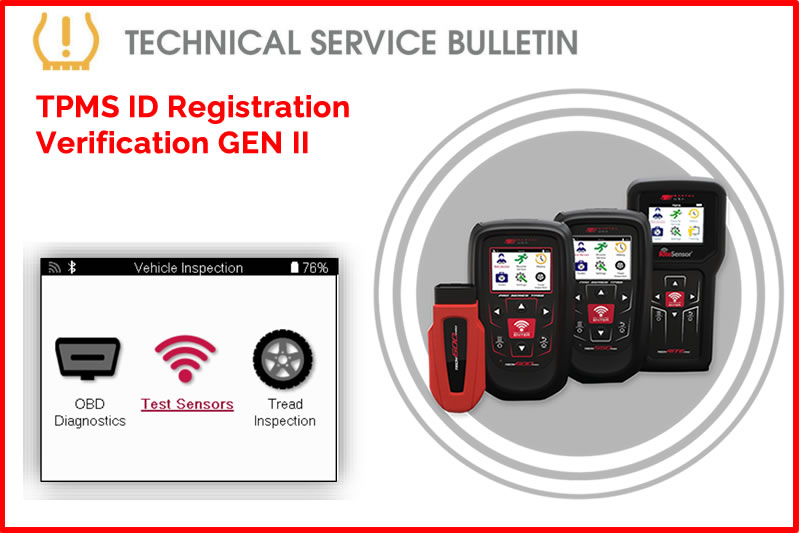
This procedure validates that the (ECU) is monitoring for the appropriate sensor IDs, allowing technicians to identify and correct data mismatches caused by tire rotations or improper previous service.
Process:
- Select New Service.
- Use VINdicate® to automatically decode the VIN or manually select using MMY Listing (Make Model Year).
- If using a GEN II Tool, select Vehicle Inspection.
- Select OBD Diagnostics - Plug OBD-II Cable into vehicle OBD-II port, power ignition on, and press Enter when ready.
- Select View Data.
- Select View Sensor IDs - Record these sensor IDs, they will be used for comparison later (IDs may be in HEX or DEC format).
- Navigate Back to Service Menu.
- If using a GEN II tool, select Vehicle Inspection.
- Select Test Sensors.
- Activate all TPM Sensors starting at the LF wheel.
- If using a GEN II tool press the power/additional menu button and select Data View.
- If using a GEN I tool, navigate to Review Vehicle Data (Page Icon).
- Select View Sensor Data.
- Navigate to Sensor ID page and record all sensor IDs. (Record both formats HEX/DEC)
- Compare sensor IDs from OBD Diagnostics to sensor IDs from Test Sensors.
Caution:
Ensure consistent formatting when performing the comparison. Apparent mismatches may occur if the diagnostic tool displays sensor IDs in Hexadecimal (HEX) while the ECU stores them in Decimal (DEC), or vice versa.
Find the Technical Service Bulletin at https://www.bartecusa.com/tpms-technical-service-bulletins.
Need help getting a Certificate Bundle? E-mail our sales team at sales@bartecusa.com, or call [855]877-9732. Need help updating your Bartec TPMS Tool? E-mail our Tech Support Team at help@bartecusa.com, or call [866]407-8767.
#Bartec365 #TPMS #TPMSTools #TPMSSensors #RiteSensor #TPMSSoftware #TPMSSupport #BartecTPMS #TheTrustedBrand
Read MoreJune 11, 2026 - OBD Assisted TPMS Relearn On Ford Vehicles
.
Today's Tech Tip will show you the step-by-step instructions for completing an OBD Assisted TPMS relearn on Ford vehicles using a Bartec Tech 600Pro or Tech 550Pro tool.
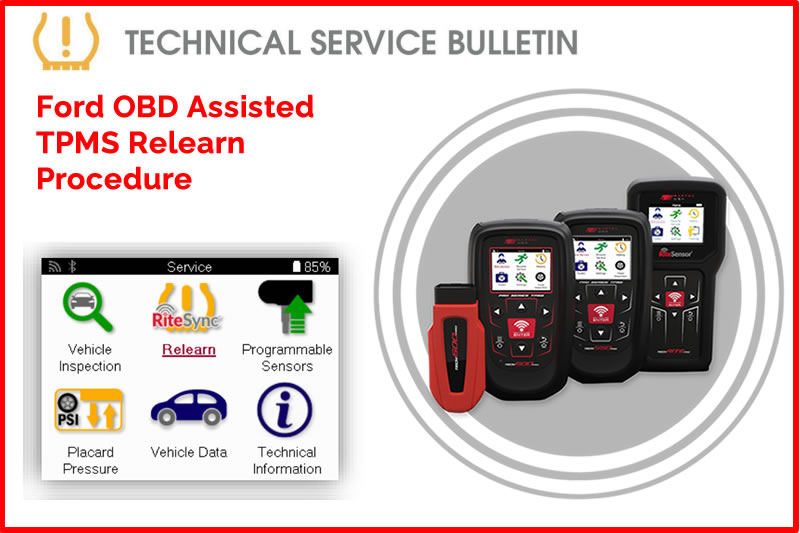
Process:
- Starting at the Home Screen, select “New Service.”
- Turn the vehicle ignition ON with the engine OFF.
- Select “VINDicate” to decode the VIN, or manually select vehicle using MMY (Make, Model, Year) Listing.
- Once on the Service screen, select “Relearn.”
- Select “Relearn: OBD RITE-SYNC.”
- Review the relearn directions prior to initiating the relearn.
- Starting at the LF wheel position, scan each sensor in order: LF, RF, RR, LR.
- When prompted, connect the tool to the vehicle’s OBD port and press ENTER to upload the sensor IDs to the ECU.
- NOTE: After uploading the IDs, Ford vehicles will enter Factory Mode. The dome lights and TPMS indicator will flash until a second sensor activation is completed. This is normal operation.
- After uploading the IDs, leave the vehicle ignition ON and activate all TPMS sensors again.
- Verify that the TPMS warning light is off.
Find the Technical Service Bulletin at https://www.bartecusa.com/tpms-technical-service-bulletins.
Need help getting a Certificate Bundle? E-mail our sales team at sales@bartecusa.com, or call [855]877-9732. Need help updating your Bartec TPMS Tool? E-mail our Tech Support Team at help@bartecusa.com, or call [866]407-8767.
#FordTPMS #Bartec365 #TPMS #TPMSTools #TPMSSensors #RiteSensor #TPMSSoftware #TPMSSupport #BartecTPMS #TheTrustedBrand
Read MoreJune 3, 2026 - Wireless VCI LED Indicator
Stay connected and service with confidence using the Tech600Pro Wireless VCI status indicator. Today's Tech Tip will help technicians understand what each LED color means, making it easy to identify power, connection status, and any potential issues at a glance for a smoother and more efficient TPMS service.
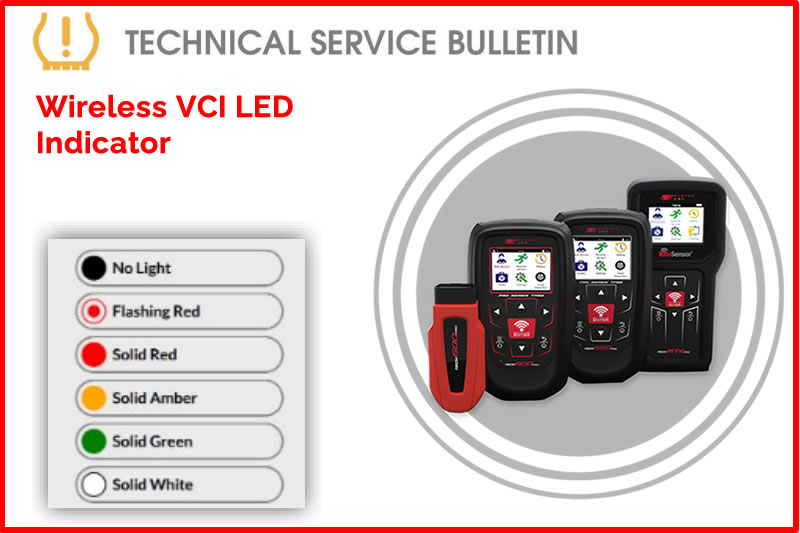
Overview:
The Wireless VCI for the 600Pro is equipped with a status indicator LED.
Description:
- No light – VCI has no power.
- Check that the VCI is securely inserted in the OBD-II port of a vehicle.
- Check that the vehicle ignition is powered on.
- Flashing red light – A malfunction has occurred.
- Turn vehicle ignition off.
- Confirm VCI is securely inserted in OBD-II port.
- Turn vehicle ignition on and wait for 5 seconds for fault to clear.
- Solid Red Light – Wireless VCI is ready to connect.
- Verify that vehicle ignition is on and you are within 15 feet of the VCI.
- Solid Amber Light- Indicates Wireless VCI is connected to a device.
- Verify you are using the correct VCI.
- Solid Green light – Indicates connection to vehicle and tool is good.
- Solid White light – Indicates connection is lost due to distance. Ensure within 15 feet range.
Find the Technical Service Bulletin at https://www.bartecusa.com/tpms-technical-service-bulletins.
Need help getting a Certificate Bundle? E-mail our sales team at sales@bartecusa.com, or call [855]877-9732. Need help updating your Bartec TPMS Tool? E-mail our Tech Support Team at help@bartecusa.com, or call [866]407-8767.
#Bartec365 #TPMS #TPMSTools #TPMSSensors #RiteSensor #TPMSSoftware #TPMSSupport #BartecTPMS #TheTrustedBrand
Read MoreJune 1, 2026 - Tech600Pro TPMS Tool With 30 Rubber Stem Rite Sensors Promotion
One month to go before the end of our first half of year promotion for the very best in TPMS tools and sensors. Two years product warranty on the Tech600Pro TPMS tool and there is more with a software bonus for trading in a TPMS scan tool for additional software updates.
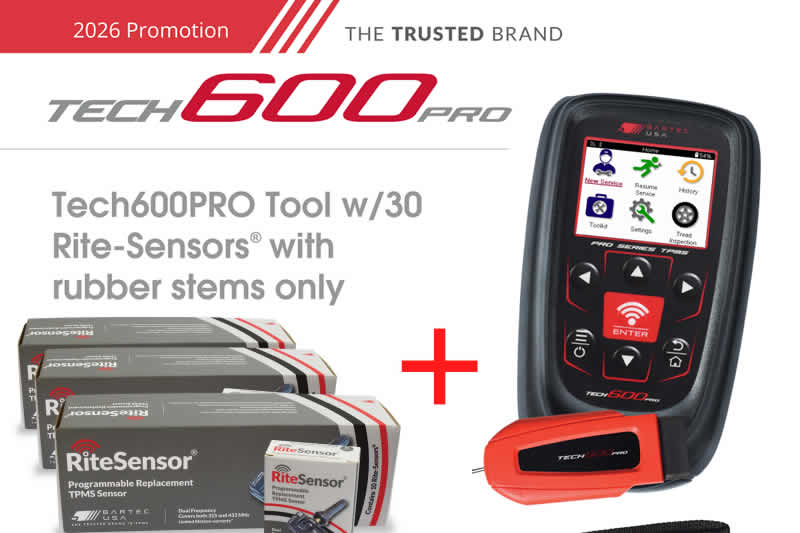
To qualify for this Q1/Q2 2026 promotion:
- Send in your competitive or old Bartec TPMS tool w/OBDII connection to Bartec TPMS to qualify.
- Applies to purchase of the Tech600Pro/Rite-Sensor® Bundle.
- BOTH the OLD Bartec tool w/OBDII connection and the new tool [Tech600Pro] must be registered at Register Bartec Tool.
- U.S customers to send your OLD tool w/OBDII, your new tool Proof of Purchase and this promo form to Bartec TPMS.
- Canadian customers, can send an image of your Bartec tool w/OBDII, the front and BACK OF THE TOOL with Serial Number clearly visible, your new tool Proof of Purchase, and this promo form to Bartec TPMS.
Please Note
- One trade-in tool per Bartec OBD style tool purchased.
- New TPMS tools must be purchased between 1/1/2026 through 6/30/2026.
- Promotion form, proof of purchase, and your old Bartec tool w/ OBDIIl must be received by 7/17/2026 to qualify.
- Bartec TPMS has the right to deny a promotion if the terms & conditions are not met.
- Bartec TPMS is not responsible for lost items in transit and you are responsible for providing us with tool tracking info.
- Bartec TPMS will add the free software to your registered tool serial number listed on this promo form.
- Bartec TPMS is not responsible for duties and tariffs on sensors shipped to Canada.
- Allow 4-8 weeks for processing.
- No submission will be accepted after 7/17/2026.
This promotion combines our industry leading Rite-Sensor® TPMS Sensor and the vesy latest MMY software updates for your Bartec TPMS Tool ensuring maximum tire shop efficiency. For more information on our Bartec TPMS promotions please visit https://www.bartecusa.com/
Need help getting a Certificate Bundle? E-mail our sales team at sales@bartecusa.com, or call [855]877-9732. Need help updating your Bartec TPMS Tool? E-mail our Tech Support Team at help@bartecusa.com, or call [866]407-8767.
#Bartec365 #TPMS #TPMSTools #TPMSSensors #RiteSensor #TPMSSoftware #TPMSSupport #BartecTPMS #TheTrustedBrand
Read MoreMay 28, 2026 - Manage Seasonal TPMS Setups With Confidence On Lexus & Select Toyota Vehicles
Today's Tech Tip will explain how these vehicles can store two sets of TPMS IDs in the ECU and use a driver selectable Main/Second Switch to choose between them, typically for winter and summer wheel sets.
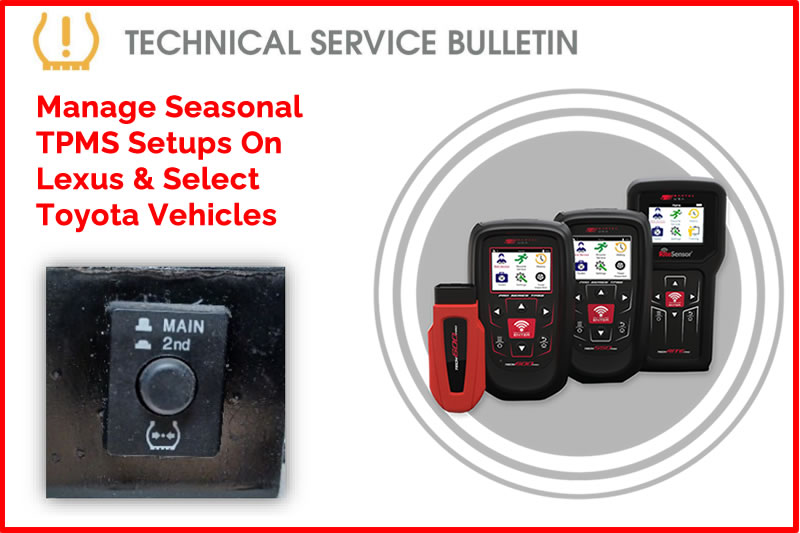
Lexus and some Toyota vehicles have the ability to store two sets of TPMS IDs in the ECU. There is a user selectable Main/2nd Switch that allows the driver to select which set of stored IDs they want to use. Winter/Summer typically. The vehicle will display a fault if the switch is not in the same position as the currently mounted/monitored wheel set.
Process:
- On your Bartec USA tool, Select the vehicle.
- Find the location of the Main/2nd switch. Possible Locations include:
- Inside the glovebox near the latch.
- Inside the glovebox at top in a semi deep cavity.
- Behind the glove box against the firewall.
- Driver side left or right knee bolster.
- Once you have verified the location of the Main/2nd switch (not the RESET switch).
- Select which set you want to use or write to, Main or 2nd.
- Select “Relearn: OBD Assisted”.
- When the tool prompts, select the same switch position as you choose on the car.
- Complete the Relearn Procedure as normal, activating the sensors at the wheels, LF,RF,RR,LR
- Connect tool, write IDs.
- Re-activate the sensors or drive vehicle after the tool completes the write.
- Verify the TPMS lamp is OFF.
Note:
Bartec USA tools will always write to the MAIN ECU set, if the switch or tool is set incorrectly or do not match. If the low tire / malfunction lamp is on or flashing, after the process. Reverify sensors are correct for vehicle, and vehicle ECU and tool switch selections are in the same position. Contact Bartec USA® Technical Support at (866) 407-8767, for more assistance.
Find the Technical Service Bulletin at https://www.bartecusa.com/tpms-technical-service-bulletins.
Need help getting a Certificate Bundle? E-mail our sales team at sales@bartecusa.com, or call [855]877-9732. Need help updating your Bartec TPMS Tool? E-mail our Tech Support Team at help@bartecusa.com, or call [866]407-8767.
#ToyotaTPMS #LexusTPMS #Tech600Pro #Bartec365 #TPMS #TPMSTools #TPMSSensors #RiteSensor #TPMSSoftware #TPMSSupport #BartecTPMS #TheTrustedBrand
Read MoreMay 21, 2026 - Complete Toyota & Lexus ODB Relearns With Ease Using You Gen II Bartec TPMS Tool
Today's Tech Tip will walk users through the OBD relearn process step-by-step, helping technicians perform accurate TPMS Service and getting the vehicle back on the road quickly and efficiently.
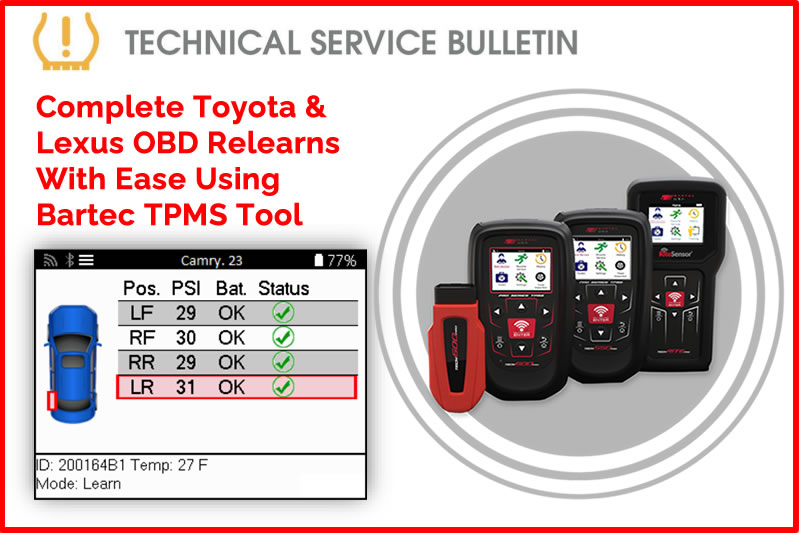
Overview:
This document will outline the OBD Relearn on a Toyota or Lexus vehicle using a GEN II Bartec TPMs Tools.
Process:
- Inflate Tires to Placard.
- Using VINdicate® or MMY Listing, select vehicle.
- Navigate to Relearn > Relearn: OBD RITE-SYNC®.
- Following on tool prompts, read all sensor IDs starting at the LF tire.
- Following on tool prompts, connect cable or wireless VCI to the vehicles OBDII Port.
- Cycle key/push button to ignition ON Engine OFF.
- Press ENTER on tool to begin writing IDs:
- Tool will begin reading VIN, reading DTCs, and Writing IDs. Please ensure each step is followed by a ✓.
- Once IDs are written, the TPMS light will now be flashing. Leave vehicle in ON position and re-activate sensors starting at the LF tire.
- Start Engine and verify TPMS light is off.
Find the Technical Service Bulletin at https://www.bartecusa.com/tpms-technical-service-bulletins.
Need help getting a Certificate Bundle? E-mail our sales team at sales@bartecusa.com, or call [855]877-9732. Need help updating your Bartec TPMS Tool? E-mail our Tech Support Team at help@bartecusa.com, or call [866]407-8767
#ToyotaTPMS #LexusTPMS #Tech600Pro #Bartec365 #TPMS #TPMSTools #TPMSSensors #RiteSensor #TPMSSoftware #TPMSSupport #BartecTPMS #TheTrustedBrand
Read MoreMay 13, 2026 - Toyota ECU Reset Process Update
Restore OBD communication with confidence when servicing Toyota or Lexus vehicles. A Toyota or Lexus ECU can become unresponsive to OBD commands if the Tire Set button is pressed before the TPMS IDs are properly registered.
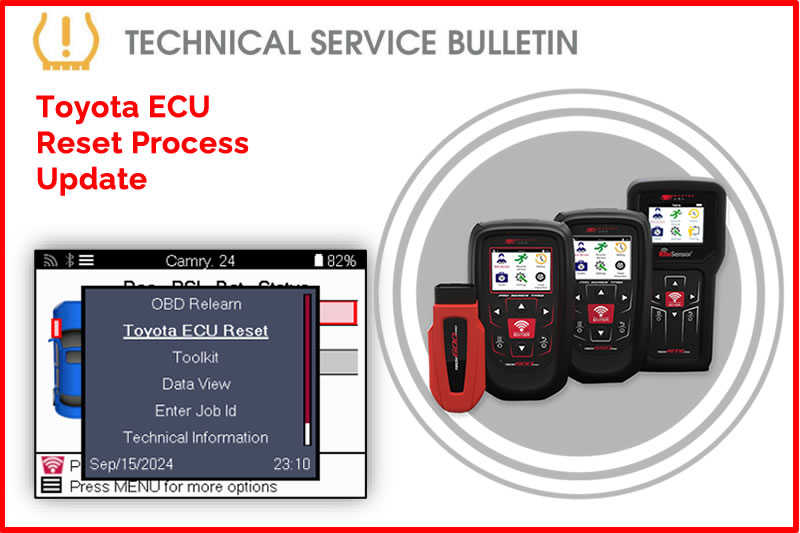
Today's Tech Tip will explain how to complete an ECU reset to restore communication and complete the service successfully.
Overview:
In some situations, a Toyota/Lexus ECU may become unresponsive to OBD commands. This may happen if the Tire Set button is pressed before the TPMS IDs are properly registered. An ECU reset may be needed to regain OBD communications.
Process:
- Inflate Tires to Placard
- Using VINdicate® or MMY Look up, select vehicle
- Navigate to Relearn > Relearn: OBD RITE-SYNC®
- Once vehicle audit screen is displayed, press the power/menu button on your tool
- Select “Toyota ECU Reset”
- Following on tool prompts, connect cable or wireless VCI to the vehicles OBDII Port
- Cycle key/push button to ignition ON Engine OFF
- Press ENTER on tool to begin ECU Reset
- Proceed with relearn if necessary
Find the Technical Service Bulletin at https://www.bartecusa.com/tpms-technical-service-bulletins.
Need help getting a Certificate Bundle? E-mail our sales team at sales@bartecusa.com, or call [855]877-9732. Need help updating your Bartec TPMS Tool? E-mail our Tech Support Team at help@bartecusa.com, or call [866]407-8767.
#ToyotaTPMS #Tech600Pro #Bartec365 #TPMS #TPMSTools #TPMSSensors #RiteSensor #TPMSSoftware #TPMSSupport #BartecTPMS #TheTrustedBrand
Read MoreMay 12, 2026 - SEMA Show 2026 Booth Number Announced For Bartec TPMS
21 years. Countless innovations. One destination for the future of TPMS. Bartec TPMS is officially locked in for the SEMA Show 2026, and we’re bringing our biggest presence yet. We’ve secured our booth to showcase the latest in TPMS innovation, advanced diagnostics, and workshop solutions built with the quality and reliability you trust from Bartec.
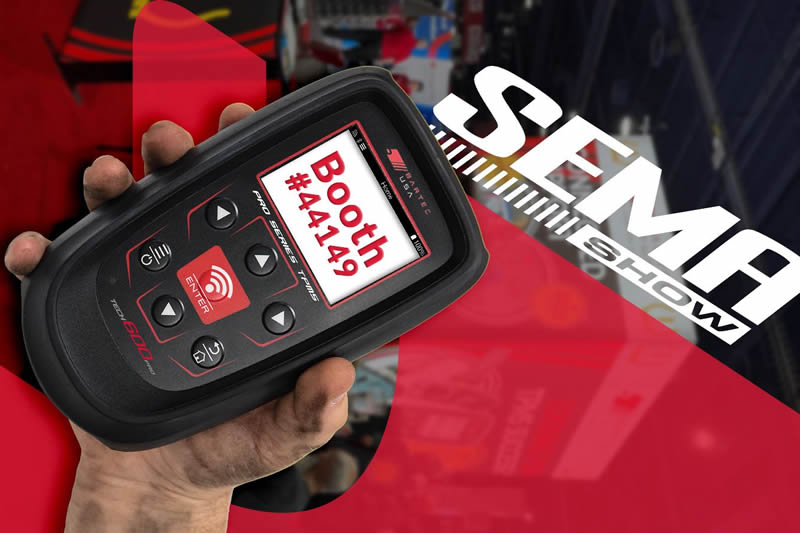
If you’re heading to SEMA, you won’t want to miss what we have planned.
- Visit Bartec USA at Booth #44149, South Hall, Lower
- See you at SEMA 2026 in Las Vegas
The 2026 SEMA Show will be held November 3–6, 2026, at the Las Vegas Convention Center in Nevada, showcasing the latest automotive innovations, aftermarket parts, and custom trends. This premier trade-only event features over 3,000 exhibitors and brings together professionals from across the global automotive industry.
Need help getting a Certificate Bundle? E-mail our sales team at sales@bartecusa.com, or call [855]877-9732. Need help updating your Bartec TPMS Tool? E-mail our Tech Support Team at help@bartecusa.com, or call [866]407-8767.
#SEMA2026 #SEMA #Bartec365 #TPMS #TPMSTools #TPMSSensors #RiteSensor #TPMSSoftware #TPMSSupport #BartecTPMS #TheTrustedBrand
Read MoreMay 7, 2026 - Rite-Sensor® Software Bundles With Extra Sensors Bonus
These TPMS tools quickly pay for themselves, adding significant value to your initial investment while giving you the opportunity to test one of the industry’s most in-demand TPMS sensors. They also provide a great way to become familiar with the latest TPMS innovation, Rite-Sync®, helping workshops stay ahead with smarter and more efficient sensor technology.
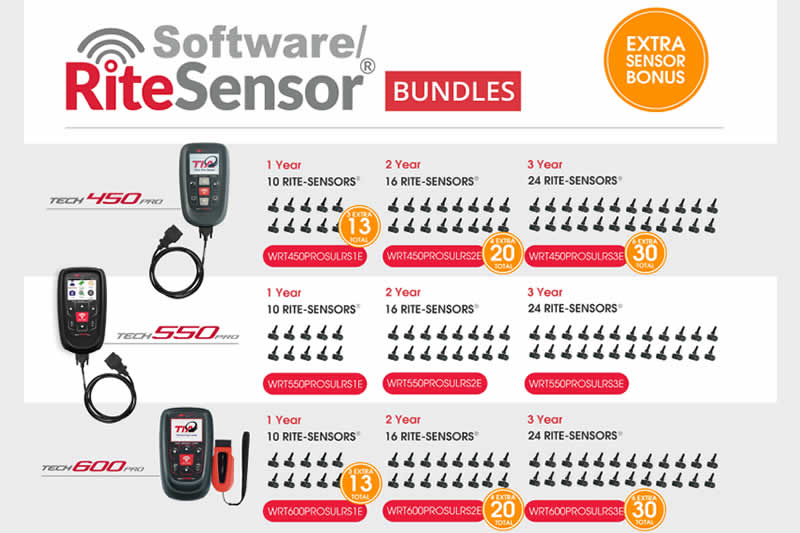
This promotion combines our industry leading Rite-Sensor® TPMS Sensor and the vesy latest MMY software updates for your Bartec TPMS Tool ensuring maximum tire shop efficiency. For more information on our Bartec TPMS promotions please visit https://www.bartecusa.com/
Need help getting a Certificate Bundle? E-mail our sales team at sales@bartecusa.com, or call [855]877-9732. Need help updating your Bartec TPMS Tool? E-mail our Tech Support Team at help@bartecusa.com, or call [866]407-8767.
#Bartec365 #TPMS #TPMSTools #TPMSSensors #RiteSensor #TPMSSoftware #TPMSSupport #BartecTPMS #TheTrustedBrand
Read MoreApril 29, 2026 - Uploading Service Data To Unlock The Full Power Of Your TPMS Tool
Easily upload service data and unlock the full power of your TPMS reporting tools. Today's Weekly Tech Tip will walk users through the process of sending service data to TPMS Desktop® or Bartec 365®. Making it simple to view, manage, and print comprehensive service reports.
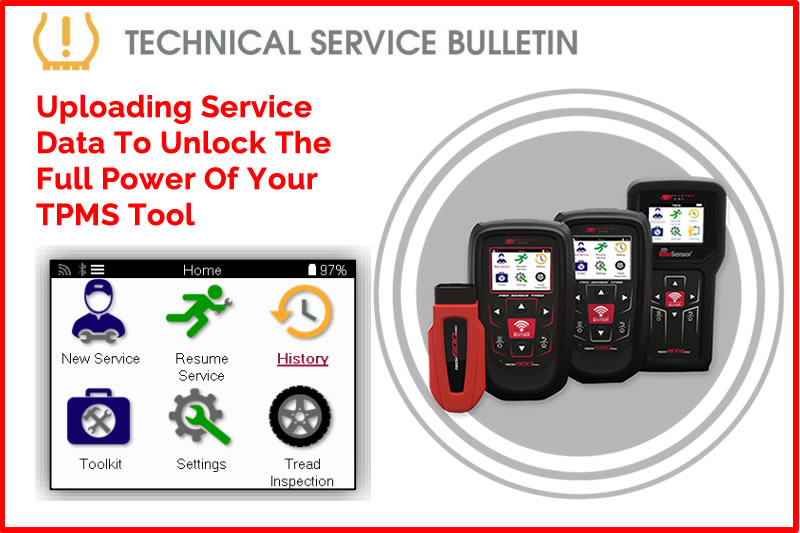
This bulletin will guide the user through the process of uploading service data to TPMS desktop® or Bartec 365® enabling them to view or print comprehensive service reports.
Process:
- Select History/Service History
- Select Upload Service Data
- Tool will begin uploading
- Tool will notify the user once service data has been successfully uploaded
Find the Technical Service Bulletin at https://www.bartecusa.com/tpms-technical-service-bulletins.
Need help getting a Certificate Bundle? E-mail our sales team at sales@bartecusa.com, or call [855]877-9732. Need help updating your Bartec TPMS Tool? E-mail our Tech Support Team at help@bartecusa.com, or call [866]407-8767.
#Tech600Pro #Bartec365 #TPMS #TPMSTools #TPMSSensors #RiteSensor #TPMSSoftware #TPMSSupport #BartecTPMS #TheTrustedBrand
Read MoreApril 20, 2026 - Bartec TPMS Tool Status Icon Descriptions
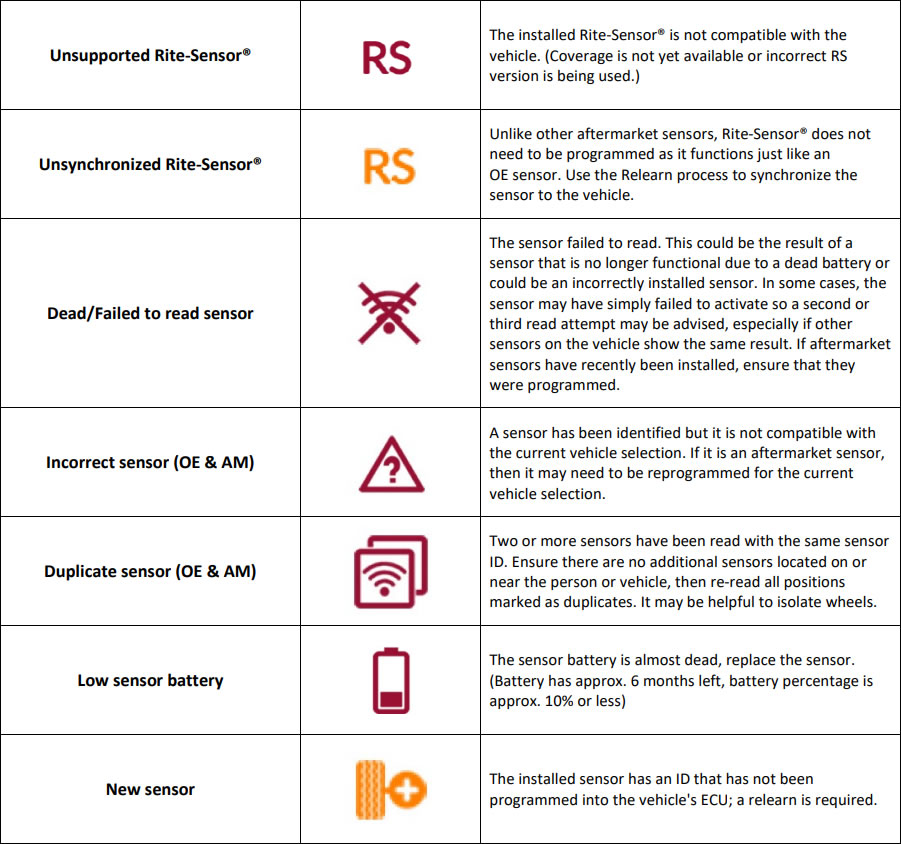
This bulletin is intended to assist technicians by explaining the meaning of each status icon on the Bartec TPMS tool.
Find the Technical Service Bulletin at https://www.bartecusa.com/tpms-technical-service-bulletins.
Need help getting a Certificate Bundle? E-mail our sales team at sales@bartecusa.com, or call [855]877-9732. Need help updating your Bartec TPMS Tool? E-mail our Tech Support Team at help@bartecusa.com, or call [866]407-8767.
#Tech600Pro #Bartec365 #TPMS #TPMSTools #TPMSSensors #RiteSensor #TPMSSoftware #TPMSSupport #BartecTPMS #TheTrustedBrand
Read MoreApril 17, 2026 - Tech600Pro / Tech550Pro Wi-Fi Configuration
This bulletin will guide the user through the configuration process of the Wi-Fi connection to receive updates wirelessly on your Bartec USA® Tech600Pro and Tech550Pro.
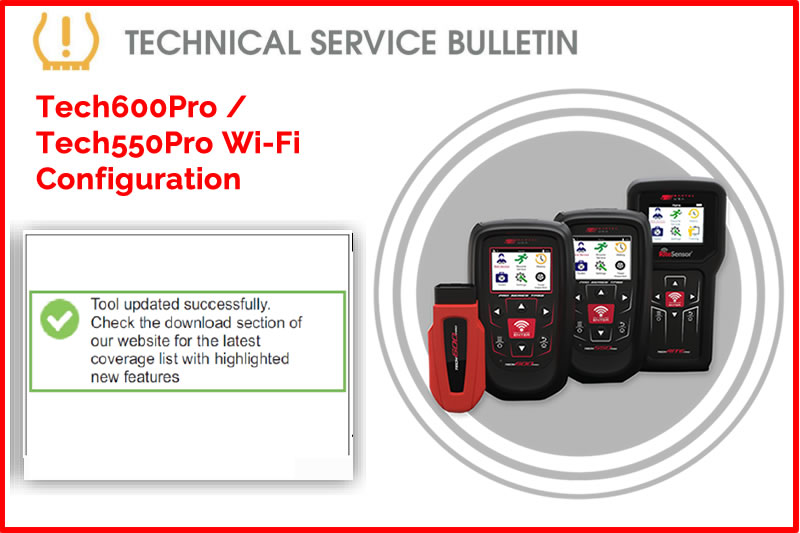
*Tool must be connected to a secure network (i.e., the network must require a Wi-Fi password).
Note: Once connected to the secure network, the tool will give you the option to check for an update. If you select cancel, you will have the option to manually check for updates under Settings. Updates can take up to 20 minutes. For best performance, ensure the tool is near the Wi-Fi hub. If your tool does not see the desired network or fails to connect, ensure you have no obstructions (i.e. walls, doors, etc.) and move closer to the Wi-Fi hub.
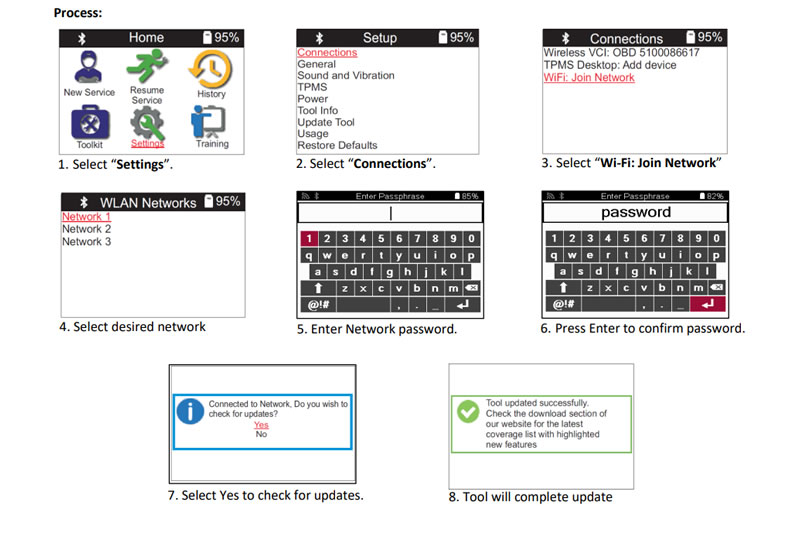
Find the Technical Service Bulletin at https://www.bartecusa.com/tpms-technical-service-bulletins.
Need help getting a Certificate Bundle? E-mail our sales team at sales@bartecusa.com, or call [855]877-9732. Need help updating your Bartec TPMS Tool? E-mail our Tech Support Team at help@bartecusa.com, or call [866]407-8767.
#Tech600Pro #Bartec365 #TPMS #TPMSTools #TPMSSensors #RiteSensor #TPMSSoftware #TPMSSupport #BartecTPMS #TheTrustedBrand
Read MoreApril 16, 2026 - Types of Auto TPMS Location Systems
Take the guesswork out of advanced TPMS systems with a clear understanding of High Line, or pressure by location systems. Today's Tech Tip focuses on how modern TPMS systems automatically learn sensor IDs and determine wheel positions, helping technicians better understand how different vehicles respond when using copied versus newly created programmable sensor IDs.
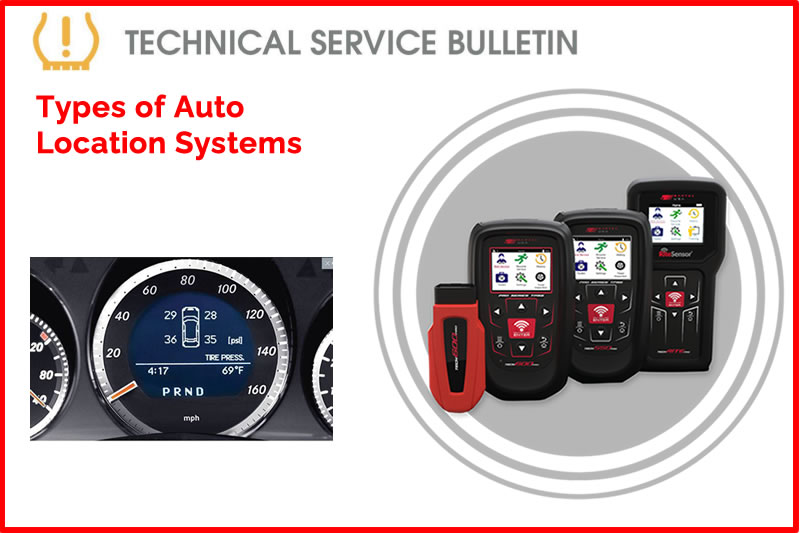
Overview:
TPMS come in various forms and differing levels of function. This TSB covers the basics of the “High Line” or pressure by location systems.
Pressure by Location:
There are several different ways that are used to associate one TPMS ID with a position. Most of these are both “auto-learn” – they learn the IDs associated with that vehicle automatically, and “auto-location” – they determine the location automatically. Note that if you use programmable sensors to Copy a set of IDs, the vehicle will behave differently to if you Create new IDs. The auto-learn only happens if the sensor IDs have changed. If the auto-location fails (because the programmable sensor doesn’t have the necessary technology), the vehicle may take a very long time to complain, or it may never complain, possibly depending on how many sensors were changed.
Wheel Arch Initiators:
Wheel arch actuators. These are Low Frequency (LF) coils, normally in the wheel arches, that the vehicle uses to activate one sensor at a time, and it uses this to work out which ID is in which wheel arch. Some vehicles do this when you turn on the ignition (for example TRW sensors), and some do it after 10 minutes of driving (Continental sensors). We call these vehicles High-Line.
Wireless Auto Location:
WAL (Wireless Auto Location) is a Mercedes technology licensed to Schrader, Huf and Alligator (possibly others). The TPMS has sensors which allow it to determine which direction it is rotating, and therefore which side of the vehicle it is on. The vehicle receiver is located at one end (for example in the rear bumper on the Opel Insignia), and it uses the RSSI (Received Signal Strength Indication) to determine if a particular ID is from the front or rear of the vehicle. It is believed that WAL cannot work on a tire mounted sensor (eg REDI eTIS).
LocSync®:
LocSync® is a Continental technology, where the TPMS sensor transmits at a particular angle (for example 3 o’clock on an analogue clock face). The vehicle ABS (Anti-lock Braking System) knows what positions the different wheels are at, and so when an ID is received, the TPMS system (over time) can work out which ID is associated with which wheel.
Phase Angle Locate:
PAL (Phase Angle Location) is a Schrader technology that is a variation of LocSync®. It will transmit at a varying angle (phase) after a fixed position (eg 3 o’clock), and it will transmit this phase in the UHF, and so the vehicle can use the ABS information in the same way as LocSync®.
TRW Hybrid:
0 LF initiator is like LocSync®
Toyota/Lexus:
Toyota & Lexus have started to use a system using Pacific sensors where the sensors (probably) have a lower UHF power (maybe 6dB). They use two receivers, one at the front right, and the other at the rear left. They use the Received Signal Strength Indication from these to work out the positions of the sensors.
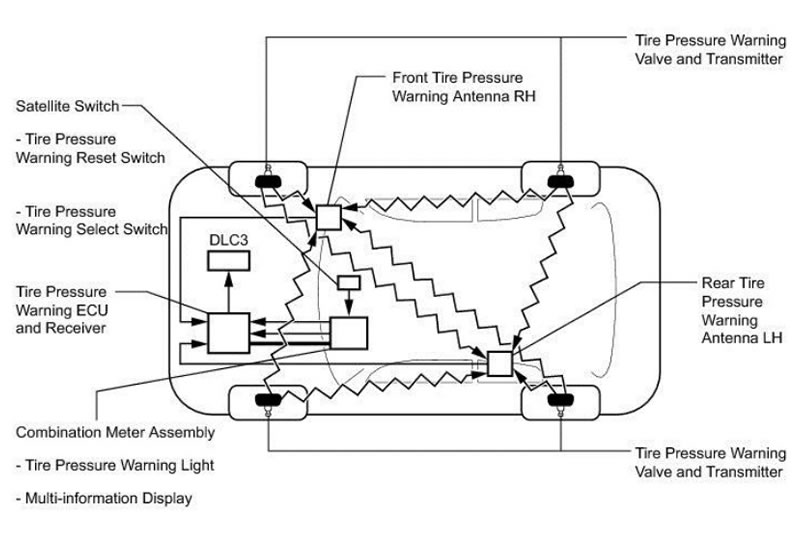
Find the Technical Service Bulletin at https://www.bartecusa.com/tpms-technical-service-bulletins.
Need help getting a Certificate Bundle? E-mail our sales team at sales@bartecusa.com, or call [855]877-9732. Need help updating your Bartec TPMS Tool? E-mail our Tech Support Team at help@bartecusa.com, or call [866]407-8767.
#Tech600Pro #Bartec365 #TPMS #TPMSTools #TPMSSensors #RiteSensor #TPMSSoftware #TPMSSupport #BartecTPMS #TheTrustedBrand
Read MoreApril 15, 2026 - The Bartec TPMS RITE-SYNC® Process
RITE-SYNC® is an exclusive Bartec USA® tool function that allows the technician to install a new RITE-SENSOR® into a wheel & tire assembly, just like an OE sensor. There is no need to pre-program the RITE-SENSOR® before installing it into the wheel & tire. RITE-SYNC® is make-model-year specific, thus keeping the relearn process consistent with the OE relearn process.
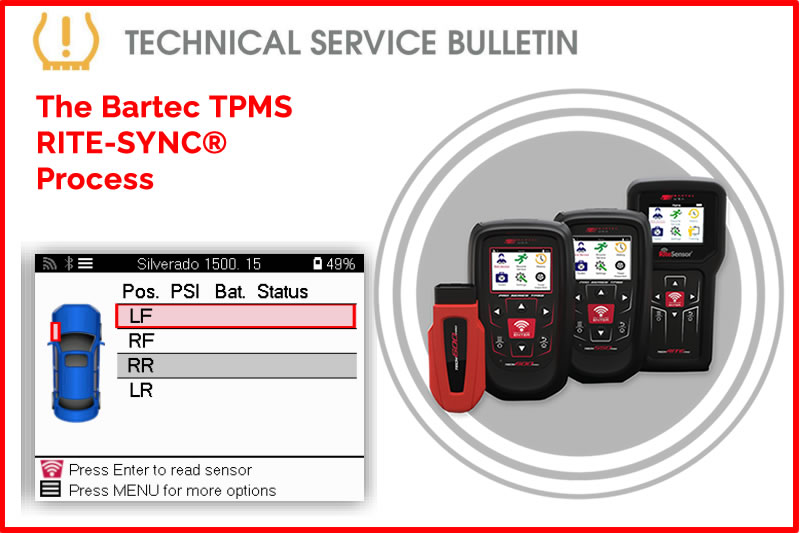
Using Rite Sensor:
- Verify the MMY that is being worked on has RITE-SENSOR® coverage.
- Install the RITE-Sensor® into the wheel & tire.
- Mount the wheel & tire to the vehicle.
- Use RITE-SYNC® to perform the relearn based on the make, model, and year.
Tool Process: (RITE-SYNC®) Tech600PRO:
- Choose the make, model, and year by VINdicate™ or manually through MMY.
- Select Relearn.
- Select Relearn: OBD RITE-SYNC® or Relearn: Stationary RITE-SYNC®.
- Follow the relearn process by activating the sensors in the LF/RF/RR/LR wheel locations.
Find the Technical Service Bulletin at https://www.bartecusa.com/tpms-technical-service-bulletins.
Need help getting a Certificate Bundle? E-mail our sales team at sales@bartecusa.com, or call [855]877-9732. Need help updating your Bartec TPMS Tool? E-mail our Tech Support Team at help@bartecusa.com, or call [866]407-8767.
#TPMSMIL #Tech600Pro #Bartec365 #TPMS #TPMSTools #TPMSSensors #RiteSensor #TPMSSoftware #TPMSSupport #BartecTPMS #TheTrustedBrand
Read MoreApril 14, 2026 - Bartec TPMS Showcasing AT NETSA 2026
What an awesome few days the Bartec TPMS sales team have had at NETSA 2026. As our first time at this event, it felt like the perfect opportunity to get out there and share what we’ve been working on. With so many new product developments recently, including our brand-new HD TPMS sensor, to name just one, it was great to have the chance to talk to people, answer questions, and showcase what we’re all about.
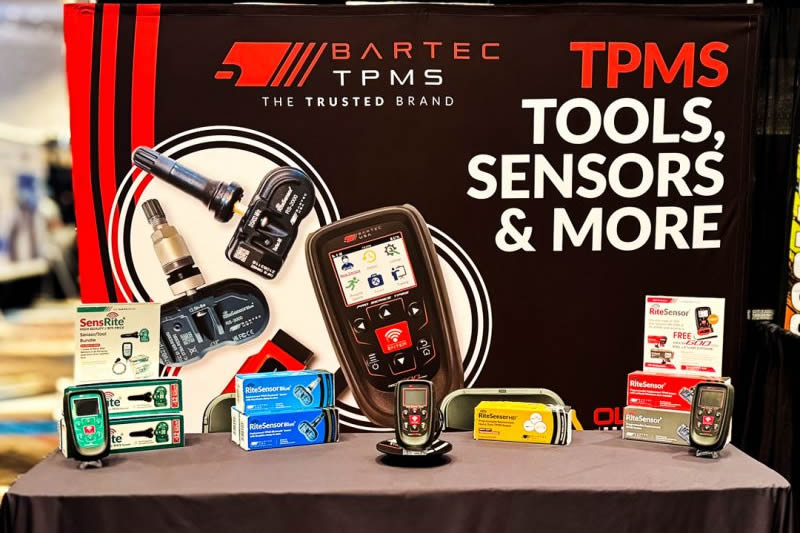
The atmosphere was brilliant from start to finish, and being in a new city made it even more exciting for the team. We had some good conversations and made some great new connections along the way, and we also met up with a few familiar faces. Most importantly, it was a chance to demonstrate how Bartec sets itself apart by simplifying the TPMS service process through a single integrated tool platform. A big thank you to everyone who came over to see us.
Need help getting a Certificate Bundle? E-mail our sales team at sales@bartecusa.com, or call [855]877-9732. Need help updating your Bartec TPMS Tool? E-mail our Tech Support Team at help@bartecusa.com, or call [866]407-8767.
#NETSA #NETSA2026 #Tech600Pro #Bartec365 #TPMS #TPMSTools #TPMSSensors #RiteSensor #TPMSSoftware #TPMSSupport #BartecTPMS #TheTrustedBrand
Read MoreApril 12, 2026 - Registering and Updating Using TPMS Desktop
Utilizing TPMS Desktop ensures your Bartec TPMS tool stays updated with the latest software and vehicle coverage. Today's Tech Tip will show you how register and update your Bartec Tool using the TPMS Desktop program.
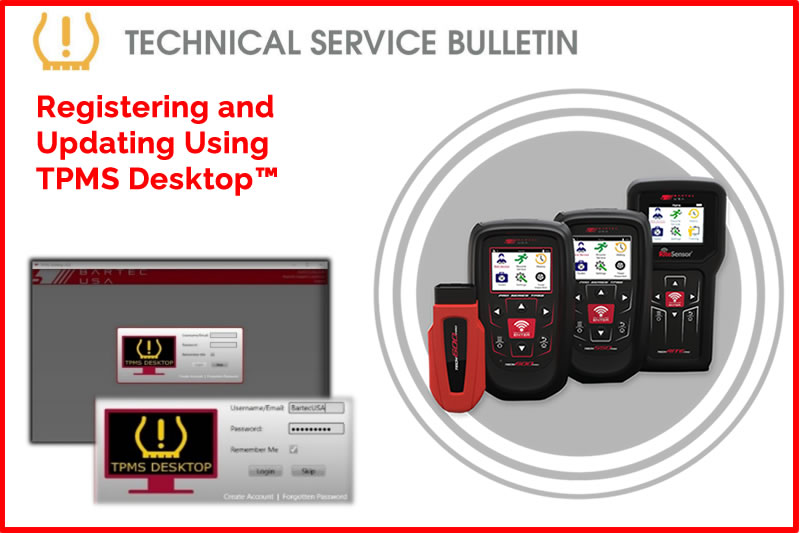
To register and update your Bartec TPMS tool, please visit Register Bartec Tool and click on download TPMS Desktop™. If you are unable to download TPMS Desktop™, please ensure your device meets the minimum system requirements and contact Bartec TPMS Technical Support for further assistance, if necessary.
Find the Technical Service Bulletin at https://www.bartecusa.com/
Need help getting a Certificate Bundle? E-mail our sales team at sales@bartecusa.com, or call [855]877-9732. Need help updating your Bartec TPMS Tool? E-mail our Tech Support Team at help@bartecusa.com, or call [866]407-8767.
#TPMSDesktop #Tech600Pro #Bartec365 #TPMS #TPMSTools #TPMSSensors #RiteSensor #TPMSSoftware #TPMSSupport #BartecTPMS #TheTrustedBrand
Read MoreApril 11, 2026 - TPMS Malfunction Indicator Lamp Status
Start every TPMS service with confidence by checking the TPMS MIL (Malfunction Indicator Lamp) first. Today's Tech Tip will show you how to verify the status of the MIL for service. To help you diagnose faster, work smarter, and get vehicles back on the road safely.
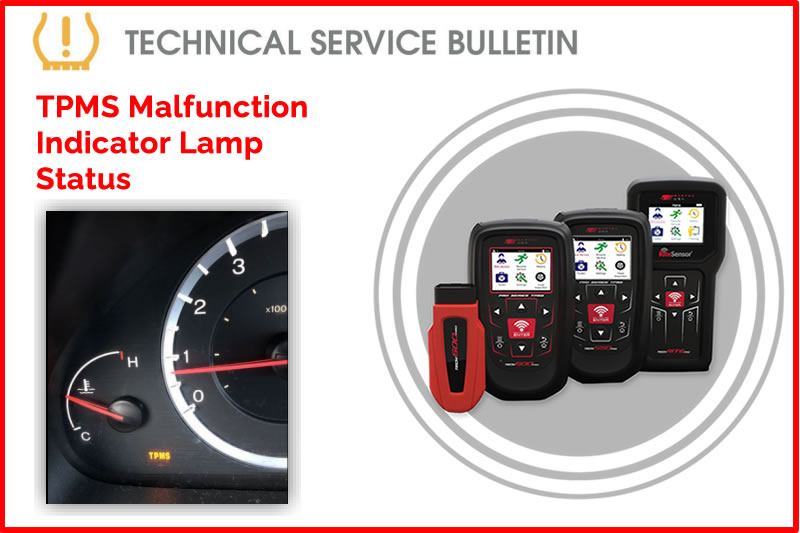
When servicing a vehicle for a TPMS-related concern, the first step is to verify the status of the TPMS MIL (Malfunction Indicator Lamp). Most vehicles use a single icon that flashes for 60-90 seconds after the ignition is powered ON to indicate a System Malfunction or remains solid to indicate Low Pressure. However, some vehicles (e.g., older Honda models) utilize separate indicators: a "Low Tire" icon for pressure issues and a "TPMS" text light for system malfunctions.
Process
- Identify the status of the MIL:
- FLASHING: (System Malfunction): (Indicates a system failure, sensor communication loss, or receiver fault)
- Using your Bartec TPMS tool, select the vehicle you are servicing (preferably via VINdicate™).
- Under the Services menu, select Vehicle Inspection > OBD Diagnostics.
- Refer to TSB GI202509-87 How to Perform an OBD Diagnostics
- Record all diagnostic trouble codes (DTCs) that are present.
- Diagnose and repair the cause of the DTCs, replacing sensors if required.
- SOLID: (Low Pressure Indicator)
- Measure and adjust all tire pressures to match the values on the vehicle’s placard.
- Use your Bartec TPMS tool to verify that all sensors are functioning and transmitting valid data.
- Complete the recommended TPMS Relearn Procedure.
- Once the above steps have been successfully completed, verify the status of the TPMS MIL once more.
- IF the LAMP is OFF, the process is complete and return the vehicle to the customer.
- IF the LAMP is ON, contact Bartec Technical Support for further assistance.
Find the Technical Service Bulletin at https://www.bartecusa.com/
Need help getting a Certificate Bundle? E-mail our sales team at sales@bartecusa.com, or call [855]877-9732. Need help updating your Bartec TPMS Tool? E-mail our Tech Support Team at help@bartecusa.com, or call [866]407-8767.
#TPMSMIL #Tech600Pro #Bartec365 #TPMS #TPMSTools #TPMSSensors #RiteSensor #TPMSSoftware #TPMSSupport #BartecTPMS #TheTrustedBrand
Read MoreApril 10, 2026 - How To Perform A Tech600Pro TPMS Tool Wireless VCI Setup
How to pair the wireless VCI (Vehicle Communication Interface) to a Bartec TPMS Tech600Pro tool using Bluetooth™.
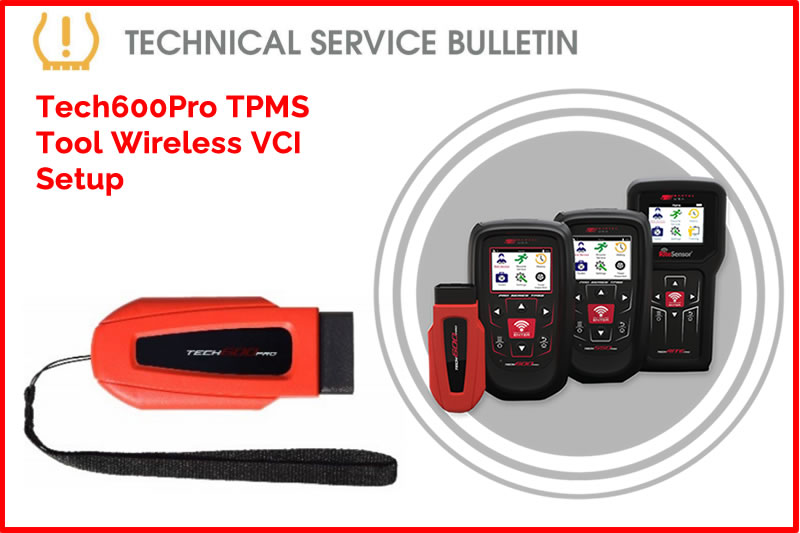
Description:
- Plug the wireless VCI into the OBD-II port of the vehicle.
- Ensure vehicle ignition is powered on (engine OFF)
- The LED light on the VCI should be illuminated
- From the home screen, select Settings.
- Select Connections.
- Select Wireless VCI: Add device.
- The tool will begin to search for available devices via Bluetooth.
- Note: If there are no devices found or the light on the VCI is not illuminated, make sure that the vehicle is in the RUN position (engine OFF) and that the VCI is securely in the OBD-II port.
- Select the available VCI device to successfully pair with tool.
Need help getting a Certificate Bundle? E-mail our sales team at sales@bartecusa.com, or call [855]877-9732. Need help updating your Bartec TPMS Tool? E-mail our Tech Support Team at help@bartecusa.com, or call [866]407-8767.
#VCISetUp #Bluetooth #Tech600Pro #Bartec365 #TPMS #TPMSTools #TPMSSensors #RiteSensor #TPMSSoftware #TPMSSupport #BartecTPMS #TheTrustedBrand
Read MoreApril 9, 2026 - Bartec TPMS Are Heading To NETSA 2026 This Weekend
Bartec TPMS will be attending the NETSA Trade Show this Friday and Saturday, and we’re looking forward to catching up with technicians and industry partners.

If you are attending, make sure you stop by and see what’s new in the world of TPMS tools, diagnostics, and programmable sensors, plus get hands-on with the latest solutions designed to make your jobs faster and easier. Come and say hello.
Need help getting a Certificate Bundle? E-mail our sales team at sales@bartecusa.com, or call [855]877-9732. Need help updating your Bartec TPMS Tool? E-mail our Tech Support Team at help@bartecusa.com, or call [866]407-8767.
#Netsa2026 #Netsa #Bartec365 #TPMS #TPMSTools #TPMSSensors #RiteSensor #TPMSSoftware #TPMSSupport #BartecTPMS #TheTrustedBrand
Read MoreApril 8, 2026 - How to Perform an OBD Diagnostics With Generation II Bartec TPMS Tools
This process will walk the user through performing OBD Diagnostics using a Bartec Tech600Pro, 550Pro, or TechRITEPro TPMS service tool.
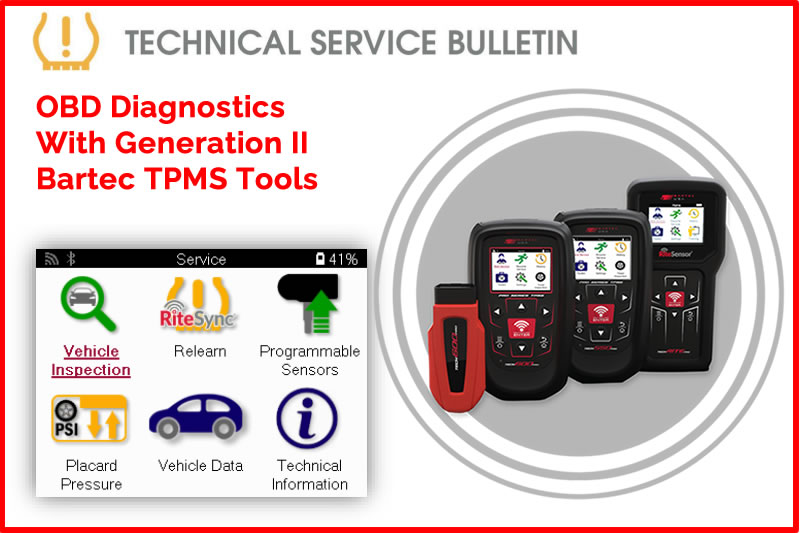
Process:
- Power on the tool, then select New Service.
- Use VINdicate® for automatic vehicle recognition or manually select using MMY Listing (Make, Model, Year).
- Navigate to Vehicle Inspection and complete an OBD Diagnostics.
- After performing OBD Diagnostics, you will be presented with the option to View Data.
- You can review (Diagnostic Trouble Codes) DTCs, VIN, Sensor IDs, and on supported vehicles, Placard Settings.
Find the Technical Service Bulletin at https://www.bartecusa.com/tpms-technical-service-bulletins
Need help getting a Certificate Bundle? E-mail our sales team at sales@bartecusa.com, or call [855]877-9732. Need help updating your Bartec TPMS Tool? E-mail our Tech Support Team at help@bartecusa.com, or call [866]407-8767. #Vindicate #Bartec365 #TPMS #TPMSTools #TPMSSensors #RiteSensor #TPMSSoftware #TPMSSupport #BartecTPMS #TheTrustedBrand
April 7, 2026 - Updating Your Bartec TPMS Tool Using The New Bartec 365 Application
Updating your Bartec TPMS Tool is the best way to maximize your investment! Today's tech tip focuses on how to register your new Bartec TPMS tool. There are two ways to register your Bartec TPMS tool, the Bartec 365 Application and Bartec’s TPMS Desktop.
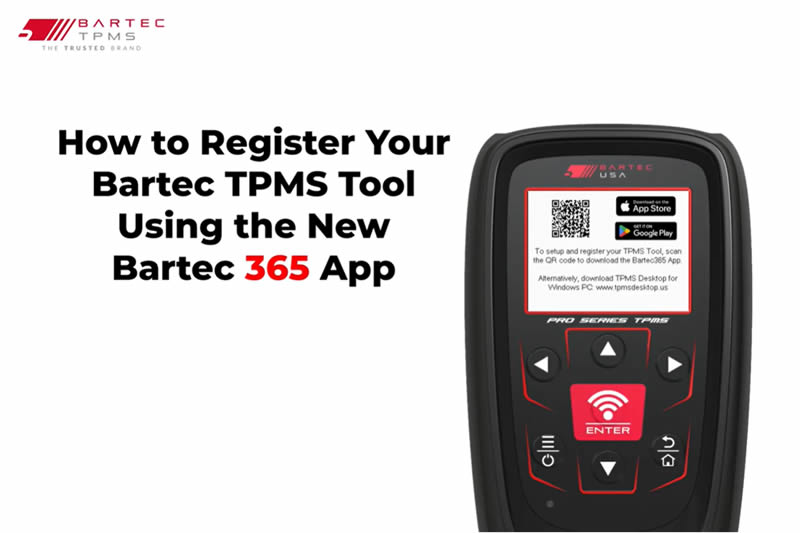
This bulletin provides instructions on how to register your new Bartec TPMS tool. There are two ways to register your Bartec TPMS tool, the Bartec 365 Application and Bartec’s TPMS Desktop.
Process Using the Bartec 365 Application
- Download the Bartec 365 Application (Available on Android and Apple Devices).
- Launch the application and sign in with your preexisting Bartec credentials or select “Sign up”.
- Once signed in, under devices, select the red plus button.
- Select the device you want to register.
- Turn on your Bartec TPMS tool, select the language, and then select “Scan for TPMS tools”.
- Within a few moments, Bartec 365 should detect your TPMS tool.
- Select your tool by Serial Number, and select the region your tool will be used in.
- NOTE: Make sure that the serial number that shows up under available devices matches the serial.
- Number associated with your Bartec tool.
- It will then prompt you to connect the tool to Wi-Fi, select your network and enter in your password.
- The option to skip Wi-Fi configuration will be listed below, Wi-Fi configuration can be done later.
- Through the tool settings or Bartec 365.
- To complete setup, your tool will need to download the latest software update. Press “OK’.
- Your tool is now registered, connected to Wi-Fi, and updated with the latest software version.
Watch The Video Here
Need help getting a Certificate Bundle? E-mail our sales team at sales@bartecusa.com, or call [855]877-9732. Need help updating your Bartec TPMS Tool? E-mail our Tech Support Team at help@bartecusa.com, or call [866]407-8767.
#ToyotaTPMS #Bartec365 #TPMS #TPMSTools #TPMSSensors #RiteSensor #TPMSSoftware #TPMSSupport #BartecTPMS #TheTrustedBrand
Read MoreApril 6, 2026 - How To Perform A Vehicle Inspection Before A TPMS Service
This technical process will walk the user through performing a vehicle inspection (Test Before you Touch) before a TPMS Service using a Bartec TPMS tool. Completing a vehicle inspection will allow the user to perform OBD diagnostics (Test Before you Touch), Test Sensors, and Tread Inspection.
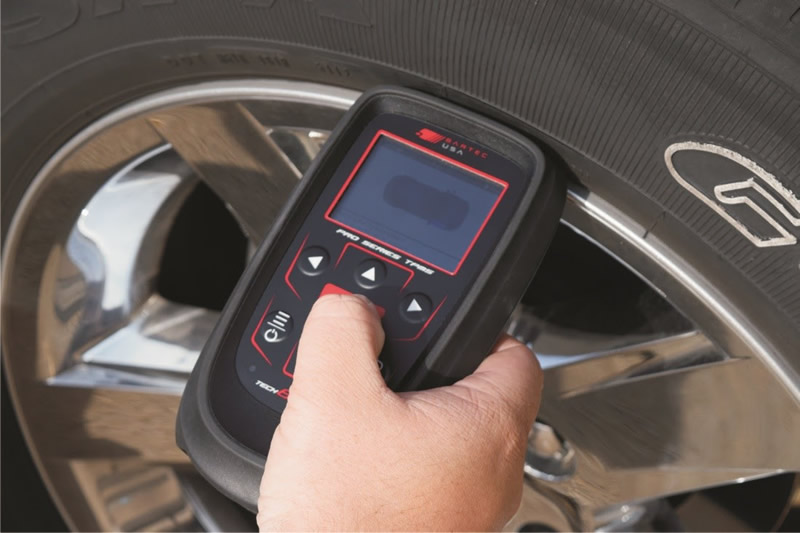
OBD Diagnostics (Test Before you Touch): Will allow the user to View DTCs (if applicable), View VIN, view sensor IDs and View Placard Settings (if applicable)
Test Sensors: A diagnostic function used to verify TPMS sensor operation before servicing.
Tread Inspection: Provides the user with the ability to complete a quick service tread inspection before TPMS service.
- Power on the tool, then select New Service.
- Use VINdicate® for automatic vehicle recognition or manually select using MMY Listing (Make, Model, Year).
- Navigate to Vehicle Inspection and complete OBD Diagnostics.
- After performing OBD Diagnostics, you will have the option to View Data.
- You can review (Diagnostic Trouble Codes) DTCs, VIN, Sensor IDs, and on supported vehicles, Placard Settings.
Find the Technical Service Bulletin at https://www.bartecusa.com/tpms-technical-service-bulletins.
Need help getting a Certificate Bundle? E-mail our sales team at sales@bartecusa.com, or call [855]877-9732. Need help updating your Bartec TPMS Tool? E-mail our Tech Support Team at help@bartecusa.com, or call [866]407-8767.
#Vindicate #Bartec365 #TPMS #TPMSTools #TPMSSensors #RiteSensor #TPMSSoftware #TPMSSupport #BartecTPMS #TheTrustedBrand
Read MoreApril 4, 2026 - VINdicate Accurately Determines A Vehicles Make Model & Year
The VINdicate® process determines the make, model and year using the VIN through OBD connection.
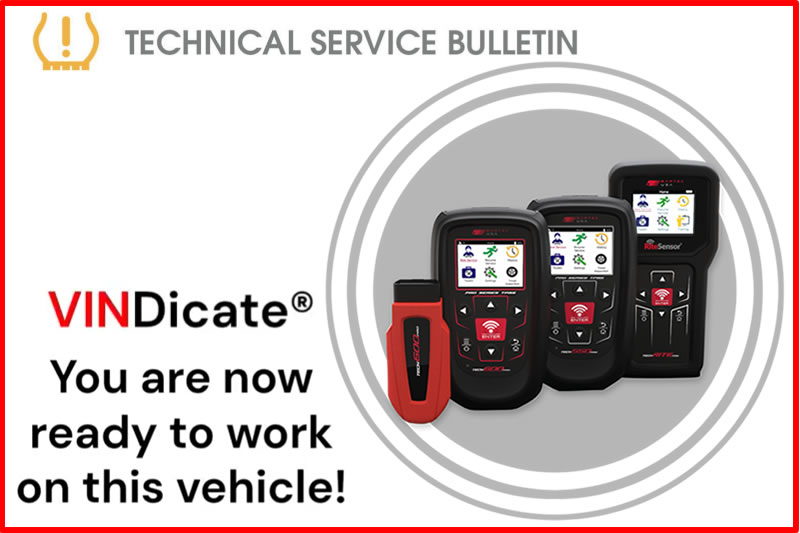
Process:
- Select “New TPMS Service” on the tool.
- Choose “Select by VINdicate”.
- Plug OBD-II cable or VCI into tool and vehicle port.
- Place vehicle into the ON position with the engine OFF.
- Follow prompts on tool.
If the VIN does not decode and VINdicate® is unable to determine the make, model, or year, manually select the vehicle using the MMY listing. Find the Technical Service Bulletin at https://www.bartecusa.com/
Need help getting a Certificate Bundle? E-mail our sales team at sales@bartecusa.com, or call [855]877-9732. Need help updating your Bartec TPMS Tool? E-mail our Tech Support Team at help@bartecusa.com, or call [866]407-8767.
#Vindicate #Bartec365 #TPMS #TPMSTools #TPMSSensors #RiteSensor #TPMSSoftware #TPMSSupport #BartecTPMS #TheTrustedBrand
Read MoreApril 2, 2026 - The Tech600pro Services A Toyota TPMS In Quick Time
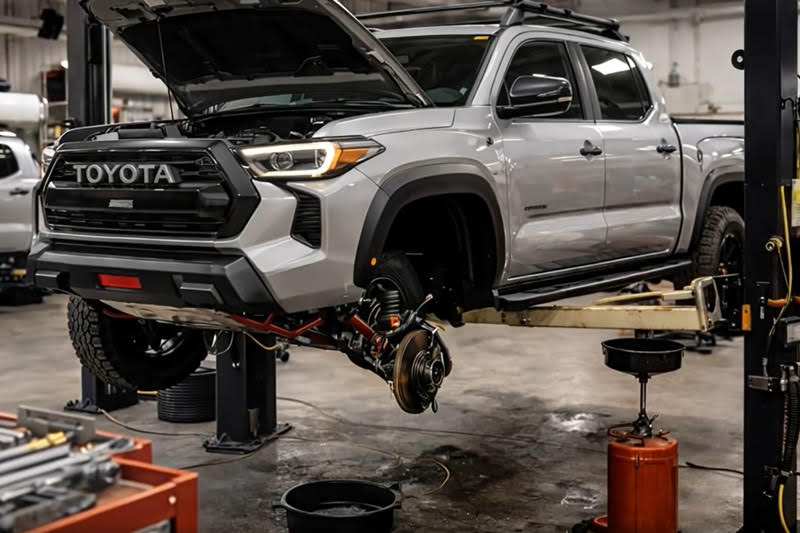
Bartec TPMS - once again proving that even the trickiest of TPMS services are no match for the TECH600pro. Watch the video below to see just how quickly the TECH600pro services a Toyota TPMS. Bartec TPMS makes Toyota TPMS Service a Breeze! Our Tech600Pro and Rite-Sensor® work together seamlessly making the tech's job easy, fast, and accurate! The ONLY TPMS solution that has Rite-Sync®, get Rite-Sensors® today and fix more TPMS vehicles!
Need help getting a Certificate Bundle? E-mail our sales team at sales@bartecusa.com, or call [855]877-9732. Need help updating your Bartec TPMS Tool? E-mail our Tech Support Team at help@bartecusa.com, or call [866]407-8767.
#ToyotaTPMS #Bartec365 #TPMS #TPMSTools #TPMSSensors #RiteSensor #TPMSSoftware #TPMSSupport #BartecTPMS #TheTrustedBrand
Read MoreMarch 23, 2026 - TIA ATS Advanced Instructor Course Here At Bartec TPMS HQ
That is a a wrap on this year’s TIA ATS Advanced Instructor course here at Bartec TPMS HQ. A huge well done to everyone who took part. Four days of focused training, plenty of questions, and real dedication from every attendee made this another great success.

Over the course, the group took a deep dive into:
- The relationship between torque and clamping force
- TPMS diagnostics and relearn procedures across domestic and import vehicles
- Best practices for modern tyre service and safety
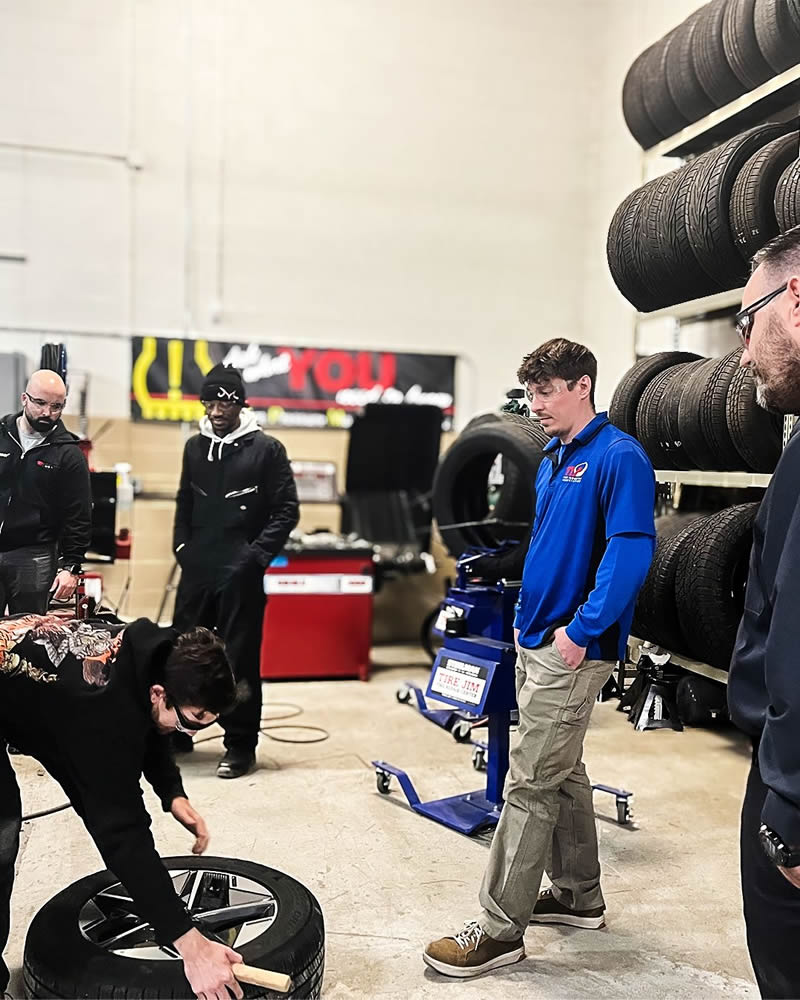


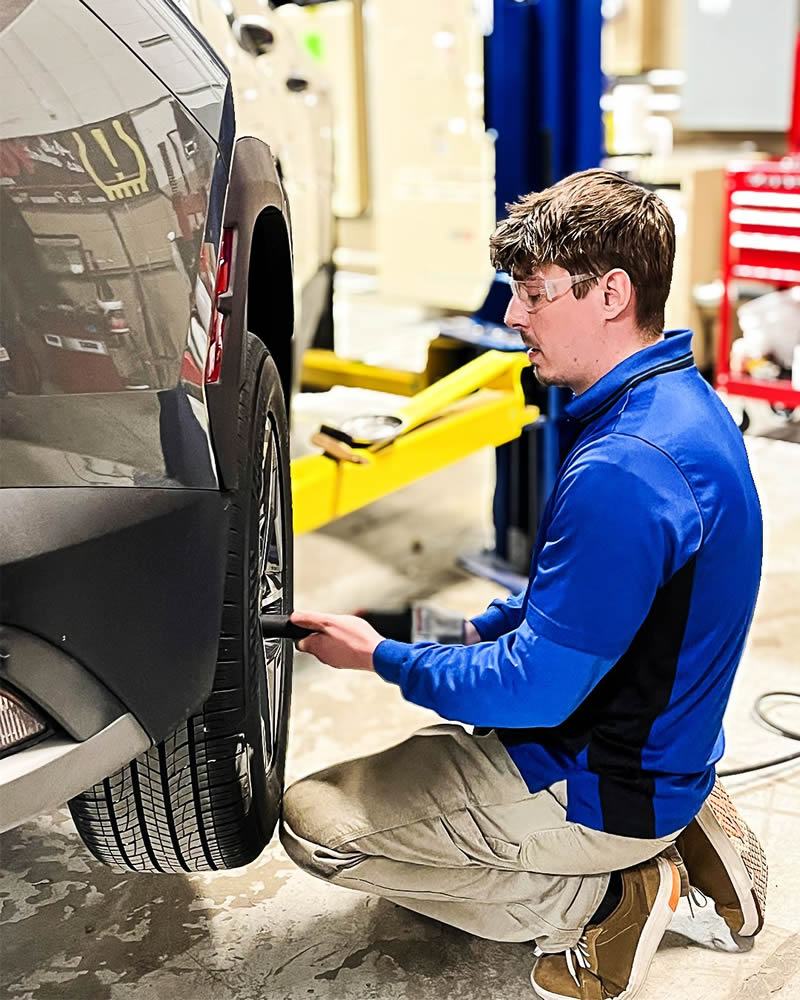
We are proud to have hosted such a committed group of technicians and trainers, and we hope everyone heads back to their shops and organisations ready to share that knowledge and help raise standards across the industry.
Need help getting a Certificate Bundle? E-mail our sales team at sales@bartecusa.com, or call [855]877-9732. Need help updating your Bartec TPMS Tool? E-mail our Tech Support Team at help@bartecusa.com, or call [866]407-8767.
#Bartec365 #TPMS #TPMSTools #TPMSSensors #RiteSensor #TPMSSoftware #TPMSSupport #BartecTPMS #TheTrustedBrand
Read MoreMarch 18, 2026 - Bartec TPMS At The TMC Annual Meeting & Transportation Technology Exhibition 2026
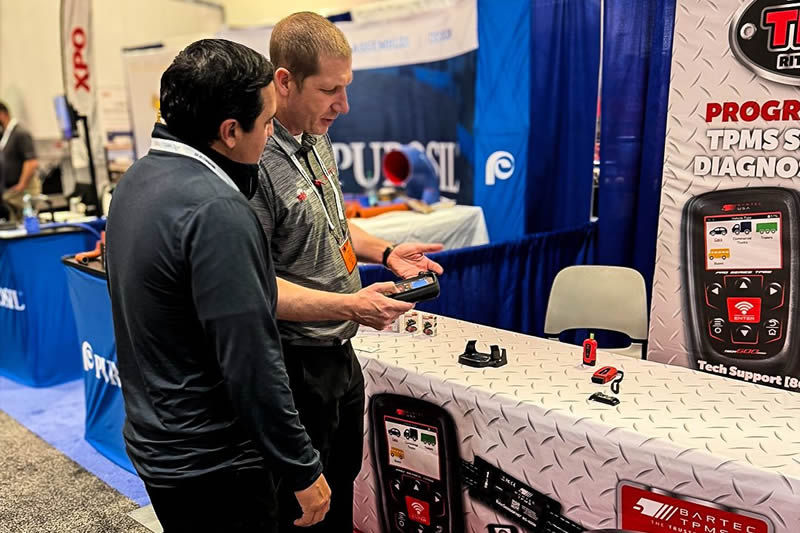
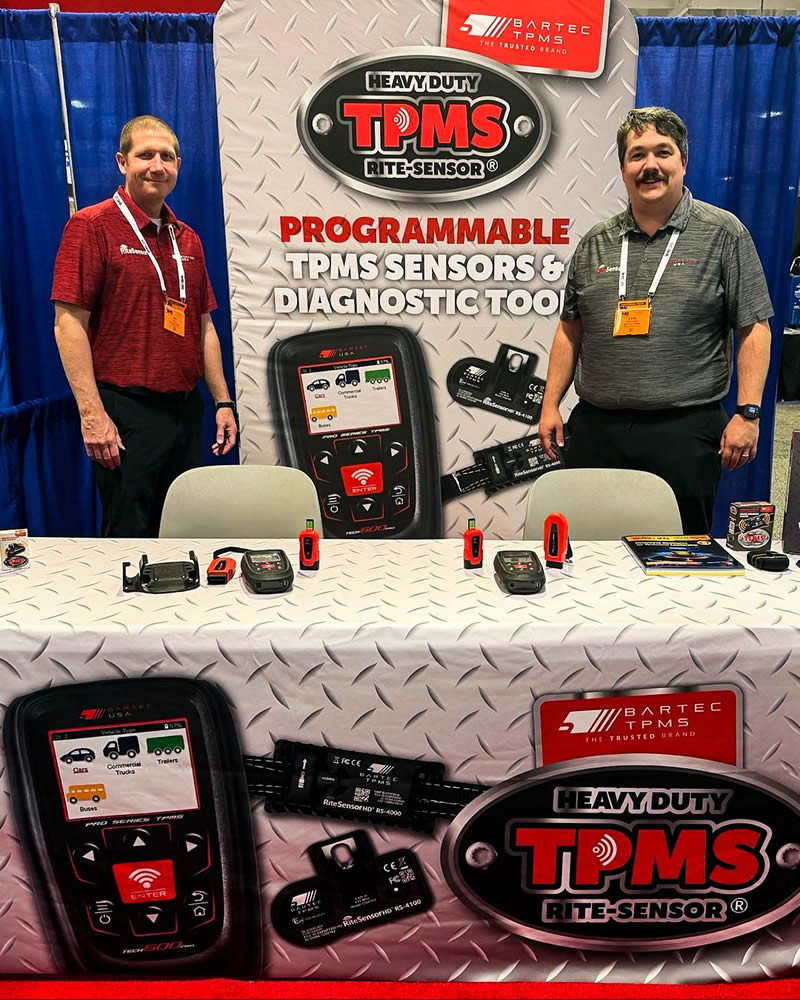
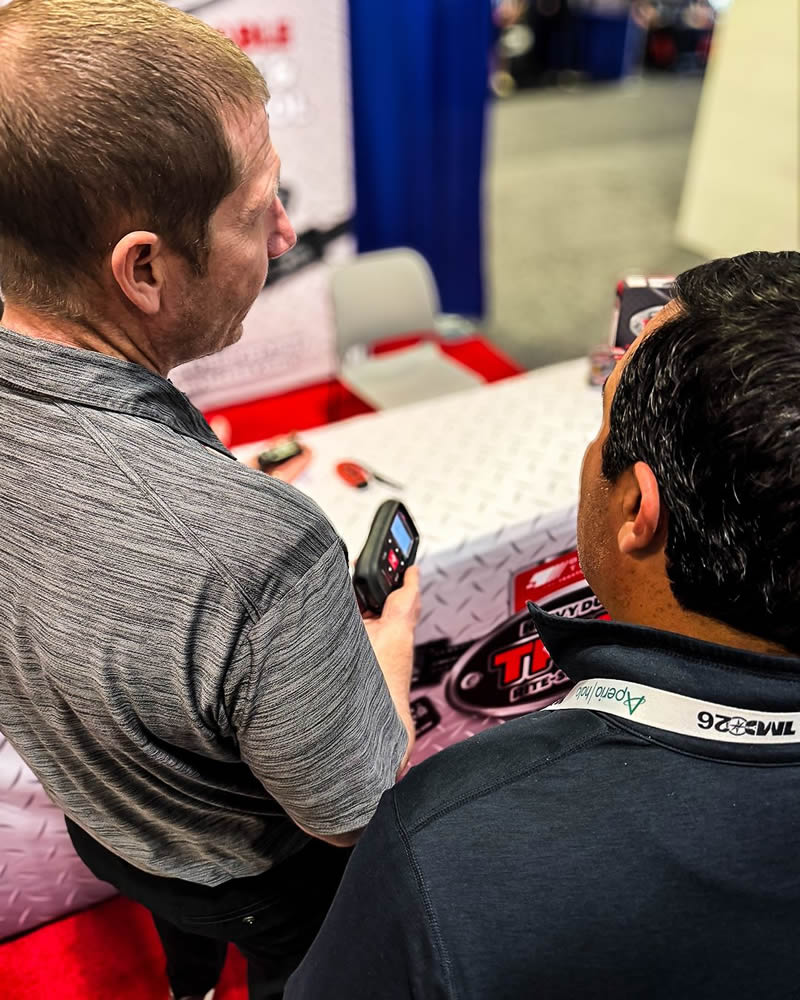
Showcasing our heavy-duty TPMS platform, diagnostic tools, and new HD sensors, all built to help fleet technicians activate, diagnose, and service TPMS as part of everyday truck and trailer maintenance. If you’re here, come find us at Booth #253 and take a look for yourself.
Need help getting a Certificate Bundle? E-mail our sales team at sales@bartecusa.com, or call [855]877-9732. Need help updating your Bartec TPMS Tool? E-mail our Tech Support Team at help@bartecusa.com, or call [866]407-8767.
#Bartec365 #TPMS #TPMSTools #TPMSSensors #RiteSensor #TPMSSoftware #TPMSSupport #BartecTPMS #TheTrustedBrand
Read MoreMarch 4, 2026 - Tool Time Podcast With Bartec TPMS
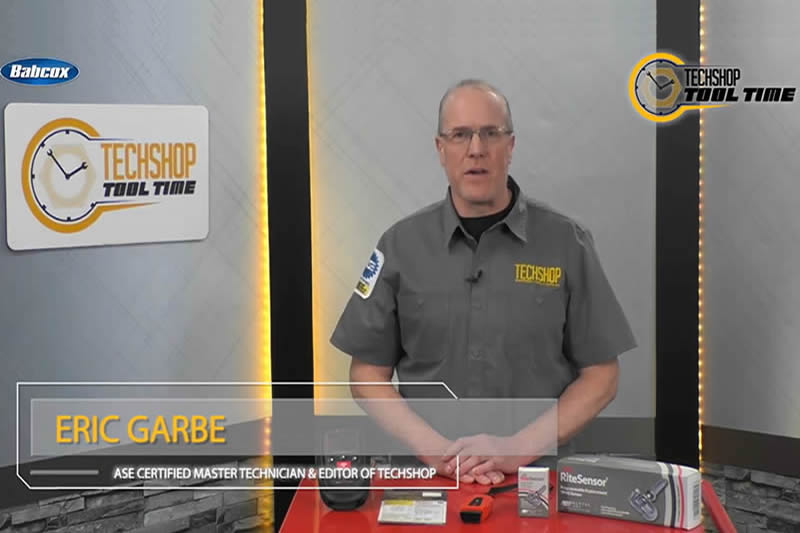
In this all new episode, Eric strikes up a conversation with Scot Holloway, CEO of Bartec TPMS. Learn about Bartec's industry involvement and how they leverage current trends to help support technician success.
Don't miss out on valuable TPMS advice, technical information and service tips with these topics:
- The Bartec SEMA Experience
- The Tire Industry Association Survey
- TPMS Make Inoperative Provision
- Test Before You Touch
- Service Kits and Sensor Installation
- The Importance of Torque
- TPMS Tool Updates
- Common Relearn Procedures
Need help getting a Certificate Bundle? E-mail our sales team at sales@bartecusa.com, or call [855]877-9732. Need help updating your Bartec TPMS Tool? E-mail our Tech Support Team at help@bartecusa.com, or call [866]407-8767.
#Bartec365 #TPMS #TPMSTools #TPMSSensors #RiteSensor #TPMSSoftware #TPMSSupport #BartecTPMS #TheTrustedBrand
Read MoreMarch 3, 2026 - Buy A Case Of Rite-Sensors® Get A FREE Tech600Pro
Bartec TPMS has the hottest TPMS Deal going. Buy a case of Rite-Sensors® and get the industry favorite tool, the Tech600Pro, for free. The Rite-Sensor® has the very best vehicle coverage, and the Tech600Pro works on more vehicle's TPMS than any other. Click the image below to learn more.

Need help getting a Certificate Bundle? E-mail our sales team at sales@bartecusa.com, or call [855]877-9732. Need help updating your Bartec TPMS Tool? E-mail our Tech Support Team at help@bartecusa.com, or call [866]407-8767.
#Bartec365 #TPMS #TPMSTools #TPMSSensors #RiteSensor #TPMSSoftware #TPMSSupport #BartecTPMS #TheTrustedBrand
Read MoreMarch 2, 2026 - Bartec TPMS Release Their Latest Software 8.2
If your access to Bartec TPMS Tool Software has expired, you can contact your Bartec TPMS Distributor to purchase one of our Certificate Bundles. Software/sensor bundles include Bartec Rite-Sensors® When you sell the market leading Rite-Sensor®, you pay for the software and put profit in your pocket!
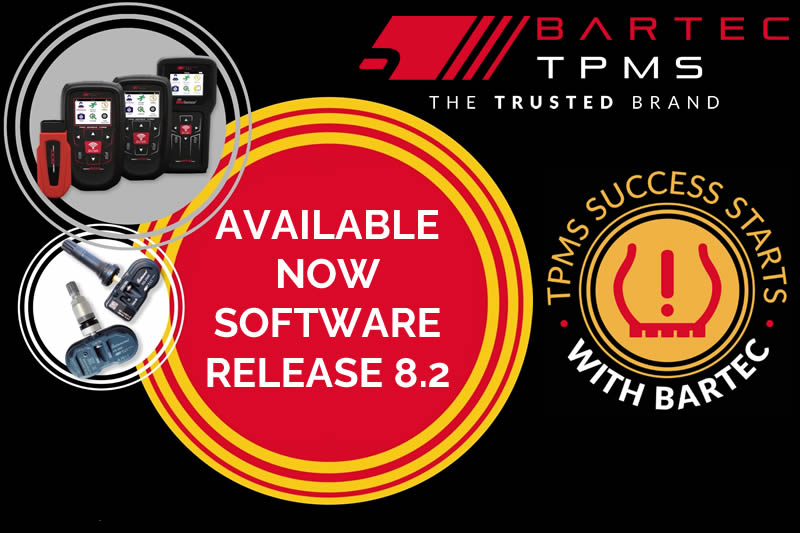
Don't miss out and UPDATE TODAY!
- Coverage Update - Increased support for vehicles
- Increased RITE-SENSOR ® Coverage - Increased coverage for RITE-SENSOR® on Gen II Pro Series
- Increased OBD Coverage - Increased OBD coverage for BMW, Chevrolet and more
- Required Registration - Ensures a seamless experience for tool and customer support
- Improved Ford Relearn - Improved overall, Ford relearn time
- Updated Aftermarket Sensor Coverage - Updated coverage for EZ-Sensor®, UVS Sensor®, Redi-Sensor®
Need help getting a Certificate Bundle? E-mail our sales team at sales@bartecusa.com, or call [855]877-9732. Need help updating your Bartec TPMS Tool? E-mail our Tech Support Team at help@bartecusa.com, or call [866]407-8767.
#Bartec365 #TPMS #TPMSTools #TPMSSensors #RiteSensor #TPMSSoftware #TPMSSupport #BartecTPMS #TheTrustedBrand
Read MoreFebruary 23, 2026 - Bartec TPMS 2026 Certified ATS Advanced Instructor Training Tour
Bartec TPMS is once again the proud host of the TIA award-winning Automotive Tire Service (ATS) Certification Course. The 4-day training will certify attendees as Advanced ATS Instructors, allowing them to certify ATS Instructors and Technicians in the field.
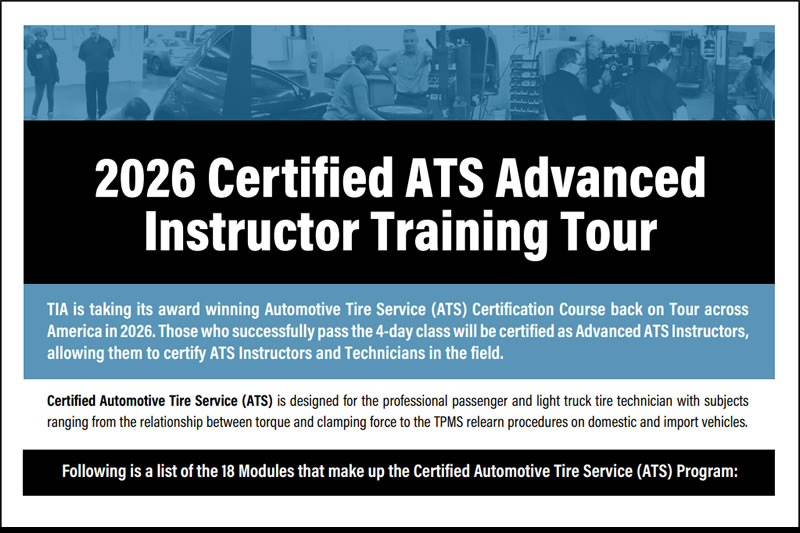
Certified Automotive Tire Service (ATS) is designed for the professional passenger and light truck tire technician with subjects ranging from the relationship between torque and clamping force to the TPMS relearn procedures on domestic and import vehicles. Please follow this link to register https://www.bartecusa.com/pdf/bartec-pms-2026-certified-ats-advanced-instructor-training-tour.pdf and to receive a $100 discount.
TIA is taking its award winning Automotive Tire Service (ATS) Certification Course back on the road and will be visiting multiple US cities in 2026. Those who successfully pass the 4-day class will be certified as Advanced ATS Instructors, allowing them to certify ATS Instructors and Technicians in the field. Certified Automotive Tire Service (ATS) is designed for the professional passenger and light truck tire technician with subjects ranging from the relationship between torque and clamping force to the TPMS relearn procedures on domestic and import vehicles.
Class Locations
- Mar. 17-20 Detroit, MI
- Apr. 14-17 Columbus, OH
- May. 12-15 Nashville, TN
- Aug. 4-7 Seattle, WA
- Sep. 15-18 Long Island, NY
- Oct. 20-23 Nashville, TN
- Nov 17-20 Los Angeles, CA
- Dec. 8-11 Baltimore, MD
Class Schedule
- Days 1 - 3: 8:00a.m. - 5:00p.m
- Day 4: 8:00a.m. - 12:30p.m
Within a week of registering, you will receive an emailed confirmation from TIA that includes the specific training location within the city you selected.
Need help getting a Certificate Bundle? E-mail our sales team at sales@bartecusa.com, or call [855]877-9732. Need help updating your Bartec TPMS Tool? E-mail our Tech Support Team at help@bartecusa.com, or call [866]407-8767.
#TIA #ATS #Bartec365 #TPMS #TPMSTools #TPMSSensors #RiteSensor #TPMSSoftware #TPMSSupport #BartecTPMS #TheTrustedBrand
Read MoreFebruary 12, 2026 - SEMA 2025 Daily Prize Winner Mckinley Tire
Joe Miller, Technical Trainer at Bartec TPMS, was on the road again this week delivering the Tread-Rite® Bundle in person to one of our lucky SEMA 2025 daily prize winners, McKinley Tire.
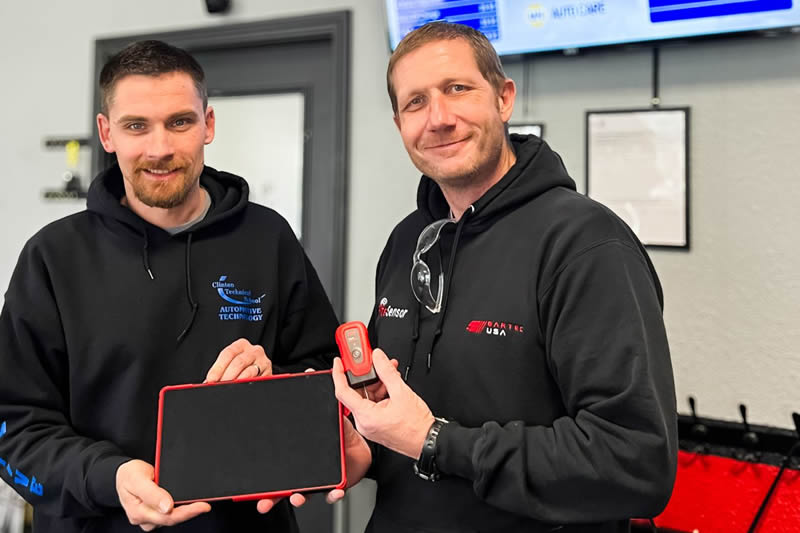
But it didn’t stop there with his visit. Joe also delivered first-class, hands-on training, walking the team through the Tread-Rite® tool and its companion app, and topped it off with a demo of our TECH600Pro premium TPMS tool showcasing exactly what TPMS success looks like with Bartec. Thanks to McKinley Tire for the warm welcome and congratulations again on the win.
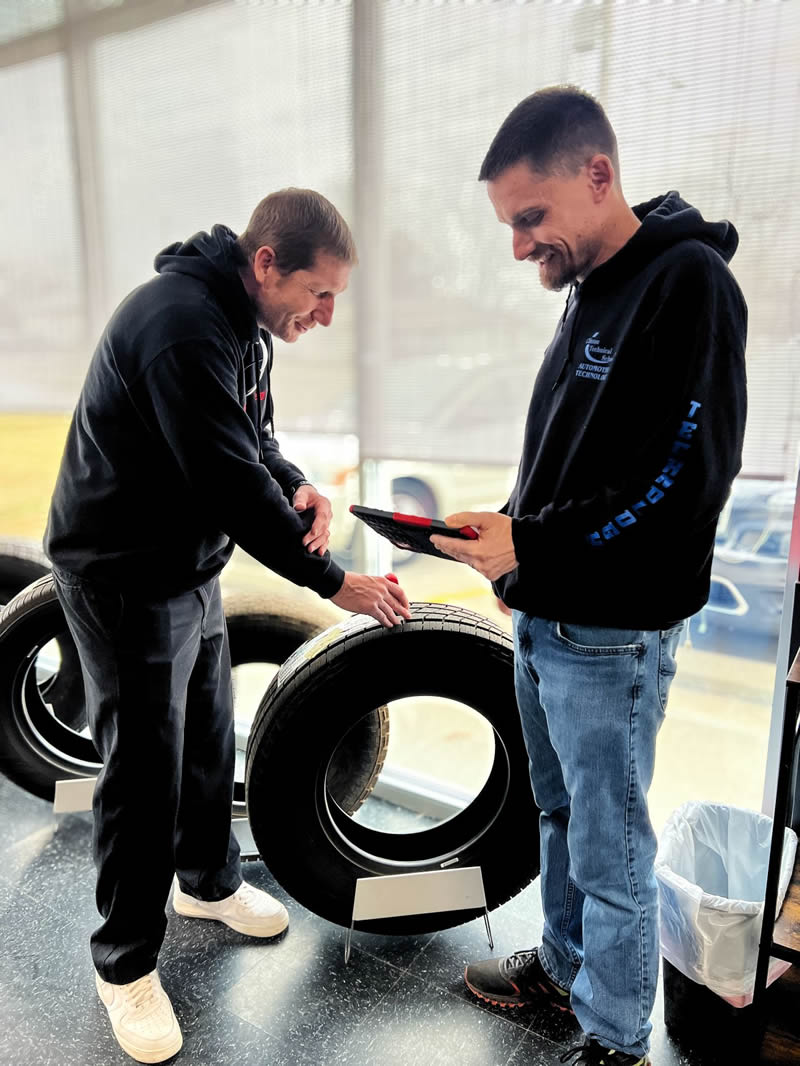
Need help getting a Certificate Bundle? E-mail our sales team at sales@bartecusa.com, or call [855]877-9732. Need help updating your Bartec TPMS Tool? E-mail our Tech Support Team at help@bartecusa.com, or call [866]407-8767.
#Bartec365 #TPMS #TPMSTools #TPMSSensors #RiteSensor #TPMSSoftware #TPMSSupport #BartecTPMS #TheTrustedBrand
Read MoreJanuary 29, 2026 - Bartec TPMS Announces Jason Holloway as their New Field Service Representative!
Bartec TPMS welcomes Jason Holloway as Field Service Representative for the Northeast and Eastern Midwest Regions. Bartec TPMS, the North American leader in Tire Pressure Monitoring System (TPMS) diagnostic tools and solutions, proudly announces the addition of Jason Holloway as Field Service Representative (FSR) for the Northeast and Eastern Midwest Regions.

Jason will be based in Sterling Heights, Michigan. In his new role, Jason will support Bartec’s expanding customer base across the northeastern United States, as well as Michigan, Ohio, West Virginia, Virginia, and surrounding states. He will provide in-field product support, technical training, and live demonstrations across Bartec’s growing TPMS portfolio, including the Tech600PRO diagnostic tool, the RiteSensor one-SKU TPMS solution, and Bartec’s digital tire and wheel service tools.
“We’re excited to welcome Jason to the Bartec TPMS outside sales and service team,” said Ed Jones, Director of Sales at Bartec TPMS. “His prior Bartec experience, strong work ethic, and commitment to customer service make him a tremendous asset to our distributors, retailers, and tire service professionals who rely on Bartec’s expertise every day.”
Jason’s addition further strengthens Bartec USA’s national Field Service and Technical Training Team, reinforcing the company’s ongoing commitment to delivering best-in-class TPMS training, diagnostic support, and hands-on customer service throughout North America.
Need help getting a Certificate Bundle? E-mail our sales team at sales@bartecusa.com, or call [855]877-9732. Need help updating your Bartec TPMS Tool? E-mail our Tech Support Team at help@bartecusa.com, or call [866]407-8767.
#Bartec365 #TPMS #TPMSTools #TPMSSensors #RiteSensor #TPMSSoftware #TPMSSupport #BartecTPMS #TheTrustedBrand
Read MoreJanuary 28, 2026 - Catching Up With SEMA 2025 Grand Prize Winner Parker's Tire Service
Our Technical Trainers, Mike & Paul, recently visited Parker’s Tire Service to personally deliver the SEMA Grand Prize to Kevin, who was excited to add the TECH600PRO to his growing Bartec TPMS tool lineup. They also gave Kevin a quick walkthrough of the new Bartec365 app and how it pairs with his TPMS hand tool so he can work smarter, save time, and take full advantage of connected services.
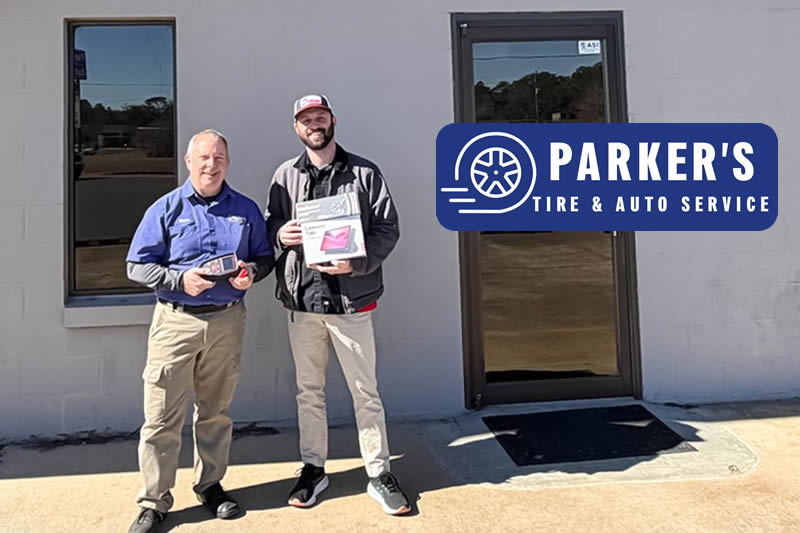
Congratulations again to our SEMA 2025 Grand Prize Winner and happy TPMS servicing. Want to save time with connected TPMS services? Learn more about Bartec365 via the link https://www.bartec365.com.
Need help getting a Certificate Bundle? E-mail our sales team at sales@bartecusa.com, or call [855]877-9732. Need help updating your Bartec TPMS Tool? E-mail our Tech Support Team at help@bartecusa.com, or call [866]407-8767.
#Bartec365 #TPMS #TPMSTools #TPMSSensors #RiteSensor #TPMSSoftware #TPMSSupport #BartecTPMS #TheTrustedBrand
Read MoreJanuary 20, 2026 - Bartec TPMS Is Back On The Road In 2026
Rob Francies, National Sales Manager, and Jason Miller, Account Executive, attended the BTS Sales and Leadership conference in Myrtle Beach, SC, last week. The pair provided a wealth of knowledge and expertise, discussing the features and benefits of Bartec TPMS tools and sensors, live demos and hands-on TPMS training.
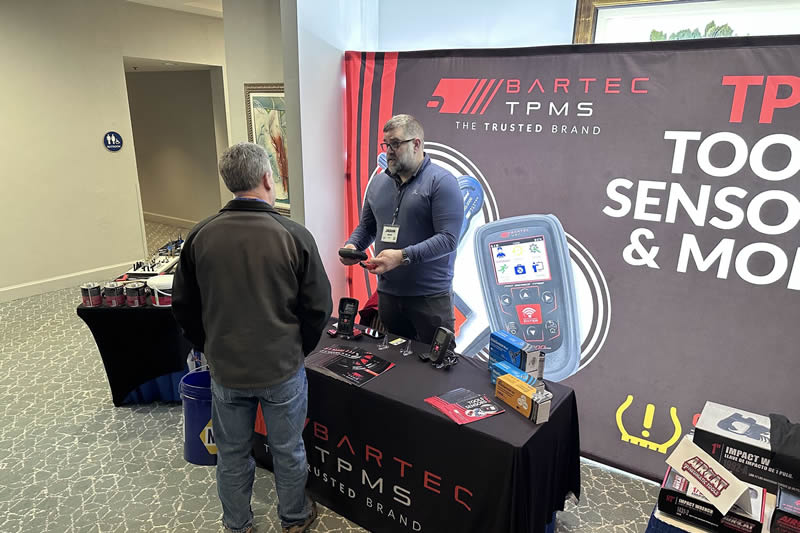
Bartec TPMS training focused on helping BTS maximize profitability and performance by using the best TPMS solutions on the market. Key training highlights included:
- Overview & importance of TPMS
- How TPMS can drive profitability when sold proactively and not just when the TPMS warning light is on
- Maximizing productivity by using all the features of Bartec TPMS tools
- Hands-on practice and live Q&A
A huge thank-you to the BTS Team for the warm welcome.
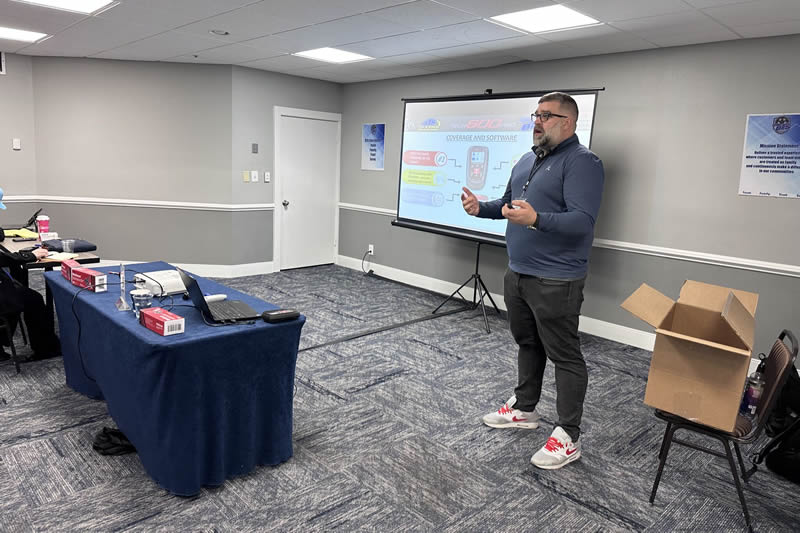
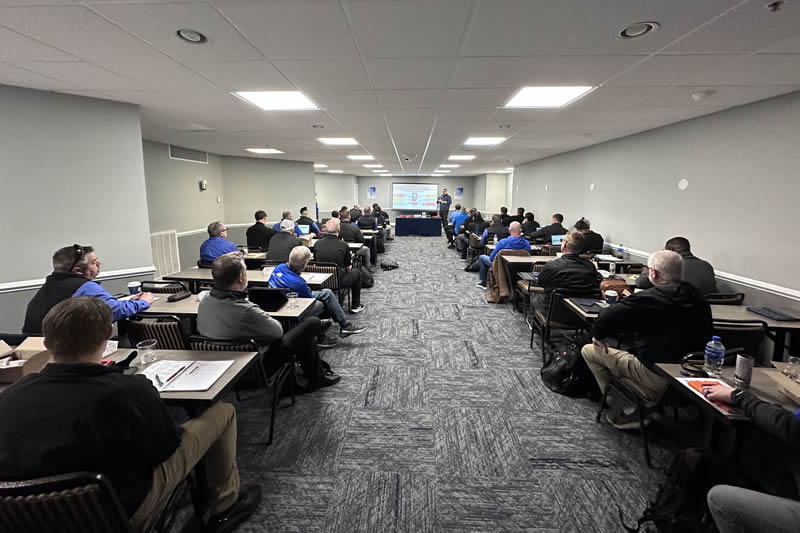
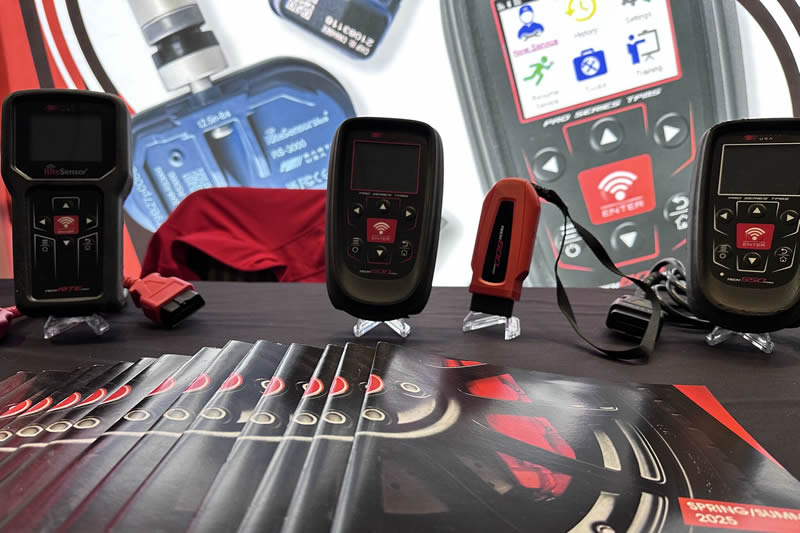
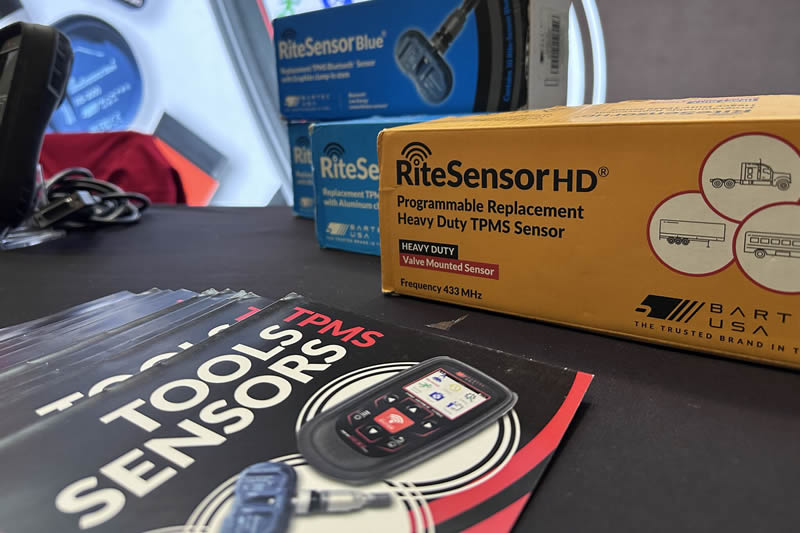
Need help getting a Certificate Bundle? E-mail our sales team at sales@bartecusa.com, or call [855]877-9732. Need help updating your Bartec TPMS Tool? E-mail our Tech Support Team at help@bartecusa.com, or call [866]407-8767.
#Bartec365 #TPMS #TPMSTools #TPMSSensors #RiteSensor #TPMSSoftware #TPMSSupport #BartecTPMS #TheTrustedBrand
Read MoreJanuary 10, 2026 - Download The Bartec365 App On iOS Or Google Play To Transform TPMS
Bartec365 is your all-in-one TPMS platform, designed to help you manage and update your Bartec TPMS tools, create clear, professional service reports, access Bartec’s 24/7 knowledge base and chat directly with the Bartec Technical Support Team of experts. Smarter TPMS. One connected platform.
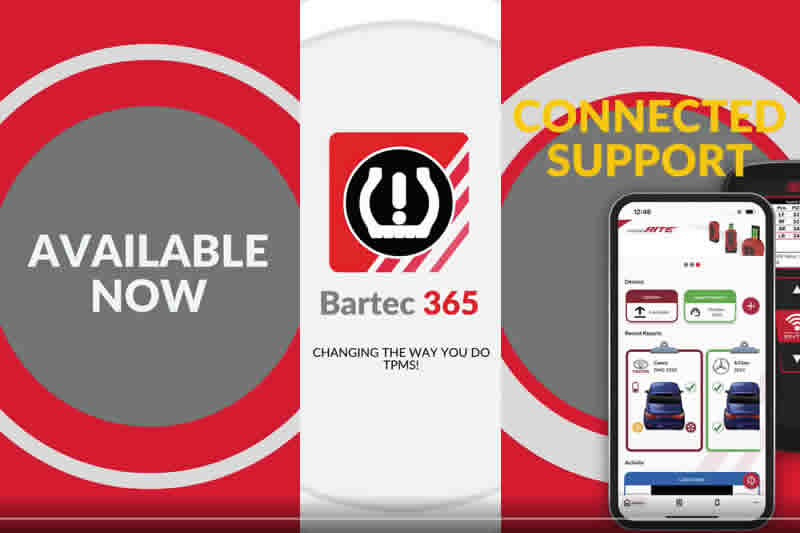
- Bartec365 is your all-in-one TPMS platform, designed to help you:
- Manage and update your Bartec TPMS tools
- Create clear, professional service reports
- Access Bartec's 24/7 knowledge base
- Chat directly with the Bartec Technical Support Team of expert
Need help getting a Certificate Bundle? E-mail our sales team at sales@bartecusa.com, or call [855]877-9732. Need help updating your Bartec TPMS Tool? E-mail our Tech Support Team at help@bartecusa.com, or call [866]407-8767.
#Bartec365 #TPMS #TPMSTools #TPMSSensors #RiteSensor #TPMSSoftware #TPMSSupport #BartecTPMS #TheTrustedBrand
Read MoreJanuary 1, 2026 - TPMS Promotions for Q1 & Q2 2026
We have three new promotions to kickstart the rest of the year for Q1 and Q2 2026, including TPMS Tool, Software and Sensor bundles. To view our TPMS promotions visit https://www.bartecusa.com/tpms-promotions-usa for more information and then contact our sales team or your local distributor.

We have TPMS Software and Rite-Sensor bundles for the all of our Pro range of TPMS tools as a complete Software/RiteSensor bundle. We have 1, 2 and 3 year software support deals with the industry leading TPMS sensor, the RiteSensor. The Tech600Pro is all about speed, accuracy, and ease of use with the specific purpose of helping tire businesses improve the bottom line! The wireless capabilities of the Tech600Pro make it the fastest TPMS tool available in North America! TPMS relearns take just seconds! Connect the wireless VCI to the OBDII port and in mere seconds the Make-Model-Year are detected and decoded and the tool is ready for action!
Because Bartec works with all Original Equipment and Major Programmable sensors in the market, our data is accurate and so are our tools. The Tech600Pro coverage is second to none! Fix more vehicles with the Tech600Pro! Combine our data with VINDicate®. The TECH600Pro represents the very best in TPMS Technology for all levels of tire shop management. The graphical user interface makes the TECH600Pro very easy to learn and operate! Using RITE-SENSOR® and RITE-SYNC®, the TECH600Pro makes TPMS Service a breeze! Find out more about these TPMS bundles at https://www.bartecusa.com/tpms-promotions-usa.
Need help getting a Certificate Bundle? E-mail our sales team at sales@bartecusa.com, or call [855]877-9732. Need help updating your Bartec TPMS Tool? E-mail our Tech Support Team at help@bartecusa.com, or call [866]407-8767.
#Bartec365 #TPMS #TPMSTools #TPMSSensors #RiteSensor #TPMSSoftware #TPMSSupport #BartecTPMS #TheTrustedBrand
Read More
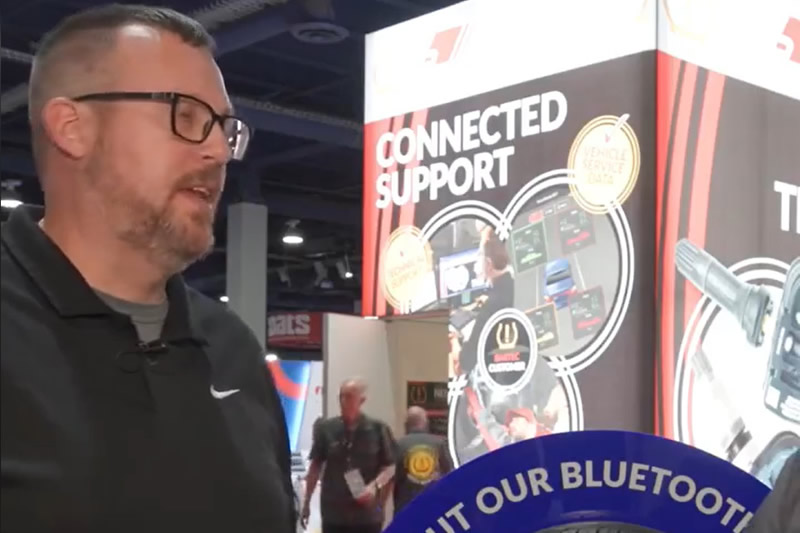
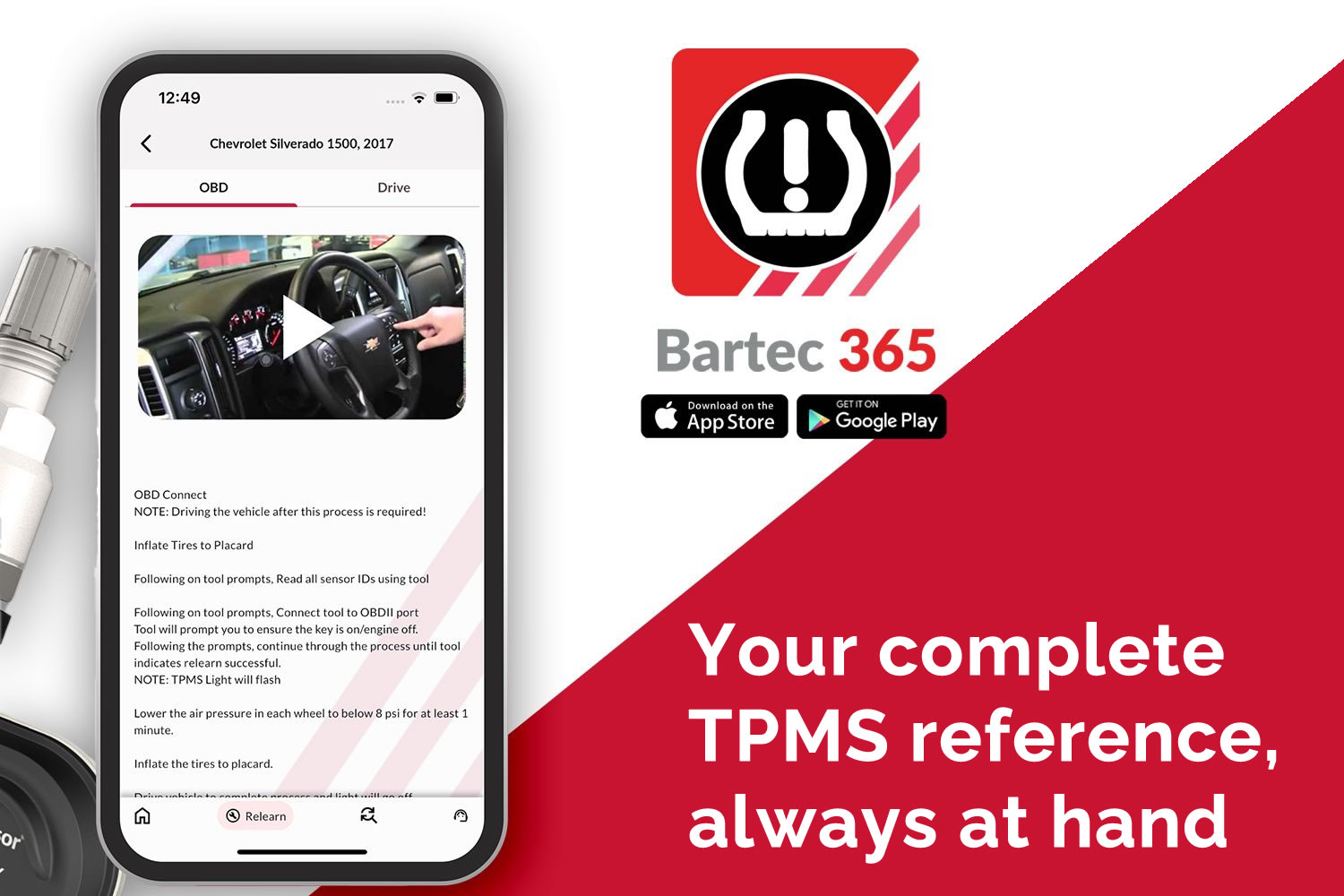
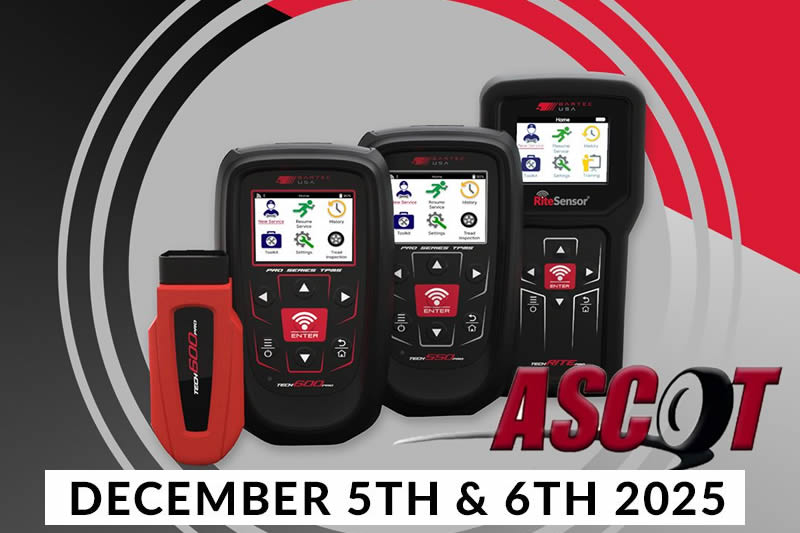

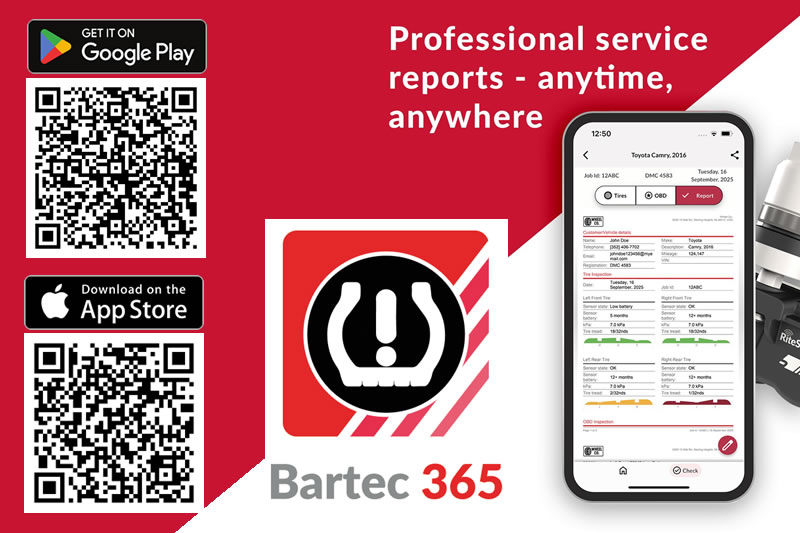
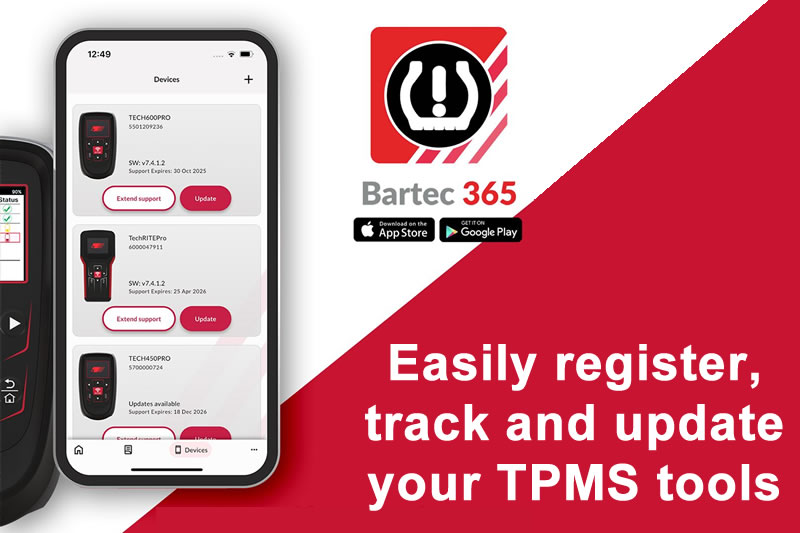
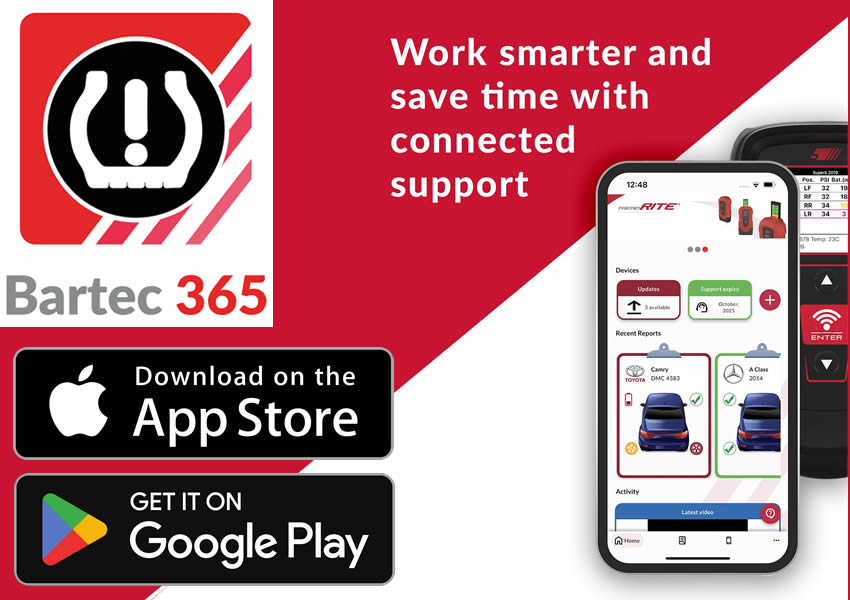
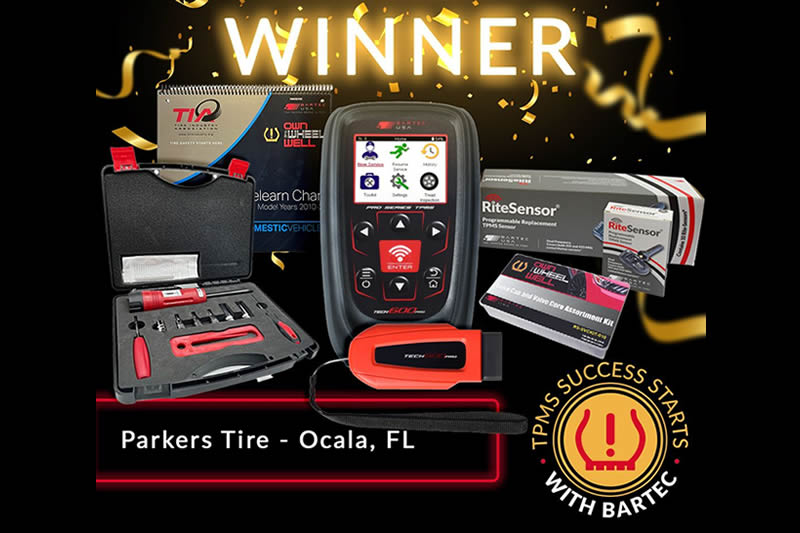

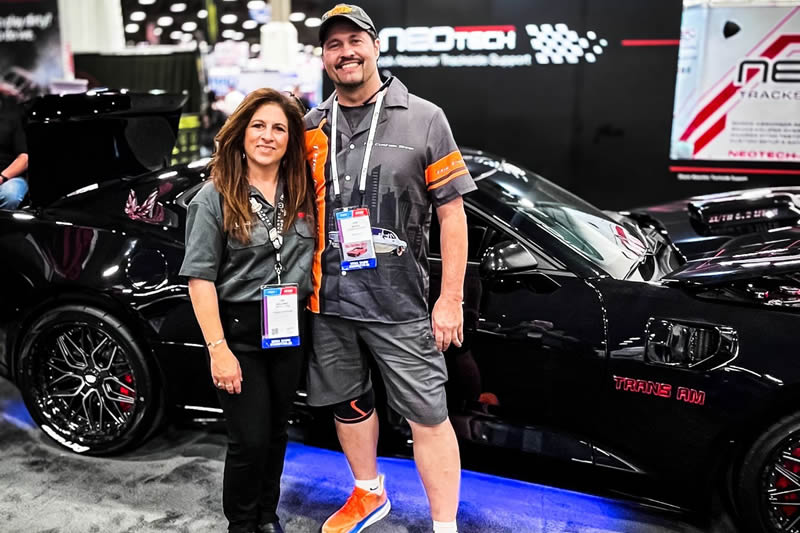
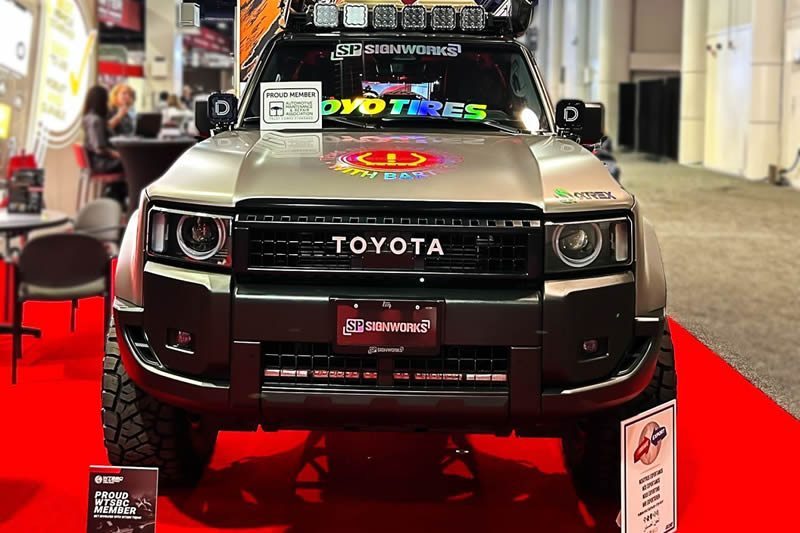




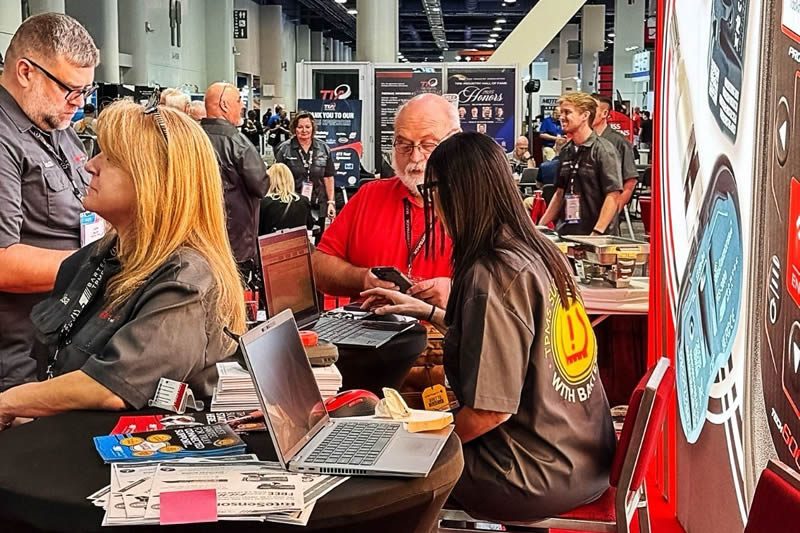
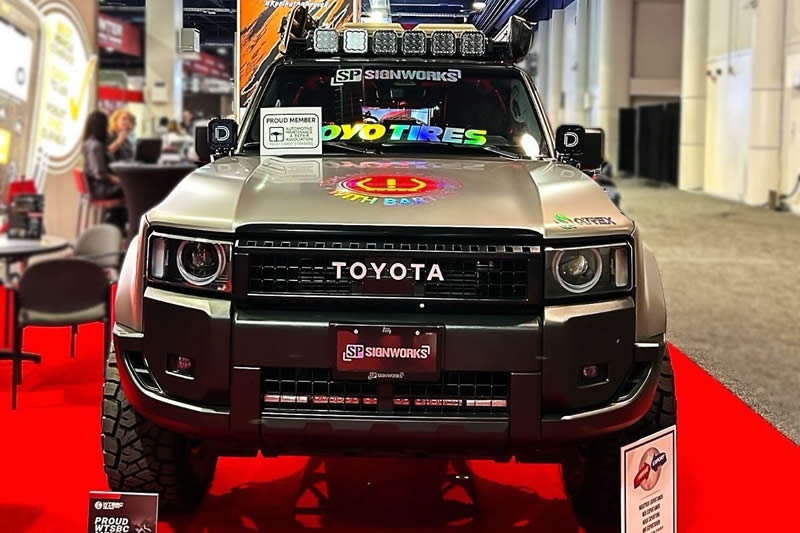

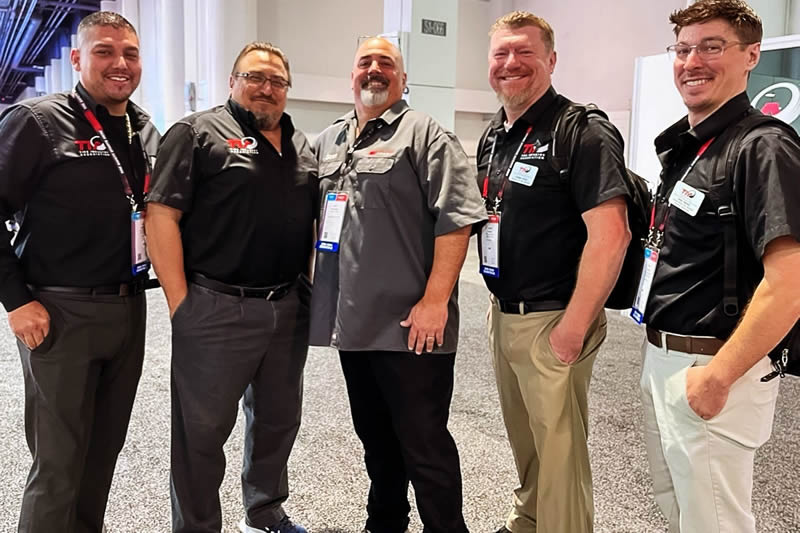
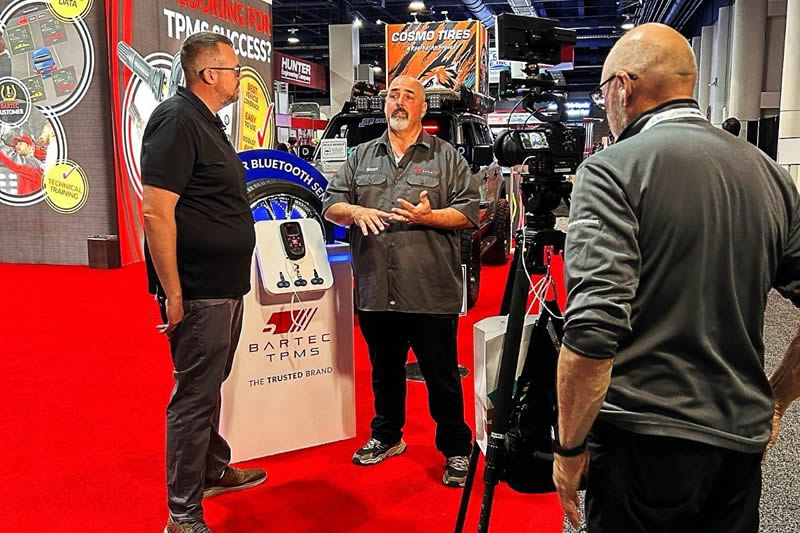





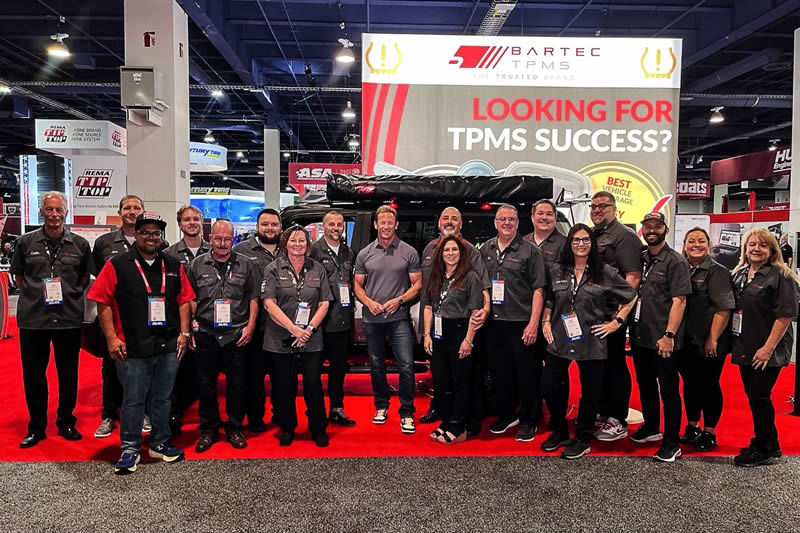




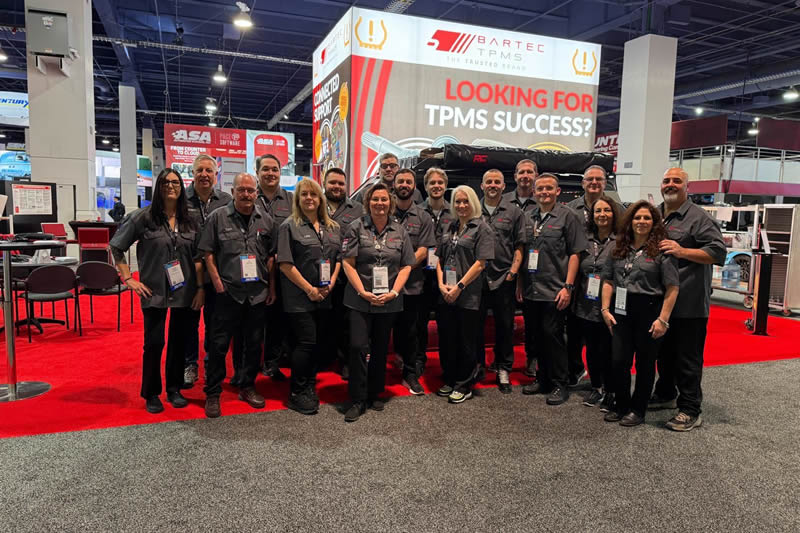

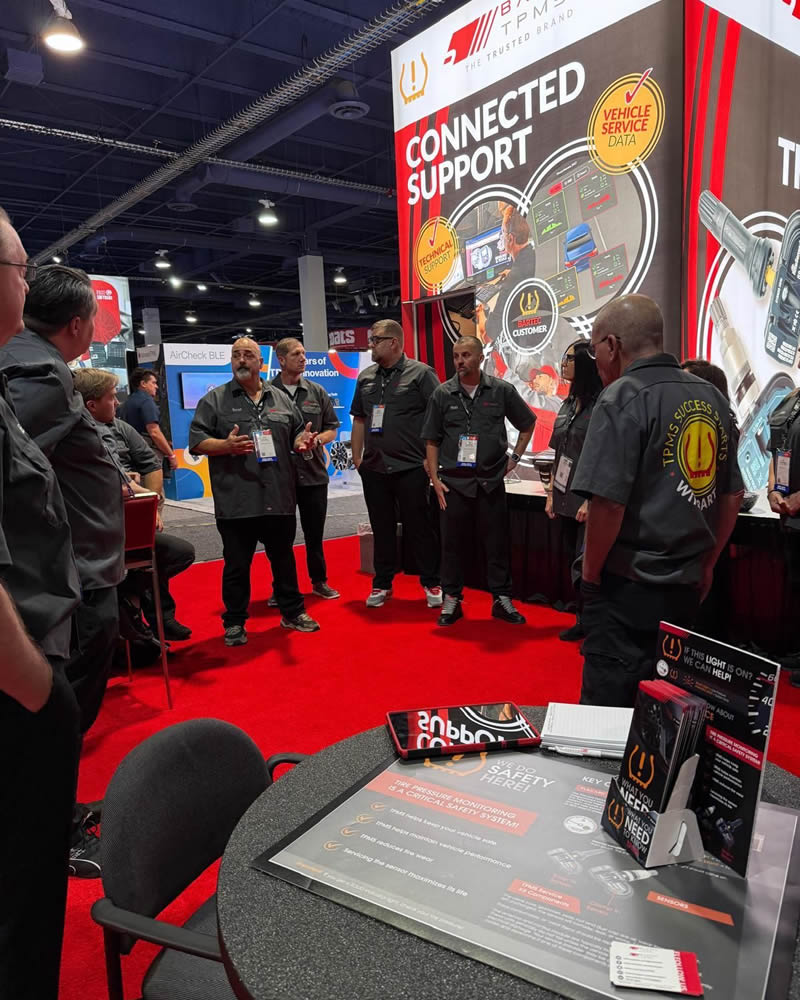
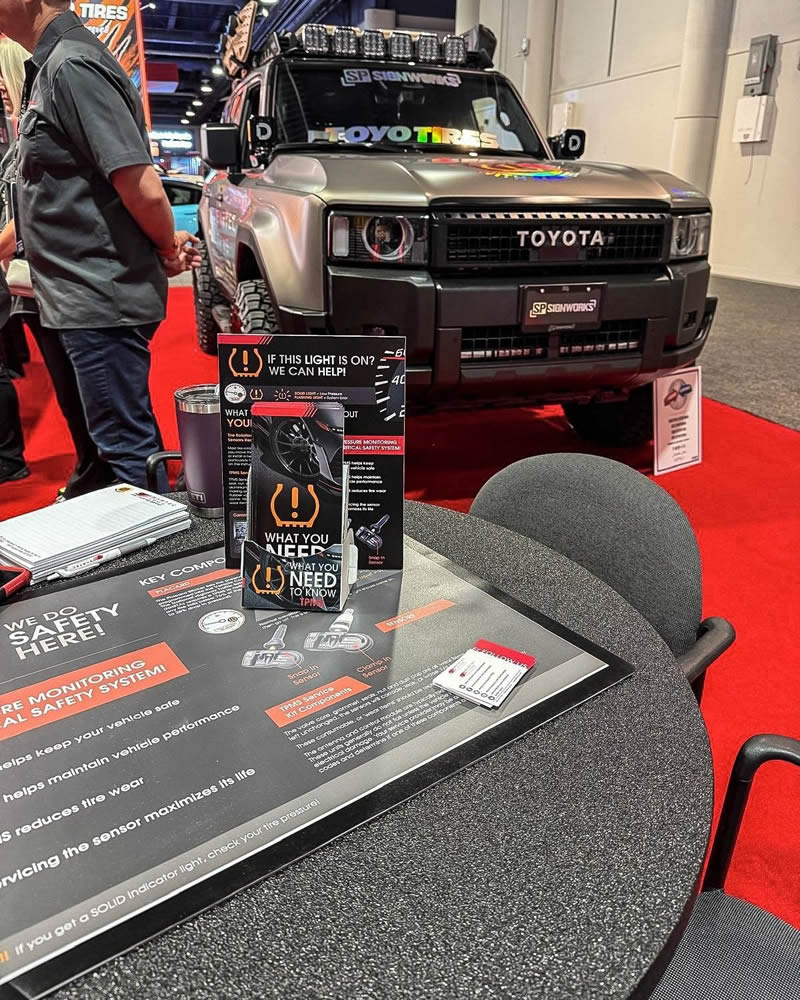







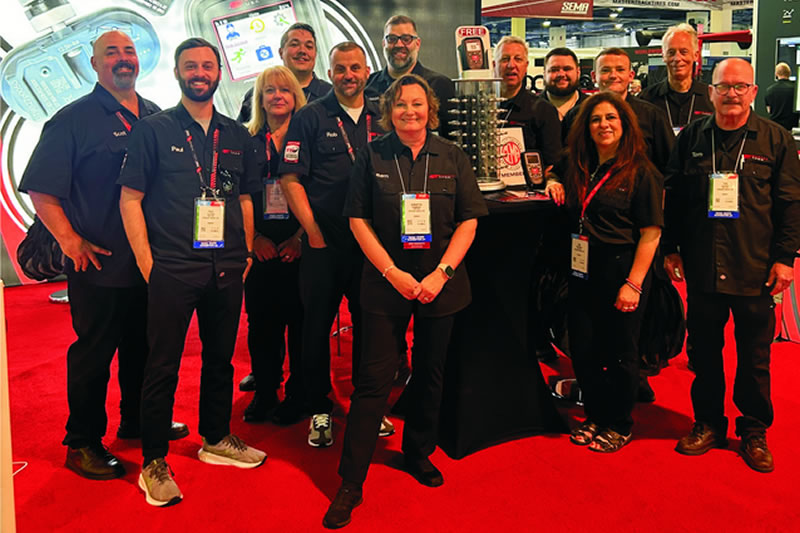
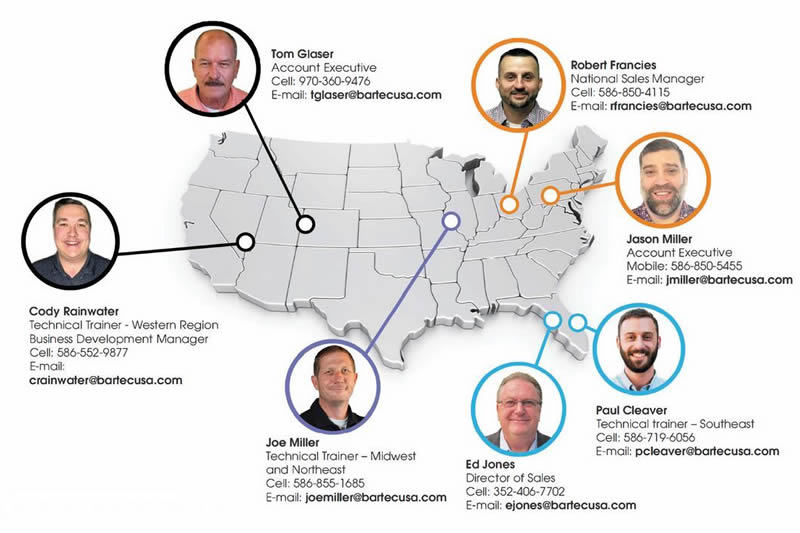


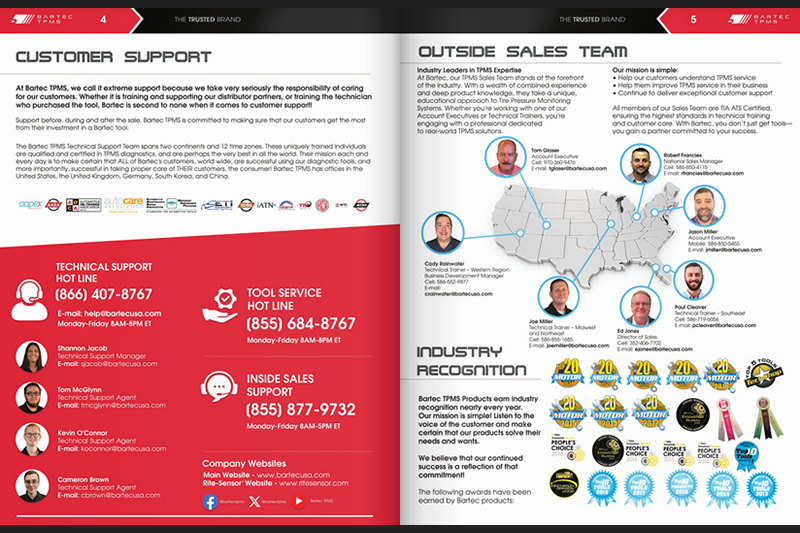
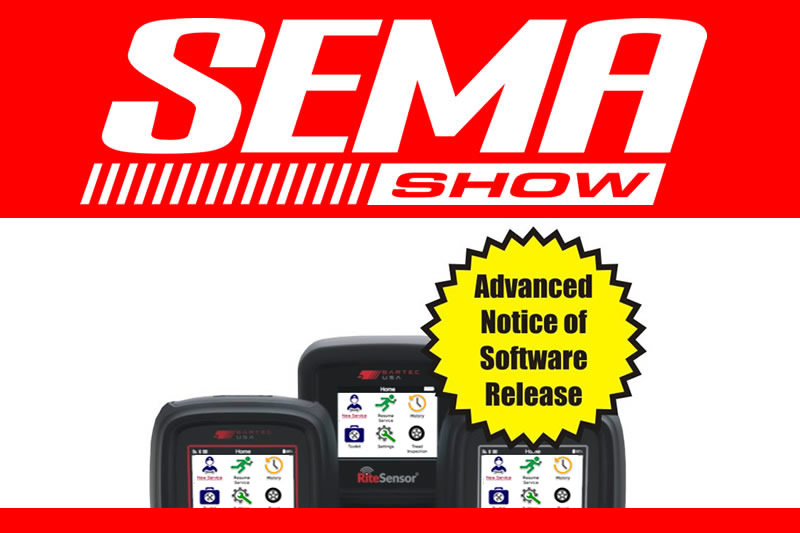

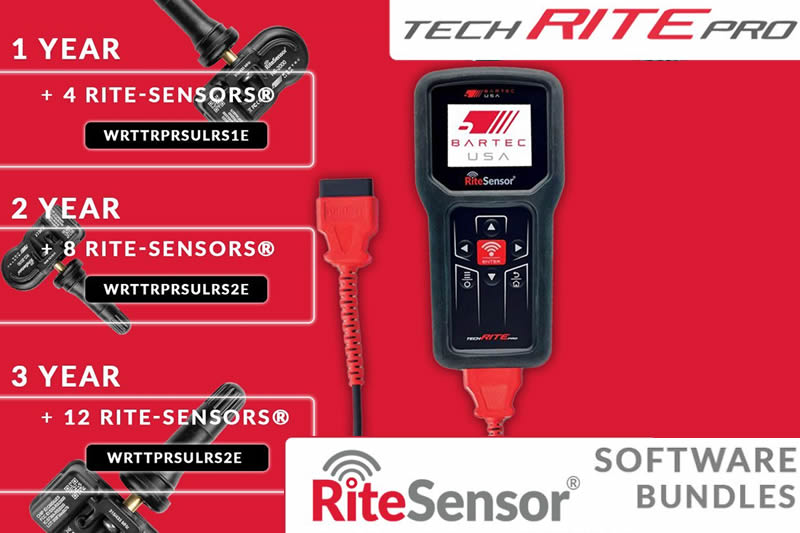

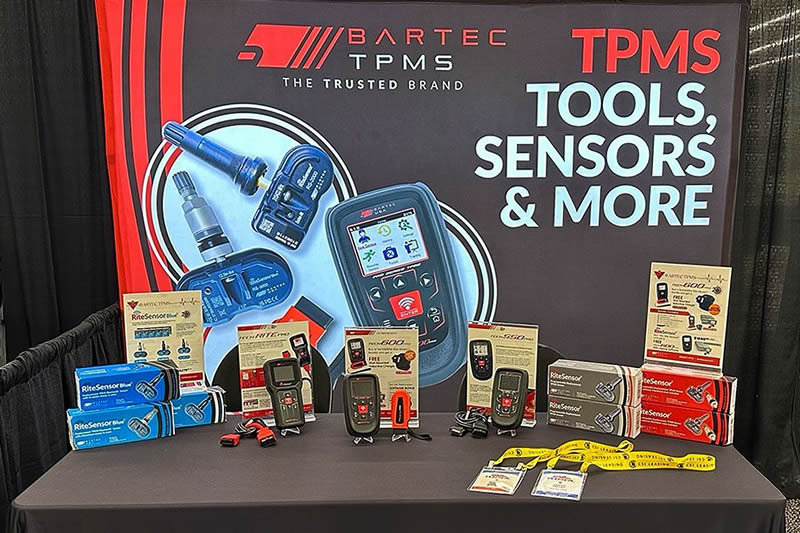
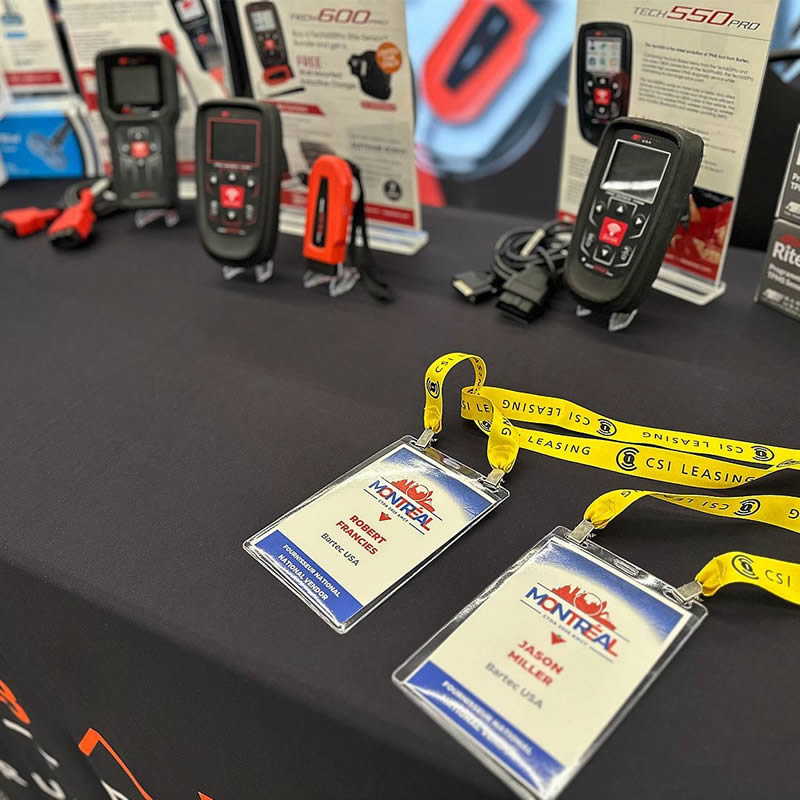


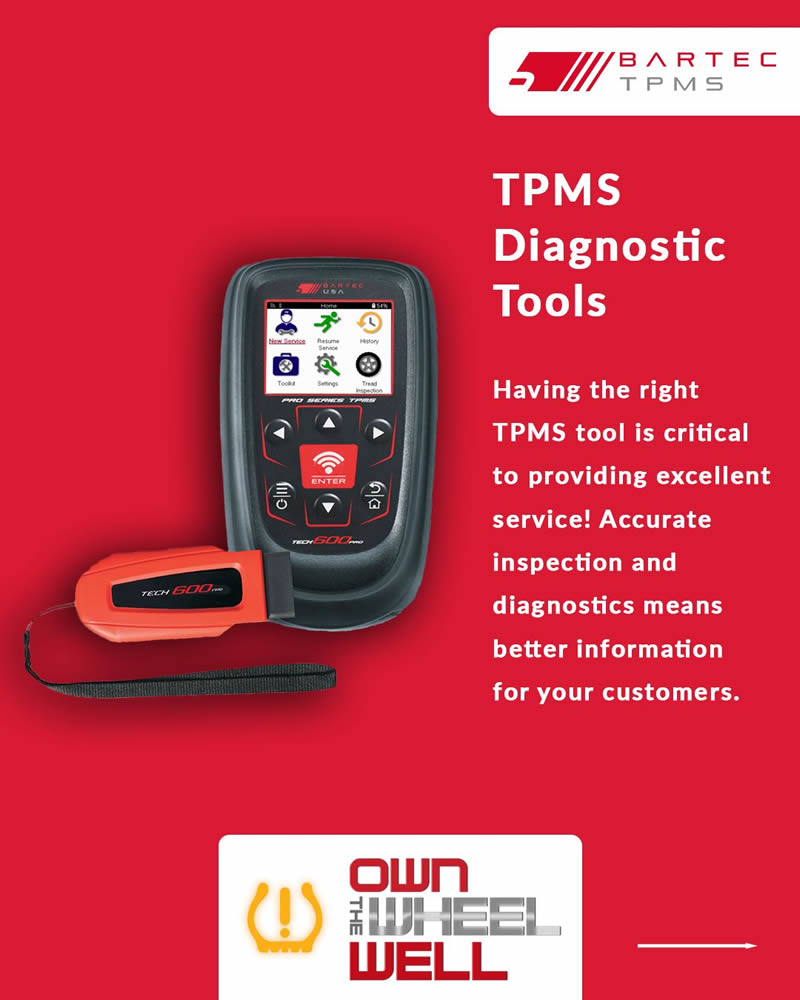

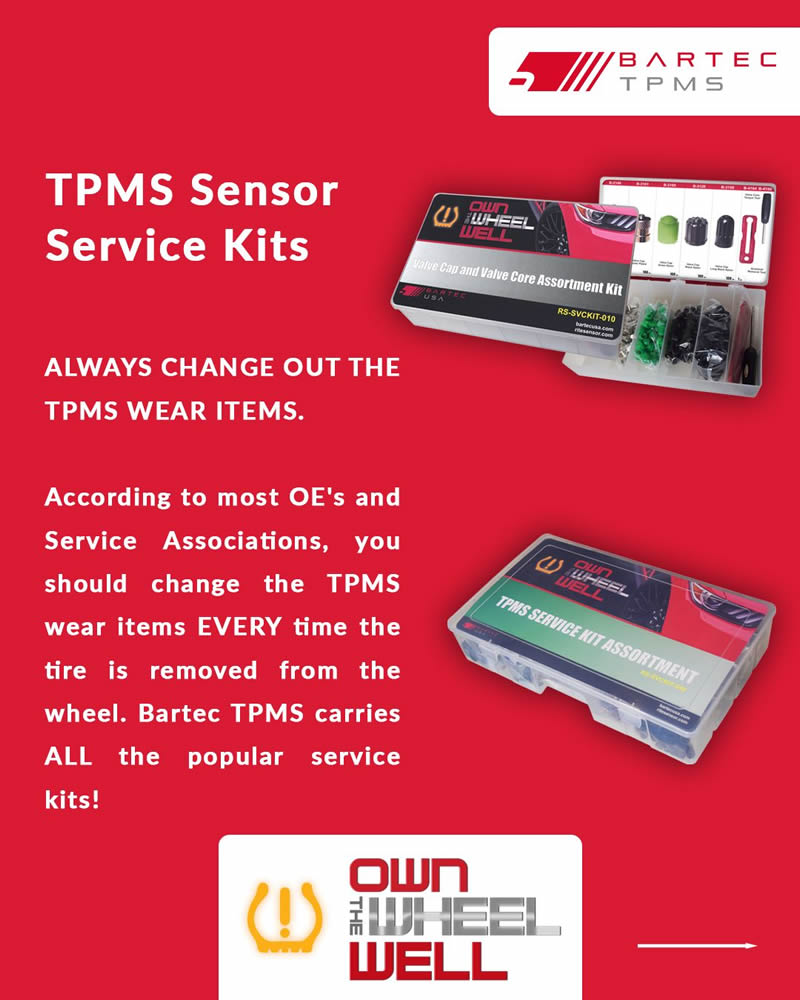
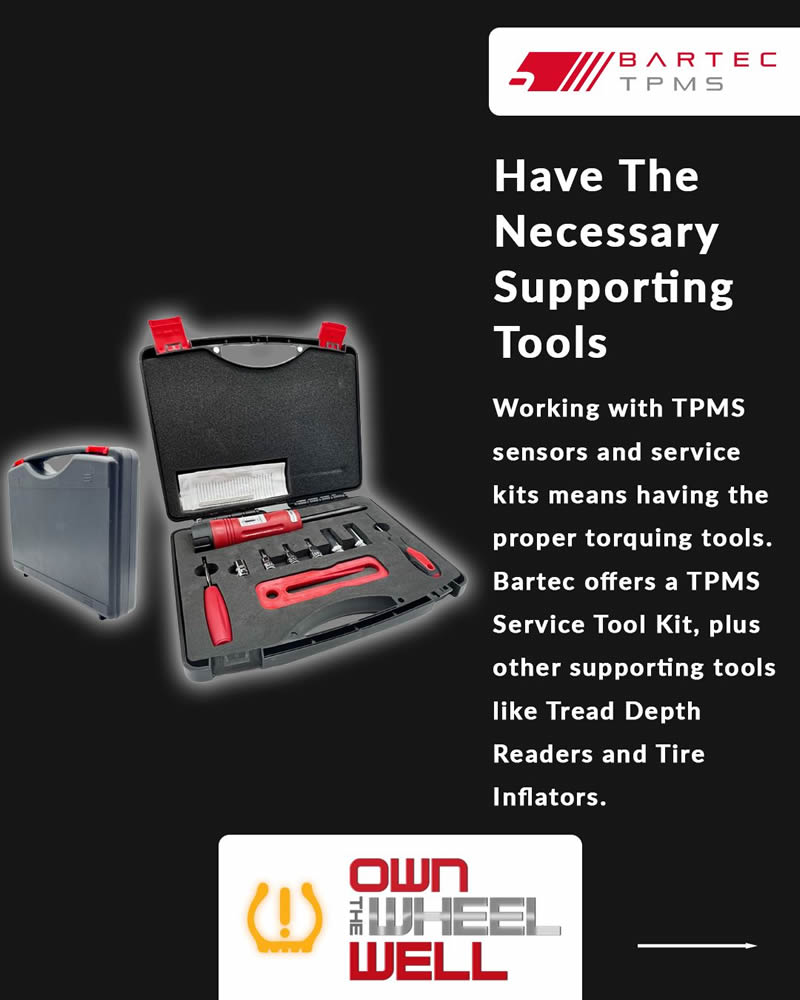

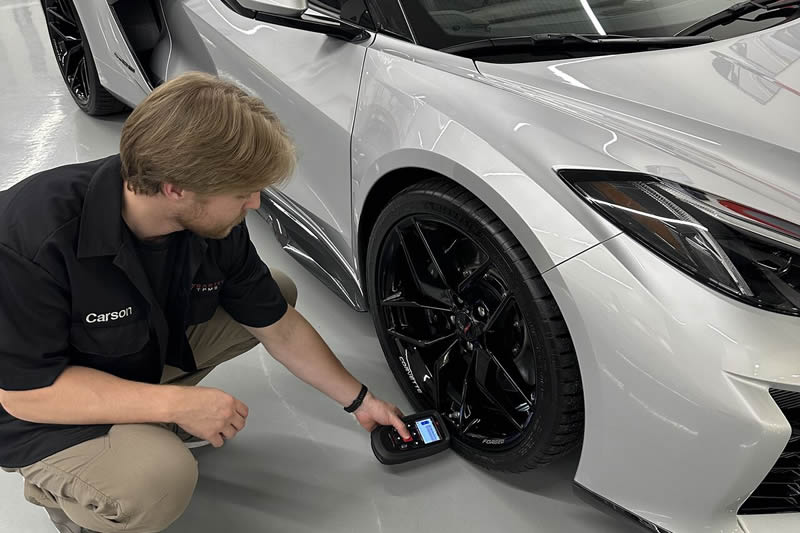
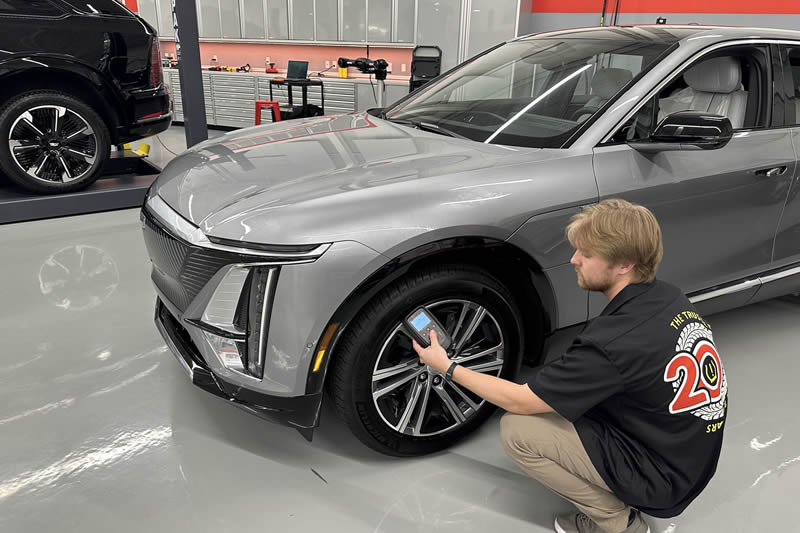
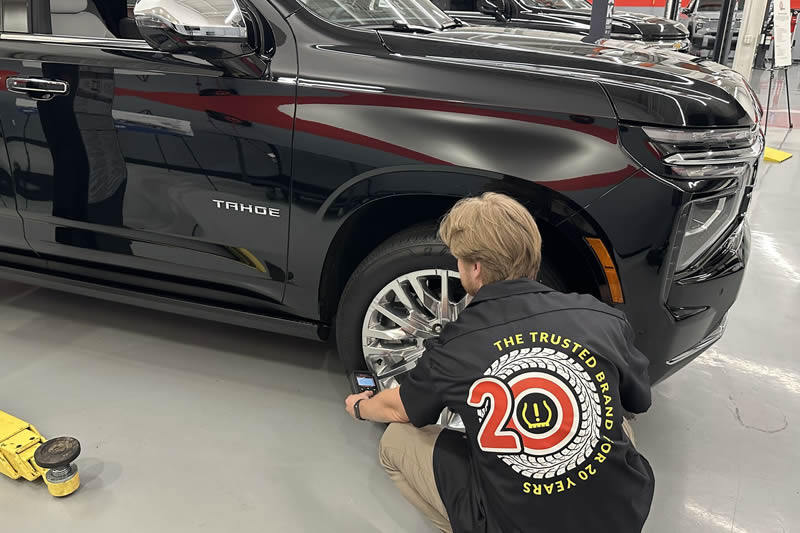
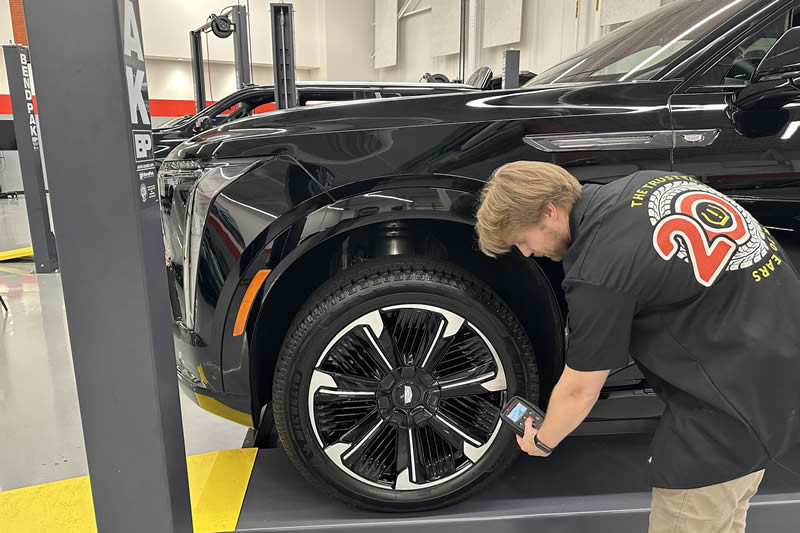
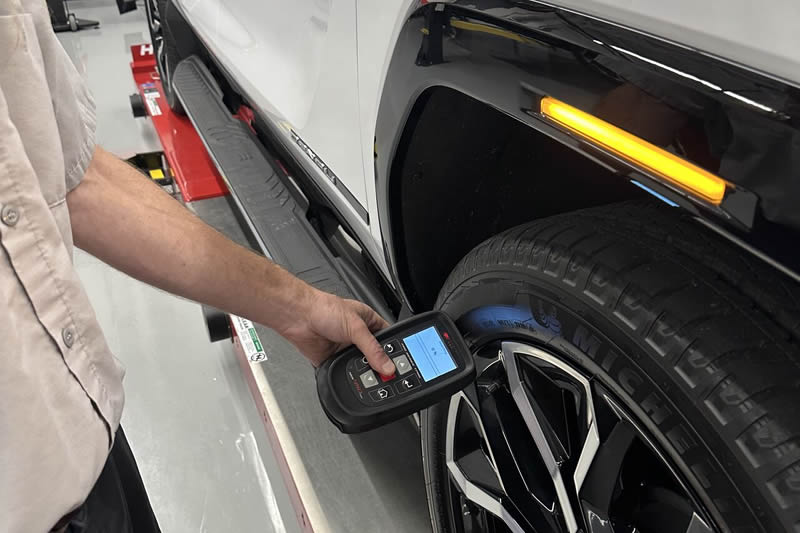
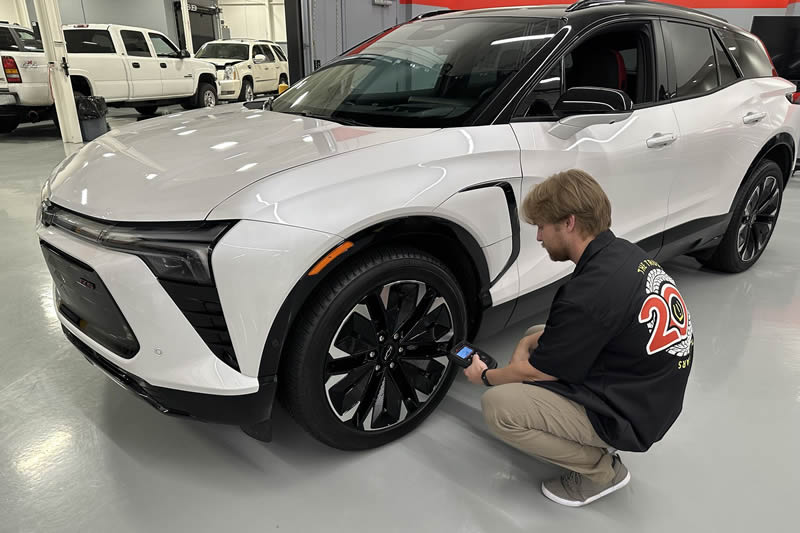
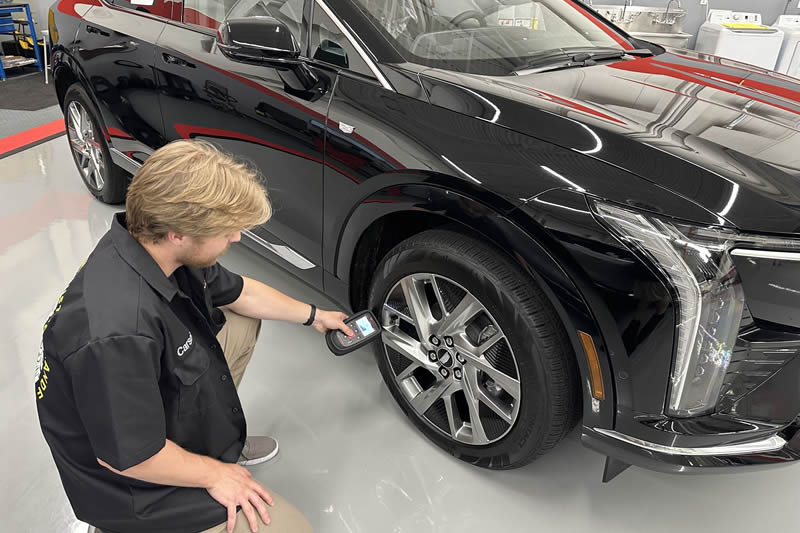




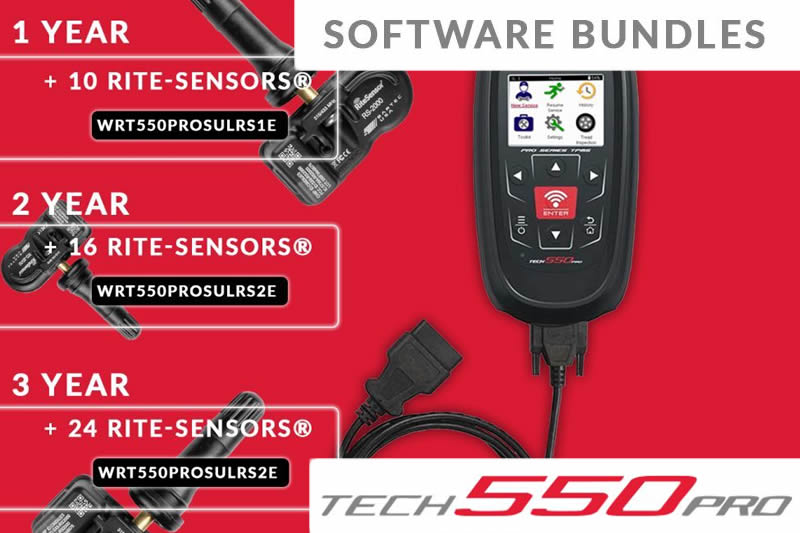
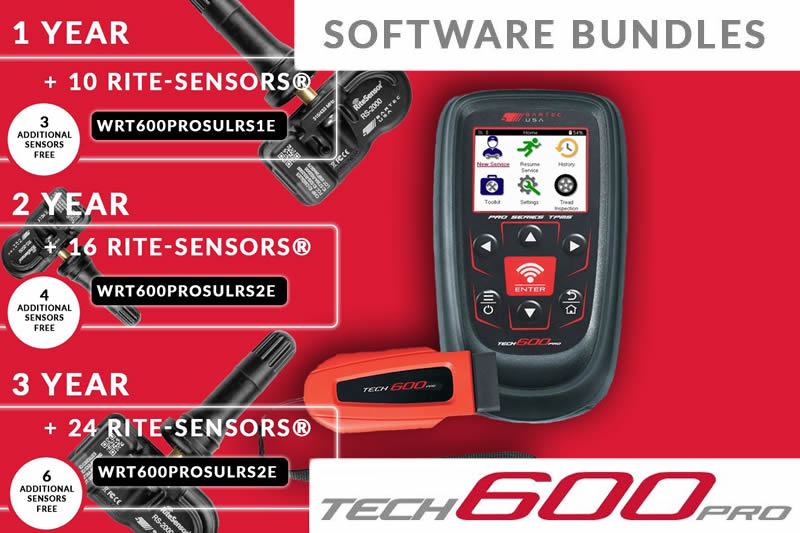

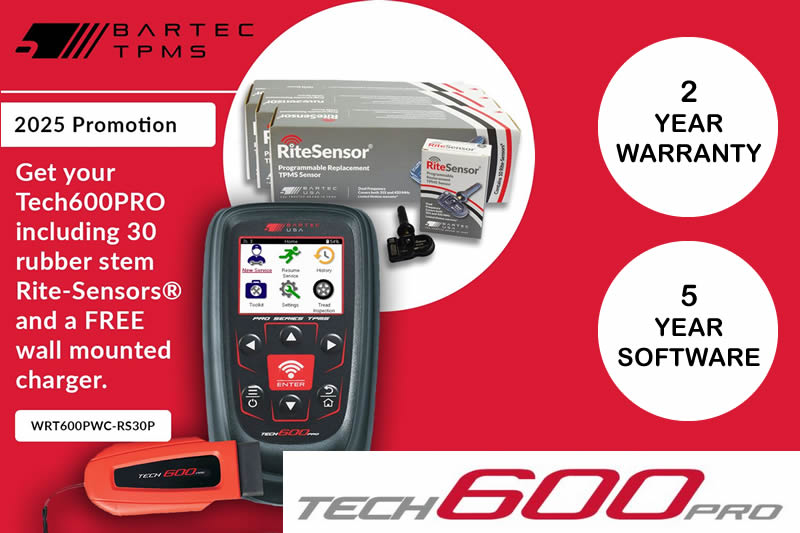

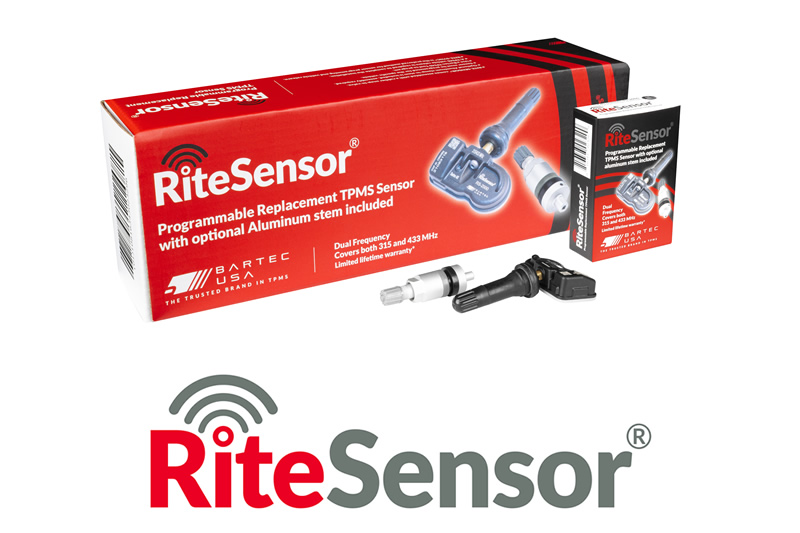

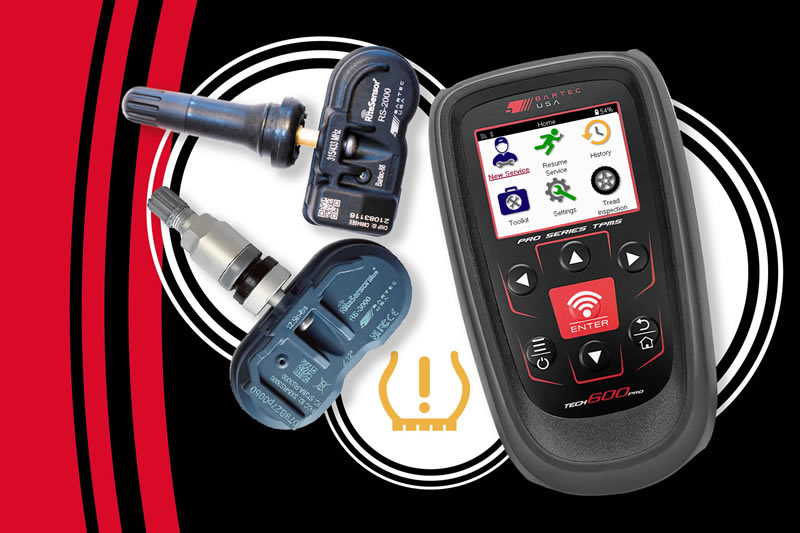
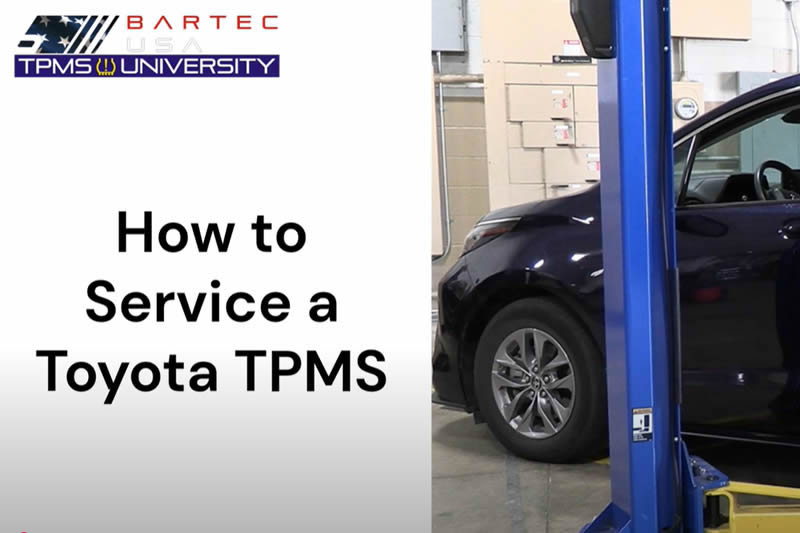
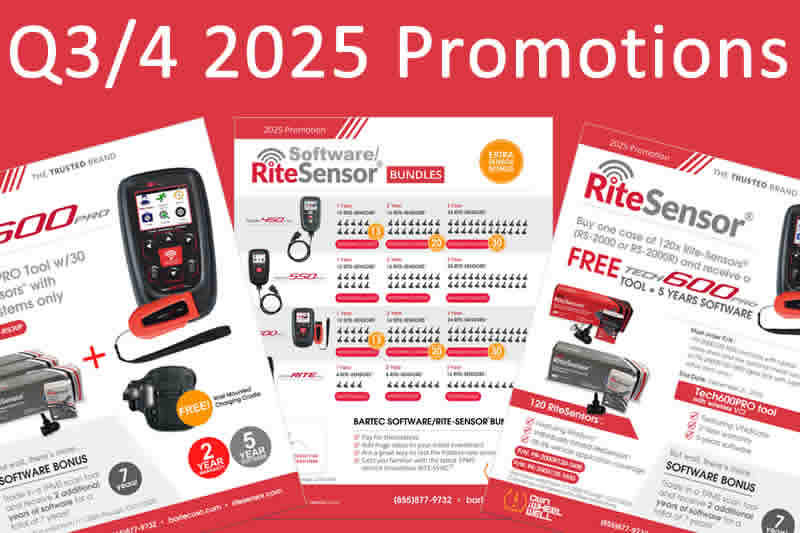






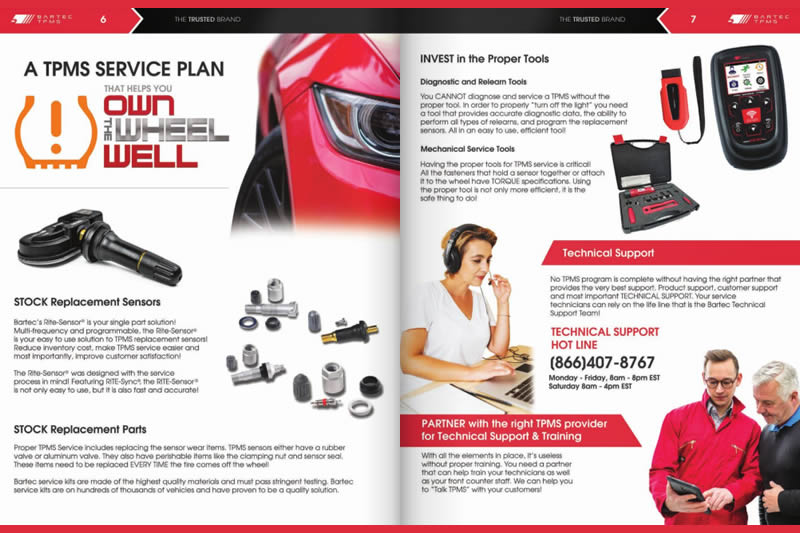

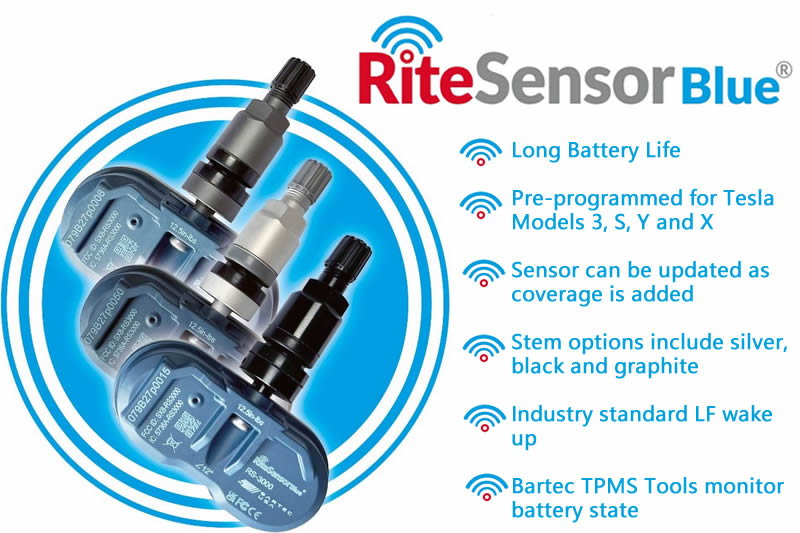
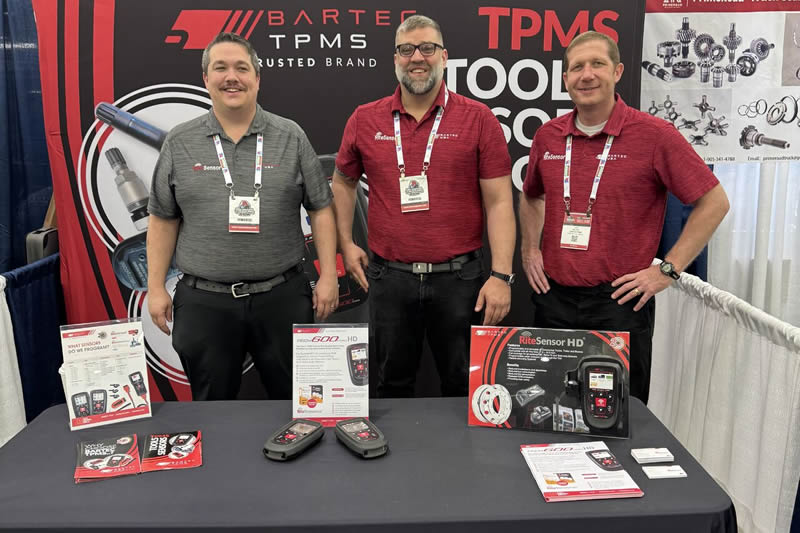
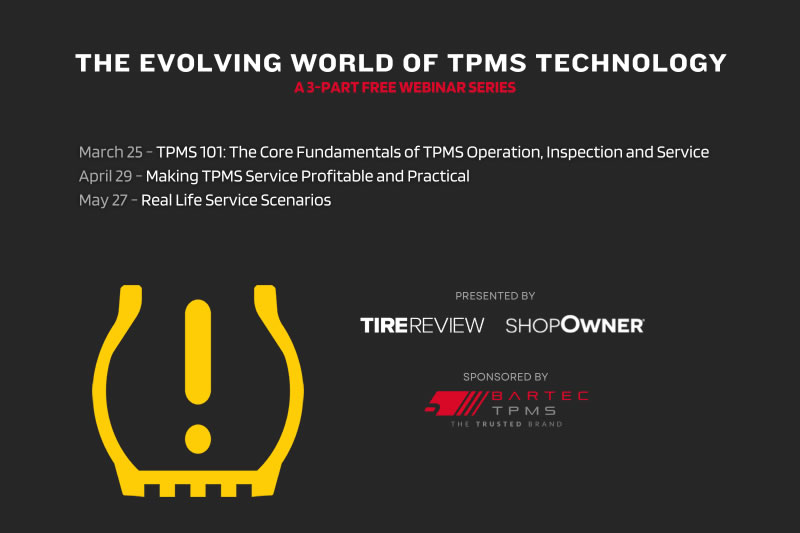


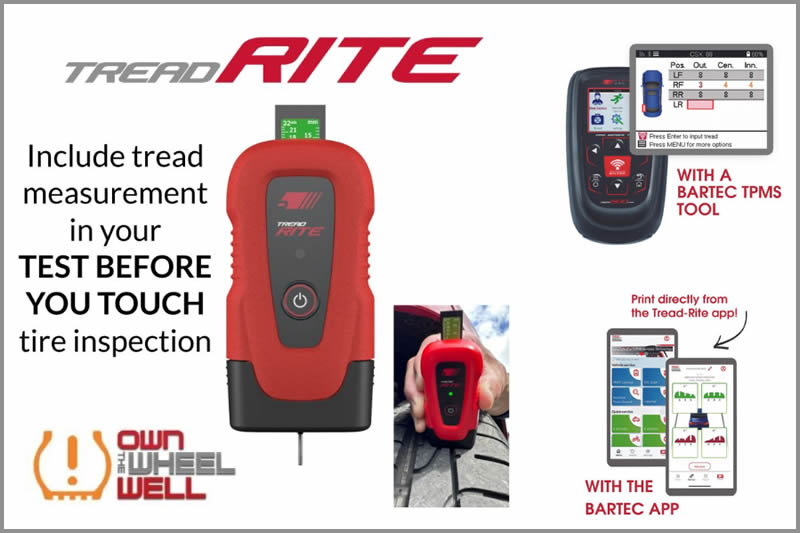
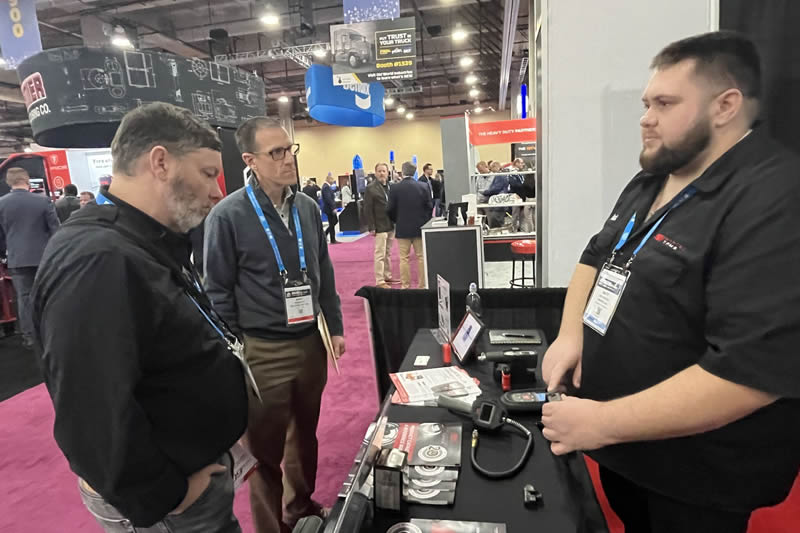
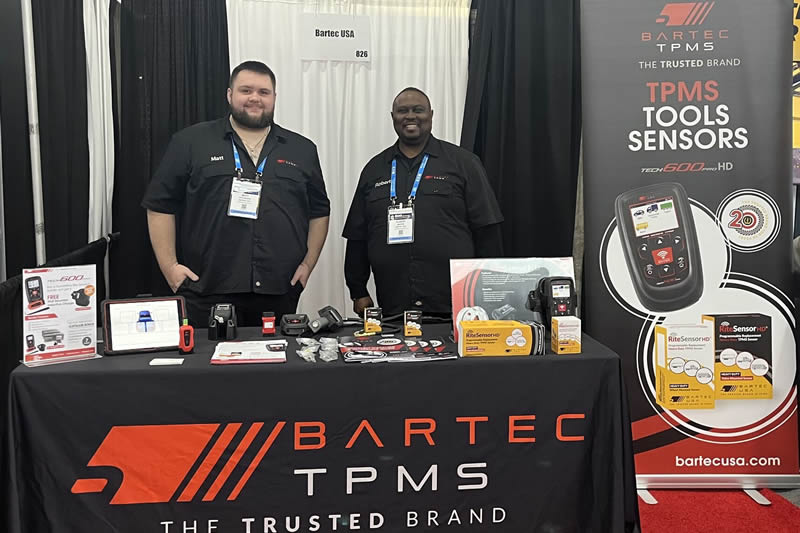
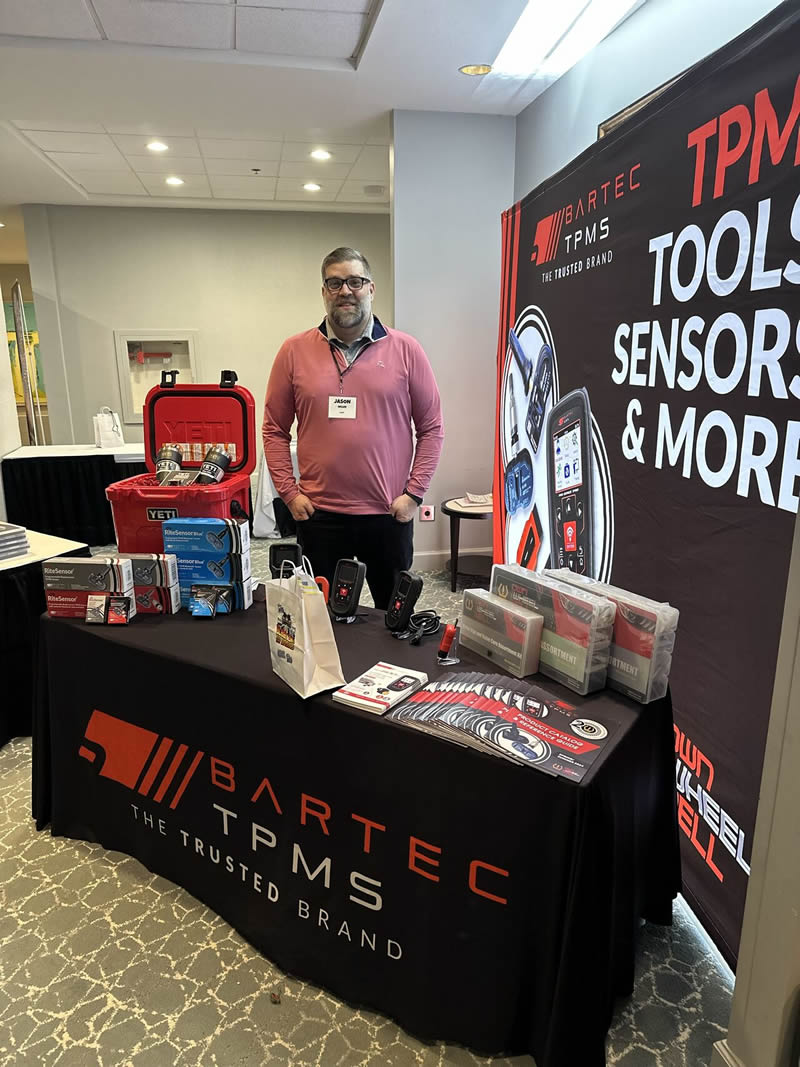
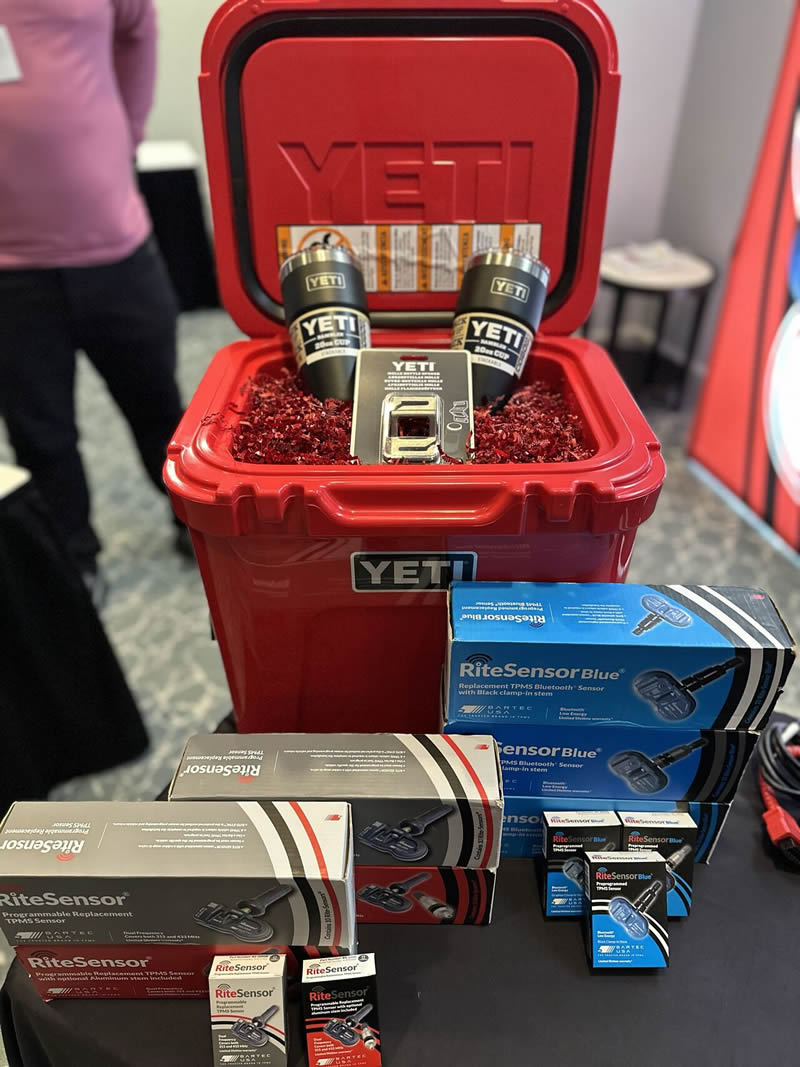

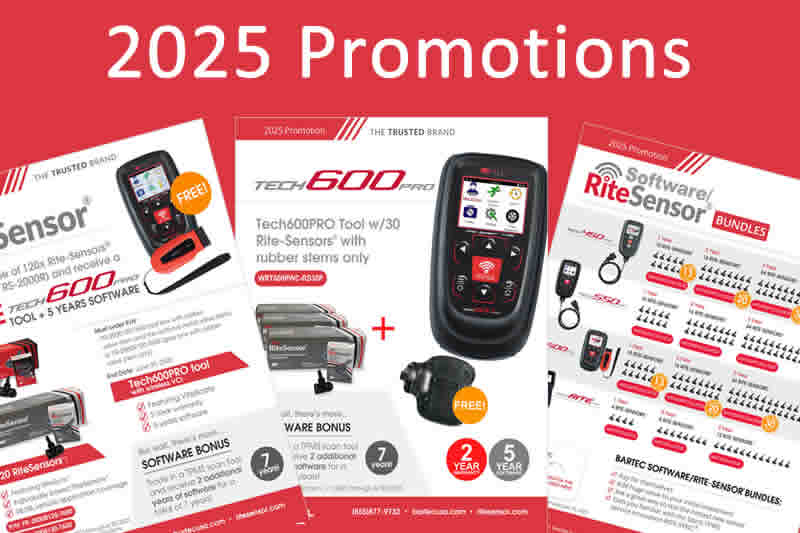

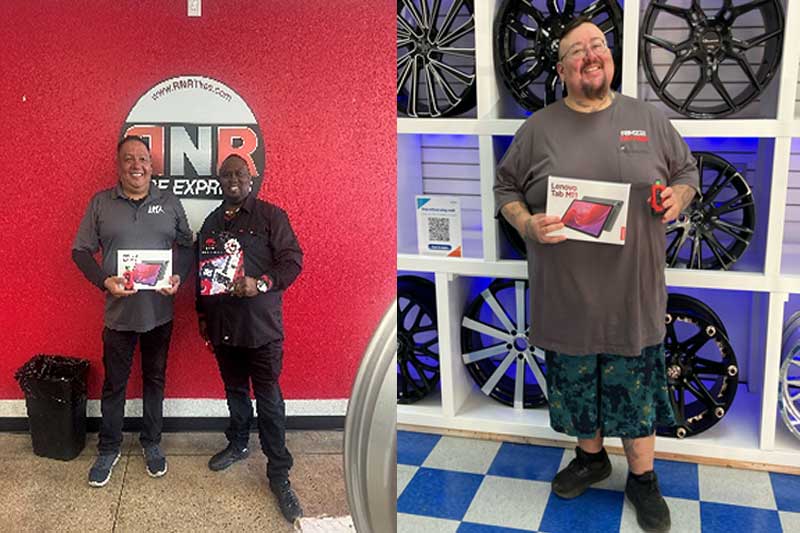
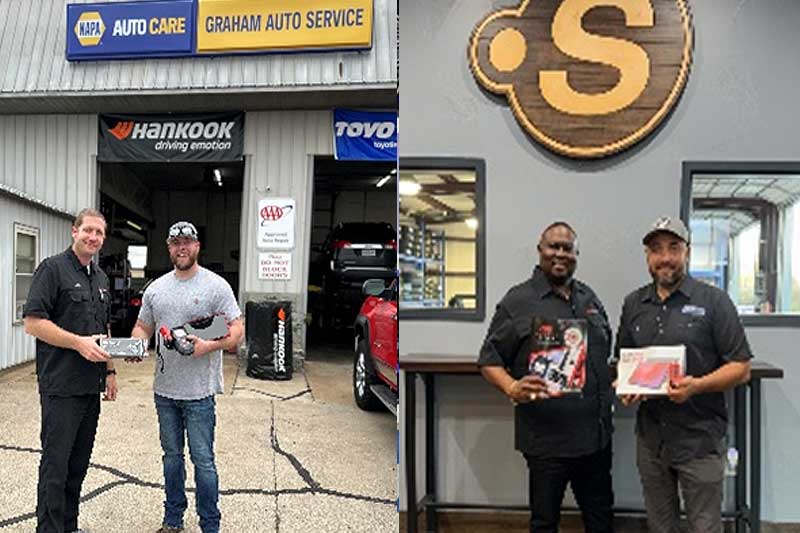

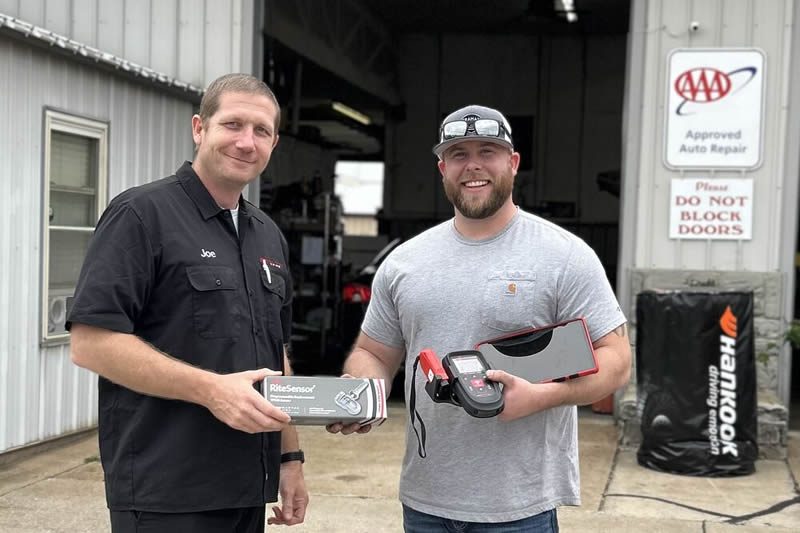
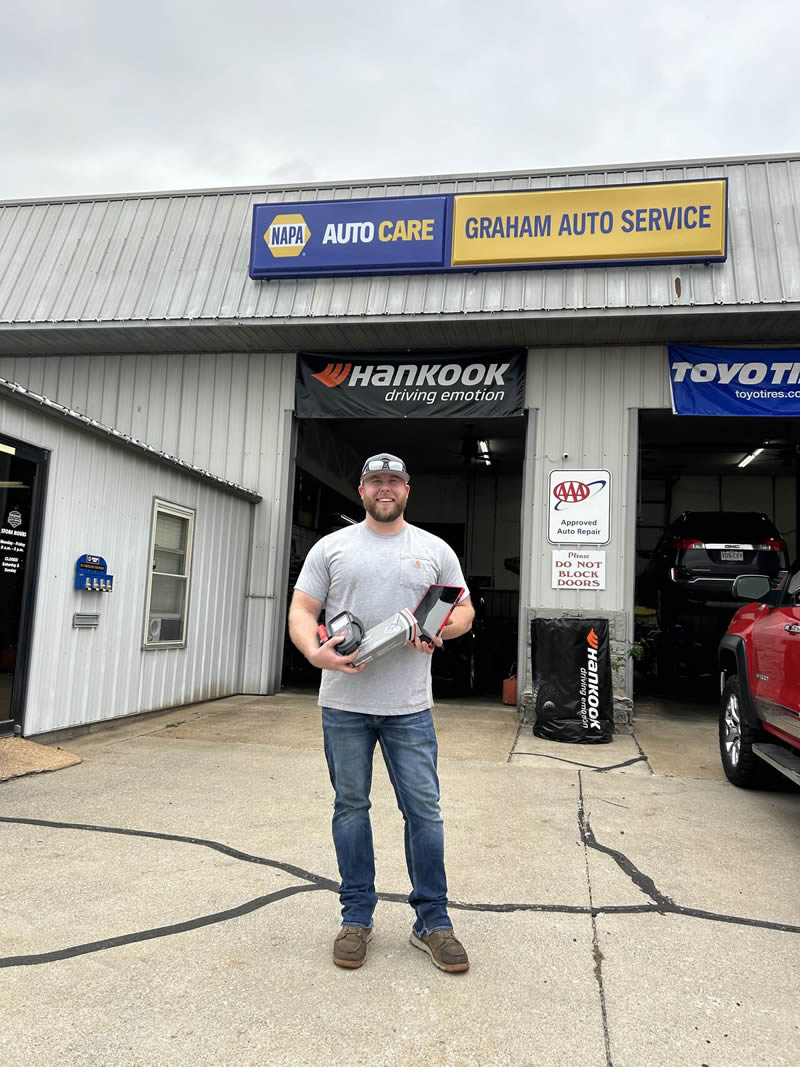
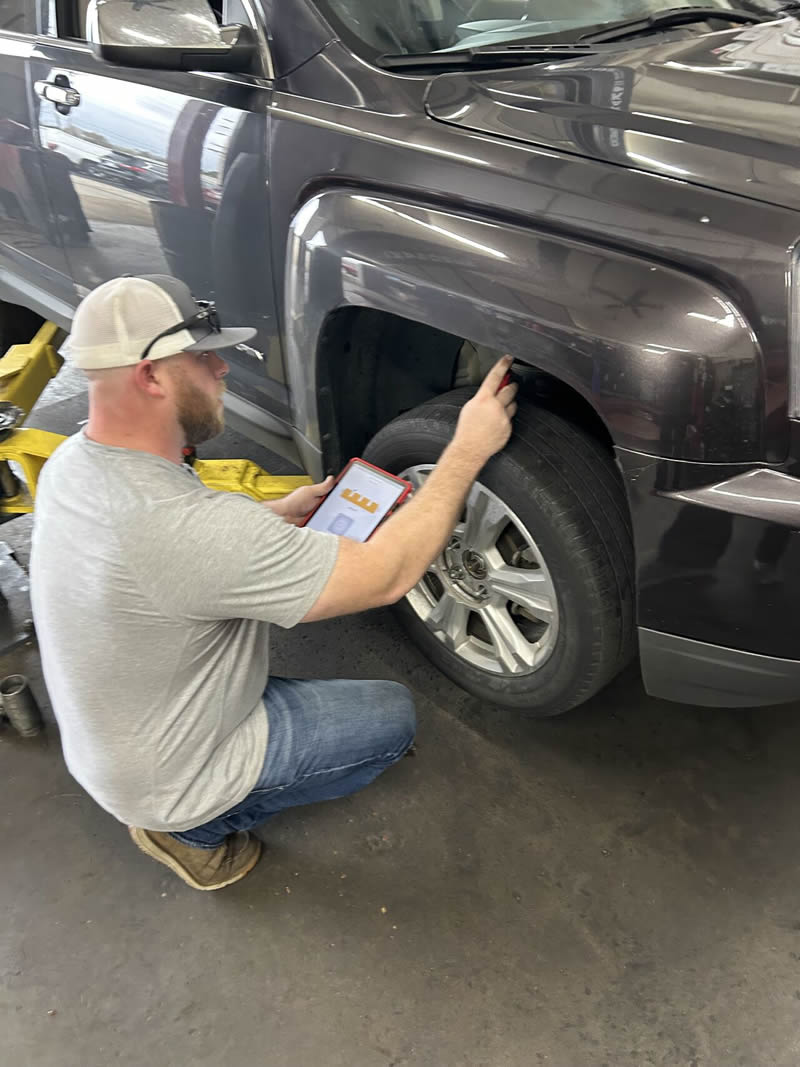
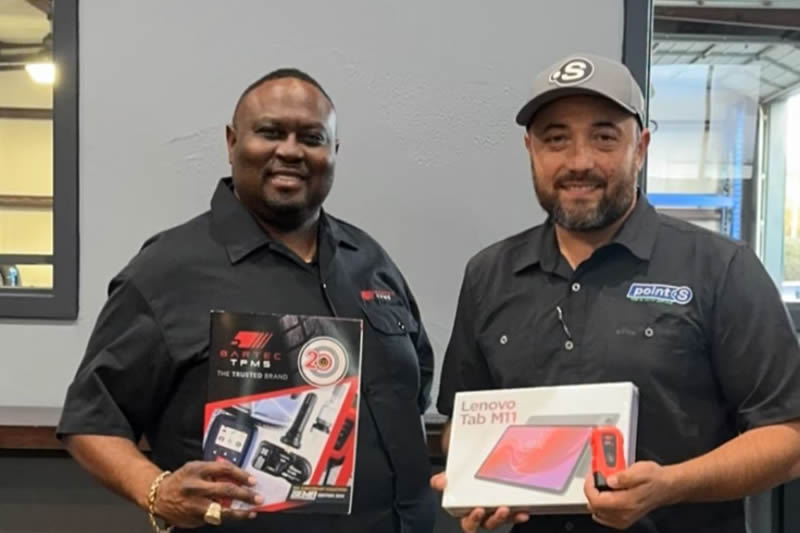
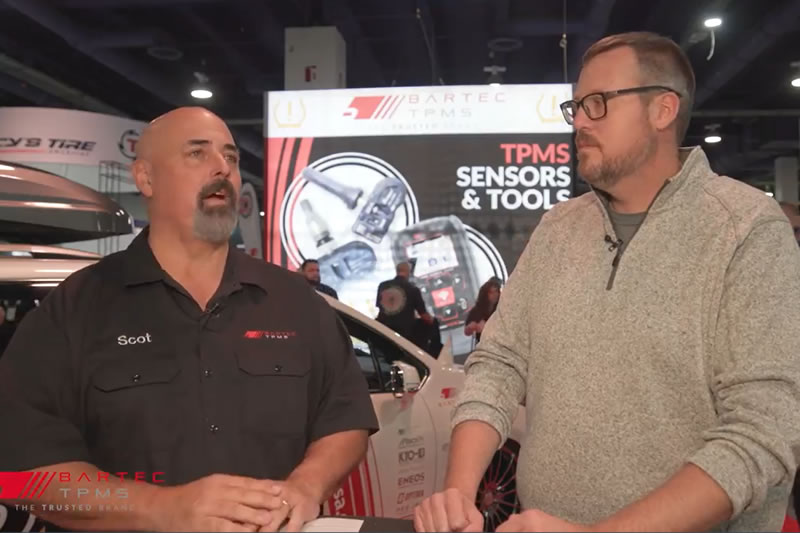

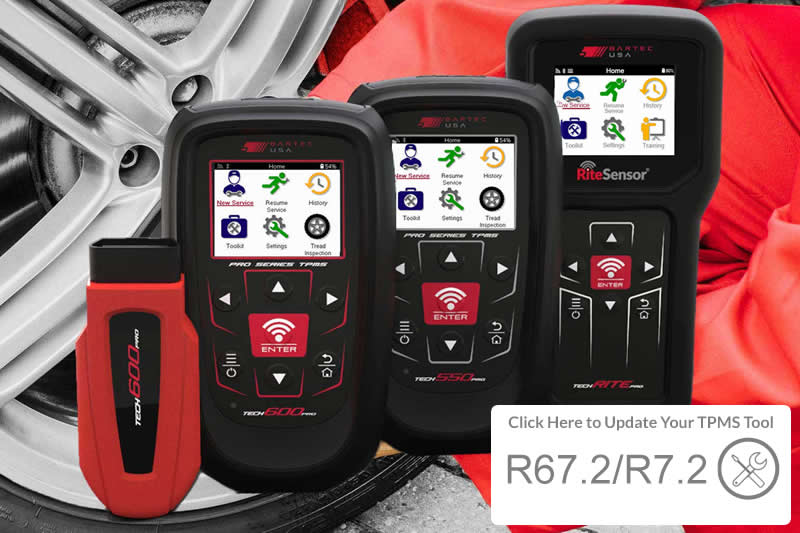
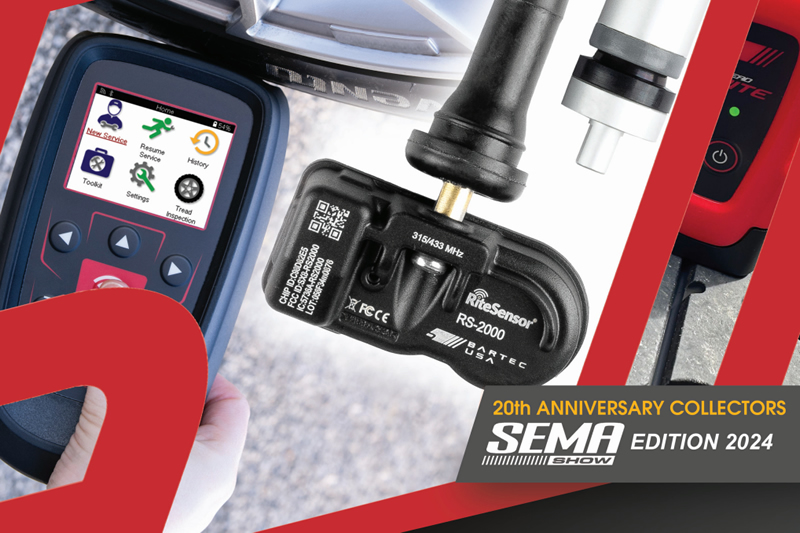
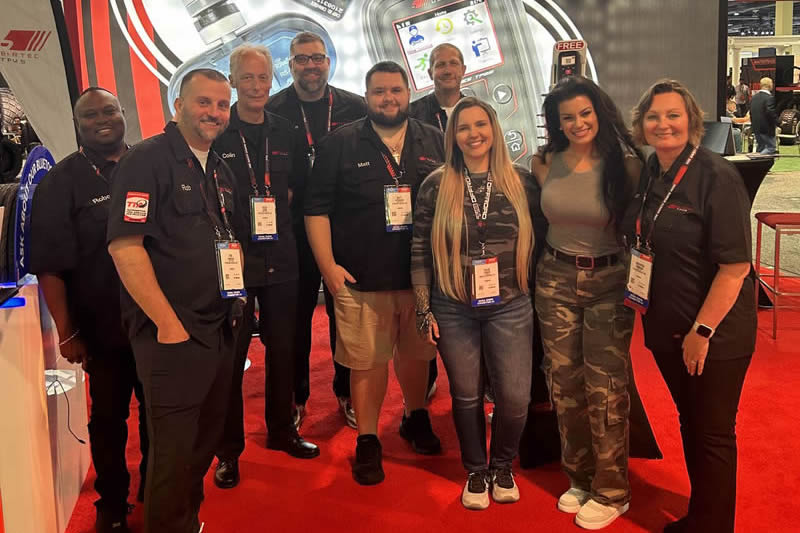
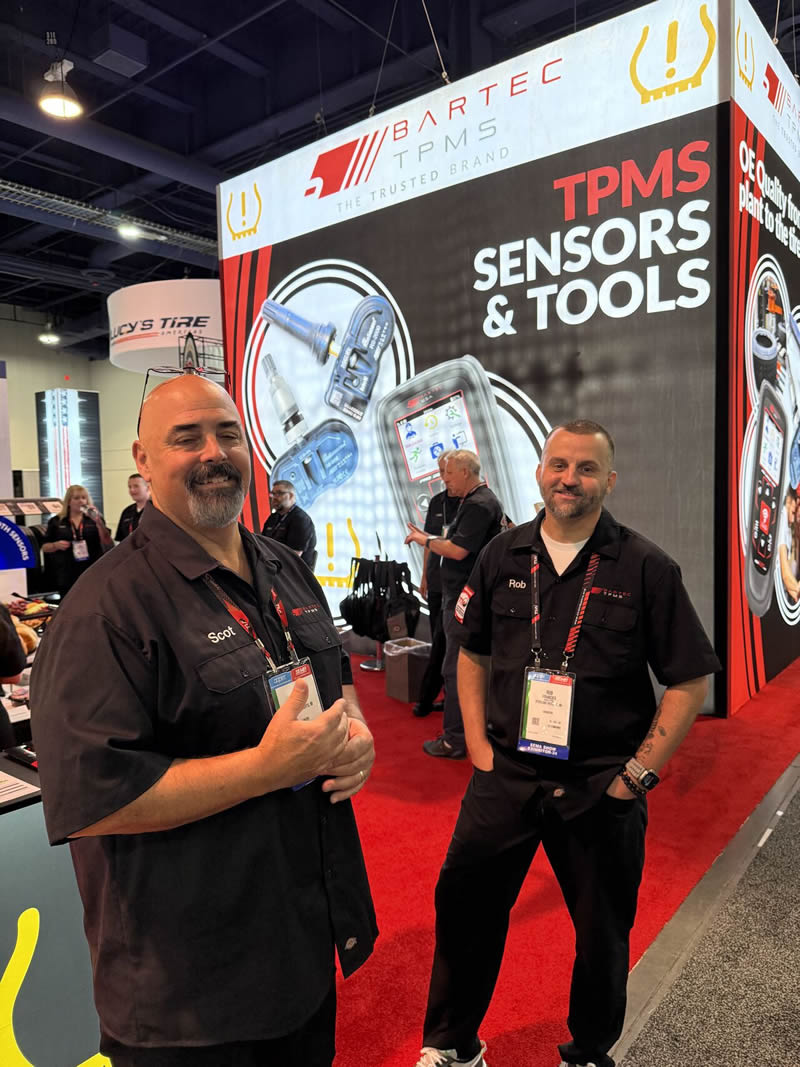
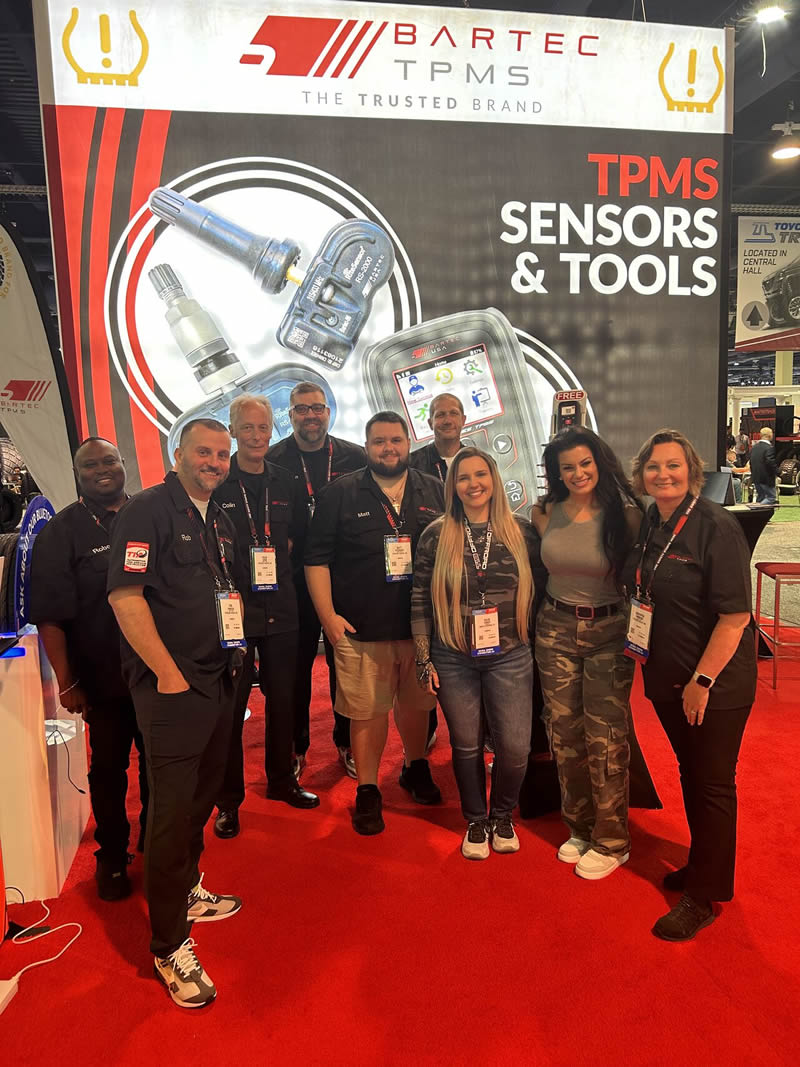
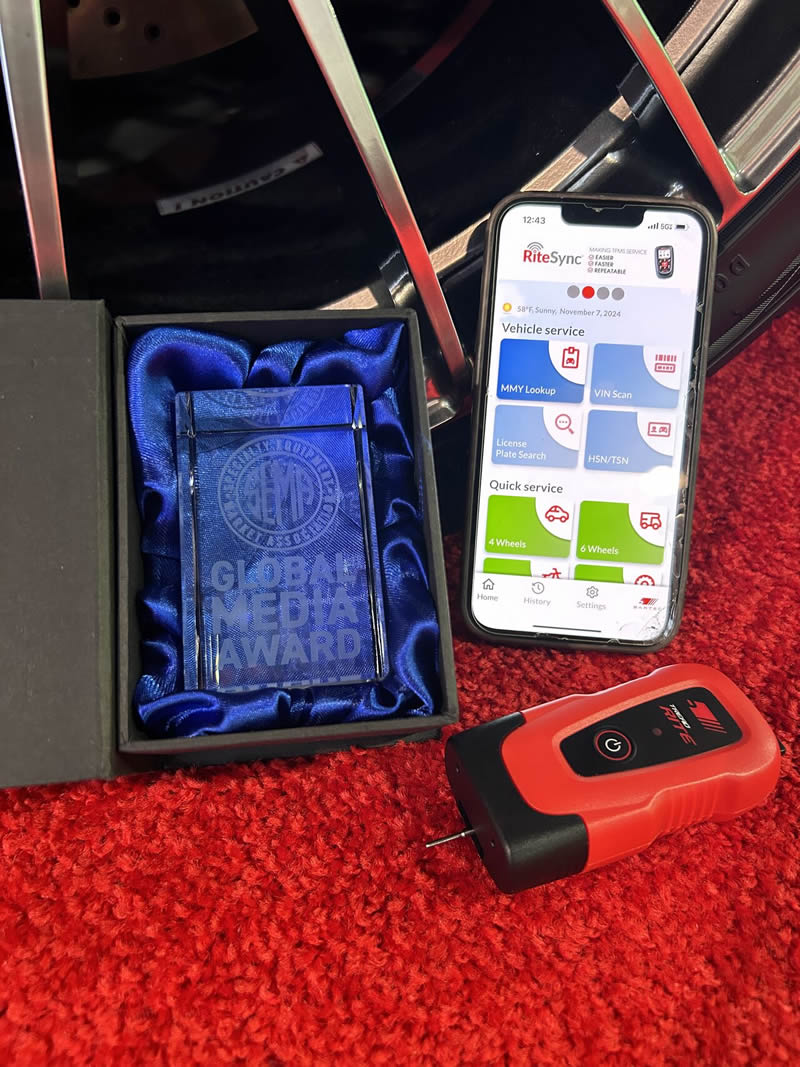

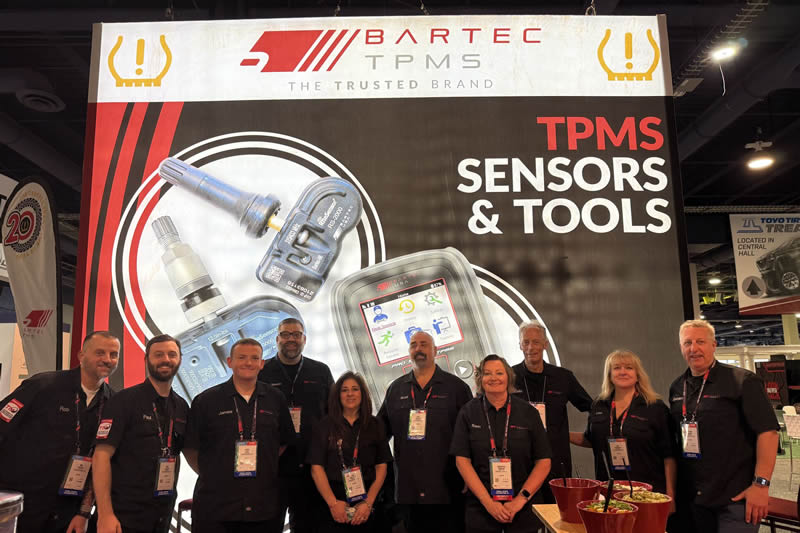
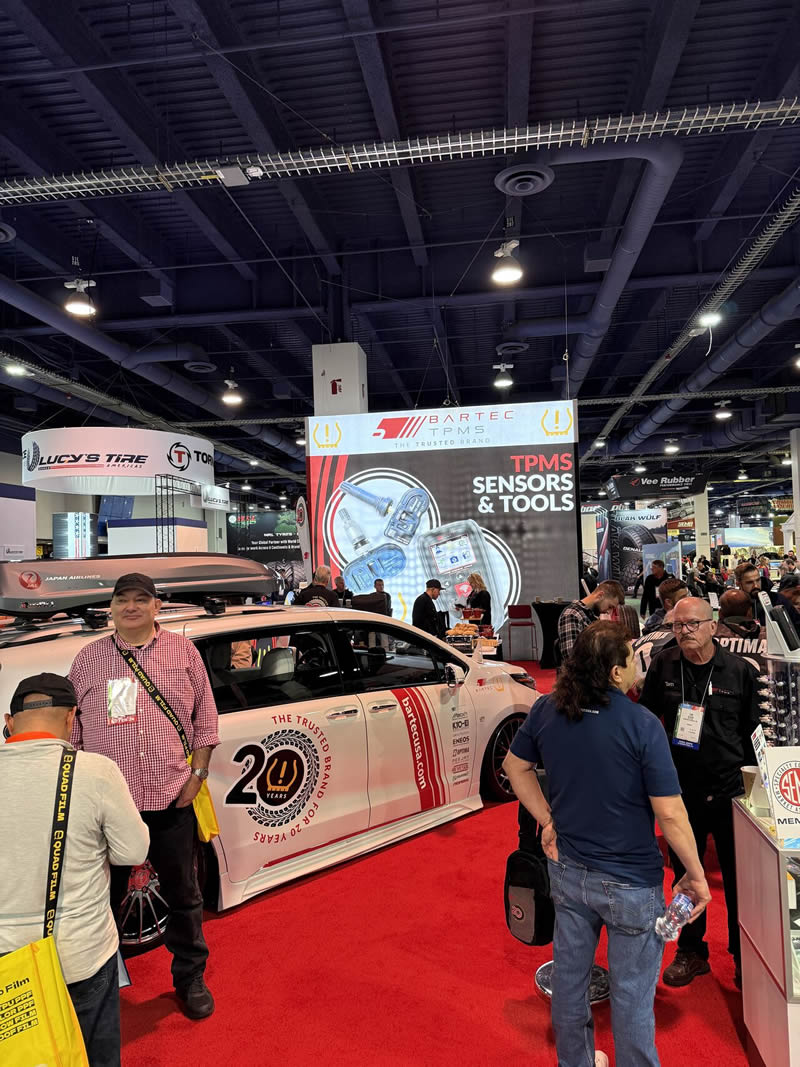
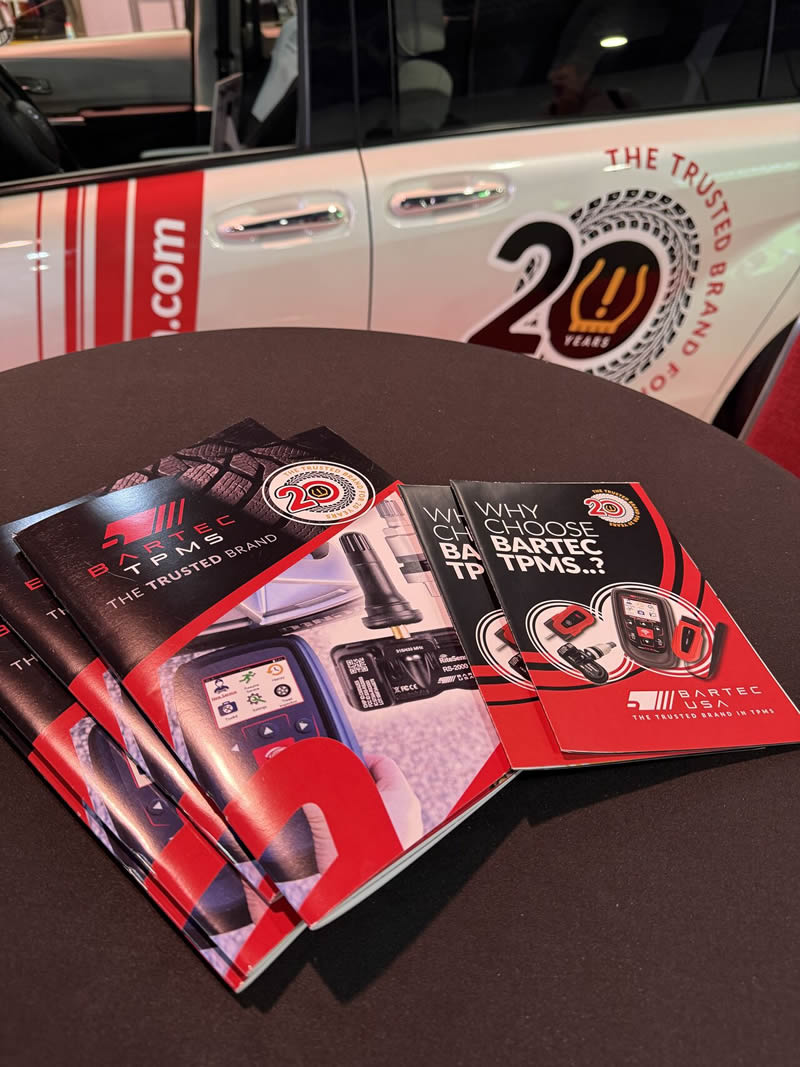
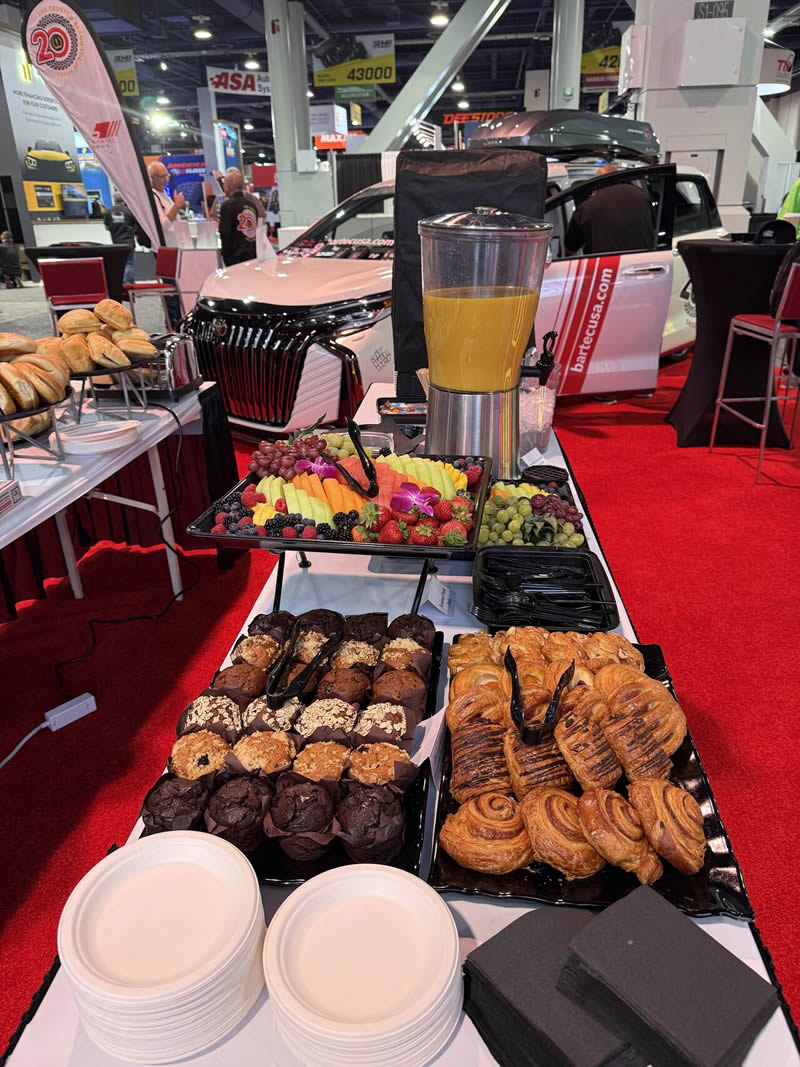

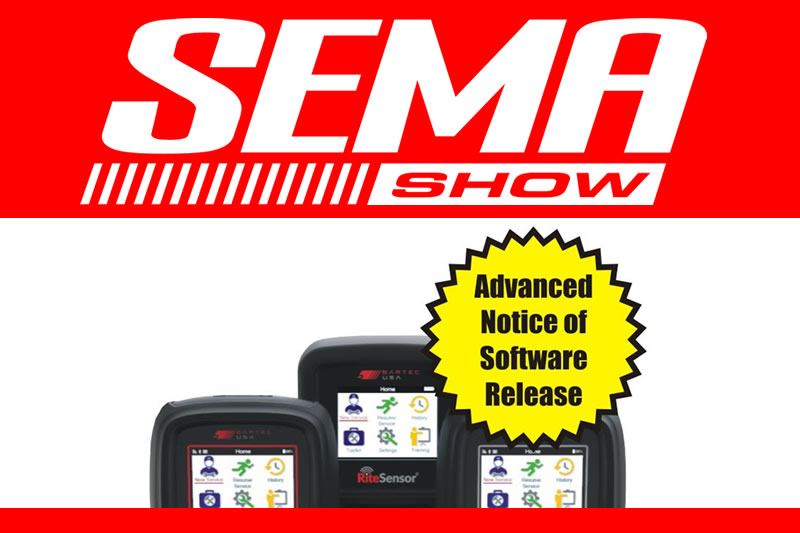

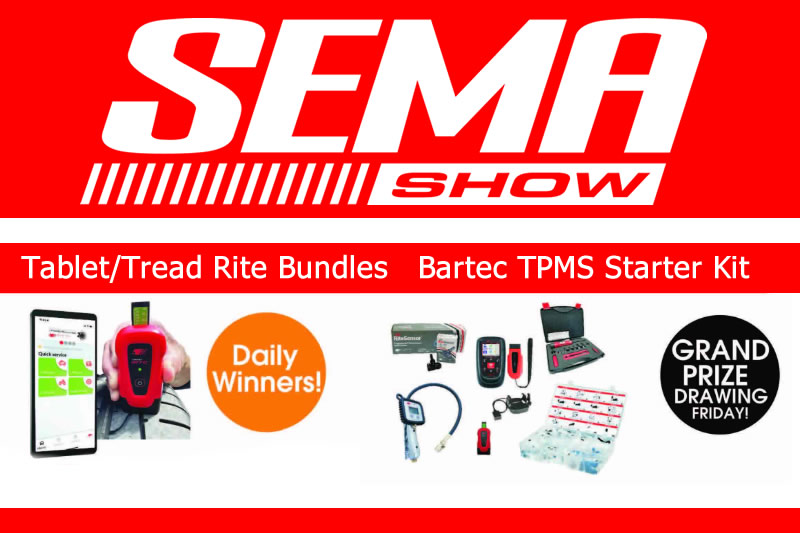
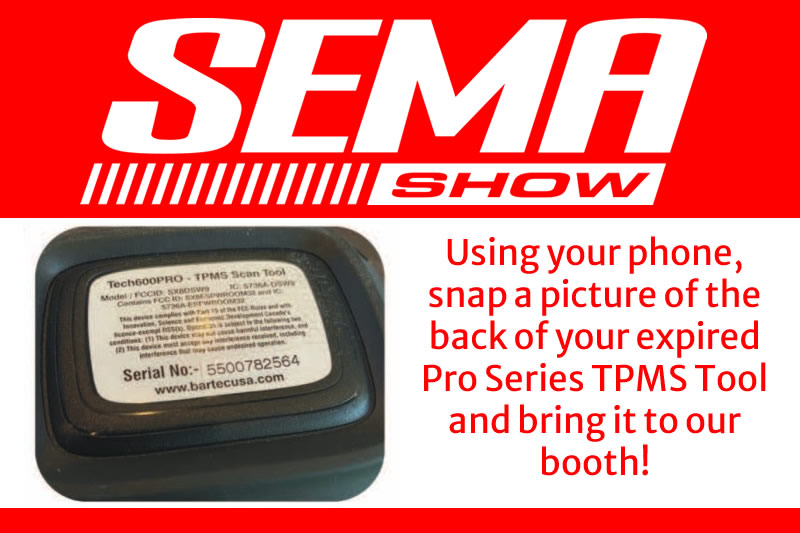



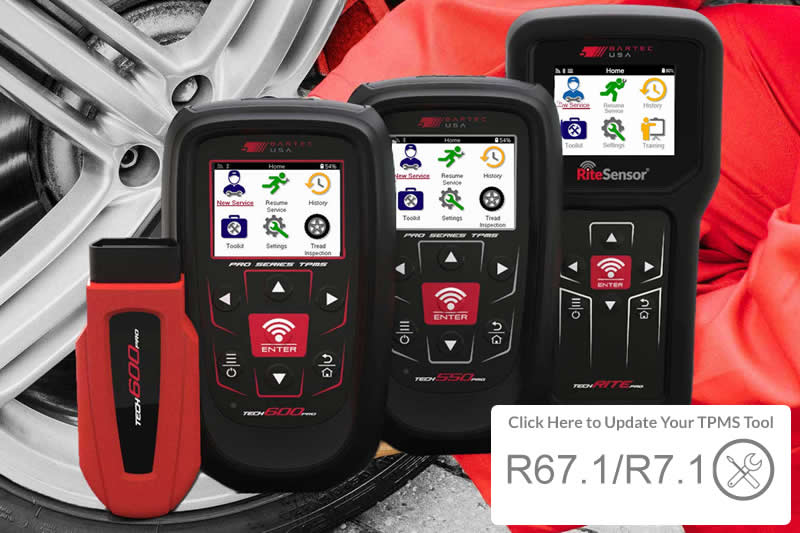
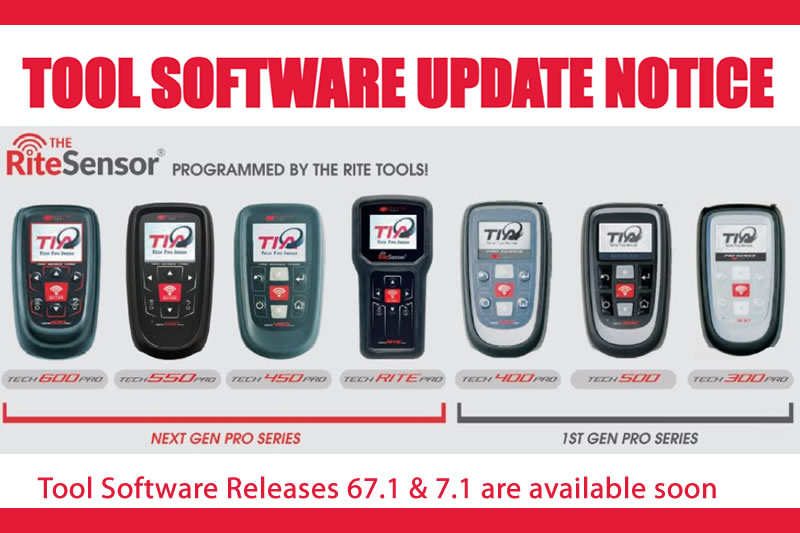
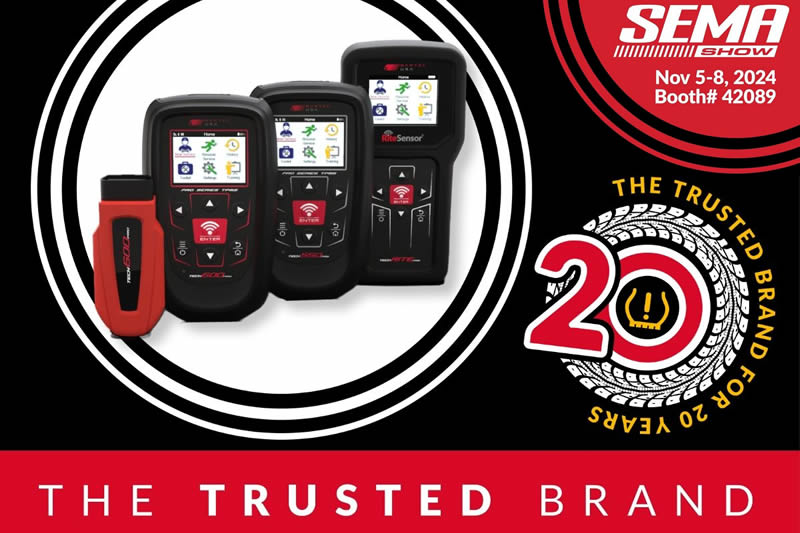
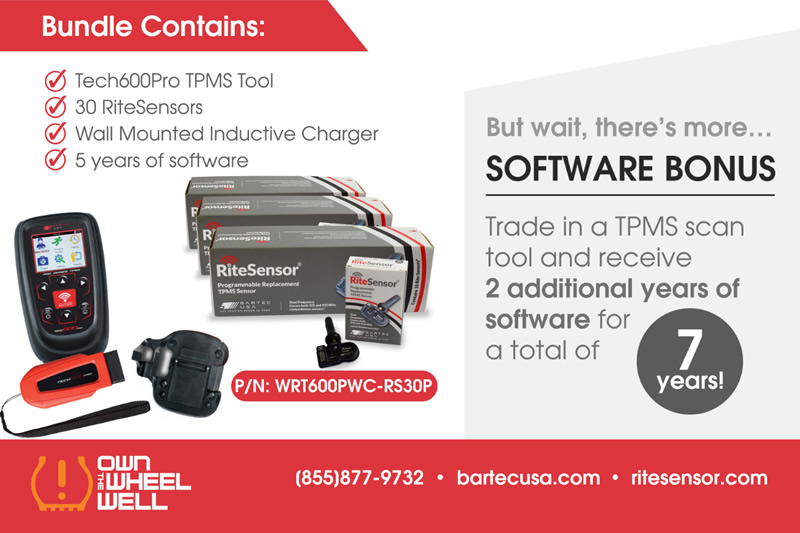

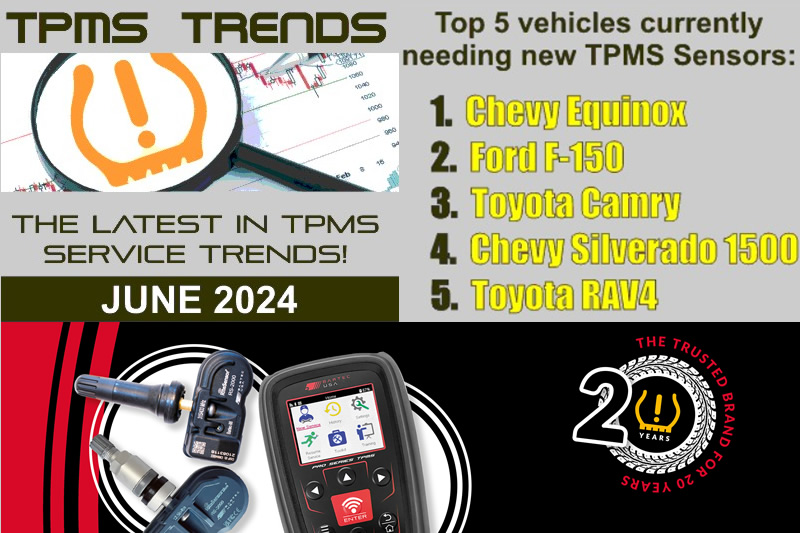


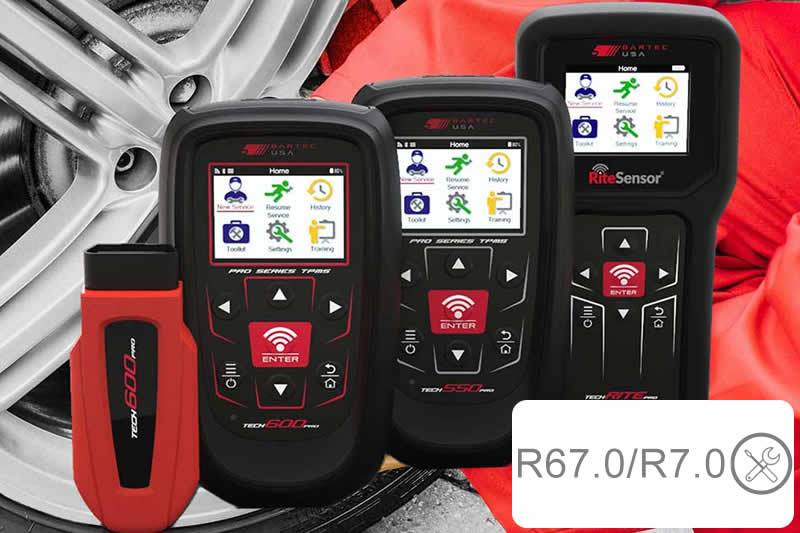




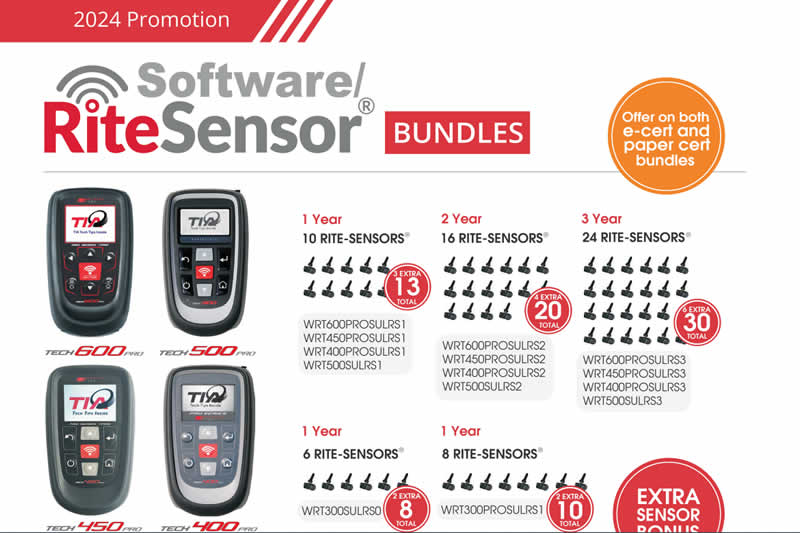

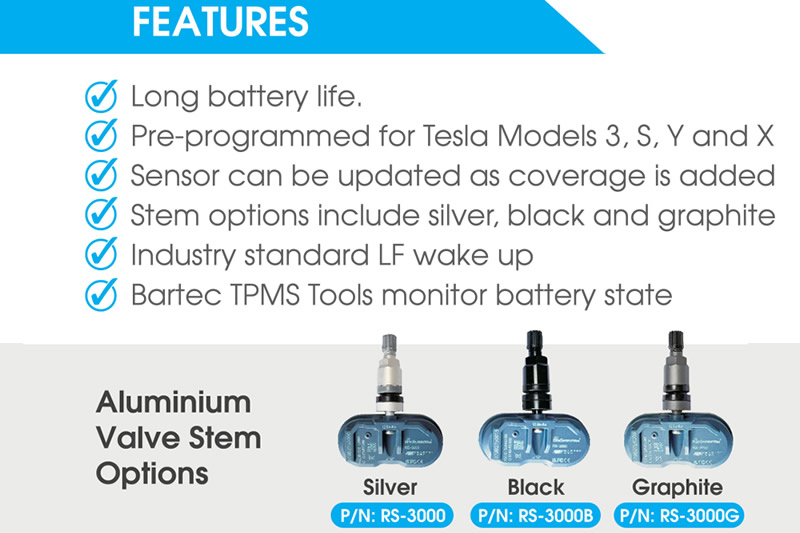
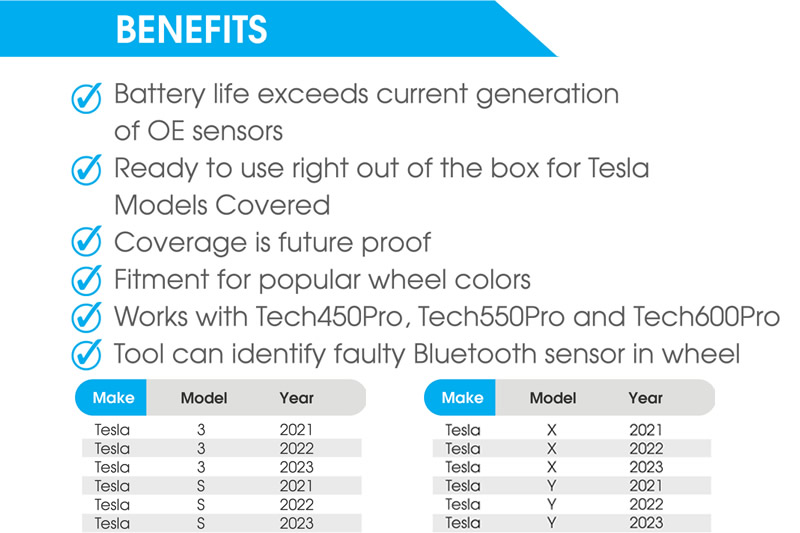
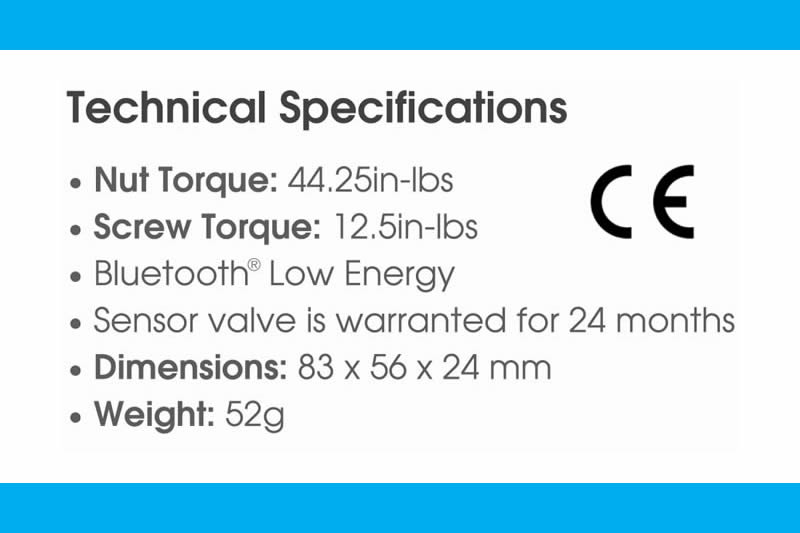

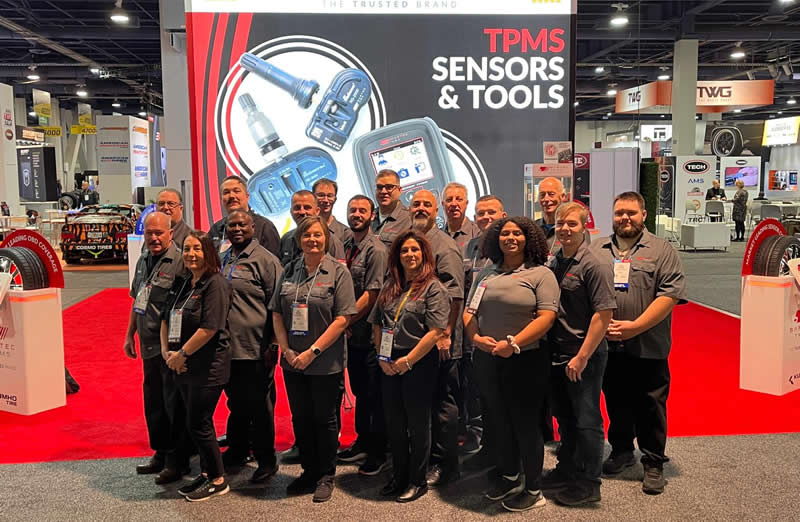
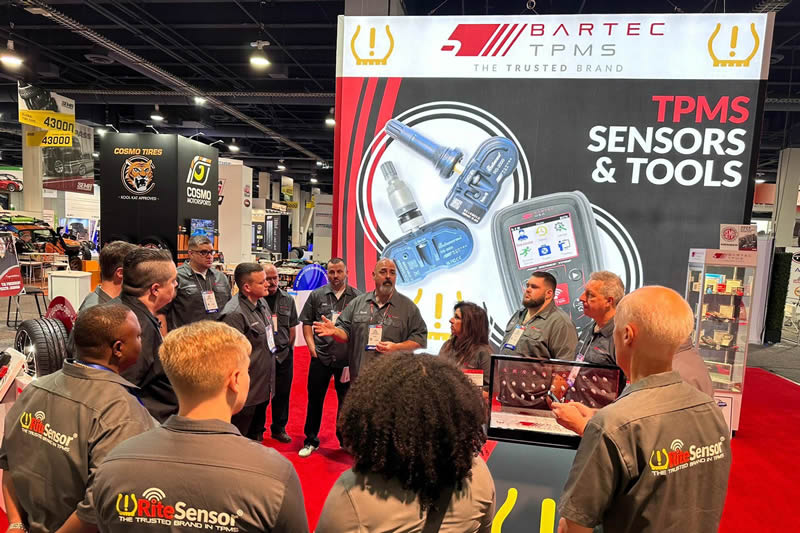
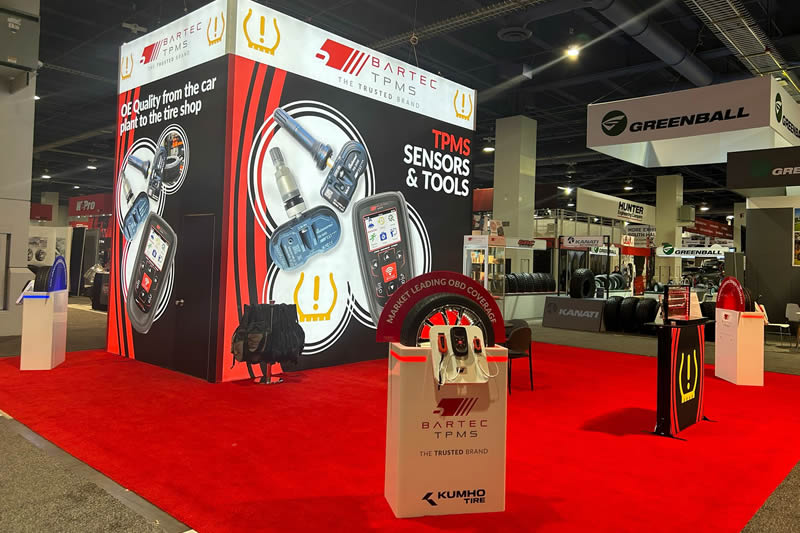
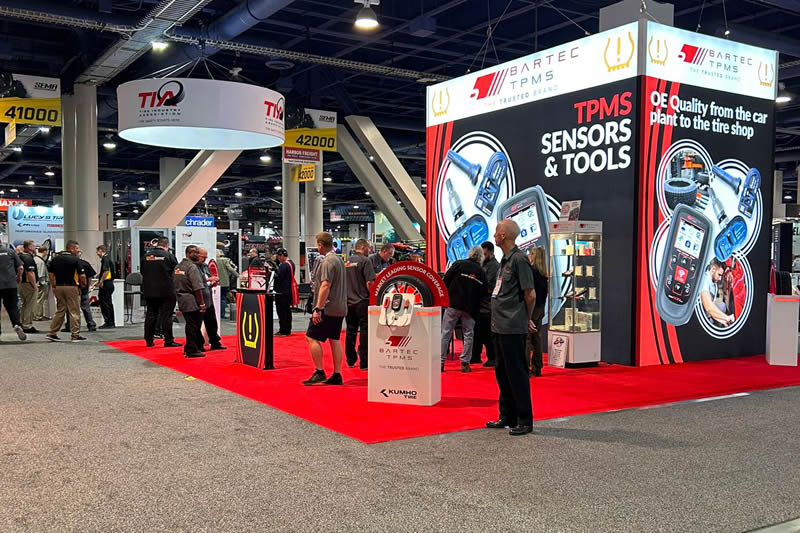
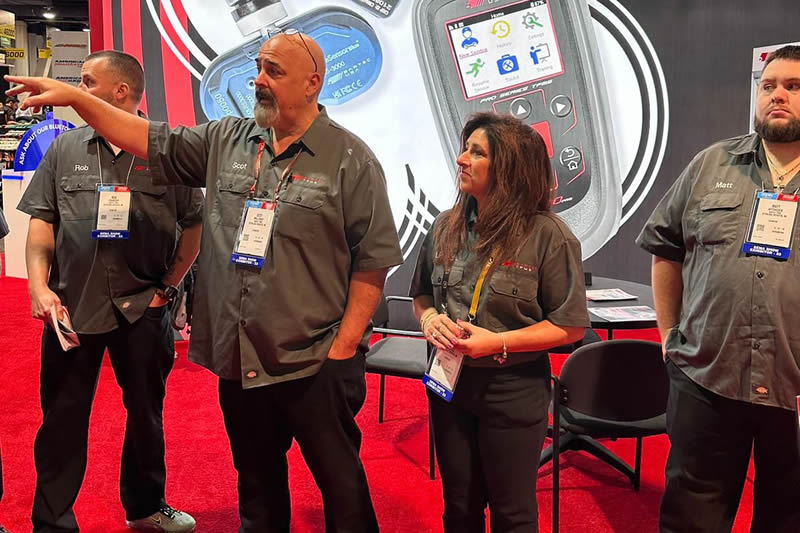
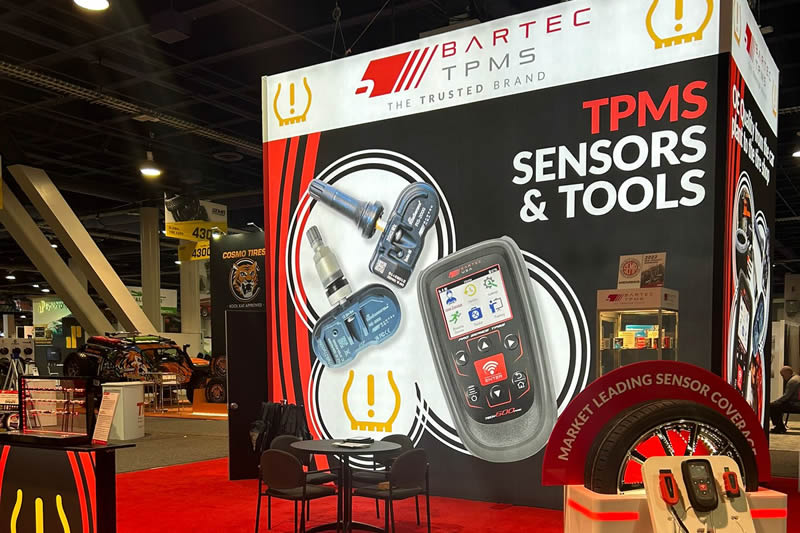
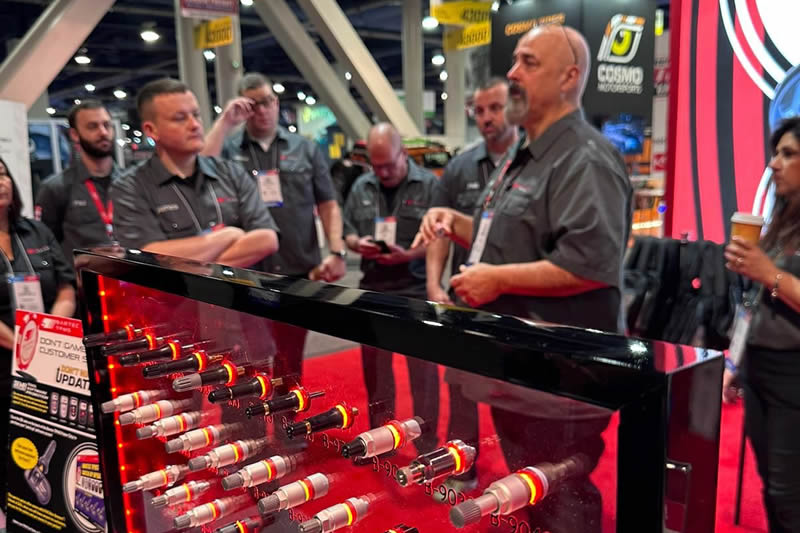
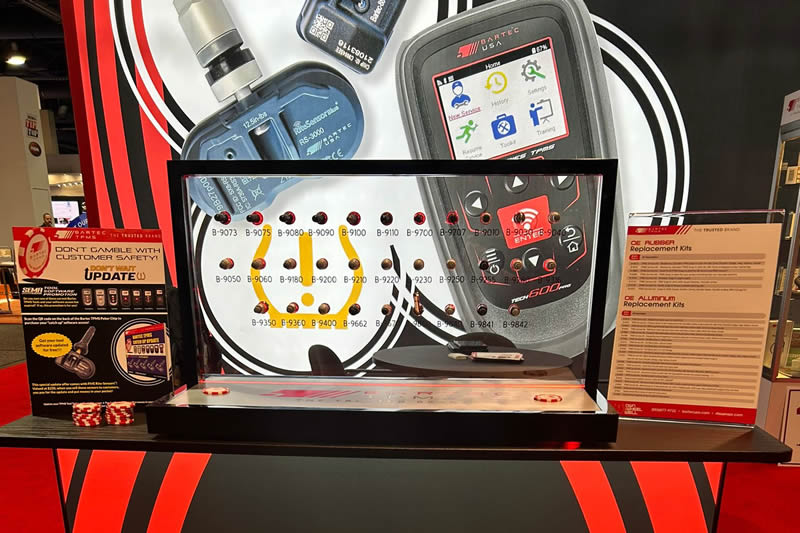
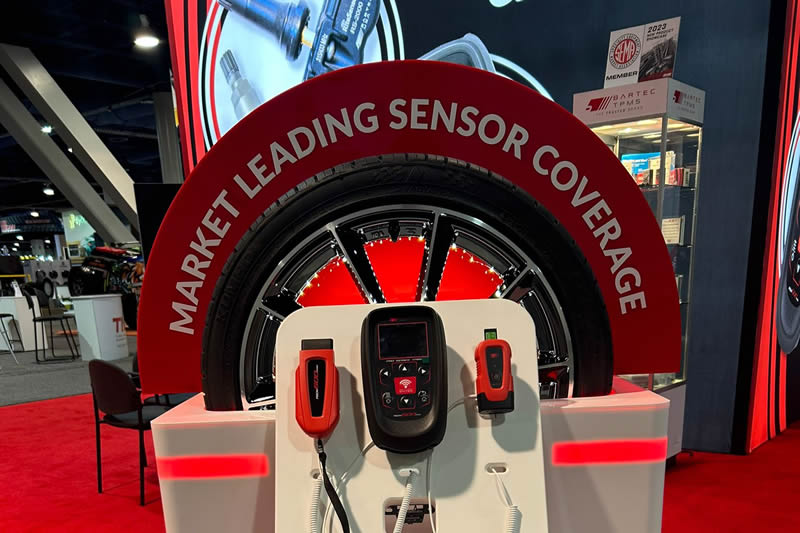


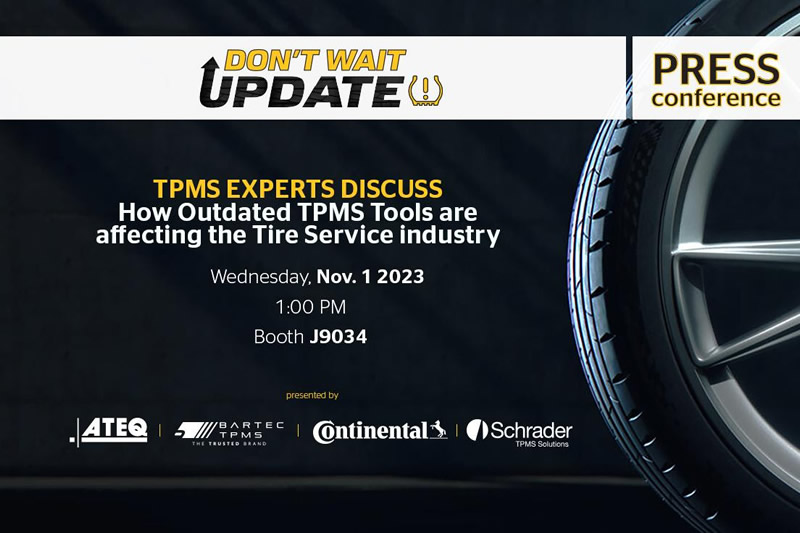
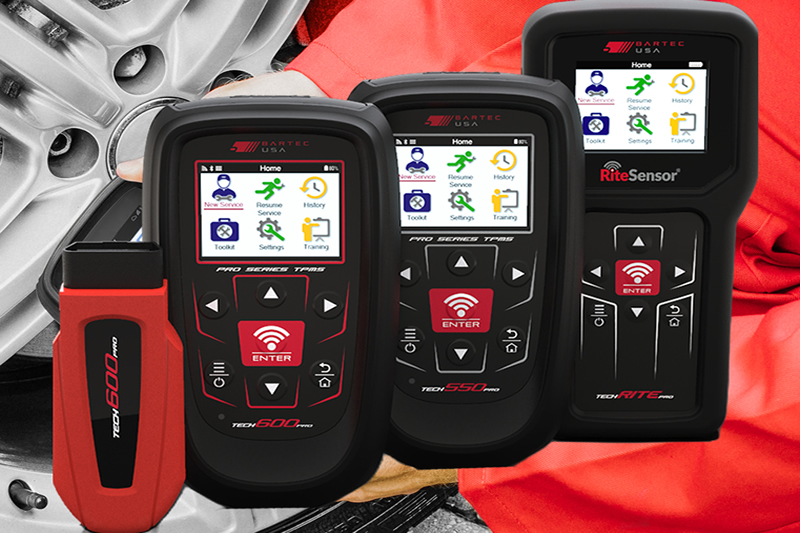

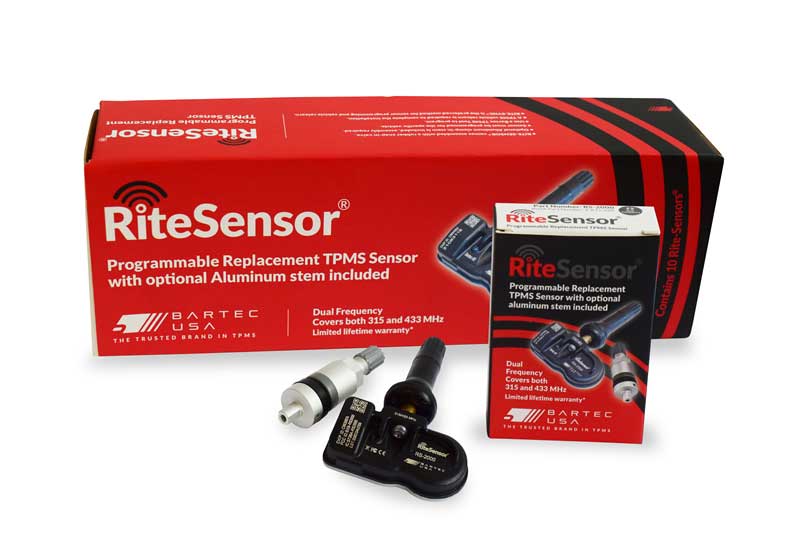
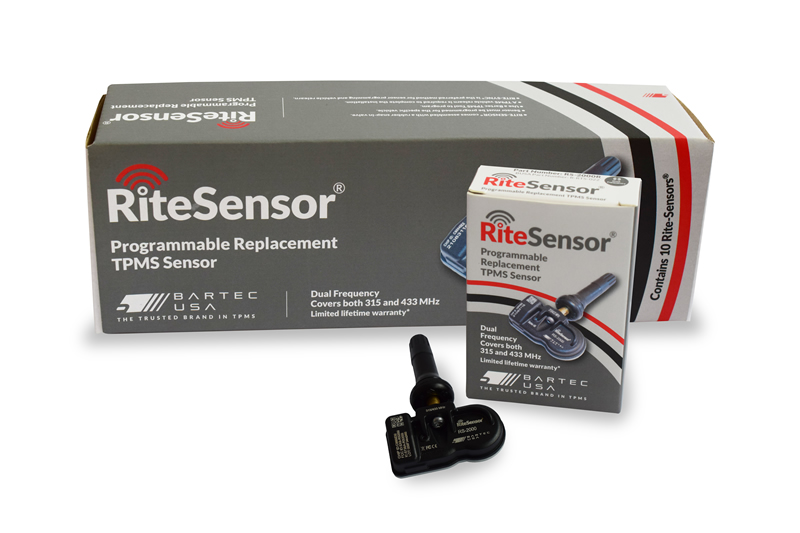


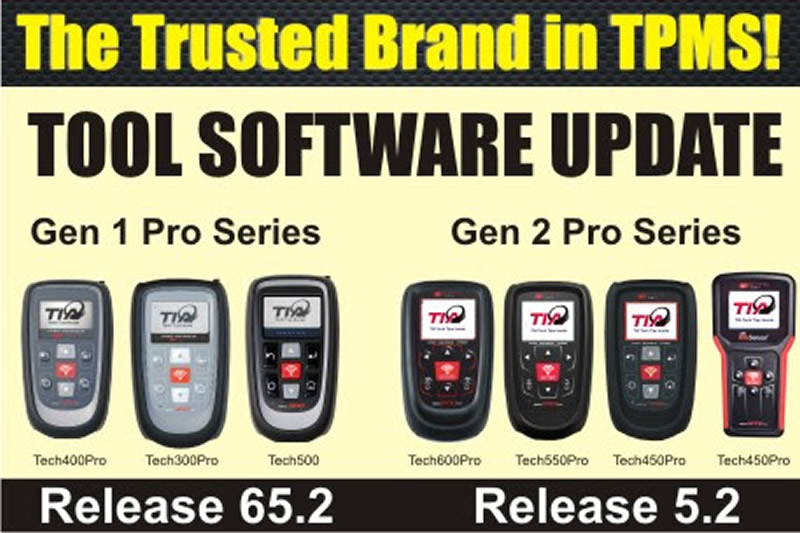
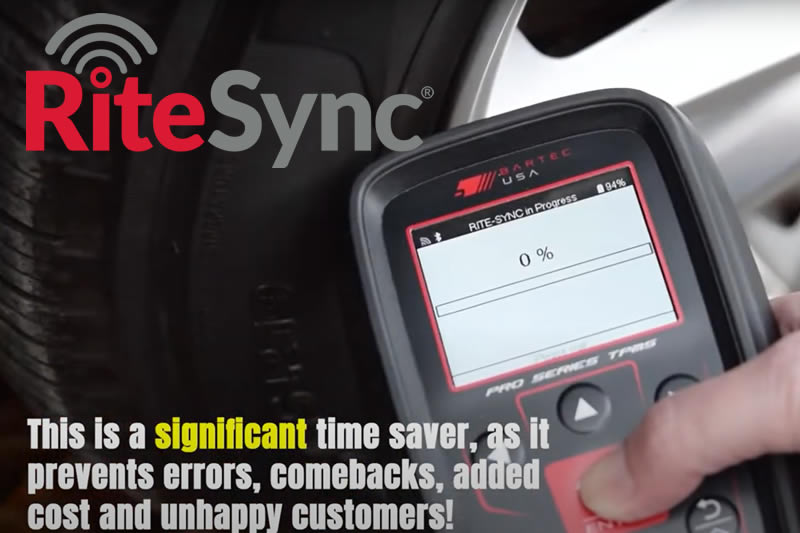
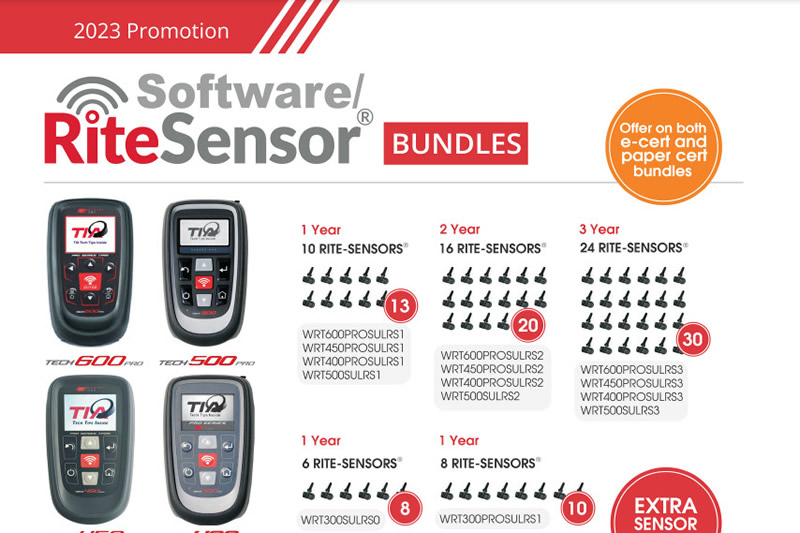
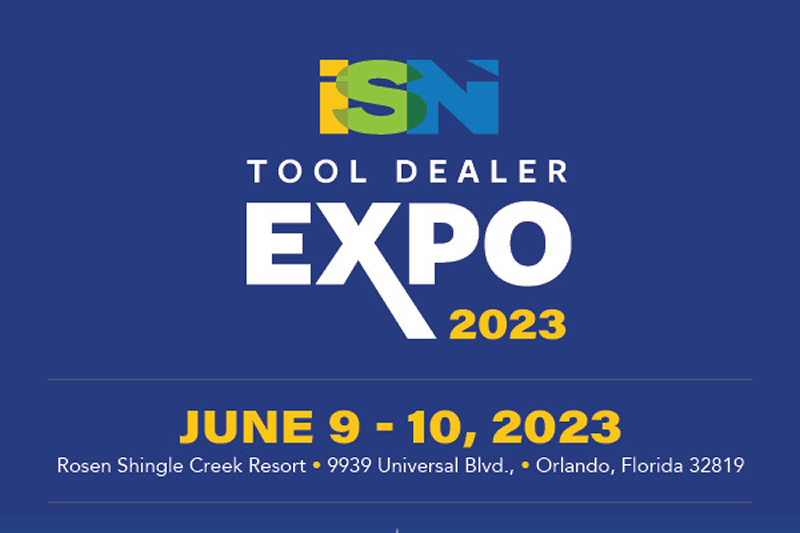



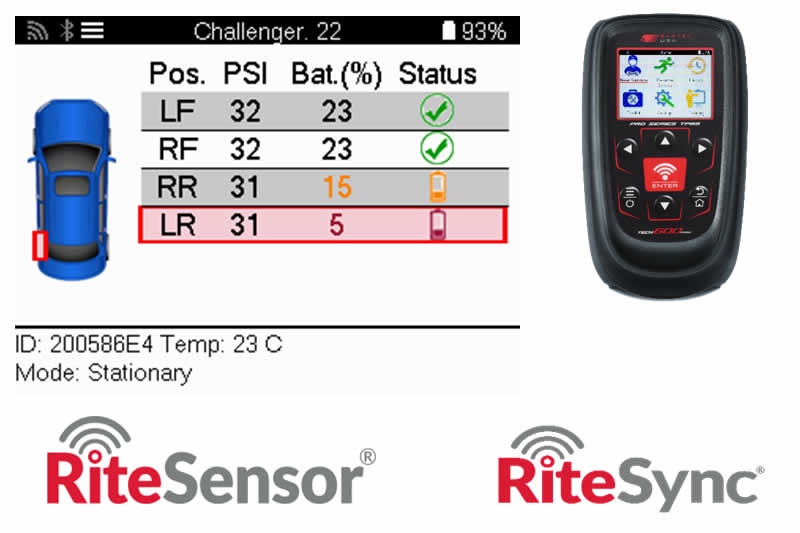

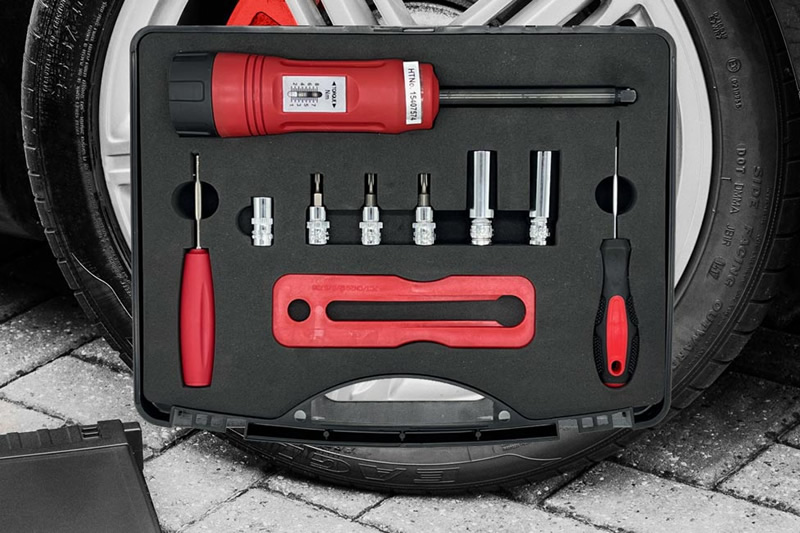

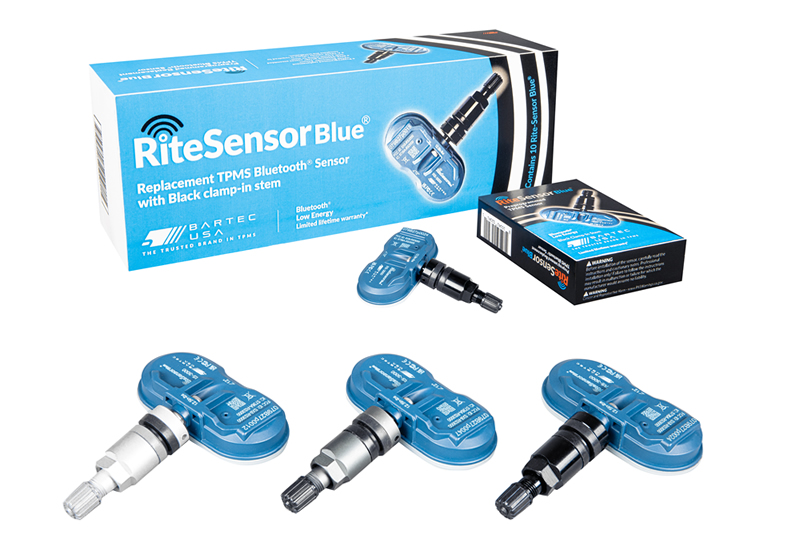
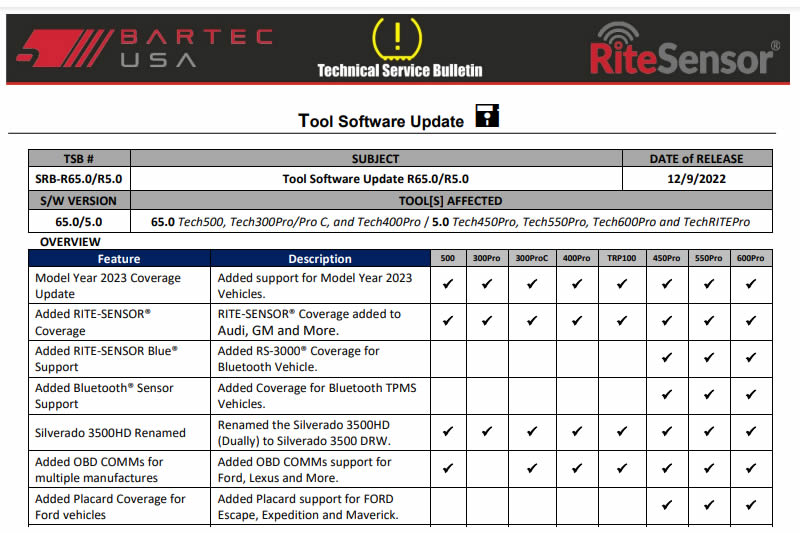
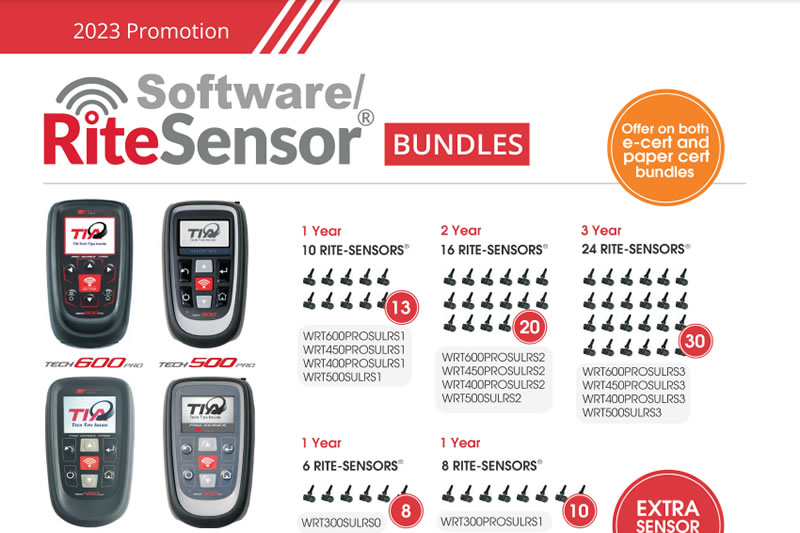
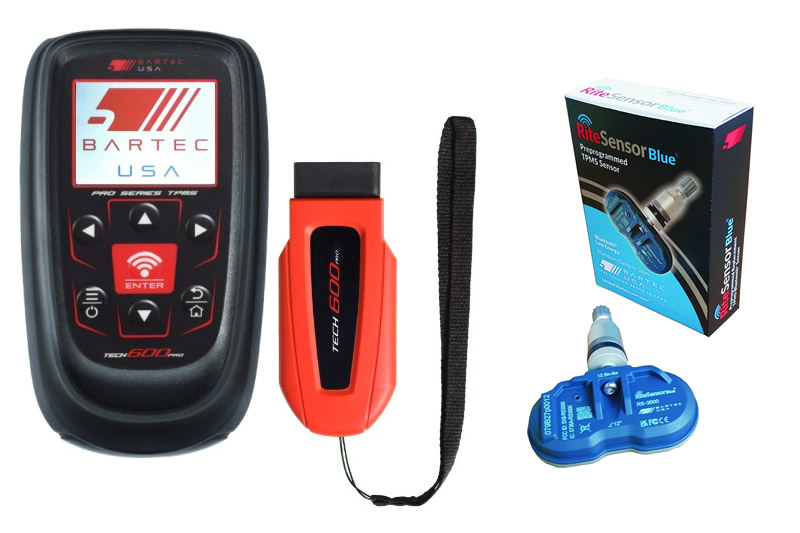
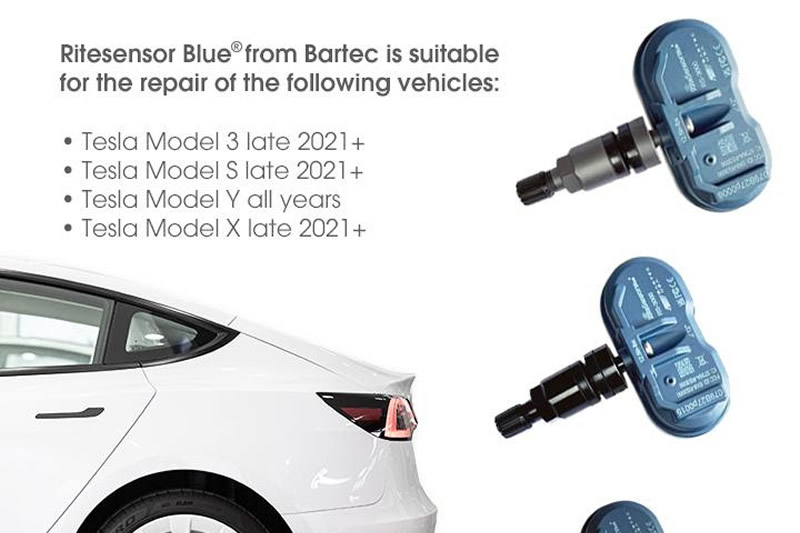





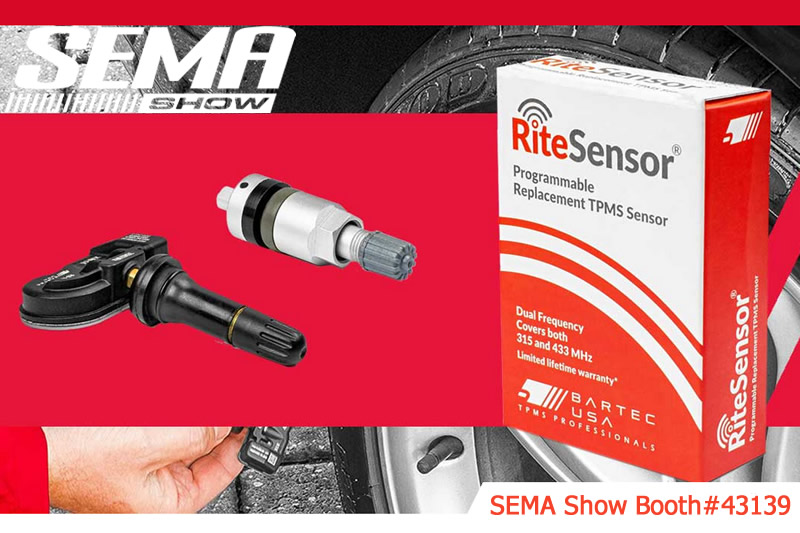

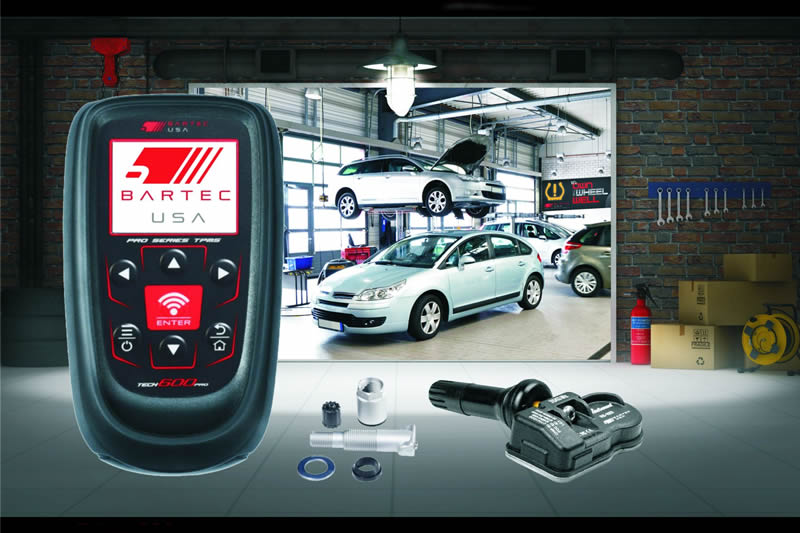

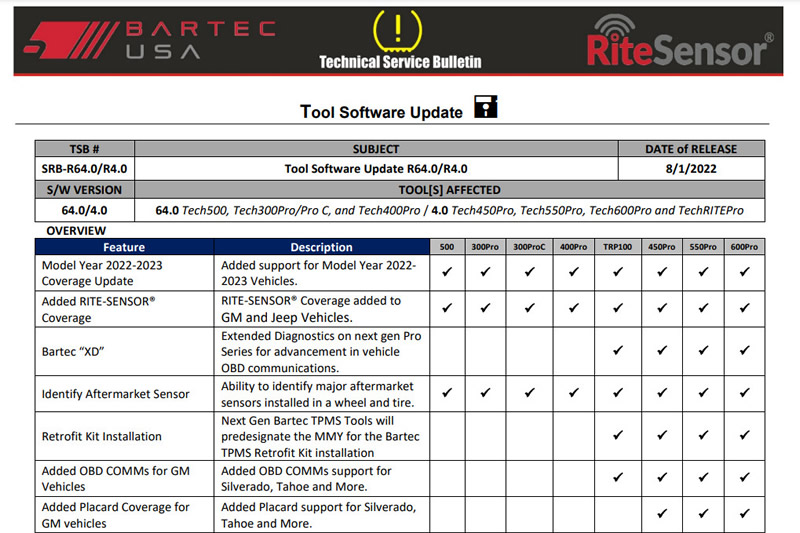



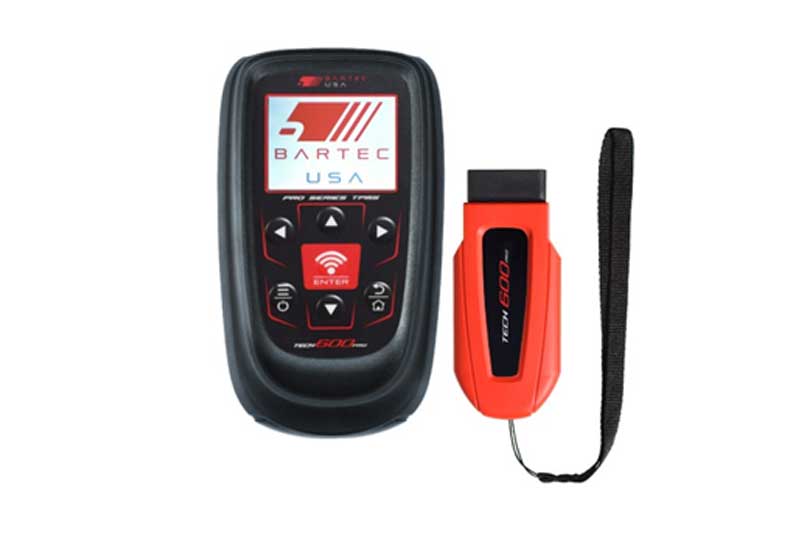
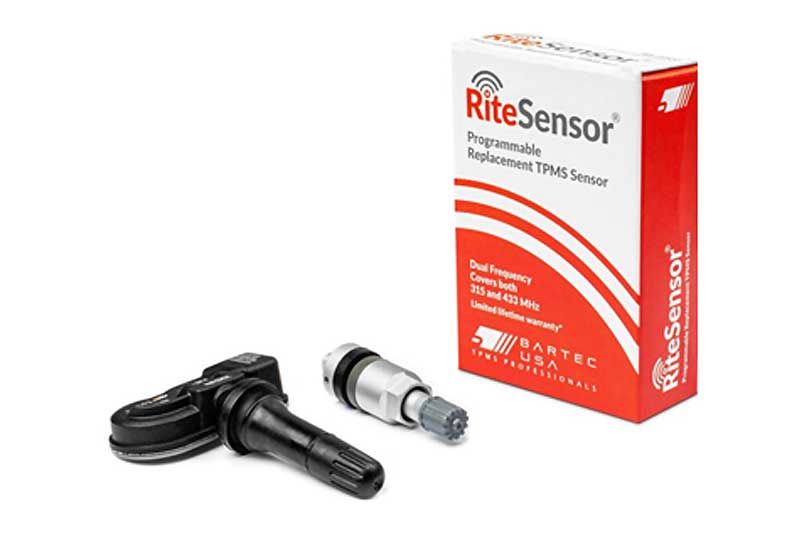
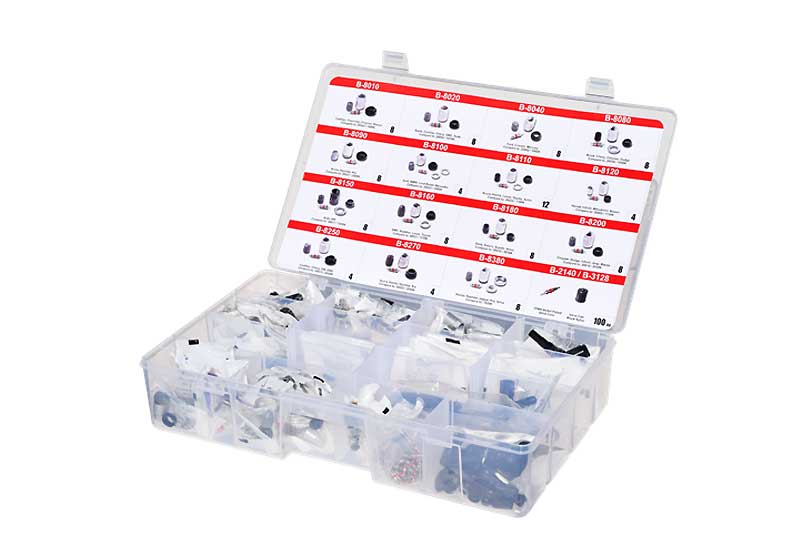
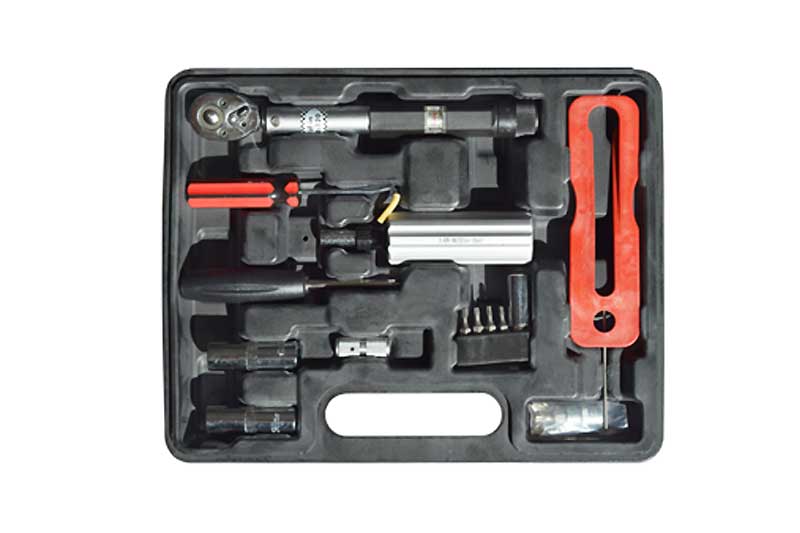


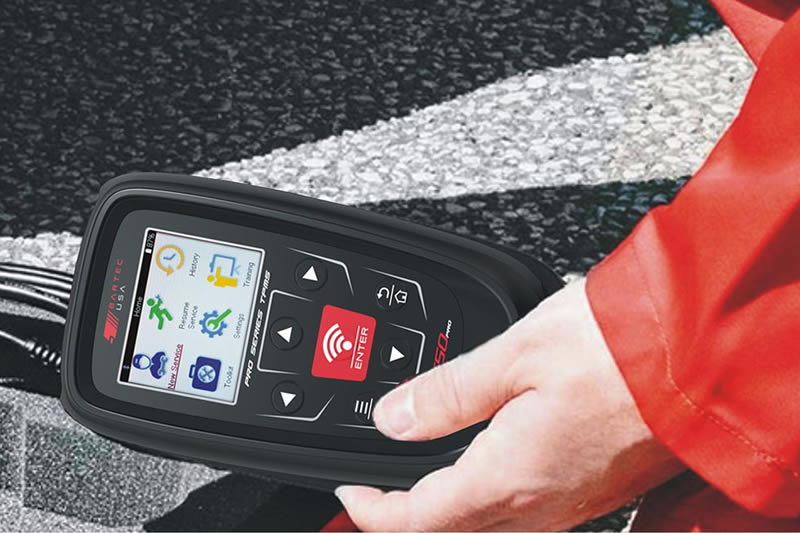

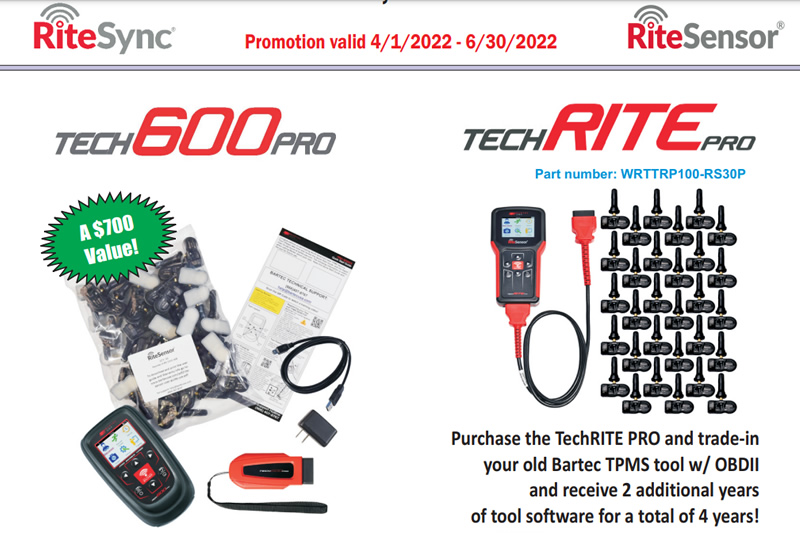


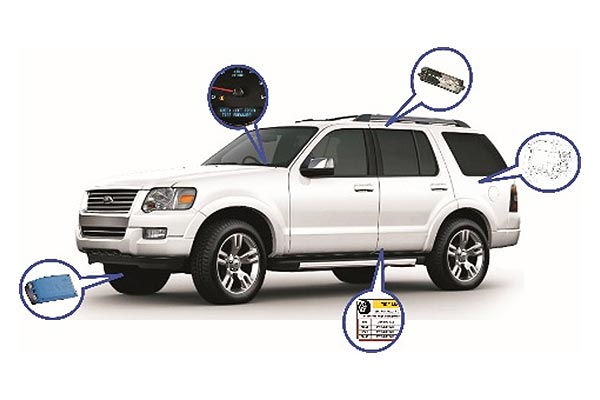
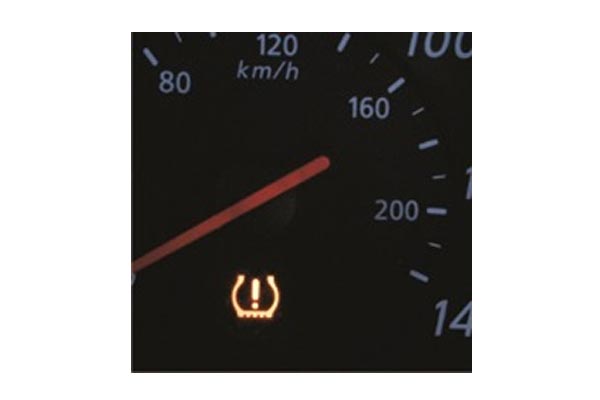

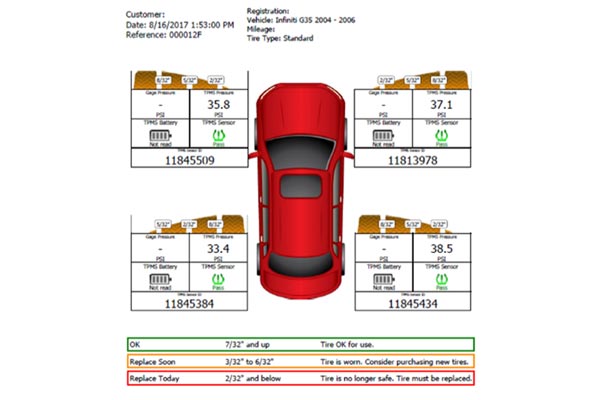
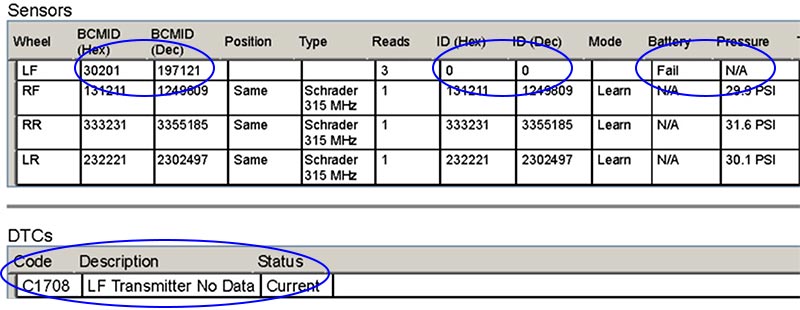
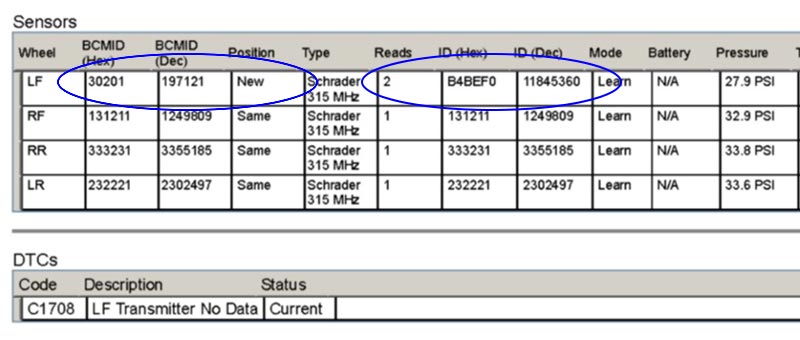
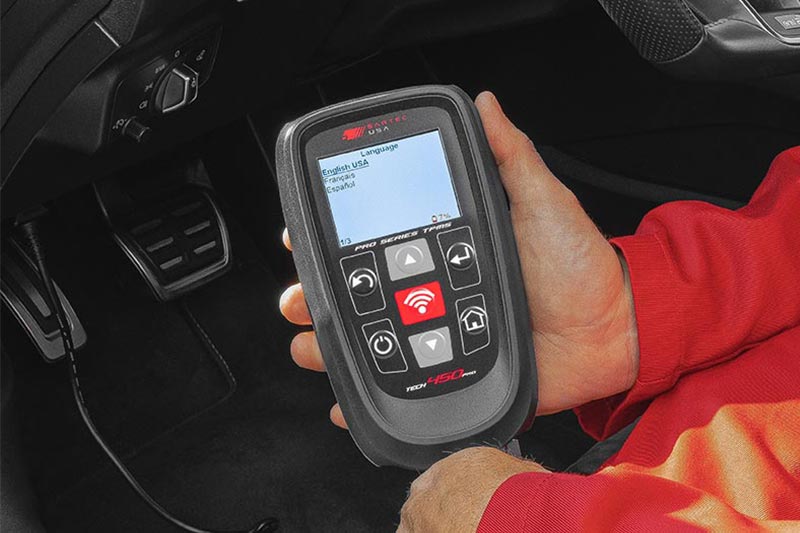
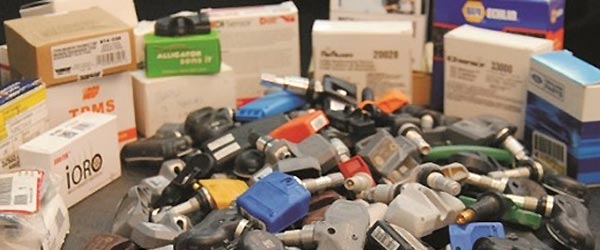
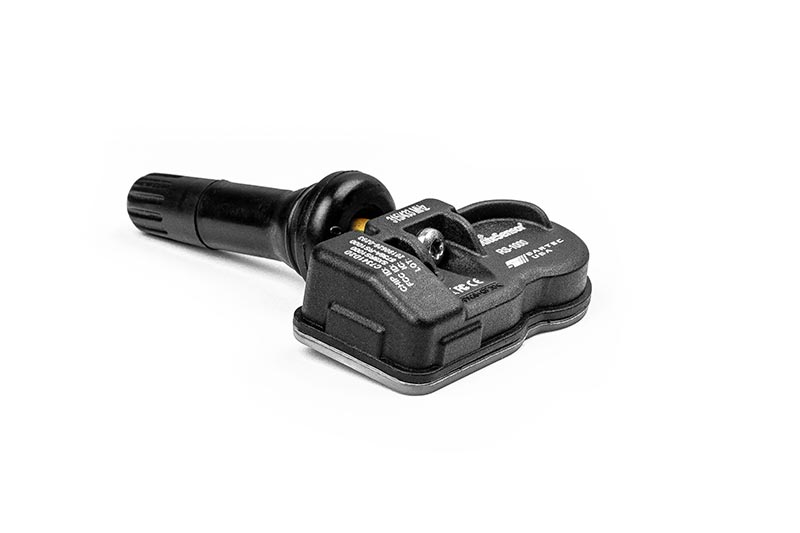
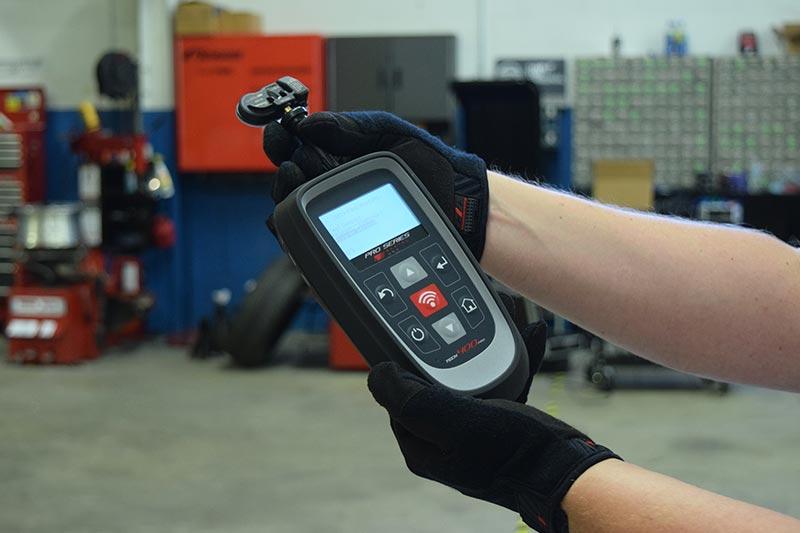



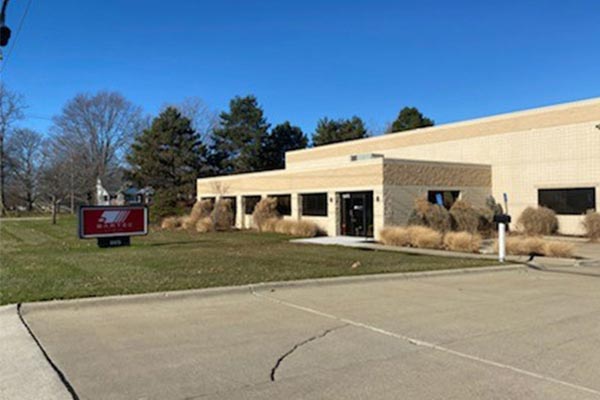
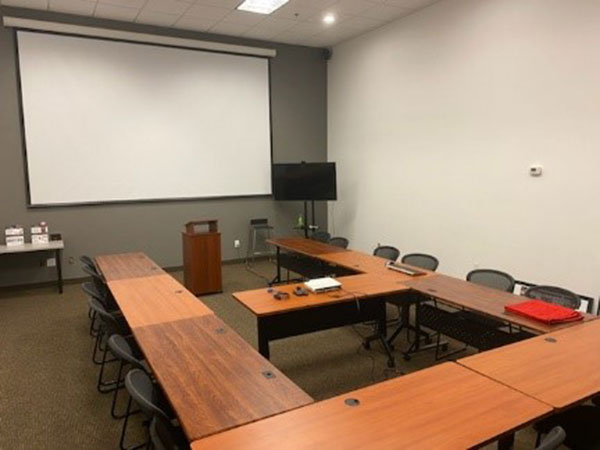
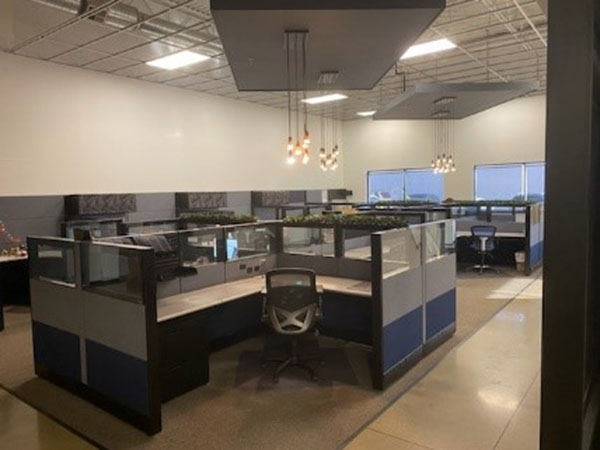




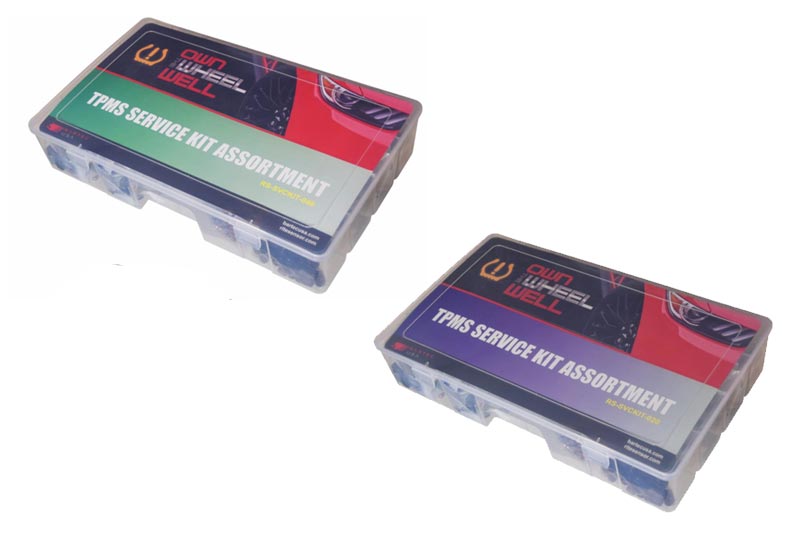
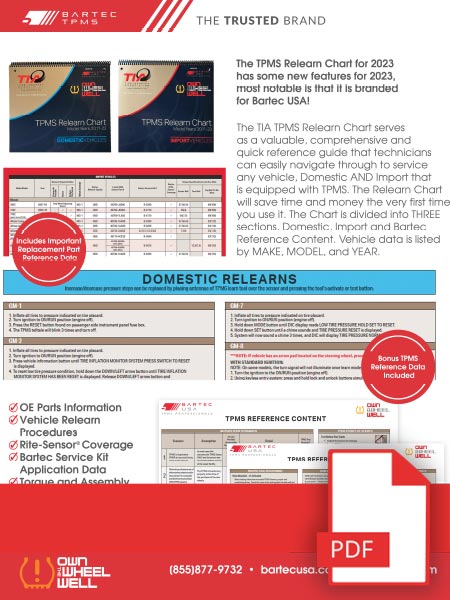


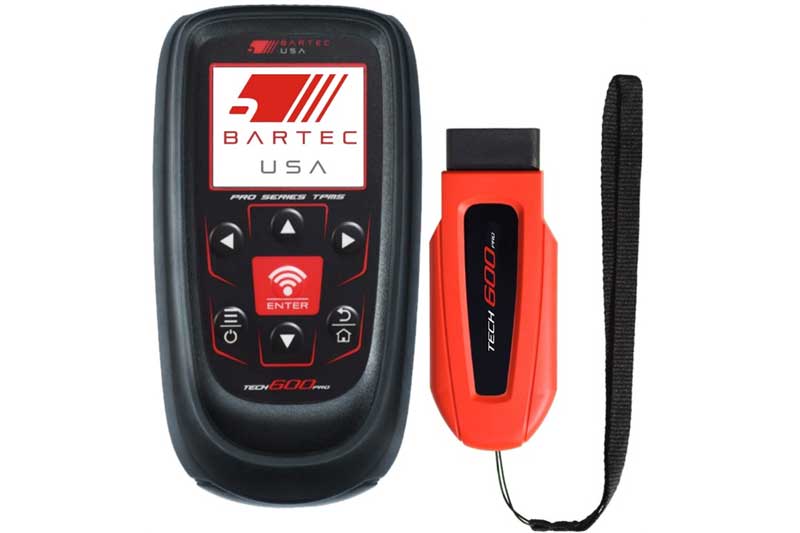
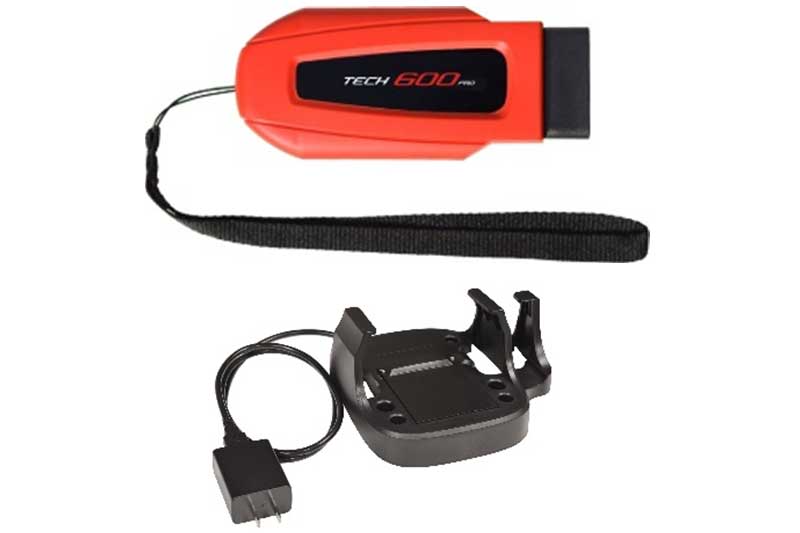
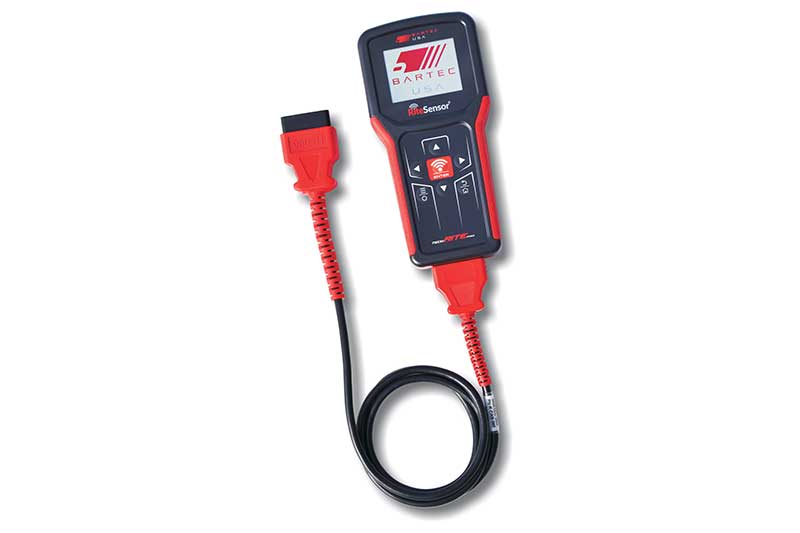
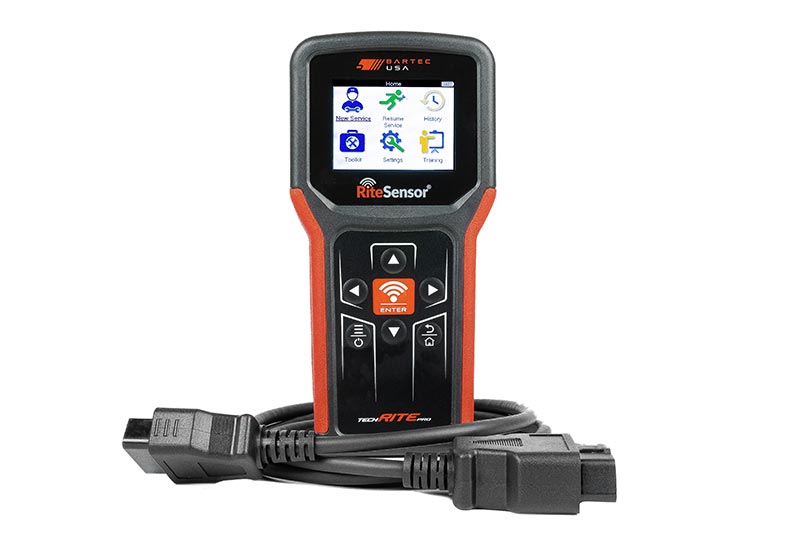
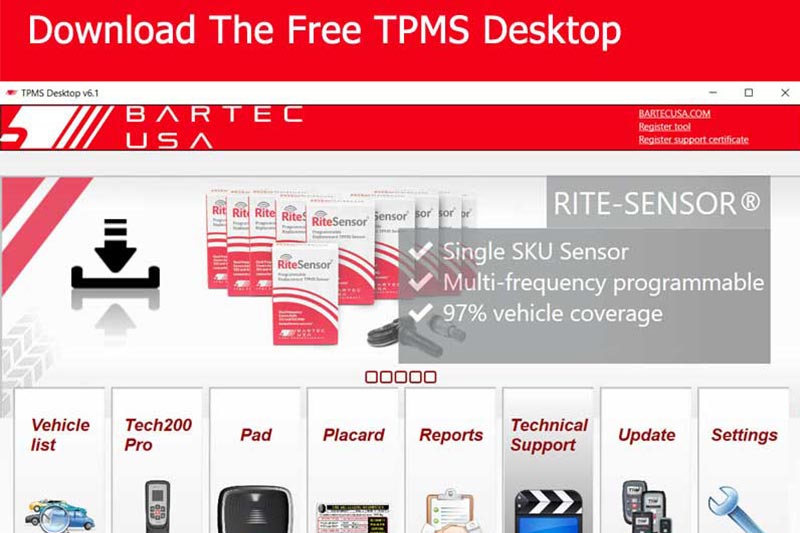
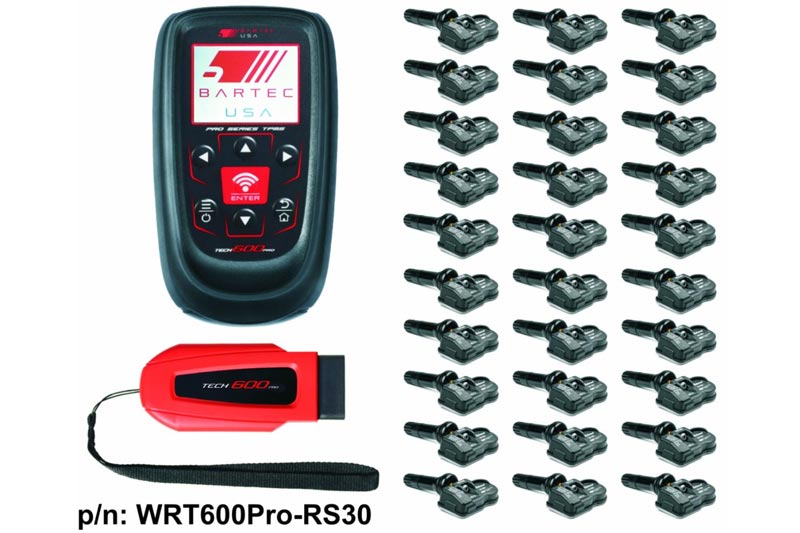
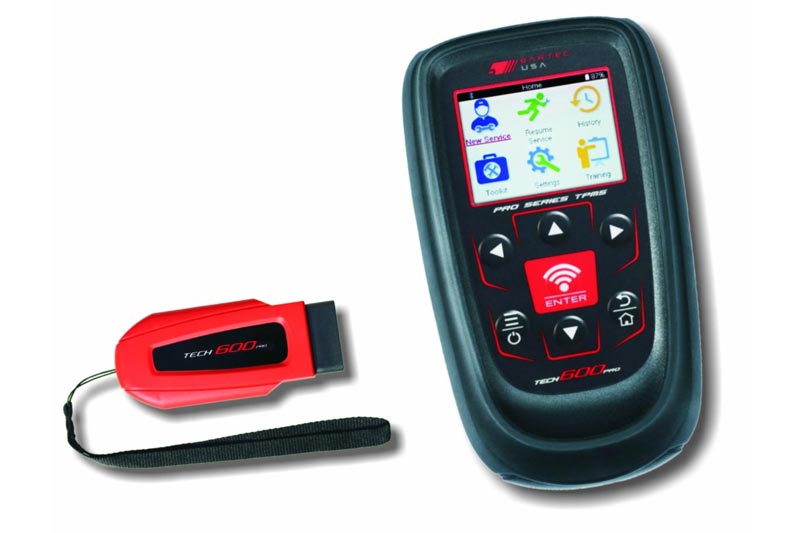

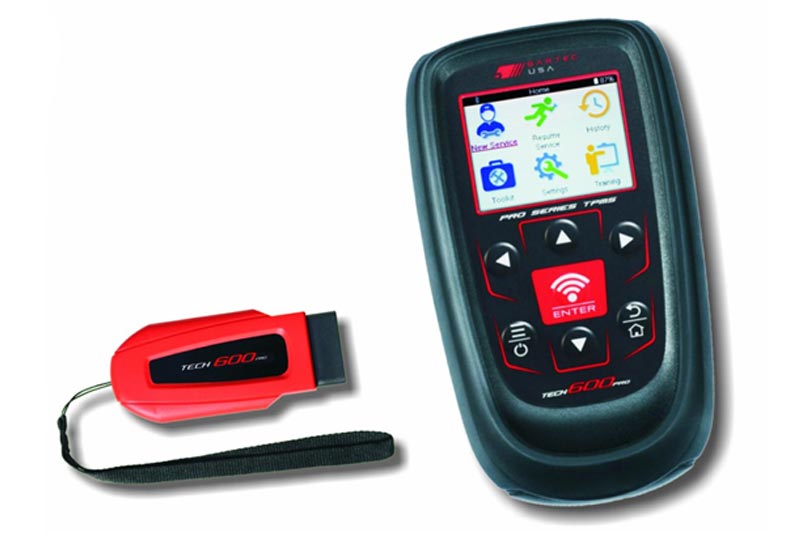
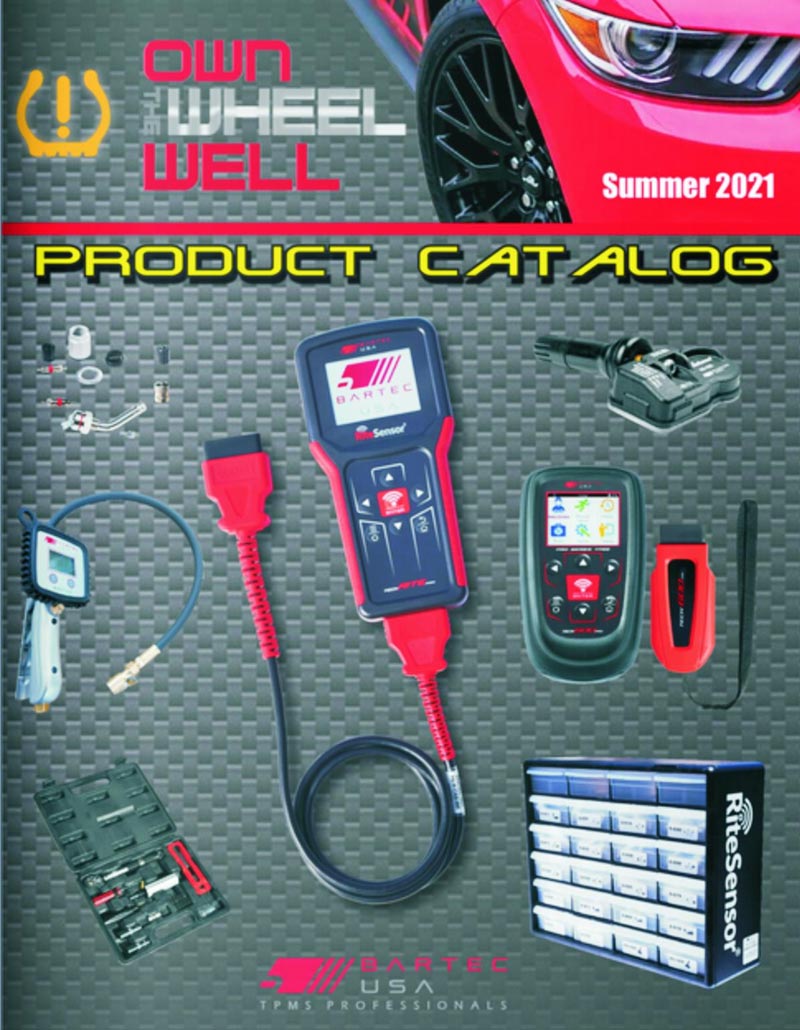




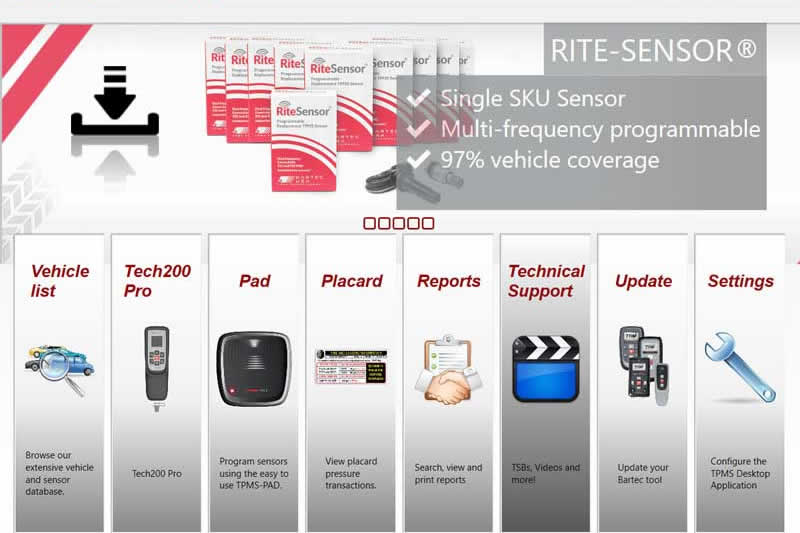


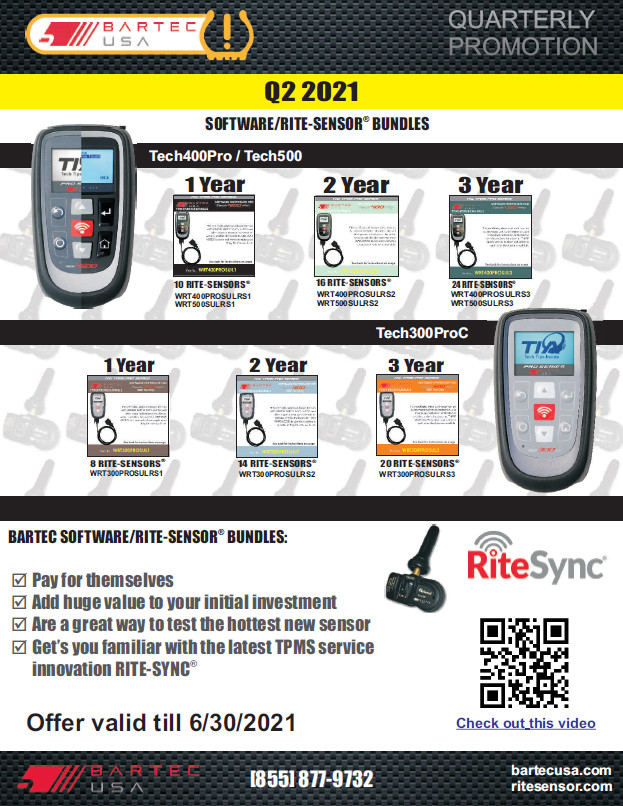
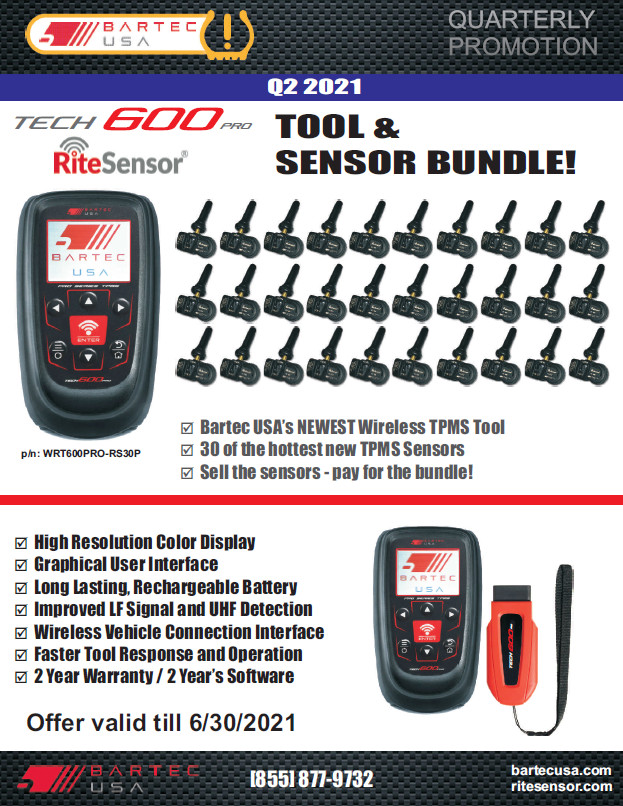
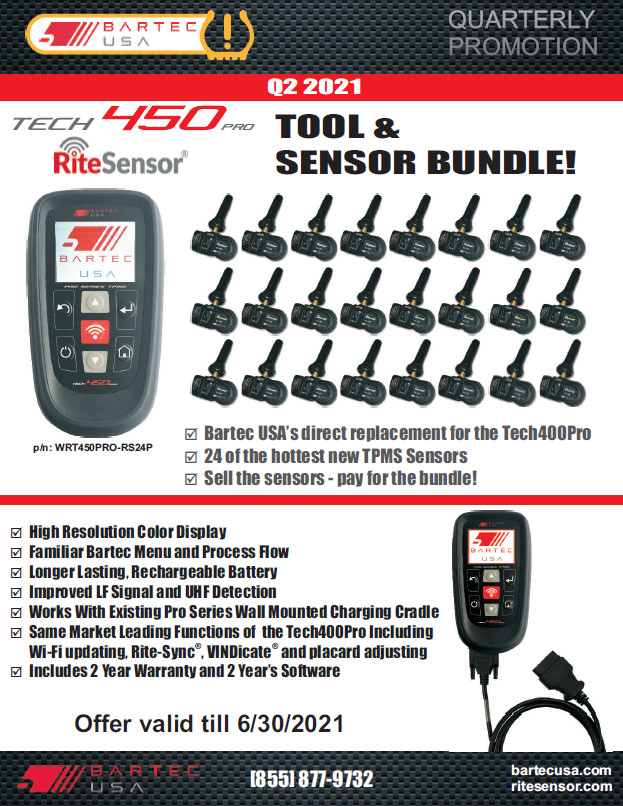
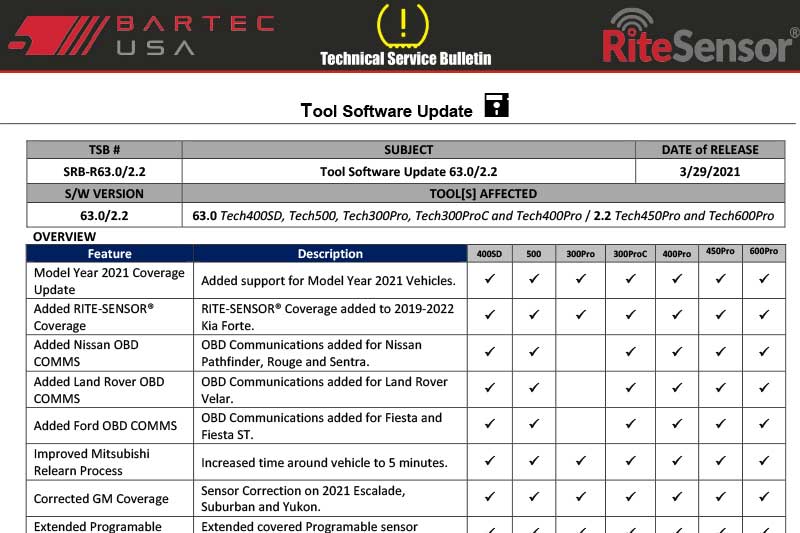
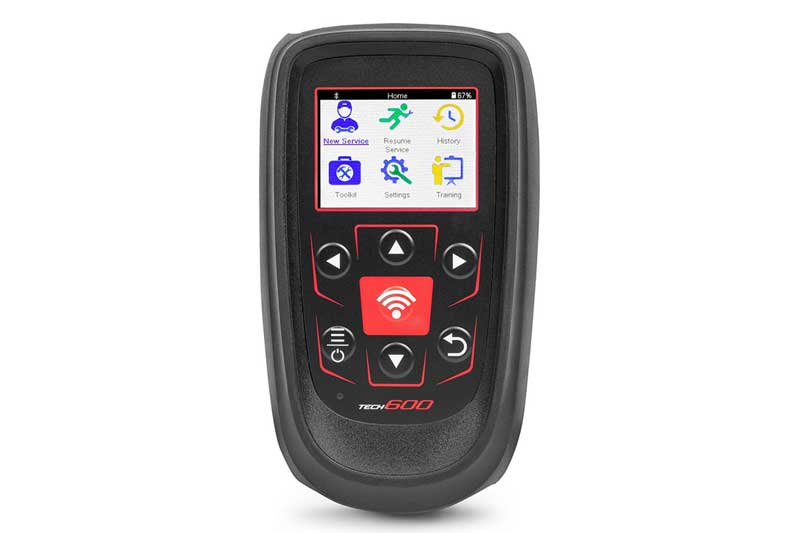
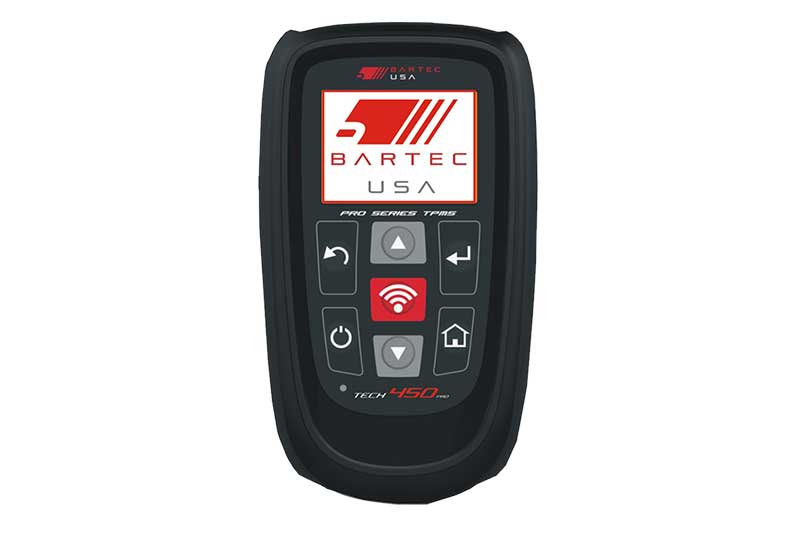
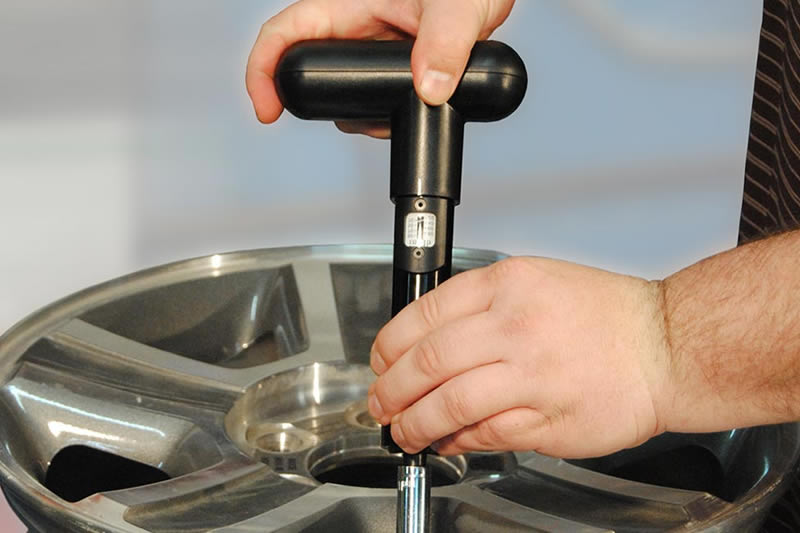
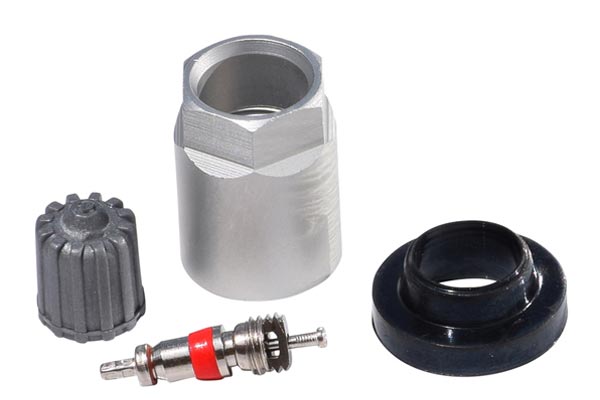
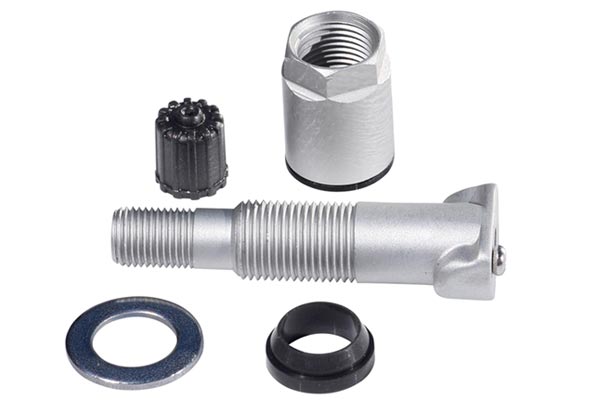
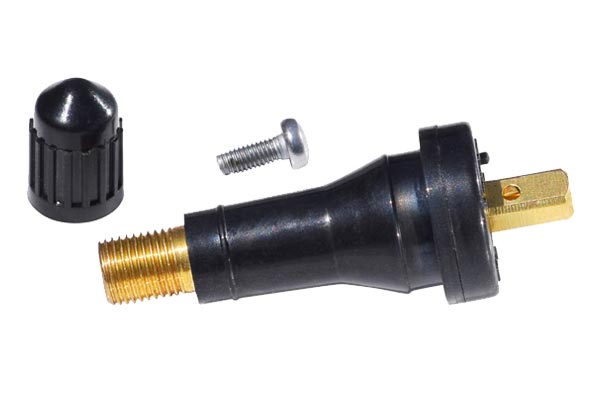
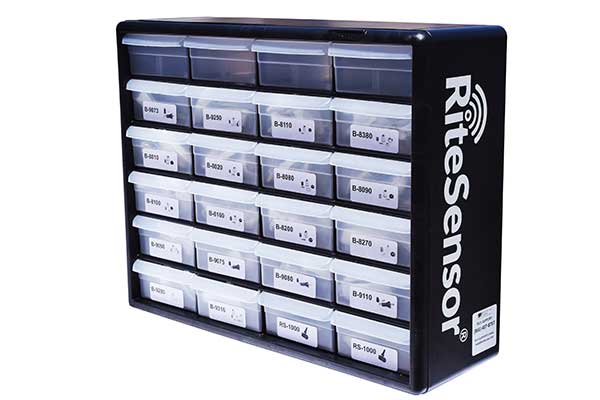


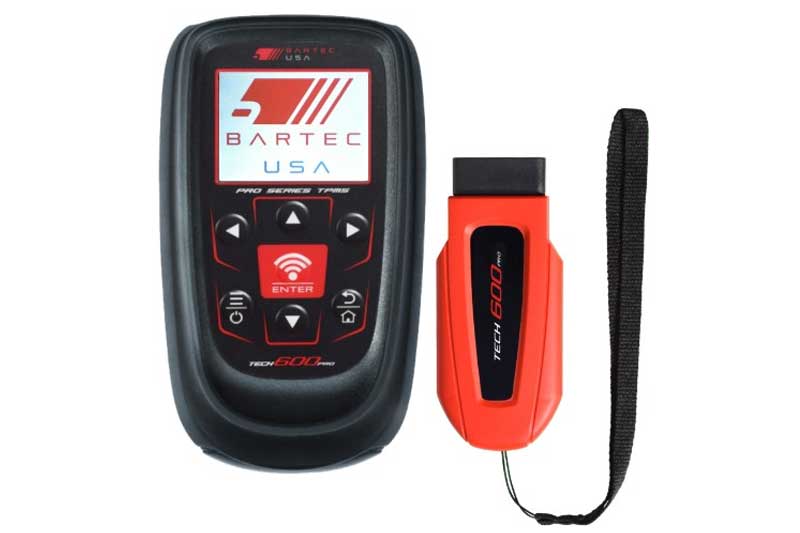
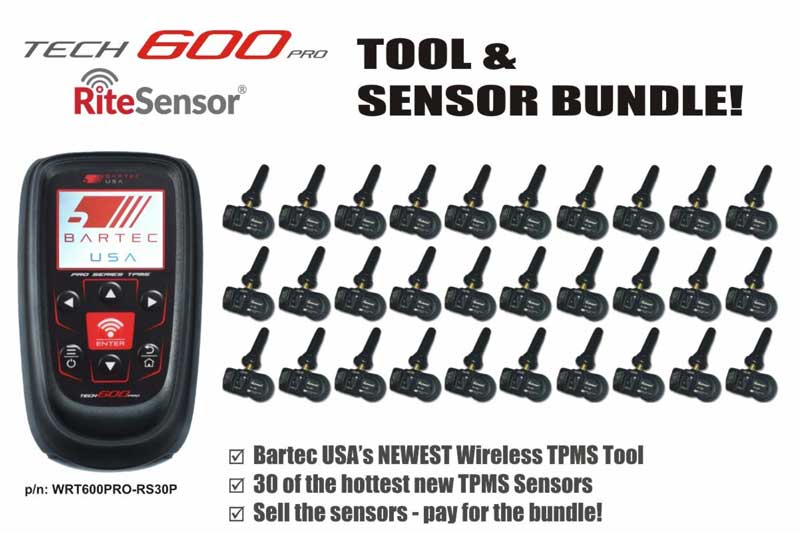
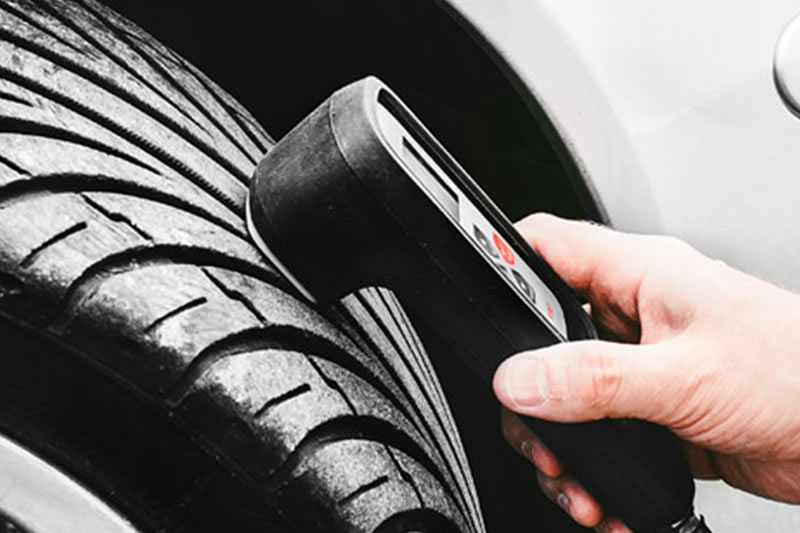
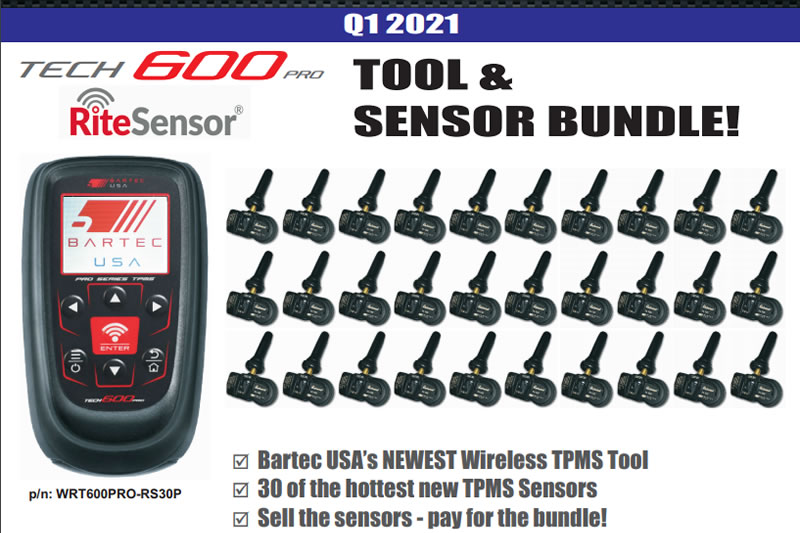
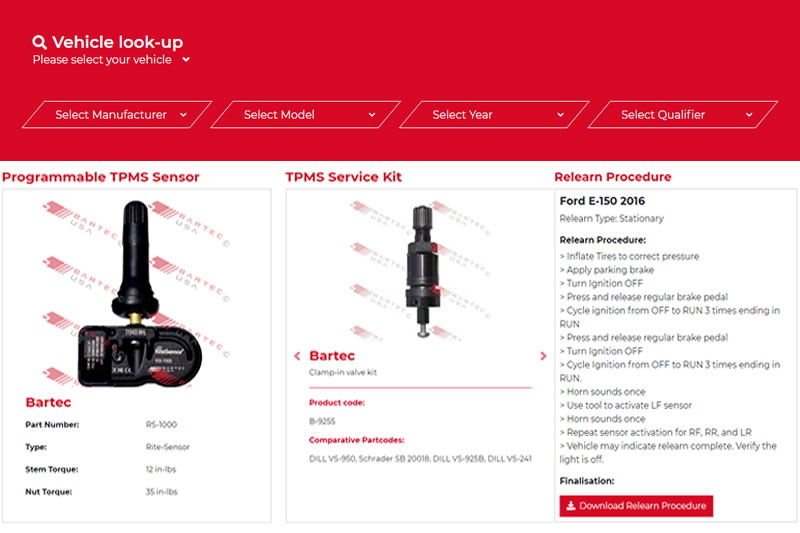
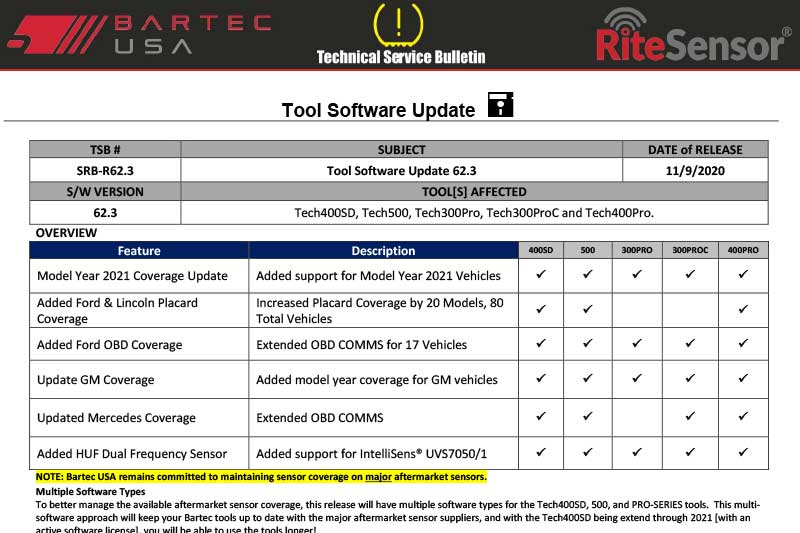
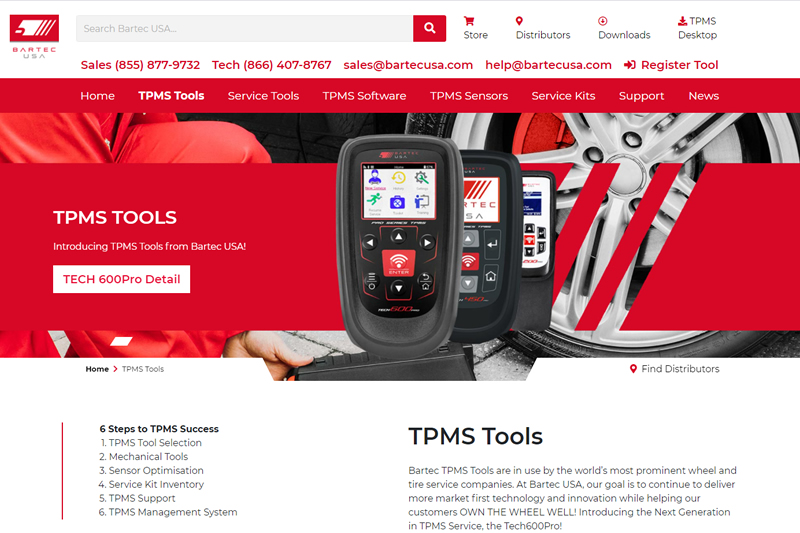
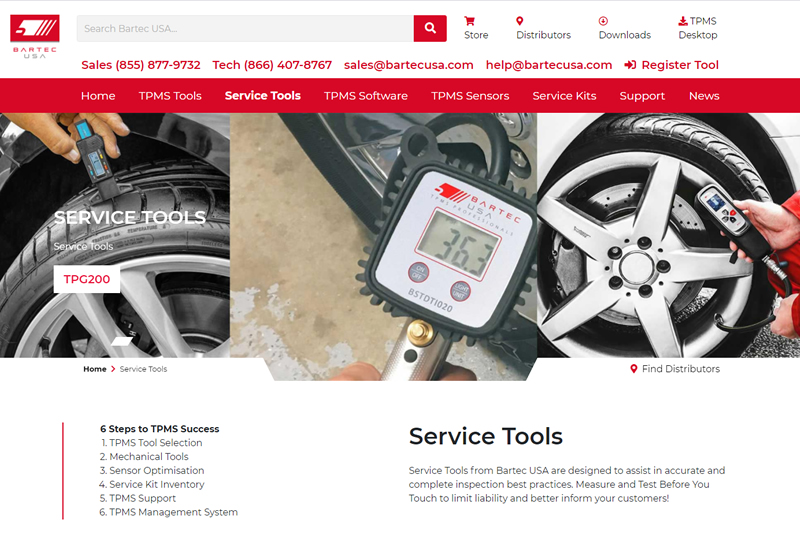
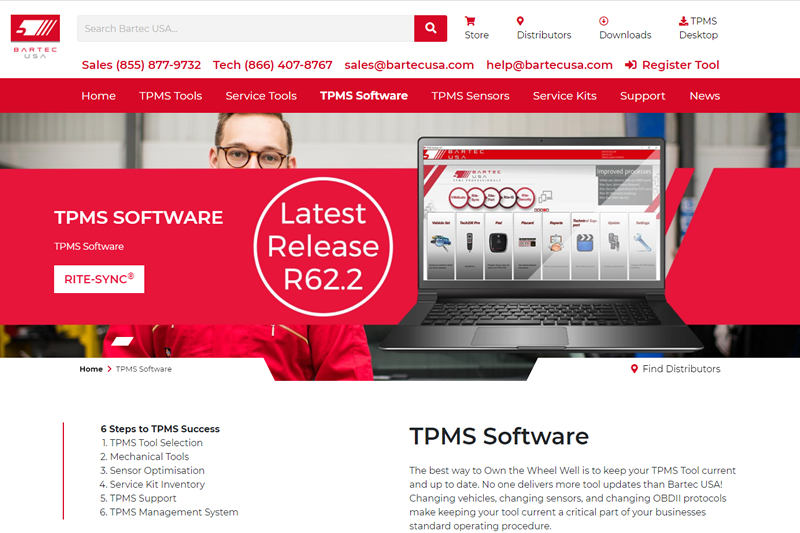
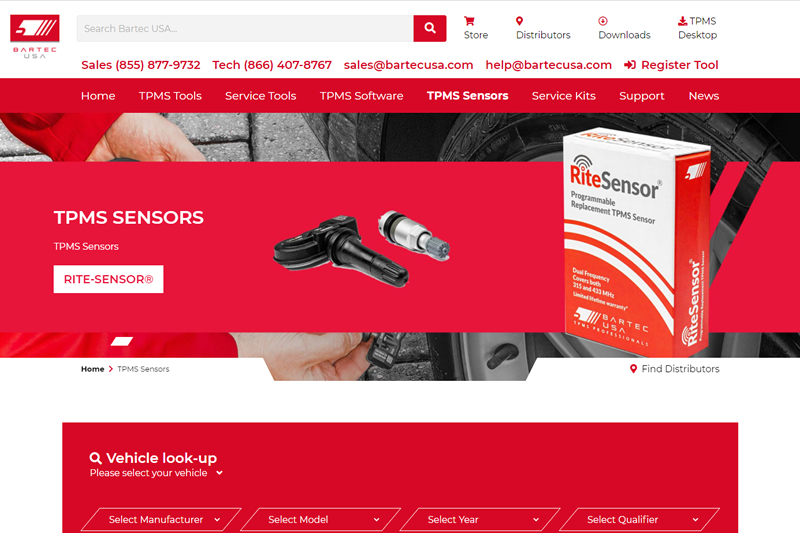
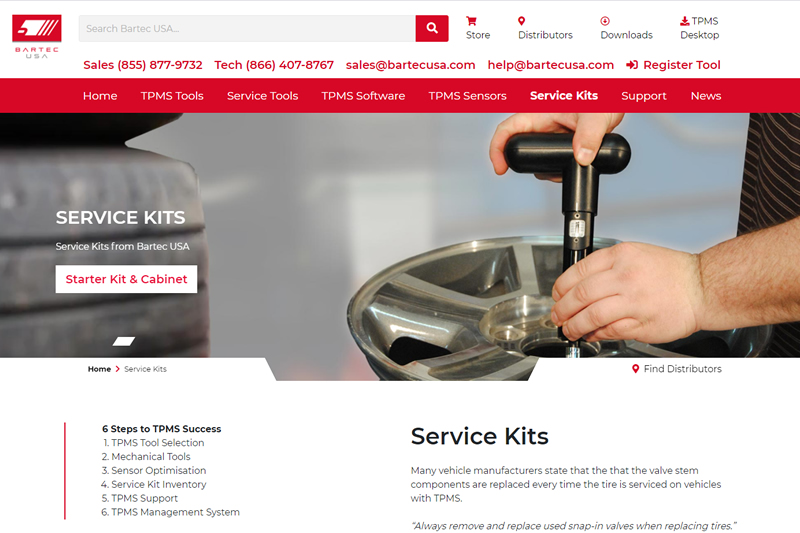

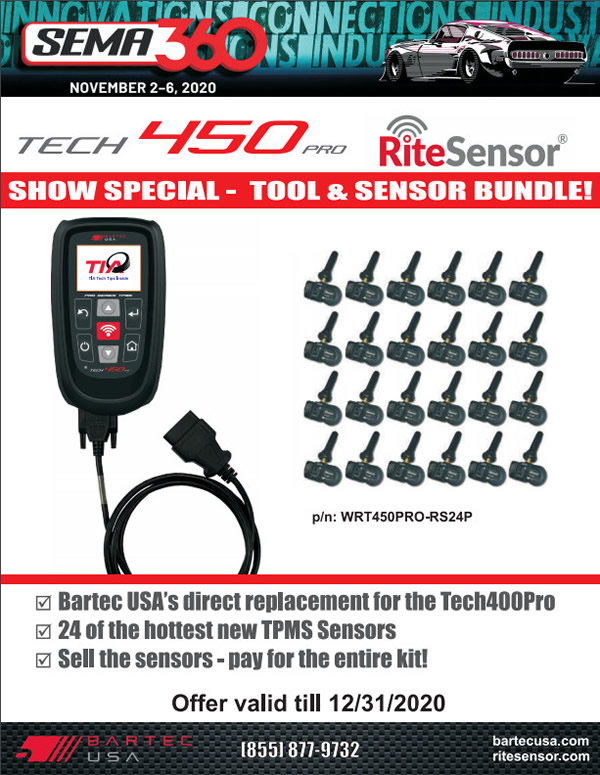

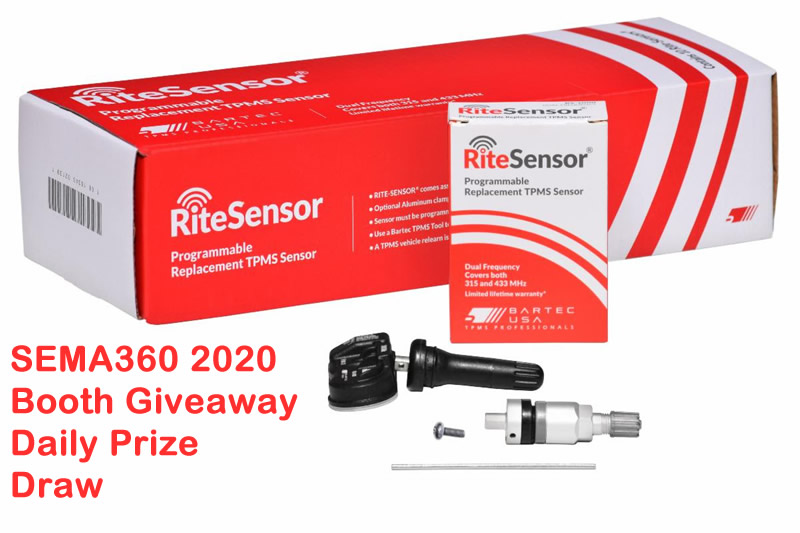



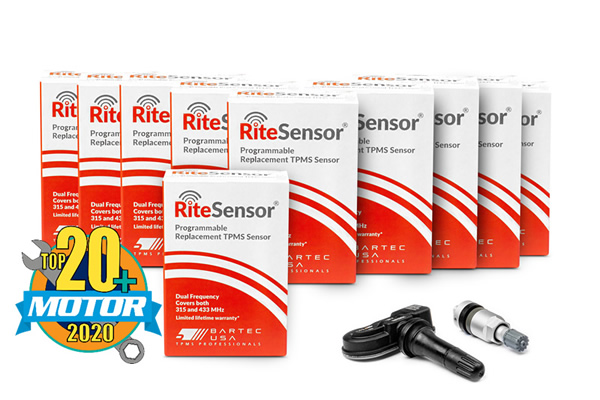

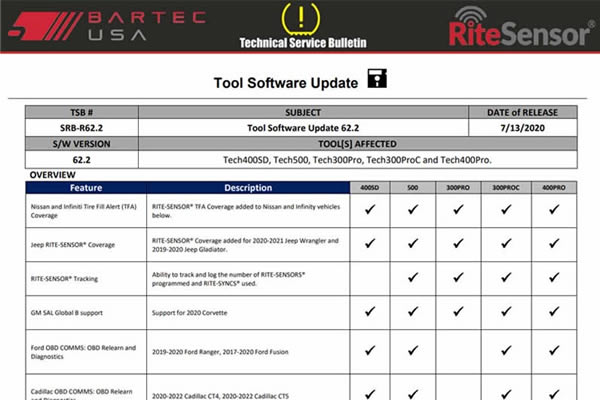
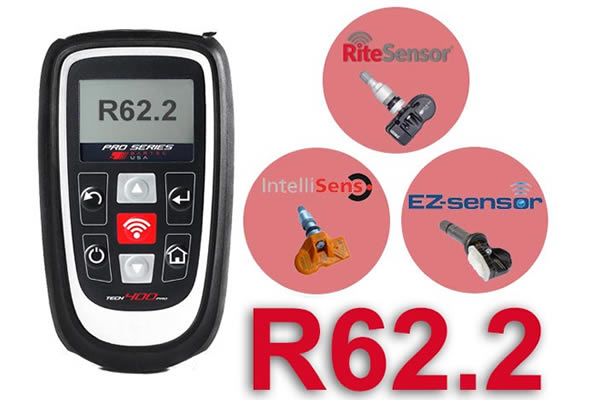
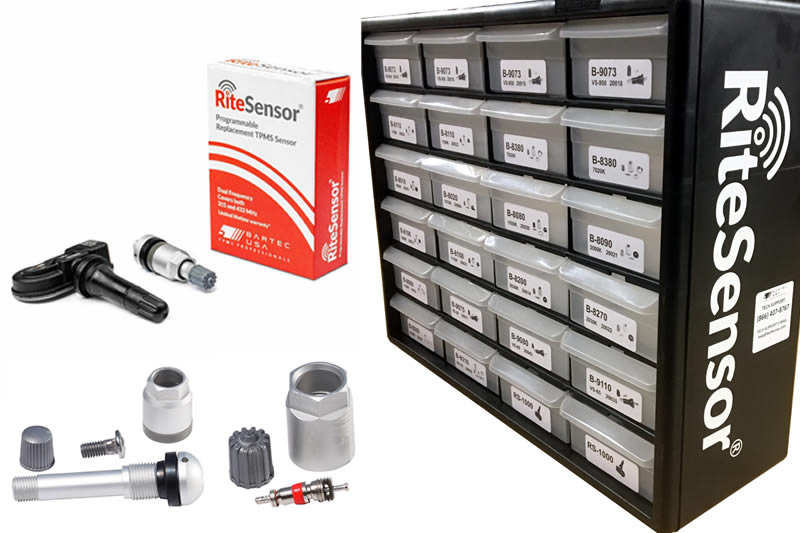
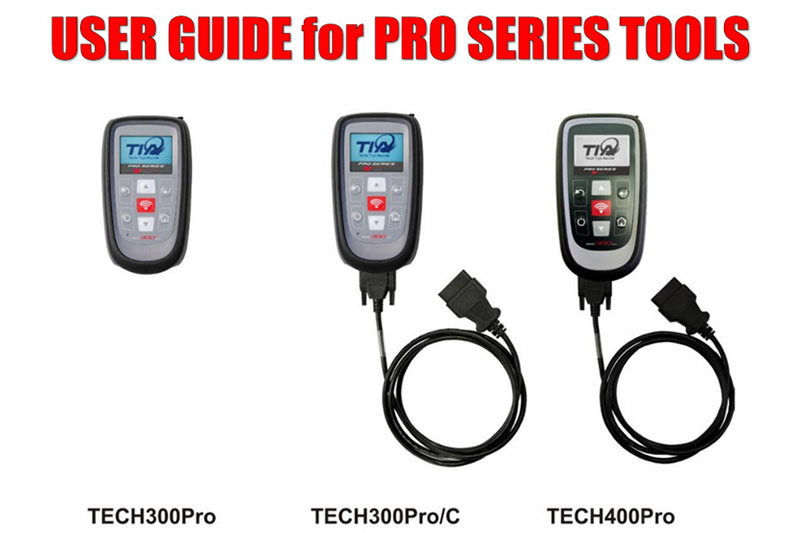





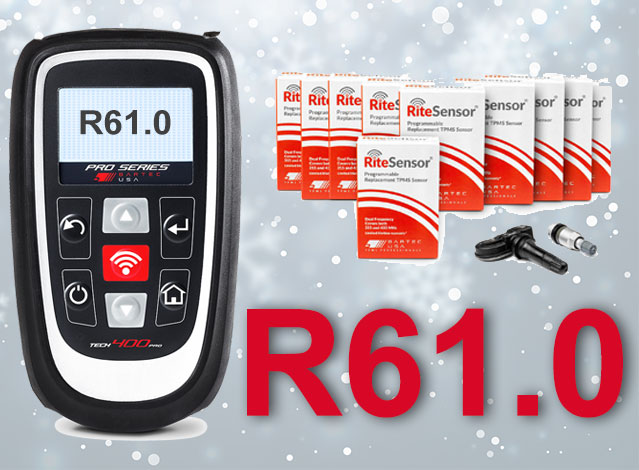
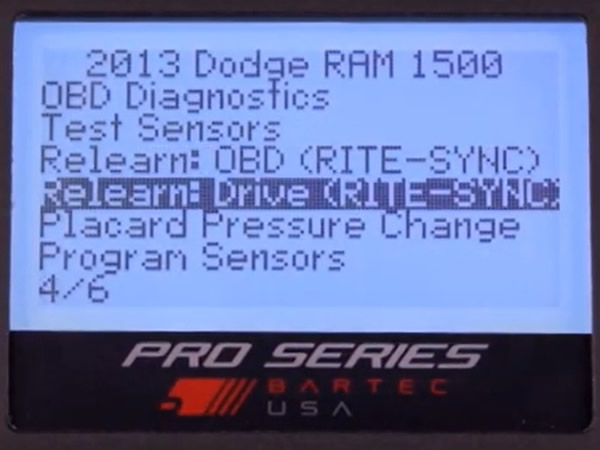

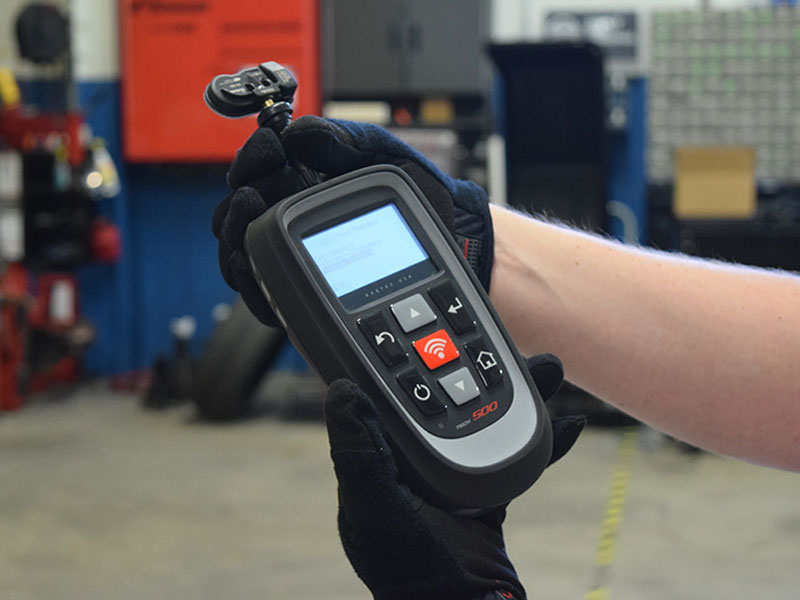
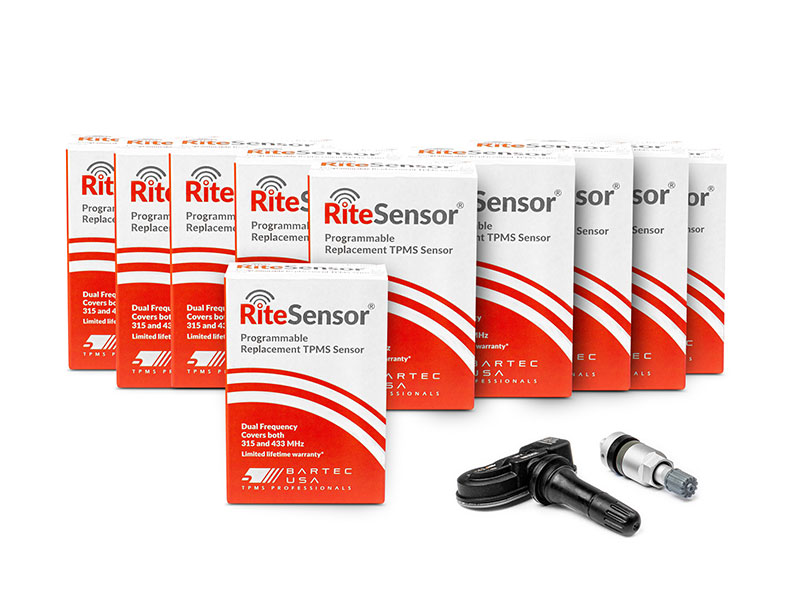

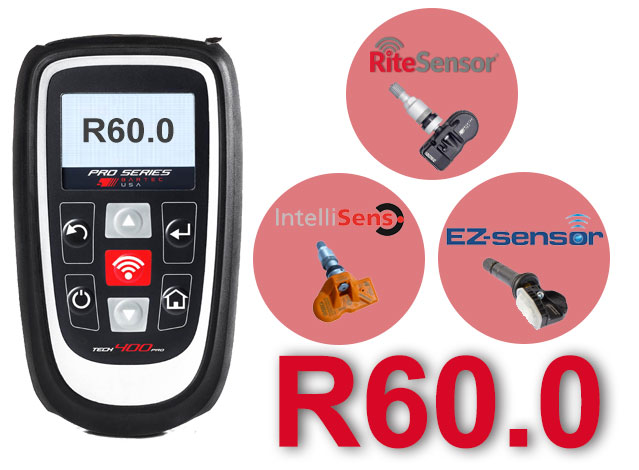

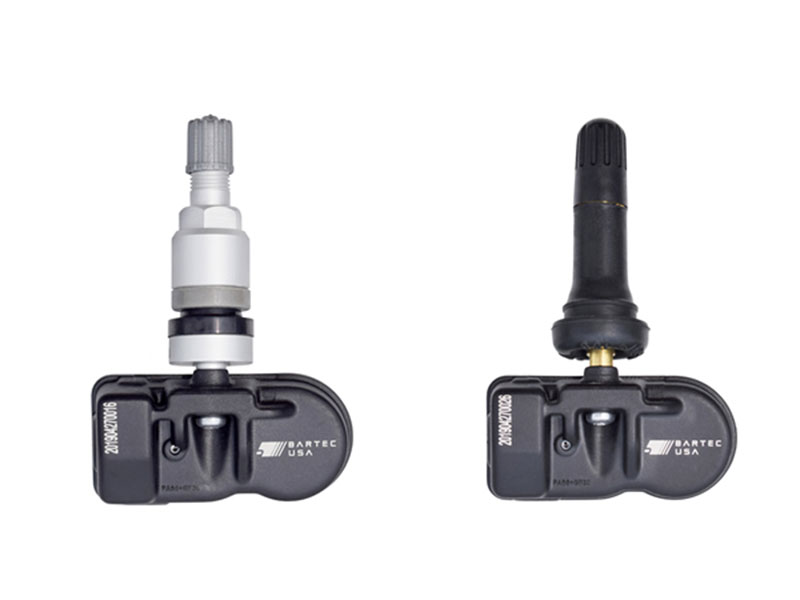
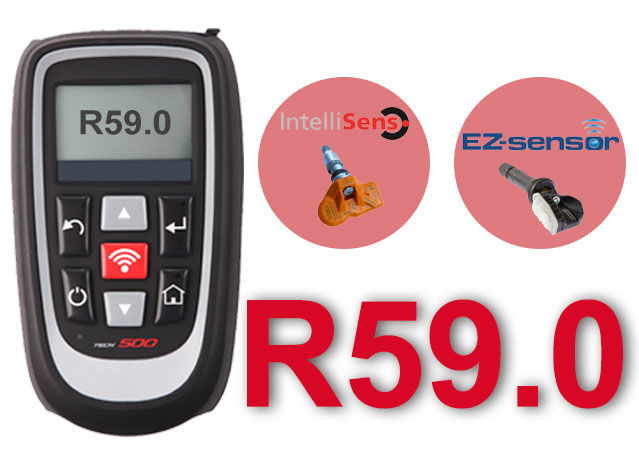



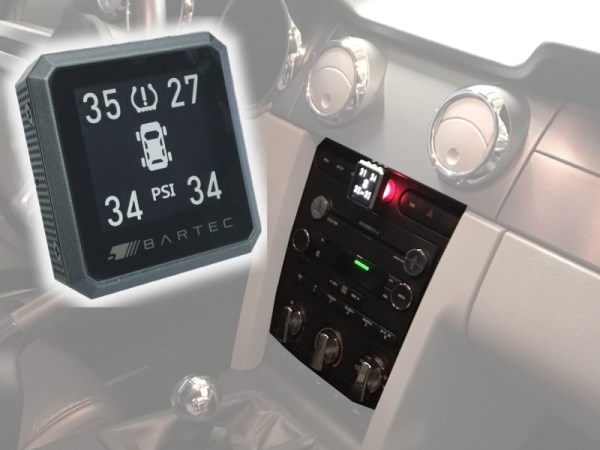


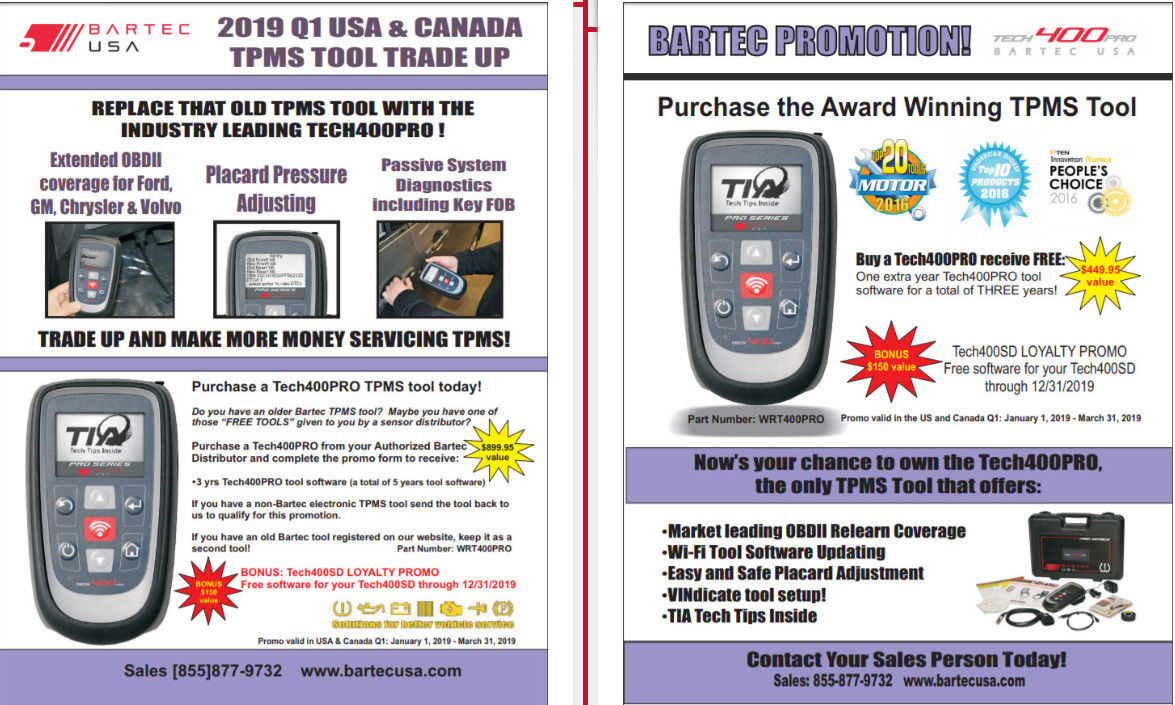

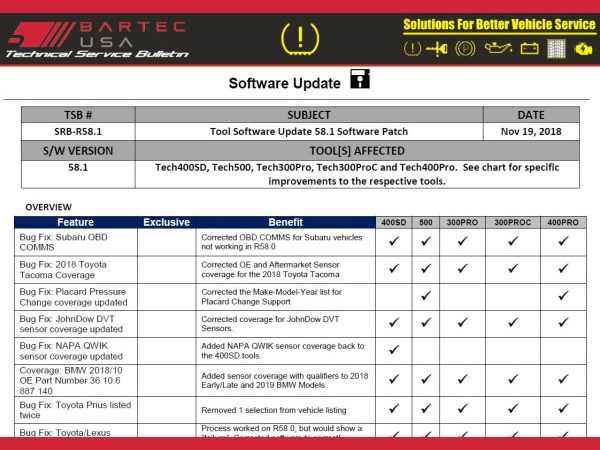
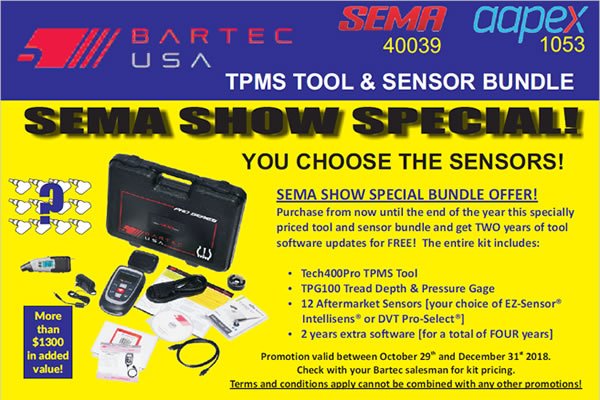
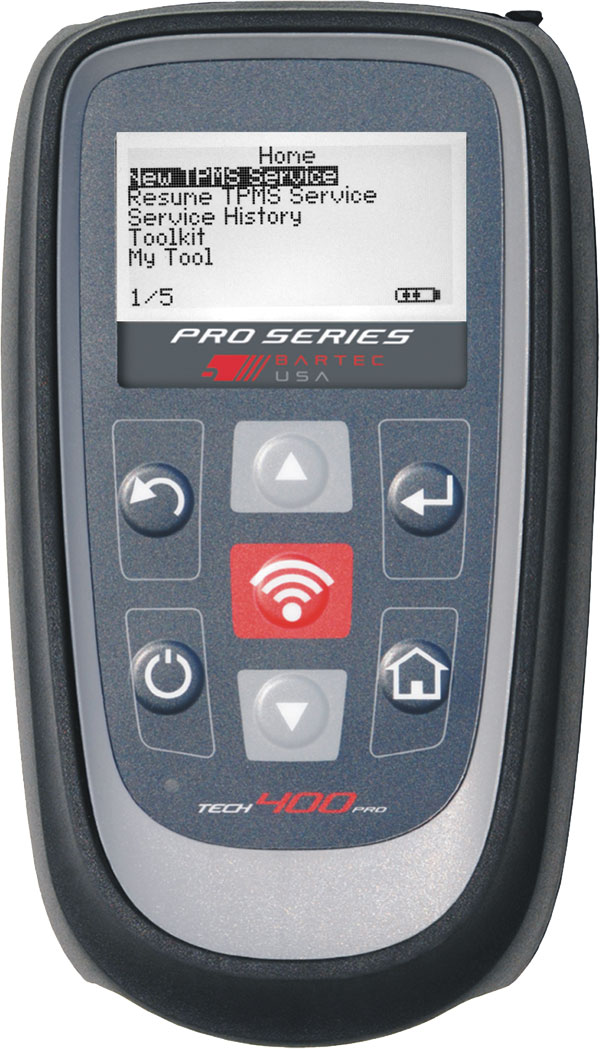
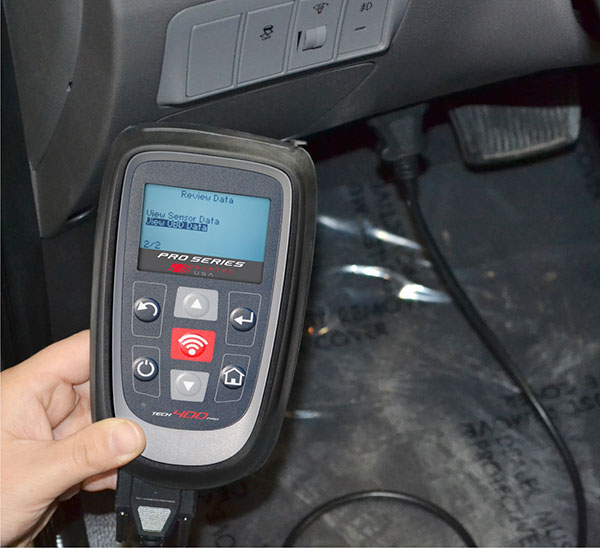
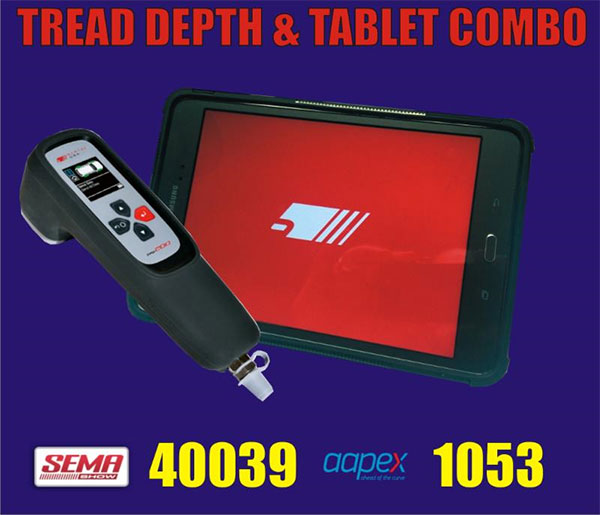
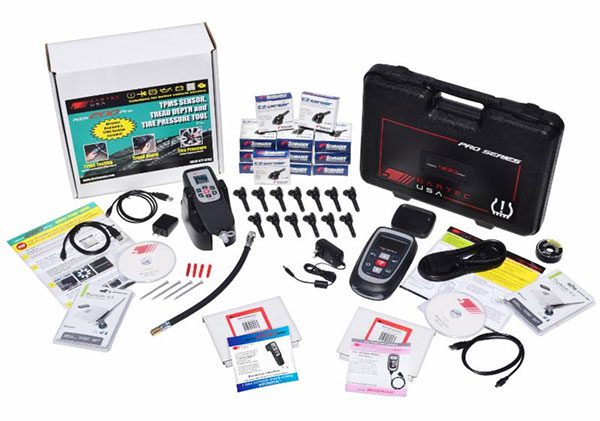
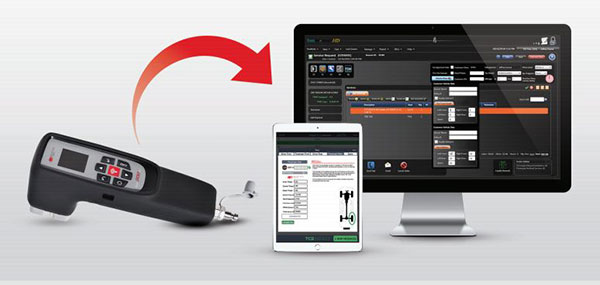




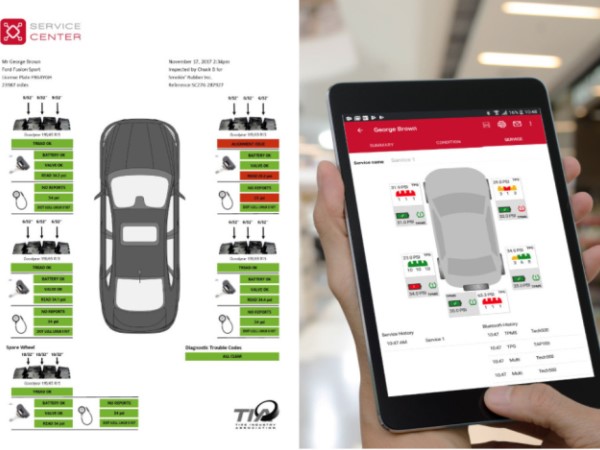
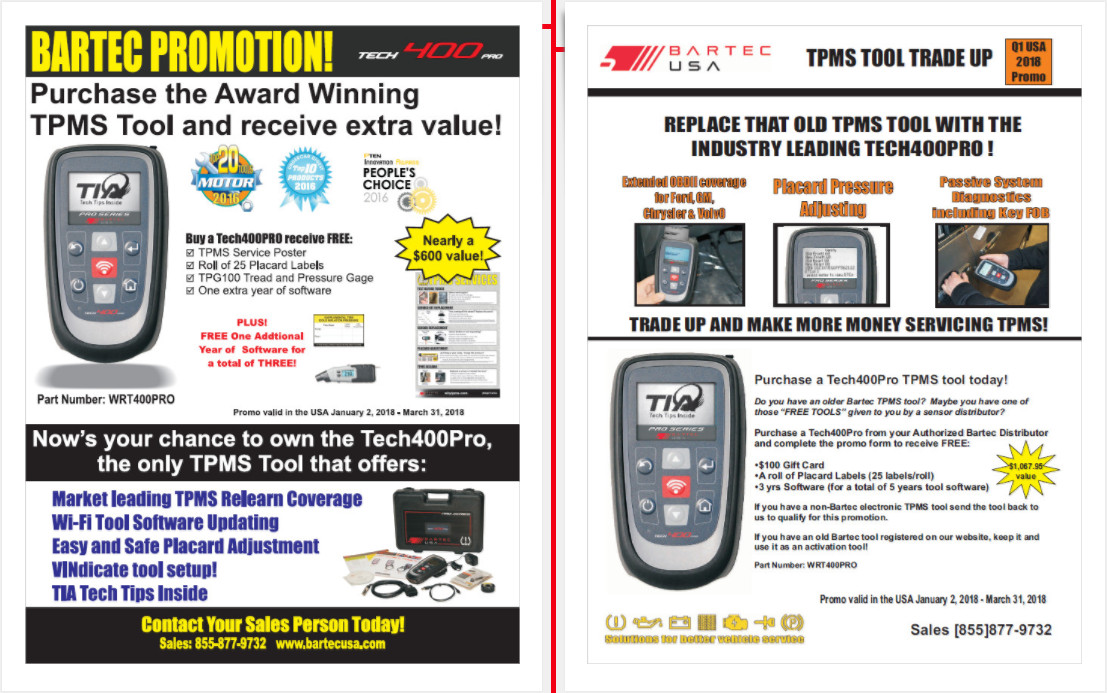
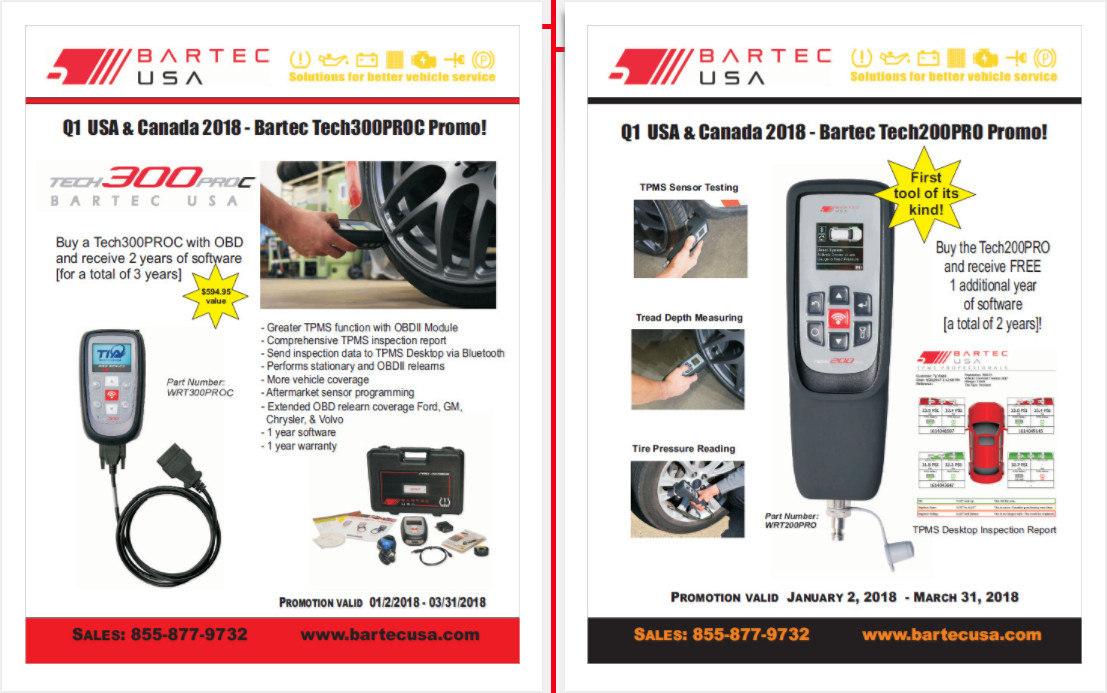
 Bartec USA LLC