Ford Push Button Stationary TPMS Relearn
July 1, 2026
Easily complete TPMS service on Ford, Lincoln, and Mercury vehicles with Keyless Start systems. Today's Tech Tip explains how to perform a stationary TPMS relearn by following the specific push-button ignition sequence, ensuring accurate sensor registration and smooth vehicle operation.
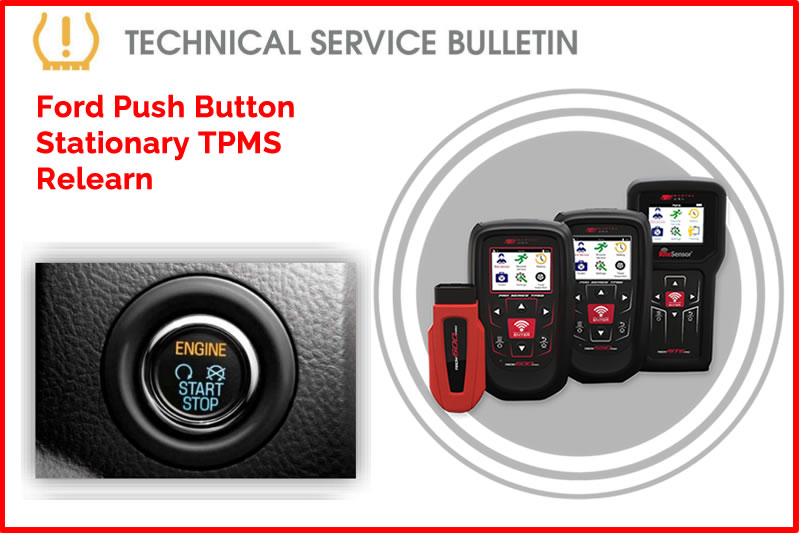
Certain Ford, Lincoln, and Mercury vehicles are equipped with a Keyless Start (push-button) ignition system. The stationary TPMS relearn procedure can be successfully completed on these vehicles by utilizing the specific push-button sequencing outlined below.
Procedure:
Method 1: Standard Push-Button Ignition
Applies to vehicles where one press cycles the ignition to ACC or RUN mode without starting the engine. *DO NOT wait more than 1 second in between button presses
- Engage the parking brake and inflate all tires.
- With the vehicle OFF, press and release the brake pedal.
- Press the START button 5 times (ending in the RUN position).
- Press and release the brake pedal.
- Press the START button 6 times (ending in the RUN position).
- A single horn chirp will indicate the TPMS relearn mode is active.
Method 2: Intelligent Access Ignition
Applies to vehicles where the button must be pressed twice to enter RUN mode without starting the engine. *DO NOT wait more than 1 second in between button presses.
- Engage the parking brake and inflate all tires.
- With the vehicle OFF, press and release the brake pedal.
- Press the START button 8 times (ending in the RUN position).
- Press and release the brake pedal.
- Press the START button 9 times (ending in the RUN position).
- A single horn chirp will indicate the TPMS relearn mode is active.
Method 3: Long-Press Ignition Cycle
Applies to vehicles where the button must be pressed and held until the vehicle is in RUN mode (push, wait for sound, release). Power off by pushing the button 1 time.
- Engage parking brake and ensure vehicle is OFF.
- Press and release the brake pedal.
- Press and hold the START button (approx. 2 seconds) until the ignition enters RUN mode (engine off)
- Press the START button 1 time to power off. Repeat this cycle 3 times, ending in the RUN position.
- Press and release the brake pedal.
- Press and hold the START button to cycle the ignition 3 times, ending in the RUN position.
- The horn will chirp once to confirm Relearn Mode is active.
Find the Technical Service Bulletin at https://www.bartecusa.com/tpms-technical-service-bulletins.
Need help getting a Certificate Bundle? E-mail our sales team at sales@bartecusa.com, or call [855]877-9732. Need help updating your Bartec TPMS Tool? E-mail our Tech Support Team at help@bartecusa.com, or call [866]407-8767.
#Bartec365 #TPMS #TPMSTools #TPMSSensors #RiteSensor #TPMSSoftware #TPMSSupport #BartecTPMS #TheTrustedBrand
Other Articles
Bartec TPMS To Highlight TPMS Diagnostics At 2026 SEMA Show
October 6, 2026
New TPMS Tool Update Technology At The SEMA Show 2026
October 5, 2026
One Month To Go Until The SEMA Show 2026
October 3, 2026
Bartec TPMS Heads to SEMA Show 2026
October 2, 2026
Take Tire Inspections To The Next Level With The Tread-Rite Tool
September 24, 2026
Three Months Until The SEMA Show 2026 In Las Vegas
August 3, 2026
We Are Excited To Welcome Lindsay Stead To Team Bartec
July 23, 2026
Preventing TPMS Sensor Damage
July 21, 2026
TPMS Promotions for Q3 & Q4 2026
July 16, 2026
The Process For TPMS Desktop Installation
July 15, 2026
 Bartec USA LLC