How To Perform A Vehicle Inspection Before A TPMS Service
April 6, 2026
This technical process will walk the user through performing a vehicle inspection (Test Before you Touch) before a TPMS Service using a Bartec TPMS tool. Completing a vehicle inspection will allow the user to perform OBD diagnostics (Test Before you Touch), Test Sensors, and Tread Inspection.
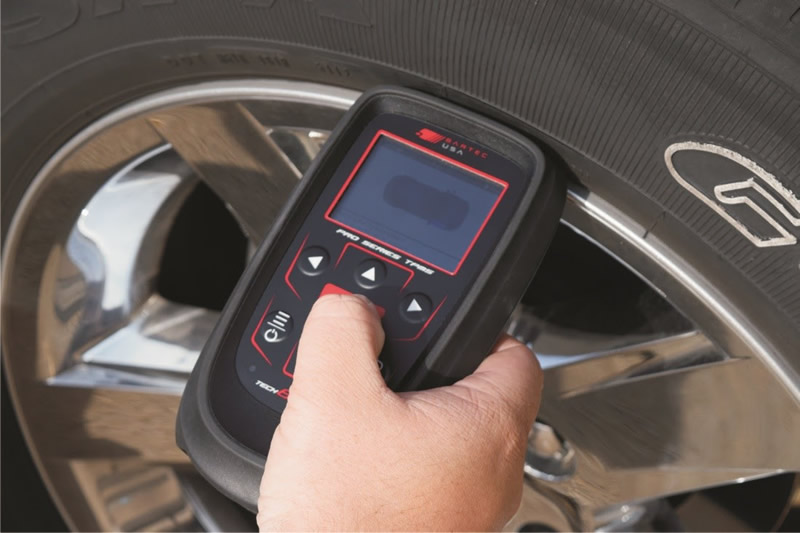
OBD Diagnostics (Test Before you Touch): Will allow the user to View DTCs (if applicable), View VIN, view sensor IDs and View Placard Settings (if applicable)
Test Sensors: A diagnostic function used to verify TPMS sensor operation before servicing.
Tread Inspection: Provides the user with the ability to complete a quick service tread inspection before TPMS service.
- Power on the tool, then select New Service.
- Use VINdicate® for automatic vehicle recognition or manually select using MMY Listing (Make, Model, Year).
- Navigate to Vehicle Inspection and complete OBD Diagnostics.
- After performing OBD Diagnostics, you will have the option to View Data.
- You can review (Diagnostic Trouble Codes) DTCs, VIN, Sensor IDs, and on supported vehicles, Placard Settings.
Find the Technical Service Bulletin at https://www.bartecusa.com/tpms-technical-service-bulletins.
Need help getting a Certificate Bundle? E-mail our sales team at sales@bartecusa.com, or call [855]877-9732. Need help updating your Bartec TPMS Tool? E-mail our Tech Support Team at help@bartecusa.com, or call [866]407-8767.
#Vindicate #Bartec365 #TPMS #TPMSTools #TPMSSensors #RiteSensor #TPMSSoftware #TPMSSupport #BartecTPMS #TheTrustedBrand
Other Articles
Bartec TPMS To Highlight TPMS Diagnostics At 2026 SEMA Show
October 6, 2026
New TPMS Tool Update Technology At The SEMA Show 2026
October 5, 2026
One Month To Go Until The SEMA Show 2026
October 3, 2026
Bartec TPMS Heads to SEMA Show 2026
October 2, 2026
Take Tire Inspections To The Next Level With The Tread-Rite Tool
September 24, 2026
Three Months Until The SEMA Show 2026 In Las Vegas
August 3, 2026
We Are Excited To Welcome Lindsay Stead To Team Bartec
July 23, 2026
Preventing TPMS Sensor Damage
July 21, 2026
TPMS Promotions for Q3 & Q4 2026
July 16, 2026
The Process For TPMS Desktop Installation
July 15, 2026
 Bartec USA LLC