Registering and Updating Using TPMS Desktop
April 12, 2026
Utilizing TPMS Desktop ensures your Bartec TPMS tool stays updated with the latest software and vehicle coverage. Today's Tech Tip will show you how register and update your Bartec Tool using the TPMS Desktop program.
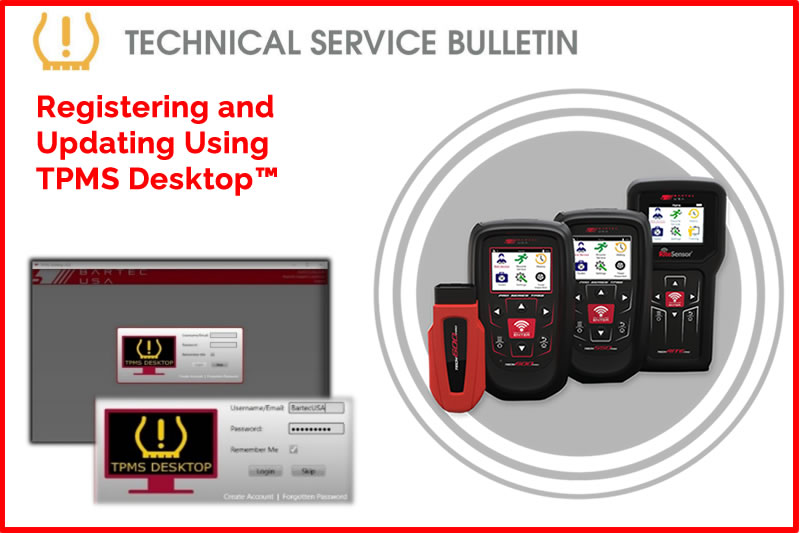
To register and update your Bartec TPMS tool, please visit Register Bartec Tool and click on download TPMS Desktop™. If you are unable to download TPMS Desktop™, please ensure your device meets the minimum system requirements and contact Bartec TPMS Technical Support for further assistance, if necessary.
Find the Technical Service Bulletin at https://www.bartecusa.com/
Need help getting a Certificate Bundle? E-mail our sales team at sales@bartecusa.com, or call [855]877-9732. Need help updating your Bartec TPMS Tool? E-mail our Tech Support Team at help@bartecusa.com, or call [866]407-8767.
#TPMSDesktop #Tech600Pro #Bartec365 #TPMS #TPMSTools #TPMSSensors #RiteSensor #TPMSSoftware #TPMSSupport #BartecTPMS #TheTrustedBrand
Other Articles
Bartec TPMS To Highlight TPMS Diagnostics At 2026 SEMA Show
October 6, 2026
New TPMS Tool Update Technology At The SEMA Show 2026
October 5, 2026
One Month To Go Until The SEMA Show 2026
October 3, 2026
Bartec TPMS Heads to SEMA Show 2026
October 2, 2026
Take Tire Inspections To The Next Level With The Tread-Rite Tool
September 24, 2026
Three Months Until The SEMA Show 2026 In Las Vegas
August 3, 2026
We Are Excited To Welcome Lindsay Stead To Team Bartec
July 23, 2026
Preventing TPMS Sensor Damage
July 21, 2026
TPMS Promotions for Q3 & Q4 2026
July 16, 2026
The Process For TPMS Desktop Installation
July 15, 2026
 Bartec USA LLC