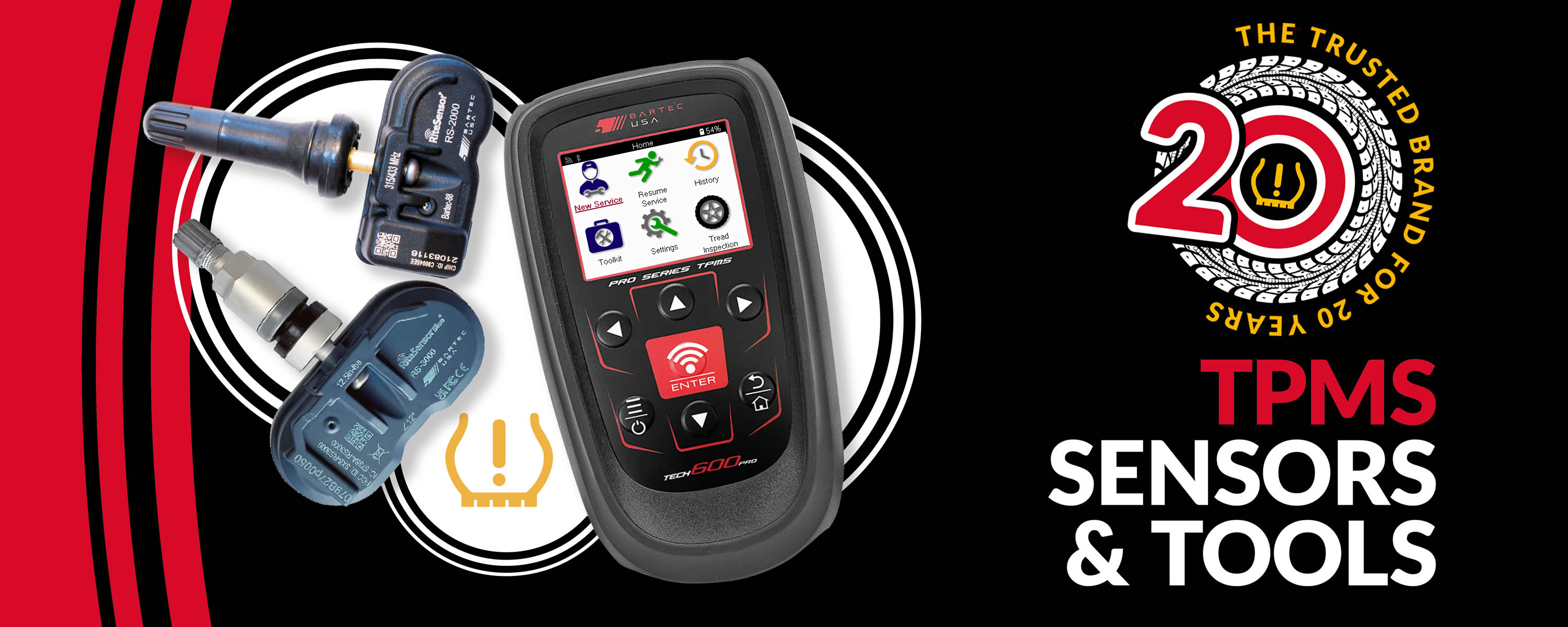

Select Sensors
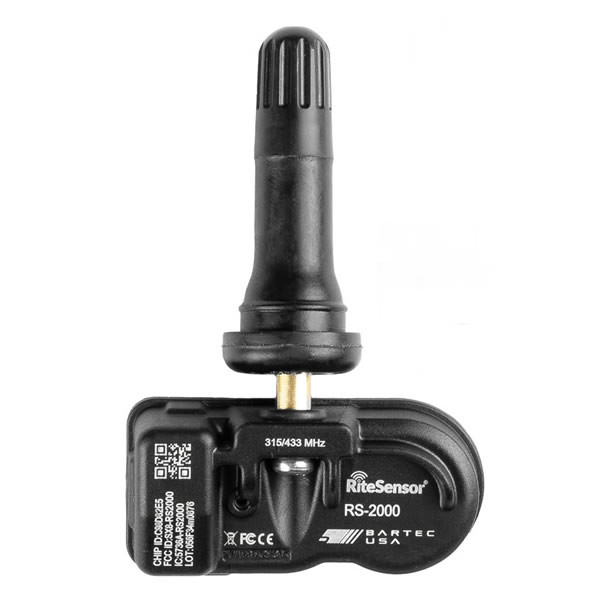
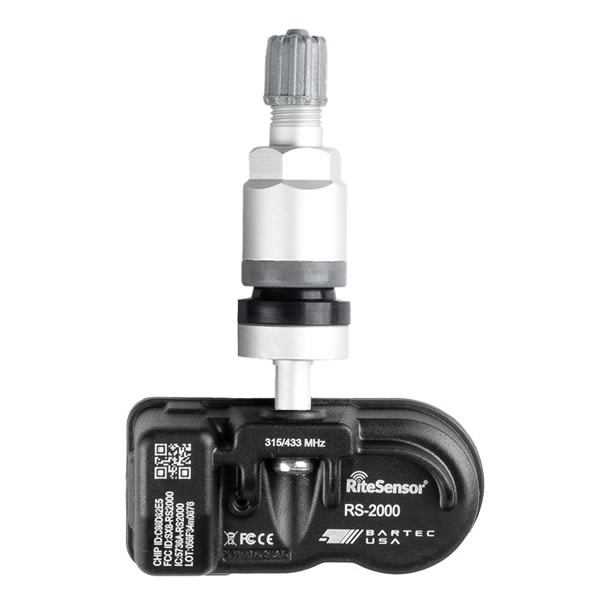
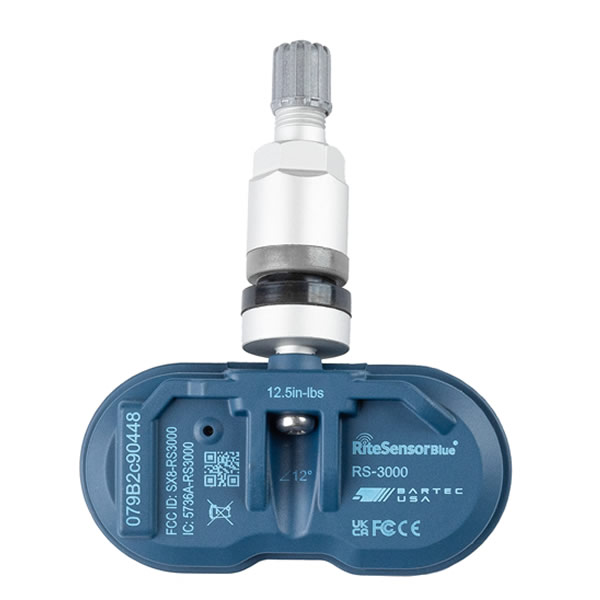
Select Tools



Services
Select Tools

Proud member of these industry organizations














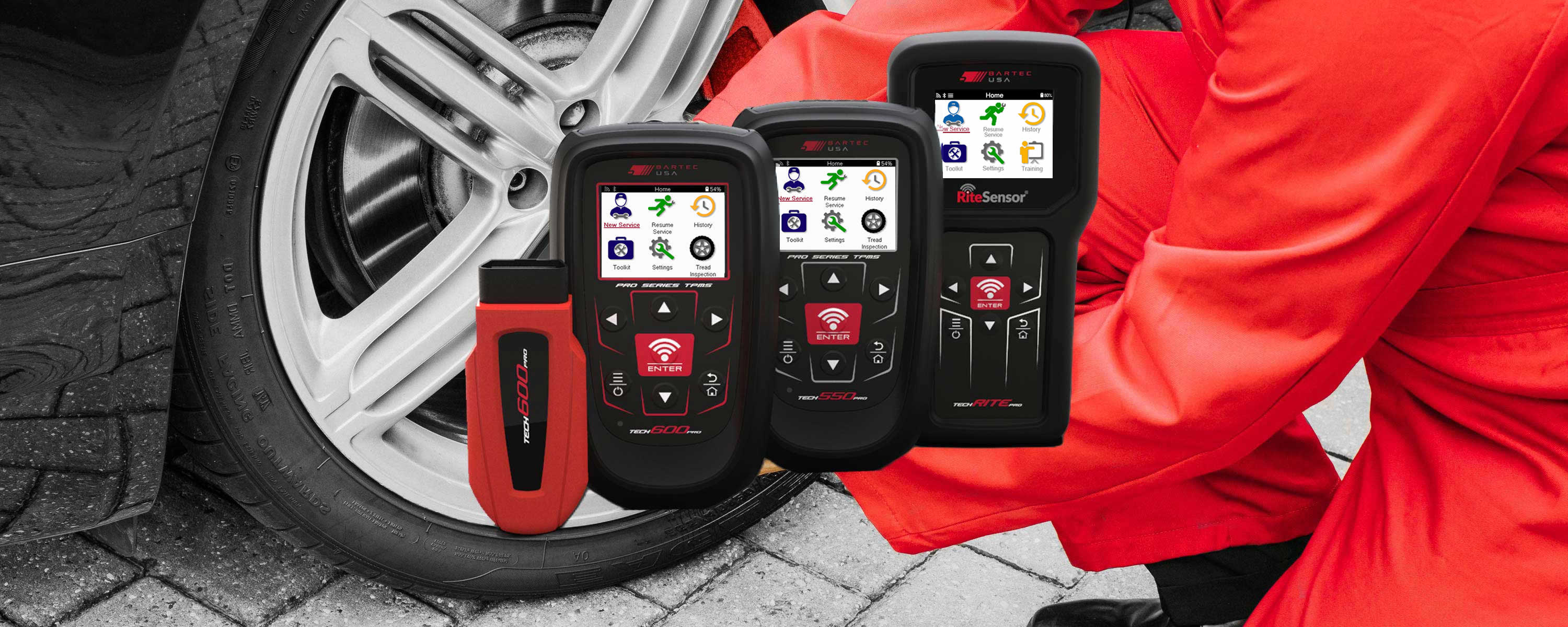
A TPMS tool is a diagnostic and service device used by automotive technicians to inspect, diagnose and service a vehicle's Tire Pressure Monitoring System (TPMS).
Depending on the tool and vehicle, a TPMS tool can activate and read TPMS sensors, display sensor data, diagnose TPMS faults, program compatible replacement sensors and assist with vehicle relearn procedures.
Yes. If the TPMS warning light is illuminated, first check that all tires are inflated to the vehicle manufacturer's recommended pressures. If the warning remains, a compatible TPMS tool can be used to test the sensors and help identify the cause of the fault.
Depending on the vehicle and tool, diagnosis may include activating and reading each TPMS sensor and communicating with the vehicle through the On-Board Diagnostics (OBD-II) port to read relevant Diagnostic Trouble Codes (DTCs).
The required procedure depends on the vehicle and the cause of the warning light. After correcting tire pressures or replacing a faulty TPMS sensor, the vehicle may require a TPMS relearn so that the system recognizes the correct sensor IDs and, where applicable, wheel positions.
Depending on the vehicle, this may involve a stationary relearn, an OBD-II relearn or an auto learn procedure. Once the fault has been corrected and the appropriate relearn procedure has been completed successfully, the TPMS warning light should turn off.
After selecting the vehicle's make, model and year, a compatible TPMS tool can transmit the appropriate Low Frequency (LF) activation signal to the TPMS sensor. This wakes the sensor and prompts it to transmit a Radio Frequency (RF) signal containing its sensor data.
The TPMS tool receives and decodes this signal, allowing the technician to check the sensor and the information it is transmitting.
A TPMS tool uses a Radio Frequency (RF) receiver to receive the signal transmitted by a TPMS sensor. TPMS sensors used in North America commonly transmit at 315 MHz or 433 MHz/433.92 MHz.
The tool decodes the signal and, depending on the sensor, can display information such as the sensor ID, tire pressure, temperature and battery status. This information helps the technician evaluate the condition and operation of the TPMS sensor.
Depending on the vehicle and service procedure, a TPMS tool may communicate with the vehicle through its On-Board Diagnostics (OBD-II) port. This connection can be made using a compatible cable or, with supported tools, a wireless vehicle communication interface.
OBD-II communication can be used for functions such as reading diagnostic information, completing certain TPMS relearns, writing sensor IDs to the vehicle and clearing applicable Diagnostic Trouble Codes (DTCs).
Not every TPMS service procedure requires OBD-II communication, so technicians should follow the correct procedure for the specific vehicle make, model and year.
After a faulty or damaged TPMS sensor has been replaced, the vehicle may need to learn the new sensor ID and, where applicable, its wheel position.
The required procedure varies by vehicle. Direct TPMS systems generally use one of three relearn methods: stationary relearn, OBD-II relearn or auto learn. A compatible TPMS tool can guide the technician through the correct procedure for the selected vehicle.
When choosing a professional TPMS tool, consider features such as:
Depending on your requirements, you may also want features such as wireless OBD-II communication, Wi-Fi connectivity, wireless charging and Bluetooth Low Energy (BLE) support. Available features vary by TPMS tool.
Not necessarily. A professional TPMS tool with broad vehicle and sensor coverage can service many different vehicle makes and models.
However, coverage varies between TPMS tools, vehicles and replacement sensors. Before carrying out a repair, technicians should confirm that their tool supports the specific vehicle make, model and year, as well as the required sensor and service procedure.
First, check that your TPMS tool has the latest software and vehicle coverage updates installed. New vehicles, TPMS sensors and service procedures are introduced regularly, so keeping the tool up to date is important.
If you are using a programmable replacement TPMS sensor, confirm that the sensor supports the vehicle's make, model and year and that your TPMS tool supports programming that sensor.
If the vehicle and sensor are supported and the problem continues, follow the tool's diagnostic procedure or contact technical support for assistance.
–
The SEMA Show is the premier trade show geared to help small businesses thrive and succeed. The trade-only event enables automotive specialty equipment manufacturers to display alongside automotive manufacturers to debut new, innovative products, and connect with industry buyers from all over the world.
 Bartec USA LLC
6475 19 ½ Mile Rd
Sterling Heights
Michigan
48314
USA